
A CTE in SQL (common table expression) is a named, temporary result set that you define with a WITH clause and then query like a table, inside a single statement. It exists only while that statement runs. You write WITH paid AS (SELECT ...), and from then on the rest of the query can say FROM paid.
CTE SQL queries do two jobs. They make long queries readable top to bottom instead of inside out. And the recursive form, WITH RECURSIVE, lets plain SQL walk trees and graphs: org charts, category hierarchies, bills of materials, dependency chains.
The basics take five minutes to learn. The parts that cause trouble take longer: cycles that never terminate, CTEs that are slower than the subquery they replaced, and data-modifying CTEs that can't see their own changes. The results shown come from running each query on PostgreSQL (14 or later) and SQLite. MySQL and SQL Server behavior comes from their official documentation and is labeled as such.
The test data
Three small tables are enough for everything below: a flat order table, a reporting hierarchy, and a graph with a deliberate cycle (a → b → c → a).
CREATE TABLE orders (id INT PRIMARY KEY, customer_id INT, total INT, status TEXT, created_at DATE);
INSERT INTO orders VALUES
  (1, 1, 120, 'paid',     '2026-01-05'),
  (2, 1,  80, 'paid',     '2026-02-11'),
  (3, 2, 300, 'refunded', '2026-02-12'),
  (4, 2,  50, 'paid',     '2026-03-01'),
  (5, 3,  75, 'paid',     '2026-03-02'),
  (6, 3,  40, 'pending',  '2026-03-03');

CREATE TABLE employees (id INT PRIMARY KEY, name TEXT, manager_id INT, salary INT);
INSERT INTO employees VALUES
  (1, 'Ada', NULL, 200), (2, 'Grace', 1, 150), (3, 'Linus', 1, 140),
  (4, 'Ken', 2, 120), (5, 'Barbara', 2, 110), (6, 'Dennis', 4, 100);

CREATE TABLE edges (src TEXT, dst TEXT);
INSERT INTO edges VALUES ('a','b'), ('b','c'), ('c','a'), ('c','d');
CTE SQL syntax: the WITH clause
A CTE is declared with WITH name AS (query) before the main statement, and several CTEs are separated by commas under a single WITH. Each CTE can read from the ones defined before it, which turns a nested query into a pipeline of named steps:
WITH paid AS (
    SELECT * FROM orders WHERE status = 'paid'
),
per_customer AS (
    SELECT customer_id, SUM(total) AS revenue, COUNT(*) AS n
    FROM paid
    GROUP BY customer_id
)
SELECT customer_id, revenue, n
FROM per_customer
ORDER BY revenue DESC;
| customer_id | revenue | n |
|---|---|---|
| 1 | 200 | 2 |
| 3 | 75 | 1 |
| 2 | 50 | 1 |
Both databases return the same rows. Three rules govern the syntax:
- One
WITHper statement. The second CTE is introduced by a comma, not anotherWITH. WritingWITH a AS (...) WITH b AS (...)is a syntax error. - No comma after the last CTE.
WITH paid AS (...), SELECT ...is an easy typo to make. The SQL validator section below shows that it catches it. - Optional column list.
WITH n(x) AS (SELECT 1 ...)names the output columns explicitly. That's handy when the inner query produces unnamed expressions.
A CTE can also sit in front of INSERT, UPDATE, DELETE, and MERGE (on databases that support it), not just SELECT. The SQL Server documentation lists all five.
CTE vs subquery vs temp table vs view
A non-recursive CTE is a subquery with a name, so the choice is mostly about readability and reuse. Lifetime and storage are where the options really differ:
| Lives for | Reusable within the statement | Stored | Indexable | |
|---|---|---|---|---|
| Subquery / derived table | One statement | No, repeat it | No | No |
| CTE | One statement | Yes, by name | Depends on the engine (next sections) | No |
| Temporary table | Session or transaction | Yes, across statements | Yes | Yes |
| View | Until dropped | Yes, across sessions | Definition only | No (materialized views: yes) |
Use a CTE when a query has distinct logical steps or needs the same intermediate result twice. Switch to a temporary table when several statements need the intermediate result, or when it's large enough that an index on it would pay off.
Recursive CTEs: anchor, recursive member, stop
A recursive CTE has an anchor member that produces the starting rows, a UNION ALL, and a recursive member that joins the table to the CTE's own previous output. The database runs the anchor once. Then it runs the recursive member again and again, each time feeding it only the rows the last iteration produced, until an iteration returns nothing.
Here is the full reporting chain under Ada:
WITH RECURSIVE chain AS (
    -- anchor: the root
    SELECT id, name, manager_id, 1 AS depth, CAST(name AS TEXT) AS path
    FROM employees
    WHERE manager_id IS NULL

    UNION ALL

    -- recursive member: everyone whose manager is already in chain
    SELECT e.id, e.name, e.manager_id, c.depth + 1, c.path || ' > ' || e.name
    FROM employees e
    JOIN chain c ON e.manager_id = c.id
)
SELECT depth, path FROM chain ORDER BY path;
| depth | path |
|---|---|
| 1 | Ada |
| 2 | Ada > Grace |
| 3 | Ada > Grace > Barbara |
| 3 | Ada > Grace > Ken |
| 4 | Ada > Grace > Ken > Dennis |
| 2 | Ada > Linus |
Identical on PostgreSQL and SQLite. The recursion stops by itself here because the hierarchy is a tree: Dennis manages nobody, so the fourth iteration joins to zero rows.
Notice the CAST(name AS TEXT). That isn't decoration, and the errors section explains why.
The keyword differs by database. PostgreSQL, MySQL, and SQLite spell it WITH RECURSIVE. SQL Server and Oracle have no RECURSIVE keyword; a CTE that references itself is recursive automatically. Forget the keyword on PostgreSQL and the self-reference looks like a missing table:
ERROR: relation "n" does not exist
SQLite ran the same query without RECURSIVE and returned 1, 2, 3. It is lenient here, so a query that works in a SQLite test suite can still fail on PostgreSQL in production.
Cycles: why UNION is not cycle detection
UNION stops a cyclic recursion only when the repeated rows are completely identical. Add any column that changes per step, such as a depth or a path, and the duplicates disappear, so the loop runs forever.
Walk the edges graph from a with UNION:
WITH RECURSIVE reach AS (
    SELECT 'a' AS node
    UNION
    SELECT e.dst FROM edges e JOIN reach r ON e.src = r.node
)
SELECT node FROM reach;
Result: a, b, c, d. It terminates on both databases, because when the walk returns to a, the row ('a') already exists and UNION throws it away. The PostgreSQL docs describe it exactly: UNION discards "duplicate rows and rows that duplicate any previous result row."
Now add a hop counter, which is the first thing anyone does when they want to know distances:
WITH RECURSIVE reach AS (
    SELECT 'a' AS node, 0 AS hops
    UNION
    SELECT e.dst, r.hops + 1 FROM edges e JOIN reach r ON e.src = r.node
)
SELECT node, hops FROM reach LIMIT 12;
| node | hops |
|---|---|
| a | 0 |
| b | 1 |
| c | 2 |
| a | 3 |
| d | 3 |
| b | 4 |
| c | 5 |
| a | 6 |
| ... | ... |
('a', 3) is not a duplicate of ('a', 0), so nothing gets discarded. Without the LIMIT 12 this query never finishes. Same output on PostgreSQL and SQLite.
Fix 1: carry the path and refuse to revisit
The portable fix is to carry the visited nodes along and filter on them. In PostgreSQL, use an array:
WITH RECURSIVE reach(node, path) AS (
    SELECT 'a', ARRAY['a']
    UNION ALL
    SELECT e.dst, r.path || e.dst
    FROM edges e JOIN reach r ON e.src = r.node
    WHERE e.dst <> ALL(r.path)
)
SELECT node, path FROM reach;
| node | path |
|---|---|
| a | {a} |
| b | {a,b} |
| c | {a,b,c} |
| d | {a,b,c,d} |
On databases without arrays, carry a delimited string such as ',a,b,' and filter with NOT LIKE '%,' || e.dst || ',%'. Use a delimiter that can't appear in the IDs.
Fix 2: the CYCLE clause (PostgreSQL 14+)
PostgreSQL 14 added the SQL-standard SEARCH and CYCLE clauses. CYCLE tracks the columns you name, marks the row where a cycle closes, and stops expanding it:
WITH RECURSIVE reach(node, hops) AS (
    SELECT 'a', 0
    UNION ALL
    SELECT e.dst, r.hops + 1 FROM edges e JOIN reach r ON e.src = r.node
) CYCLE node SET is_cycle USING path
SELECT node, hops, is_cycle, path FROM reach;
| node | hops | is_cycle | path |
|---|---|---|---|
| a | 0 | false | {(a)} |
| b | 1 | false | {(a),(b)} |
| c | 2 | false | {(a),(b),(c)} |
| a | 3 | true | {(a),(b),(c),(a)} |
| d | 3 | false | {(a),(b),(c),(d)} |
The query that ran forever with UNION now stops after five rows, and the is_cycle row tells you where the loop is. That's useful when the cycle is bad data you need to find and fix.
SEARCH DEPTH FIRST BY name SET ord is the companion clause. It adds a sort column, so ORDER BY ord prints a hierarchy in tree order (Ada, Grace, Barbara, Ken, Dennis, Linus) without building a path string yourself.
Recursion limits per database
Each database guards against runaway recursion differently, and two of the four have no limit at all:
| Database | Default limit | How to change it | What you see |
|---|---|---|---|
| SQL Server | 100 levels | OPTION (MAXRECURSION n) on the outer statement, 0 to 32767, 0 = no limit |
"The maximum recursion 100 has been exhausted before statement completion" |
| MySQL 8.0+ | 1000 levels | SET cte_max_recursion_depth = n |
"Recursive query aborted after 1001 iterations" |
| PostgreSQL | None | Add a depth column with WHERE depth < n, or statement_timeout |
Runs until memory, disk, or timeout |
| SQLite | None | LIMIT on the outer query or inside the recursive member |
Runs until memory |
SQL Server's 100 catches real hierarchies, not only bugs. A category tree or bill of materials more than 100 levels deep hits it, so queries on those tables may need a higher value such as OPTION (MAXRECURSION 1000). The hint goes on the outermost statement. The SQL Server docs say the OPTION clause can't appear inside the CTE definition. MySQL's limit and the max_execution_time alternative are covered in the MySQL WITH reference.
On PostgreSQL, a depth column with WHERE c.depth < 50 in the recursive member works as a seatbelt even when you also have cycle detection.
Recursive CTE errors you will actually hit
Most recursive CTE errors come from three rules: column types are fixed by the anchor, the recursive member can't aggregate, and its result has no defined order.
Type set by the anchor. The anchor decides each column's type. If the recursive member widens it, PostgreSQL refuses. With name VARCHAR(10) and no cast:
ERROR: recursive query "chain" column 5 has type character varying(10)
in non-recursive term but type character varying overall
CAST(name AS TEXT) in the anchor fixes it. MySQL behaves differently. Per its docs, column types come from the non-recursive part only, so a string that grows during recursion fails with ERROR 1406 (22001): Data too long for column in strict SQL mode, and is silently truncated in non-strict mode. Cast it in the non-recursive part either way. SQL Server requires the anchor and recursive types to match exactly, so CAST or CONVERT both sides to the same VARCHAR(n).
No aggregates in the recursive member. SELECT COUNT(*) + 1 FROM n inside the recursion fails on both test databases:
PostgreSQL: aggregate functions are not allowed in a recursive query's recursive term
SQLite:     recursive aggregate queries not supported
Aggregate in the outer query, after the recursion is done.
ORDER BY and LIMIT inside the recursion. This one is a dialect split. PostgreSQL rejects both (ORDER BY in a recursive query is not implemented, and the same for LIMIT), MySQL 8.0.19 and later allow LIMIT but not ORDER BY, and SQLite allows both. Don't rely on it if the query has to be portable.
Are CTEs materialized? Performance by database
Whether a CTE is computed once and stored, or inlined like a subquery, depends on the database and version. That decides whether a CTE is free, faster, or much slower than the subquery it replaced.
PostgreSQL 12 and later inline a CTE when it's non-recursive, side-effect-free, and referenced once. Before 12, every CTE was materialized and acted as an optimization fence, so advice that CTEs are slow in PostgreSQL may only apply to versions before 12. The PostgreSQL 12 release notes describe the change. You can override the default either way.
Run against a 100,000-row table with an index on id, these are the plans:
-- WITH c AS (SELECT * FROM big) SELECT * FROM c WHERE id = 42
Index Scan using big_id on big  (cost=0.29..8.31 rows=1 width=8)
  Index Cond: (id = 42)

-- WITH c AS MATERIALIZED (SELECT * FROM big) SELECT * FROM c WHERE id = 42
CTE Scan on c  (cost=1448.00..3698.00 rows=1 width=8)
  Filter: (id = 42)
  CTE c
    ->  Seq Scan on big  (cost=0.00..1448.00 rows=100000 width=8)
Inlined, the filter reaches the index. Materialized, PostgreSQL scans all 100,000 rows into the CTE first and then filters. That's roughly 440 times the estimated cost for the same answer.
Two cases switch back to materialization without you asking:
- Referenced twice. Joining
c a JOIN c bproduces aCTE Scanover a fullSeq Scanagain, with an estimated cost in the thousands. AddingNOT MATERIALIZEDbrings back two index scans (cost 16.63). - Volatile functions. A CTE that selects
random()is materialized even when it's referenced only once. Inlining would change the results.
Materializing isn't always wrong. If the CTE is expensive and small, and the outer query references it several times, computing it once wins. MATERIALIZED is also the deliberate way to fence off a part of the query the planner keeps getting wrong.
SQL Server goes the other way. Its documentation says CTE results "aren't materialized" and that "each outer reference to the named result set requires the defined query to be re-executed." A CTE referenced three times is computed three times. If it's expensive, use a temp table.
SQLite 3.35.0 and later accept the same MATERIALIZED / NOT MATERIALIZED hints, copied from PostgreSQL, and treat them as non-binding. On an indexed table, EXPLAIN QUERY PLAN shows the default inlining to an index SEARCH, while MATERIALIZED produces MATERIALIZE c followed by a full SCAN. The SQLite docs advise against the hints unless you have a compelling reason.
MySQL 8.0+ decides on its own between merging a CTE into the outer query and materializing it. Check with EXPLAIN rather than assuming.
The practical rule is the same everywhere: a CTE is a readability tool first. When it's in a hot path, read the plan.
Data-modifying CTEs in PostgreSQL
PostgreSQL lets a CTE contain INSERT, UPDATE, or DELETE with RETURNING, so one statement can move rows atomically. The classic use is archiving, here into an archive table with the same columns as orders (CREATE TABLE archive (LIKE orders)):
WITH moved AS (
    DELETE FROM orders
    WHERE status = 'refunded'
    RETURNING *
)
INSERT INTO archive
SELECT * FROM moved
RETURNING id, status;
Returns (3, 'refunded'). Afterward orders has 5 rows and archive has 1, all in one statement with no transaction to forget. SQLite supports RETURNING but not inside a CTE (near "DELETE": syntax error). MySQL and SQL Server don't support this form.
Two behaviors here surprise people. Both come from the PostgreSQL docs, and both were confirmed by running them.
The main query doesn't see the CTE's changes. All sub-statements run against the same snapshot:
WITH upd AS (
    UPDATE orders SET total = total * 2 WHERE id = 1 RETURNING id, total
)
SELECT o.total AS seen_by_main, u.total AS returned
FROM orders o JOIN upd u ON o.id = u.id;
| seen_by_main | returned |
|---|---|
| 120 | 240 |
Same row, two values. The table still shows the old value to the outer query, and the new value is only available through RETURNING. Likewise, a DELETE of the pending order inside a CTE, followed by SELECT count(*) FROM orders WHERE status = 'pending', still counts 1. Running the same count afterward returns 0. If you need the new state, read it from the CTE's RETURNING output, not from the table.
A data-modifying CTE runs even if nothing reads it. WITH x AS (UPDATE orders SET total = 0 WHERE id = 5 RETURNING id) SELECT 1 returned 1 and set the total to 0. A plain SELECT CTE is only evaluated as far as the outer query reads from it. An UPDATE CTE that nothing reads still executes "exactly once, and always to completion." Keep that in mind before commenting out the line that uses it.
Scope and naming traps
A CTE name shadows a real table with the same name, and how far forward a CTE can see depends on the database.
Shadowing. With a real employees table in place, this returns the CTE's single row, not the table:
WITH employees AS (SELECT 99 AS id, 'Shadow' AS name)
SELECT id, name FROM employees;   -- 99, Shadow
No warning on either database. SQL Server documents it as intended: a reference to the name "uses the common table expression and not the base object." Avoid table names for CTEs, especially in long queries where the WITH is a screen away.
Forward references. WITH a AS (SELECT * FROM b), b AS (SELECT 1 AS x) SELECT * FROM a gives different results by database:
| Database | Result |
|---|---|
PostgreSQL, plain WITH |
ERROR: relation "b" does not exist |
PostgreSQL, WITH RECURSIVE |
Works, returns 1 |
| SQLite 3.45.1 | Works, returns 1 |
| MySQL | Not allowed, per docs: a CTE "can refer to CTEs defined earlier in the same WITH clause, but not those defined later" |
| SQL Server | Not allowed, per docs: "Forward referencing isn't allowed" |
Define CTEs in dependency order and every database accepts the query.
SQL Server's semicolon. In T-SQL, the statement before a WITH must end with a semicolon, or WITH is parsed as part of it. That's where the ;WITH habit in SQL Server code comes from.
Scope ends at the statement. A CTE vanishes after its statement. A second SELECT ... FROM paid in the next statement fails with "does not exist." For reuse across statements, use a temporary table or a view.
CTE support by database
| Feature | PostgreSQL | MySQL | SQL Server | SQLite |
|---|---|---|---|---|
Basic WITH |
Yes | 8.0+ | 2005+ | 3.8.3+ |
| Recursive keyword | WITH RECURSIVE |
WITH RECURSIVE |
None | WITH RECURSIVE (optional) |
| Default recursion limit | None | 1000 | 100 | None |
MATERIALIZED hint |
12+ | No | No | 3.35.0+ |
| Inlined by default | 12+, if used once | Optimizer decides | Re-executed per reference | Optimizer decides |
SEARCH / CYCLE |
14+ | No | No | No |
INSERT / UPDATE / DELETE inside the CTE |
Yes | No | No | No |
CTE in front of UPDATE / DELETE |
Yes | Yes | Yes | Yes |
LIMIT in recursive member |
No | 8.0.19+ | No (TOP not allowed) |
Yes |
For the rest of the syntax differences across these four databases, see the SQL cheat sheet. For the "top row per group" pattern, a frequent reason to wrap a query in a CTE, see the SQL window functions guide.
Formatting and validating CTE queries offline
Long CTE chains are where formatting pays off most: one block per step, the final SELECT at the left margin, and a misplaced comma visible at a glance. dbt models, BI exports, and analytics queries can stack many CTEs deep, and they can contain real schema names, revenue logic, and customer filters, which is a reason to keep them out of browser-based formatters.
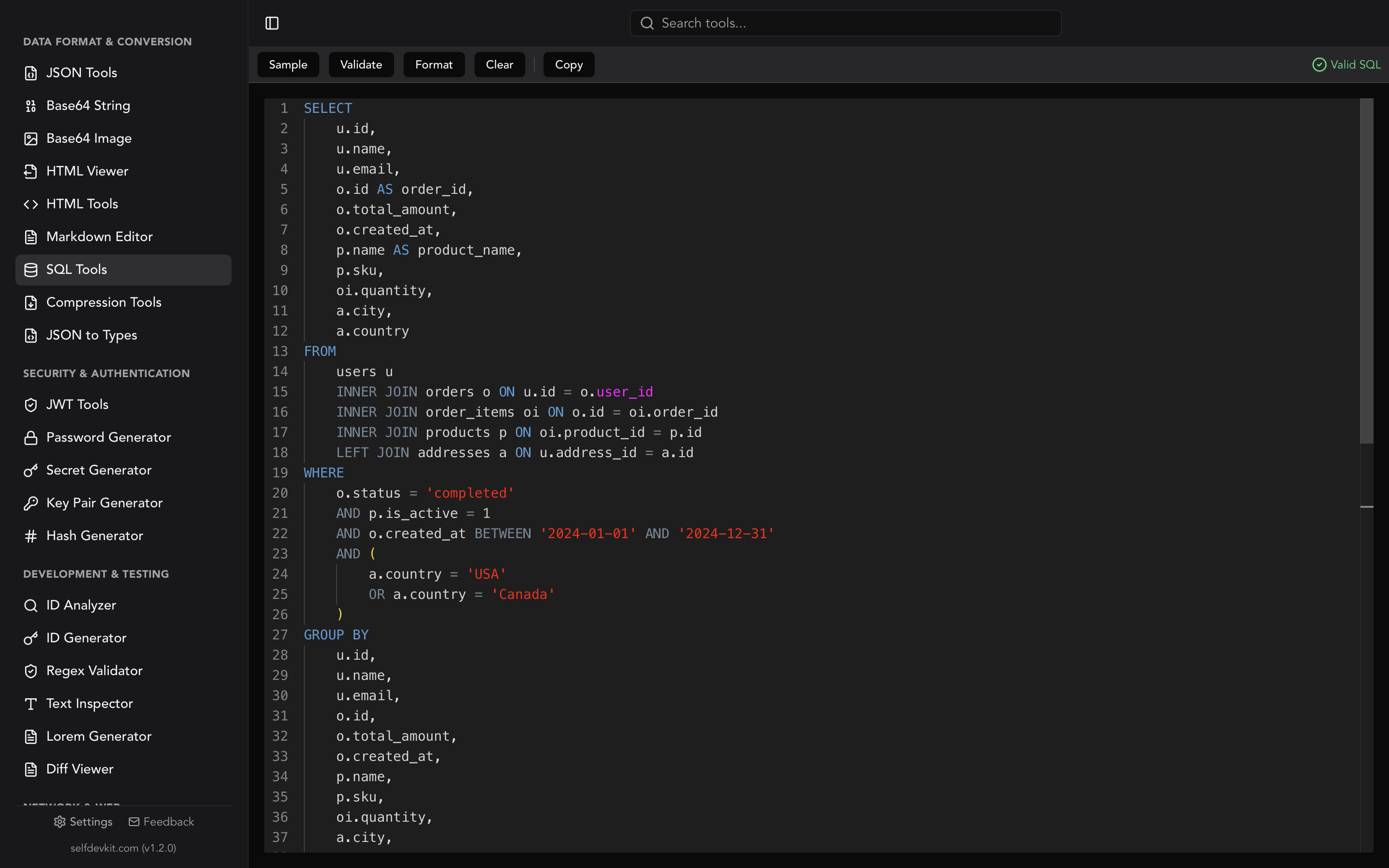
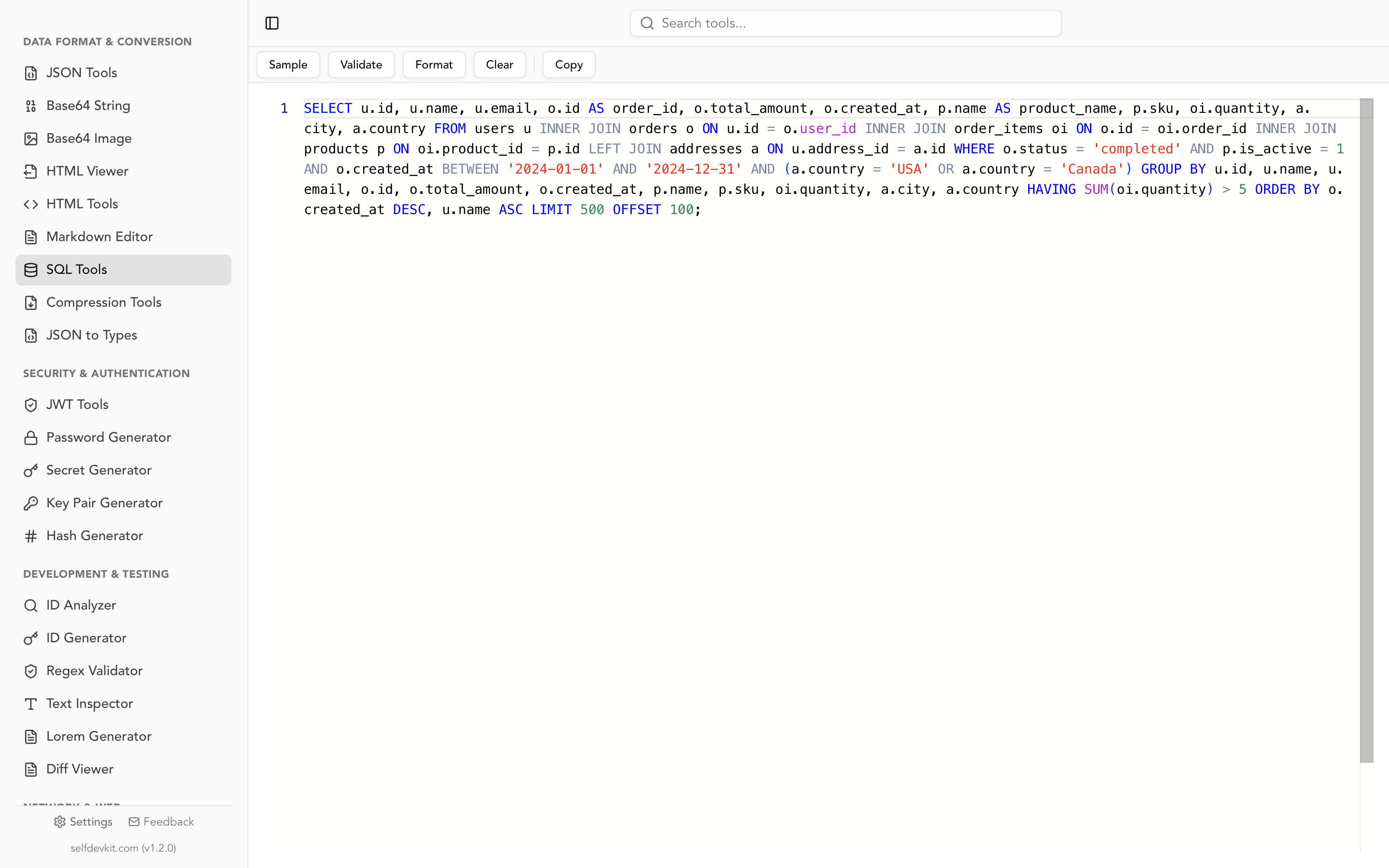
The SelfDevKit SQL tools format and validate SQL locally. The validator is built on the Rust sqlparser crate (0.39, generic dialect) and the formatter on sqlformat (0.3.5), so its verdict on each CTE query in this post is predictable. The app reports a plain Valid or Invalid result:
| Query | Validator result | Correct? |
|---|---|---|
Chained CTEs (paid, per_customer) |
Valid | Yes |
WITH RECURSIVE org chart |
Valid | Yes |
CTE in front of UPDATE |
Valid | Yes |
Trailing comma: WITH paid AS (...), SELECT ... |
Invalid | Yes, catches the typo |
Forward reference a → b |
Valid | Syntax only; PostgreSQL rejects it at execution |
AS MATERIALIZED / AS NOT MATERIALIZED |
Invalid | No, valid PostgreSQL and SQLite |
CYCLE node SET is_cycle USING path |
Invalid | No, valid PostgreSQL 14+ |
DELETE ... RETURNING inside a CTE |
Invalid | No, valid PostgreSQL |
OPTION (MAXRECURSION 200) |
Invalid | No, valid SQL Server |
So the validator is reliable for core CTE syntax and the trailing-comma typo. It flags the newer PostgreSQL and SQL Server extensions as errors even though they're valid. If one of those lines is the only thing it complains about, trust your database. The formatter still formats them, because it works on tokens and doesn't need a successful parse. A two-column version of the chained example comes out like this:
WITH paid AS (
    SELECT
        *
    FROM
        orders
    WHERE
        STATUS = 'paid'
),
per_customer AS (
    SELECT
        customer_id,
        SUM(total) AS revenue
    FROM
        paid
    GROUP BY
        customer_id
)
SELECT
    customer_id,
    revenue
FROM
    per_customer
ORDER BY
    revenue DESC
Two quirks to know. UNION ALL in a recursive CTE comes out split as UNION on one line and ALL on the next. And a column named status gets uppercased to STATUS because it's also a keyword. Neither changes the query's meaning. For how SQL formatters tokenize and where they break, see how SQL formatters work. For machine-generated SQL such as compiled dbt output, see the SQL query formatter guide.
A checklist before you ship a CTE
- Recursive? Confirm a termination condition exists, and that
UNIONalone isn't your only defense against cycles. - Graph or possibly dirty hierarchy? Carry a path or use
CYCLE, and add a depth cap. - Growing string column in the anchor? Cast it wide enough (
TEXT,VARCHAR(4000)), or PostgreSQL and SQL Server raise errors, and MySQL either errors (strict mode) or truncates (non-strict mode). - SQL Server deep tree? Add
OPTION (MAXRECURSION n)to the outer statement. - CTE referenced more than once, or in a hot path? Read the
EXPLAINplan. Materialized versus inlined can be the whole performance story. - Data-modifying CTE? Read new values from
RETURNING, not from the table. - Any CTE named like a real table? Rename it.
Format the query, run it through the list, then run it against real data.
Download SelfDevKit to format and validate SQL offline, along with 50+ other developer tools that keep your queries on your machine. See the full feature list or pricing.