What is a JWT secret key?
A JWT secret key is a cryptographically random string used to sign and verify JSON Web Tokens with HMAC algorithms (HS256, HS384, HS512). The secret is combined with the token header and payload to produce a signature. Anyone holding the secret can both create and verify tokens, so it must never be exposed.
Most teams grab a jwt secret key generator, click once, copy the output, and move on. That works until it doesn't: a compromised secret lets an attacker mint arbitrary tokens, impersonate any user, and bypass every access check in your system. The secret is the one thing standing between your auth system and complete failure.
This guide covers what makes a JWT secret key actually secure, how to generate one correctly, which output format to use for your stack, and why the tool you generate it with matters more than most developers realize.
Table of contents
- Key length requirements by algorithm
- How to generate a JWT secret key
- Hex vs base64: which format to use
- The full workflow: generate, sign, verify
- Why online JWT secret generators are a risk
- Best practices for secret management
- Frequently asked questions
Key length requirements by algorithm
RFC 7518 Section 3.2 states clearly: "A key of the same size as the hash output or larger MUST be used." This is not a recommendation. It is a hard requirement.
| Algorithm | Minimum key length | Recommended length |
|---|---|---|
| HS256 | 256 bits (32 bytes, 64 hex chars) | 256 bits |
| HS384 | 384 bits (48 bytes, 96 hex chars) | 384 bits |
| HS512 | 512 bits (64 bytes, 128 hex chars) | 512 bits |
Most generators just output a 256-bit key regardless of which algorithm you are using. If your application signs tokens with HS512 but your secret is only 256 bits, you are using less entropy than the algorithm requires. The token will still verify (JWT libraries generally allow this), but you are leaving security on the table.
Pick your algorithm first, then generate a key of the matching length.
One more thing: key length in bits, not characters. A 64-character hex string encodes 256 bits, because each hex character represents 4 bits. A 64-character base64 string encodes 384 bits, because each base64 character represents 6 bits. This confusion is common, and it matters when hitting library minimum-length validators.
How to generate a JWT secret key
A JWT secret must come from a cryptographically secure pseudorandom number generator (CSPRNG). Do not use Math.random(), uuid, or any deterministic source. A predictable secret is a broken secret.
Node.js (built-in crypto module):
# 256-bit hex secret (for HS256)
node -e "console.log(require('crypto').randomBytes(32).toString('hex'))"

# 512-bit hex secret (for HS512)
node -e "console.log(require('crypto').randomBytes(64).toString('hex'))"

# 256-bit base64 secret
node -e "console.log(require('crypto').randomBytes(32).toString('base64'))"
OpenSSL:
# 256-bit hex
openssl rand -hex 32

# 256-bit base64
openssl rand -base64 32
Python:
import secrets
# 256-bit hex
print(secrets.token_hex(32))

# 256-bit URL-safe base64
print(secrets.token_urlsafe(32))
All of these use OS-level entropy sources (/dev/urandom on Linux/macOS, CryptGenRandom on Windows) and are safe for production use.
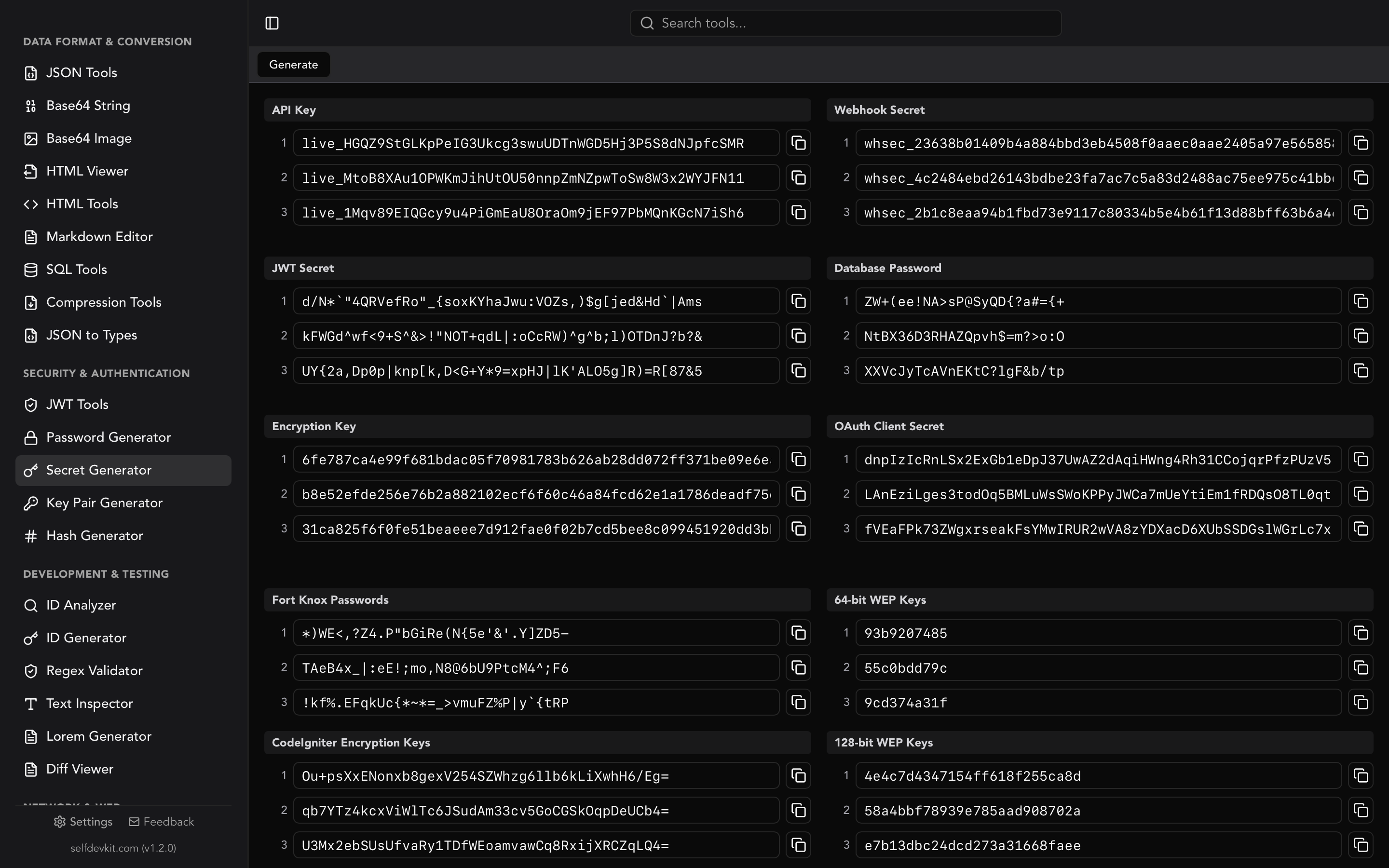
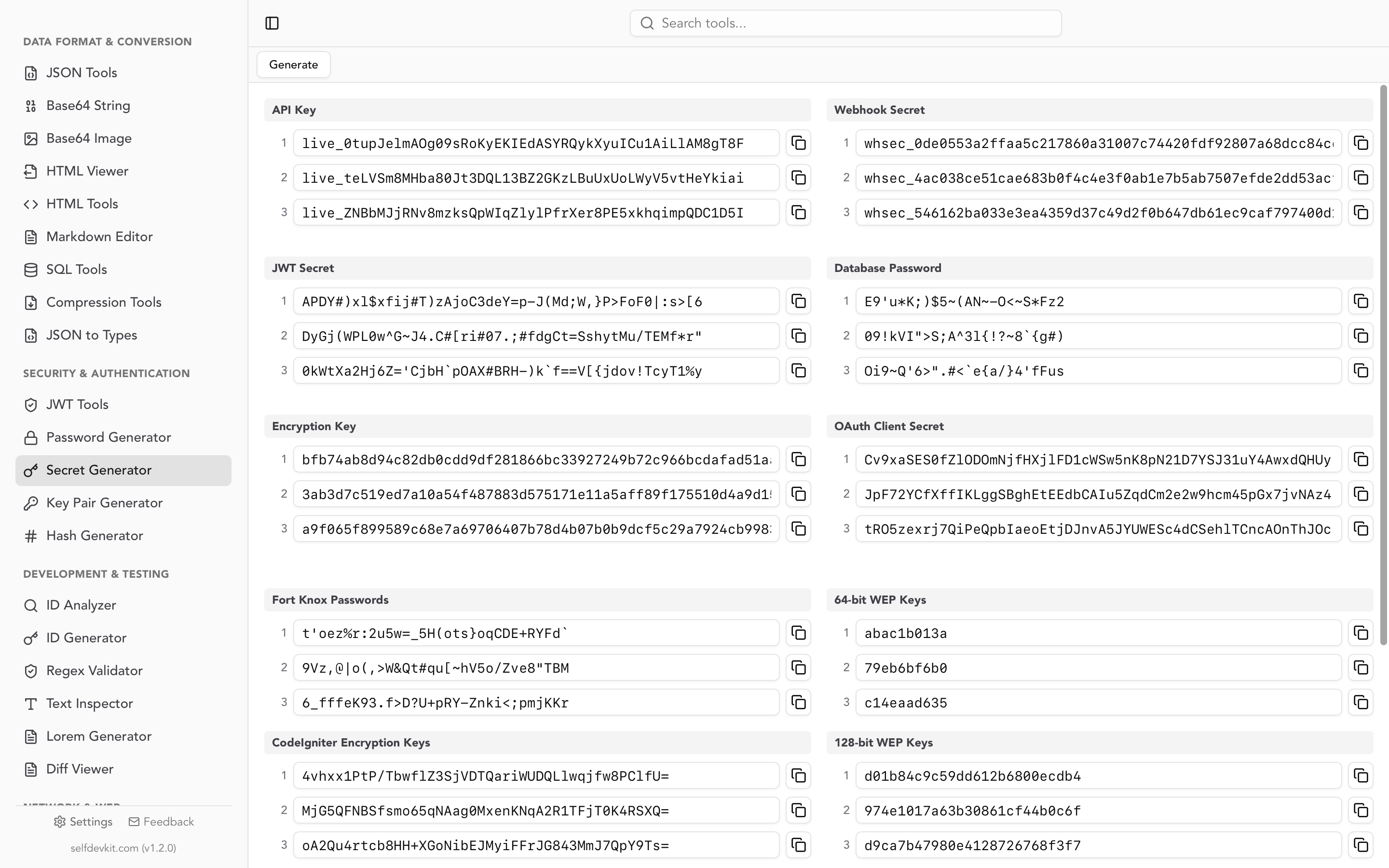
If you want a GUI instead of a terminal, SelfDevKit's Secret Generator creates JWT secrets with a single click, lets you choose the bit length (256 or 512), and outputs in hex, base64, or base64url. It uses a CSPRNG, runs completely offline, and your secret is never transmitted anywhere.
Hex vs base64: which format to use
This is the question competitors skip. Your secret is just bytes; hex and base64 are two ways to represent those bytes as a printable string. Which one to use depends on your library and your deployment environment.
Use hex when:
- Your JWT library accepts raw hex secrets (most Node.js libraries do)
- You need to compare secrets in logs or debugging output (hex is easier to read)
- You are storing the secret in an environment variable and want predictable length
Use base64 when:
- Your library expects a base64-encoded key (Spring Boot's JWT libraries typically do)
- You want to encode a fixed byte count in fewer characters (base64 is 33% shorter than hex)
- The documentation for your JWT library shows base64 examples
Use base64url when:
- You are building a JWK (JSON Web Key) and need URL-safe encoding
- You are passing the secret as a query parameter or in a URL header
The encoding does not change the entropy. A 32-byte random string is equally strong in hex (64 chars) or base64 (44 chars). What matters is that your library decodes the format correctly. Check your library's documentation before generating. Nothing is more frustrating than a signature verification failure caused by a base64 vs. hex mismatch.
The full workflow: generate, sign, verify
Most guides treat secret generation as a standalone task. In practice, the secret connects three steps: generate, sign, decode/verify. All three need to be correct for your auth system to work.
Step 1: Generate the secret
# Store in .env, never in code
JWT_SECRET=$(openssl rand -hex 32)
Step 2: Sign a token (Node.js example using jsonwebtoken)
const jwt = require('jsonwebtoken');

const token = jwt.sign(
  { userId: 'usr_123', role: 'admin' },
  process.env.JWT_SECRET,
  { algorithm: 'HS256', expiresIn: '1h' }
);
Step 3: Verify the token
try {
  const decoded = jwt.verify(token, process.env.JWT_SECRET, {
    algorithms: ['HS256'] // Always specify expected algorithms
  });
  console.log(decoded.userId); // usr_123
} catch (err) {
  // Token invalid, expired, or tampered
}
Notice algorithms: ['HS256'] in the verify call. This is not optional. The "alg: none" attack exploits JWT libraries that skip this check by accepting unsigned tokens with a spoofed alg: none header. Always specify the algorithms you expect.
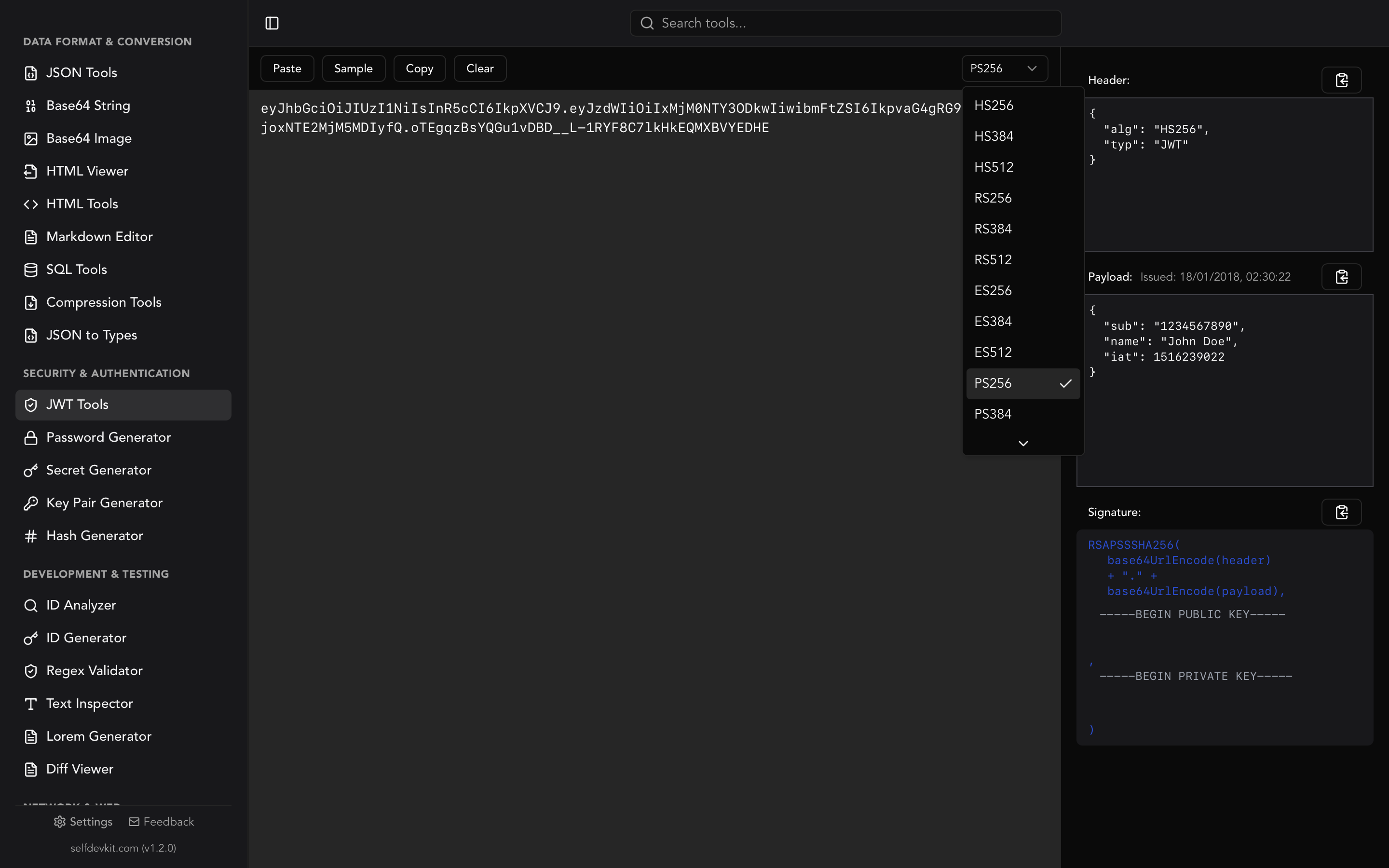
During development, SelfDevKit's JWT Tools handles both signing and decoding. Paste your secret, choose HS256/HS384/HS512, enter your payload, and generate a signed token. Then flip to decode mode to verify it looks right. It is faster than writing test scripts and keeps your tokens off the internet.
Why online JWT secret generators are a risk
Your JWT secret is the master key to your authentication system. An attacker who knows it can forge tokens for any user in your system. Given that, why would you generate it through a website you cannot audit?
Most online JWT secret generators claim "client-side only" or "keys never leave your browser." Maybe true. But there is no way to verify it without reading their source code, reviewing every dependency they load, and ensuring their CDN has not been compromised. A supply chain attack on one of their JavaScript dependencies would silently exfiltrate every secret you generate.
There is also the browser extension problem. Extensions with broad permissions can read from any page, including the "client-side" key generator displaying your freshly minted secret. This is not theoretical. Malicious browser extensions targeting developer tools have been documented repeatedly.
The offline alternative removes all of these attack surfaces. When you generate a JWT secret key with SelfDevKit, the operation runs in a native Rust process on your machine, with no network access, no JavaScript dependencies to compromise, and no browser extensions with permission to read the output. The secret exists only in your clipboard and your .env file.
Read more about why this matters in why offline-first developer tools are essential.
Best practices for secret management
Generating a strong secret is step one. Using it correctly is what actually matters.
Store in environment variables, not code:
# .env (never committed to git)
JWT_SECRET=your_generated_secret_here

# Add to .gitignore
echo ".env" >> .gitignore
Use different secrets per environment. Your development secret, staging secret, and production secret should all be different. This way a compromise in one environment does not cascade.
Rotate secrets periodically. Key rotation for JWT secrets requires some care: rotating immediately logs out every active user because their tokens were signed with the old secret. Common approaches include a grace period where both the old and new secret are accepted, or a short token lifetime (15 minutes) combined with refresh tokens so rotation is transparent.
Never log secrets. Application logs are often shipped to third-party services. A single console.log(process.env) in production is enough to expose your secret.
Set token expiration. A stolen token is valid until it expires. Keep access token lifetimes short: 15 minutes to 1 hour is standard. Refresh tokens can live longer but should be rotated on each use and stored in an HttpOnly cookie to prevent JavaScript access.
For asymmetric algorithms (RS256, ES256), you do not need a shared secret at all. The private key signs tokens, the public key verifies them. This is appropriate when multiple services need to verify tokens but only one service should issue them. SelfDevKit's Key Pair Generator creates RSA key pairs for exactly this case.
Frequently asked questions
How long should a JWT secret key be?
For HS256, use at minimum 256 bits (32 bytes, 64 hex characters). For HS384, use 384 bits minimum. For HS512, use 512 bits minimum. These are the requirements in RFC 7518. Most applications use HS256 with a 256-bit secret, which provides plenty of security as long as the key was generated from a CSPRNG.
Can I use a password as a JWT secret key?
No. Passwords have low entropy and are predictable. A 20-character password might have 100 bits of effective entropy; a proper 256-bit random secret has, well, 256 bits. Additionally, passwords are often reused and leaked in data breaches, which would immediately compromise every token signed with that secret. Always use a randomly generated key.
What is the difference between a JWT secret and a JWT private key?
A JWT secret (used with HS256/HS384/HS512) is a symmetric key: the same secret signs and verifies tokens. Anyone who can verify tokens can also create them. A JWT private key (used with RS256/ES256) is asymmetric: the private key signs, the public key verifies. Use symmetric keys for single-service auth; use asymmetric keys when multiple services need to verify tokens independently.
Should I store the JWT secret in a .env file or a secrets manager?
Environment variables in .env files are acceptable for development and small deployments. For production, especially in containerized environments, use a dedicated secrets manager: AWS Secrets Manager, HashiCorp Vault, Google Secret Manager, or similar. These provide audit logs, automatic rotation, and access controls that .env files cannot.
Try it yourself
SelfDevKit's Secret Generator creates cryptographically secure JWT secrets at the right bit length for your algorithm, with format output in hex, base64, or base64url. Then use JWT Tools to sign and decode tokens with that secret, all in the same app, entirely offline.
Download SelfDevKit - 50+ developer tools, offline and private.