What is a Snowflake ID?
A Snowflake ID is a 64-bit integer ID that starts with a millisecond timestamp, followed by a machine ID and a per-machine sequence number. Because the time sits in the high bits, Snowflake IDs sort by creation time, and anyone who knows the layout can read the creation time back out of the number.
Twitter announced Snowflake in June 2010 to generate tweet IDs across many servers with no central counter. Discord, Instagram, Mastodon, and Sony all use the same idea. They do not use the same layout, though, and that is where decoding goes wrong: one 18-digit number decodes to a different date under each platform's epoch and bit split.
This guide covers the layouts, then the code to decode and generate a Snowflake ID. Every snippet was run before publishing (Node 24, Python 3.14, SQLite, and PostgreSQL 14), and every output shown is the real result.
How a Snowflake ID is built
A Snowflake ID packs three fields into a signed 64-bit integer. In Twitter's original layout, from its IdWorker.scala, the bits are:
0 | 41 bits: ms since epoch | 5 bits: datacenter | 5 bits: worker | 12 bits: sequence
- Sign bit. Always 0, so the ID stays positive in languages with signed 64-bit integers.
- Timestamp. Milliseconds since a custom epoch. Twitter's is
1288834974657, which is 2010-11-04 at 01:42:54.657 UTC. - Machine ID. 10 bits, split by Twitter into a 5-bit datacenter ID and a 5-bit worker ID. That allows 1,024 generators.
- Sequence. A 12-bit counter that resets every millisecond, so one generator can issue 4,096 IDs per millisecond.
The timestamp sits in the most significant bits, so a larger ID means a later ID. Twitter's announcement called the result "roughly sortable" (k-sorted): IDs from different machines within the same second can interleave, but over any longer span they sort in time order.
Take the tweet ID Wikipedia uses as its example, 1888944671579078978. Shift it right by 22 bits, add the epoch, and you get 2025-02-10T13:34:39.256Z. The machine bits give 360 and the sequence bits give 322.
Forty-one bits of milliseconds last about 69.7 years. Twitter-layout IDs run out in July 2080.
Snowflake ID layouts by platform
Every Snowflake variant puts a timestamp at the top, but each one picks its own epoch, time unit, and order for the low fields. These are the published layouts:
| Platform | Timestamp | Epoch | Lower bits | Timestamp formula |
|---|---|---|---|---|
| Twitter / X | 41 bits, ms | 1288834974657 (2010-11-04) |
10 machine, 12 sequence | (id >> 22) + 1288834974657 |
| Discord | 42 bits (63 to 22), ms | 1420070400000 (2015-01-01) |
5 worker, 5 process, 12 increment | (id >> 22) + 1420070400000 |
| 41 bits, ms | 1314220021721 (2011-08-24) |
13 shard ID, 10 sequence | (id >> 23) + 1314220021721 |
|
| Sonyflake (v1 defaults) | 39 bits, 10 ms units | 2014-09-01 | 8 sequence, then 16 machine | (id >> 24) * 10 ms + 2014-09-01 |
| Mastodon | 48 bits, ms | Unix epoch | 16 bits of hashed sequence | id >> 16 |
Sources: Discord API reference, Sharding & IDs at Instagram (the our_epoch value comes from its PL/pgSQL), the Sonyflake repository, and Mastodon's snowflake.rb.
A few details matter when you decode:
- Discord and Twitter shift by the same 22 bits. Discord counts the top bit as part of its 42-bit timestamp, while Twitter leaves it as an unused sign bit. Only the epoch differs.
- Sonyflake reverses the low fields. The sequence comes before the machine ID, and time counts in 10 ms steps. Sonyflake v2 changed the default start time to 2025-01-01 and lets you configure the bit widths and time unit, so check the generator's settings before decoding.
- Mastodon has no custom epoch. The top 48 bits are plain Unix milliseconds. The low 16 bits are a hash plus a counter, chosen to keep IDs unique within a millisecond "yet obscure the 'serial number' of this row," according to the source comment.
A bare number does not tell you which layout produced it. Decode a Discord ID with Twitter's epoch and you get a date about four years too early, with no error. Always decode by where the ID came from.
How to decode a Snowflake ID timestamp
To decode a Snowflake ID, shift it right past the low fields, add the platform's epoch, and read the result as Unix milliseconds. Use 64-bit integer math, never floating point.
In JavaScript that means BigInt, and the ID has to start as a string (the next section explains why):
const LAYOUTS = {
  twitter:   { epoch: 1288834974657n, shift: 22n },
  discord:   { epoch: 1420070400000n, shift: 22n },
  instagram: { epoch: 1314220021721n, shift: 23n },
};

function snowflakeTime(id, layout) {
  const { epoch, shift } = LAYOUTS[layout];
  const ms = (BigInt(id) >> shift) + epoch;
  return new Date(Number(ms)).toISOString();
}

snowflakeTime('1888944671579078978', 'twitter'); // '2025-02-10T13:34:39.256Z'
snowflakeTime('175928847299117063', 'discord');  // '2016-04-30T11:18:25.796Z'
The second ID is the example from Discord's documentation. Pulling out every field uses the masks from the same page:
function decodeDiscord(id) {
  const n = BigInt(id);
  return {
    timestamp: new Date(Number((n >> 22n) + 1420070400000n)).toISOString(),
    workerId: Number((n & 0x3E0000n) >> 17n),
    processId: Number((n & 0x1F000n) >> 12n),
    increment: Number(n & 0xFFFn),
  };
}

decodeDiscord('175928847299117063');
// { timestamp: '2016-04-30T11:18:25.796Z', workerId: 1, processId: 0, increment: 7 }
Python integers have arbitrary precision, so the shifts work directly on the number. This covers all five layouts:
from datetime import datetime, timedelta, timezone

UTC = timezone.utc

def unix_ms(ms):
    return datetime.fromtimestamp(ms / 1000, UTC).isoformat(timespec="milliseconds")

def twitter(i):
    return unix_ms((i >> 22) + 1288834974657), (i >> 12) & 0x3FF, i & 0xFFF

def discord(i):
    return unix_ms((i >> 22) + 1420070400000), (i >> 17) & 0x1F, (i >> 12) & 0x1F, i & 0xFFF

def instagram(i):
    return unix_ms((i >> 23) + 1314220021721), (i >> 10) & 0x1FFF, i & 0x3FF

def mastodon(i):
    return unix_ms(i >> 16), i & 0xFFFF

def sonyflake_v1(i):
    start = datetime(2014, 9, 1, tzinfo=UTC)
    t = start + timedelta(milliseconds=(i >> 24) * 10)
    return t.isoformat(timespec="milliseconds"), (i >> 16) & 0xFF, i & 0xFFFF

print(mastodon(103270115826048975))
# ('2019-12-08T03:48:33.849+00:00', 40911)
That Mastodon ID is the example status in Mastodon's API docs. It decodes to 52 ms before the created_at value printed next to it (03:48:33.901Z), because the ID comes from the database clock (now(), the start of the transaction) while the application sets created_at on its own. Treat a decoded time as accurate to a fraction of a second, not as the official timestamp.
Databases can decode in SQL. PostgreSQL:
SELECT to_timestamp(((1888944671579078978 >> 22) + 1288834974657) / 1000.0) AT TIME ZONE 'UTC';
-- 2025-02-10 13:34:39.256
SQLite:
SELECT strftime('%Y-%m-%dT%H:%M:%fZ', ((1888944671579078978 >> 22) + 1288834974657) / 1000.0, 'unixepoch');
-- 2025-02-10T13:34:39.256Z
The same math runs in reverse, which is how you query by time without a created_at column. Shift a timestamp left to get the smallest possible ID for that moment, then filter on the primary key. Discord's docs recommend this for pagination. Every Discord ID from 2016-05-01 onward is at least:
SELECT ((extract(epoch FROM timestamptz '2016-05-01 00:00:00+00') * 1000)::bigint - 1420070400000) << 22;
-- 176120502681600000
So WHERE id >= 176120502681600000 selects everything from May 2016 onward, using the existing index. For more on epochs and units, see the timestamp converter guide.
The JavaScript precision trap
JavaScript numbers are 64-bit floats with 53 bits of integer precision, so JSON.parse silently rounds any Snowflake ID above 2^53 - 1. Nearly every real Snowflake ID is above that limit. Here is Discord's documented ID going through a plain parse:
const parsed = JSON.parse('{"id": 175928847299117063}').id;
parsed;                       // 175928847299117060
Number.isSafeInteger(parsed); // false
BigInt(parsed);               // 175928847299117056n
The value now in memory is ...056, not ...063. The timestamp bits survive, because they sit at the top, but the low bits do not. Decode the printed value and the increment comes back as 4 instead of 7. Worse, JSON.parse('{"id": 175928847299117060}') produces exactly the same number, so two different IDs become equal and lookups, joins, and deduplication quietly break.
That is why Discord's API returns every ID as a string, and why X's v1.1 API sent both id and id_str. The fixes:
- Keep IDs as strings in JSON, in JavaScript state, and in URLs. Convert to
BigIntonly to do math. - Read raw numbers with the reviver's source text when you cannot change the API. The third
contextargument to the reviver carries the original digits. It works in Chrome 114, Firefox 135, Safari 18.4, and Node 21 and later:
JSON.parse('{"id": 175928847299117063}', (key, value, ctx) =>
  key === 'id' ? BigInt(ctx.source) : value);
// { id: 175928847299117063n }
The same trap affects any large integer, not only Snowflakes. The JSON validator guide covers it alongside other parse-time surprises.
How to generate Snowflake IDs
To generate Snowflake IDs, each generator needs a unique machine ID, a clock, and a sequence counter that resets every millisecond. A minimal Twitter-layout generator in Python:
import threading
import time

class Snowflake:
    EPOCH = 1288834974657  # pick your own epoch once and never change it

    def __init__(self, machine_id):
        if not 0 <= machine_id < 1024:
            raise ValueError("machine_id must fit in 10 bits")
        self.machine_id = machine_id
        self.last_ms = -1
        self.seq = 0
        self.lock = threading.Lock()

    def next_id(self):
        with self.lock:
            now = time.time_ns() // 1_000_000
            if now < self.last_ms:
                raise RuntimeError(f"clock moved back {self.last_ms - now} ms")
            if now == self.last_ms:
                self.seq = (self.seq + 1) & 0xFFF
                if self.seq == 0:  # all 4,096 sequence values used
                    while now <= self.last_ms:
                        now = time.time_ns() // 1_000_000
            else:
                self.seq = 0
            self.last_ms = now
            return ((now - self.EPOCH) << 22) | (self.machine_id << 12) | self.seq
In one test run, generating 100,000 IDs with this class in a tight loop produced 100,000 unique values in strictly increasing order. They spanned 25 milliseconds, and in 21 of them the sequence hit its 4,096 cap. A single Python process can outrun the sequence, so the wait-for-the-next-millisecond branch is not theoretical.
Two failure modes need a decision up front:
- The clock moves backwards. NTP corrections and VM migrations do this. Twitter's original generator refused to issue IDs, throwing "Clock moved backwards. Refusing to generate id for %d milliseconds". Sonyflake keeps using its last time value and keeps counting, borrowing time ahead and sleeping when the sequence runs out. Refusing is safer for uniqueness. Borrowing keeps the service up.
- Two generators share a machine ID. Then nothing prevents duplicates. Assign machine IDs from configuration, a coordination service, or something unique per host. Sonyflake defaults to the lower 16 bits of the private IP address.
If you need IDs inside PostgreSQL rather than in application code, Instagram's PL/pgSQL function is a good model: it builds the ID from clock_timestamp(), a shard number, and nextval() modulo 1024.
Snowflake ID vs UUID v7 vs ULID
A Snowflake ID is half the size of a UUID v7 or ULID, but it needs machine ID coordination that the other two avoid. All three sort by creation time.
| Snowflake ID | UUID v7 | ULID | |
|---|---|---|---|
| Size | 64 bits | 128 bits | 128 bits |
| Database type | bigint |
uuid |
text, or converted to uuid |
| Text form | Up to 19 digits | 36 hex characters with hyphens | 26 Base32 characters |
| Uniqueness from | Machine ID + sequence | 74 random bits | 80 random bits |
| Coordination | Each generator needs a unique machine ID | None | None |
| Safe as a JS number | No, use strings | Always a string | Always a string |
Pick Snowflake when ID size matters at scale, such as huge tables, indexes, and foreign keys, and you can manage machine IDs. Pick UUID v7 or ULID when you want generators to work with no setup. The ULID guide compares ULID and UUID v7 in detail, and the UUID generator guide covers the wider field.
What a Snowflake ID reveals
Every Snowflake ID reveals its creation time to the millisecond, and usually which machine made it. Collect a few public IDs and the sequence values hint at volume. That is why Mastodon hashes its low bits.
A Snowflake ID is also predictable: the next ID from a generator is the current one plus a small amount. Never use one as a session token, password-reset link, or API key.
Decoding Snowflake IDs offline
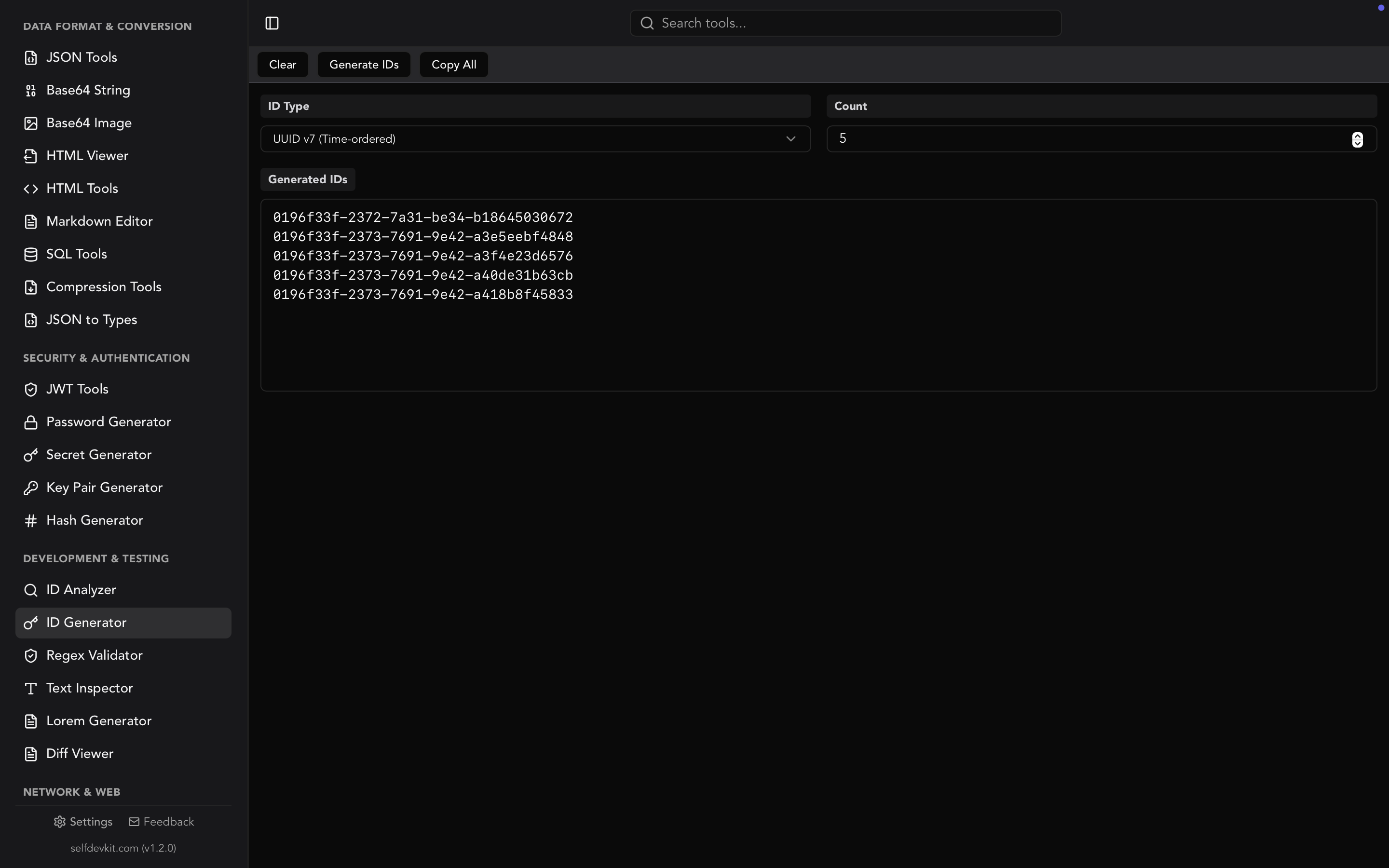
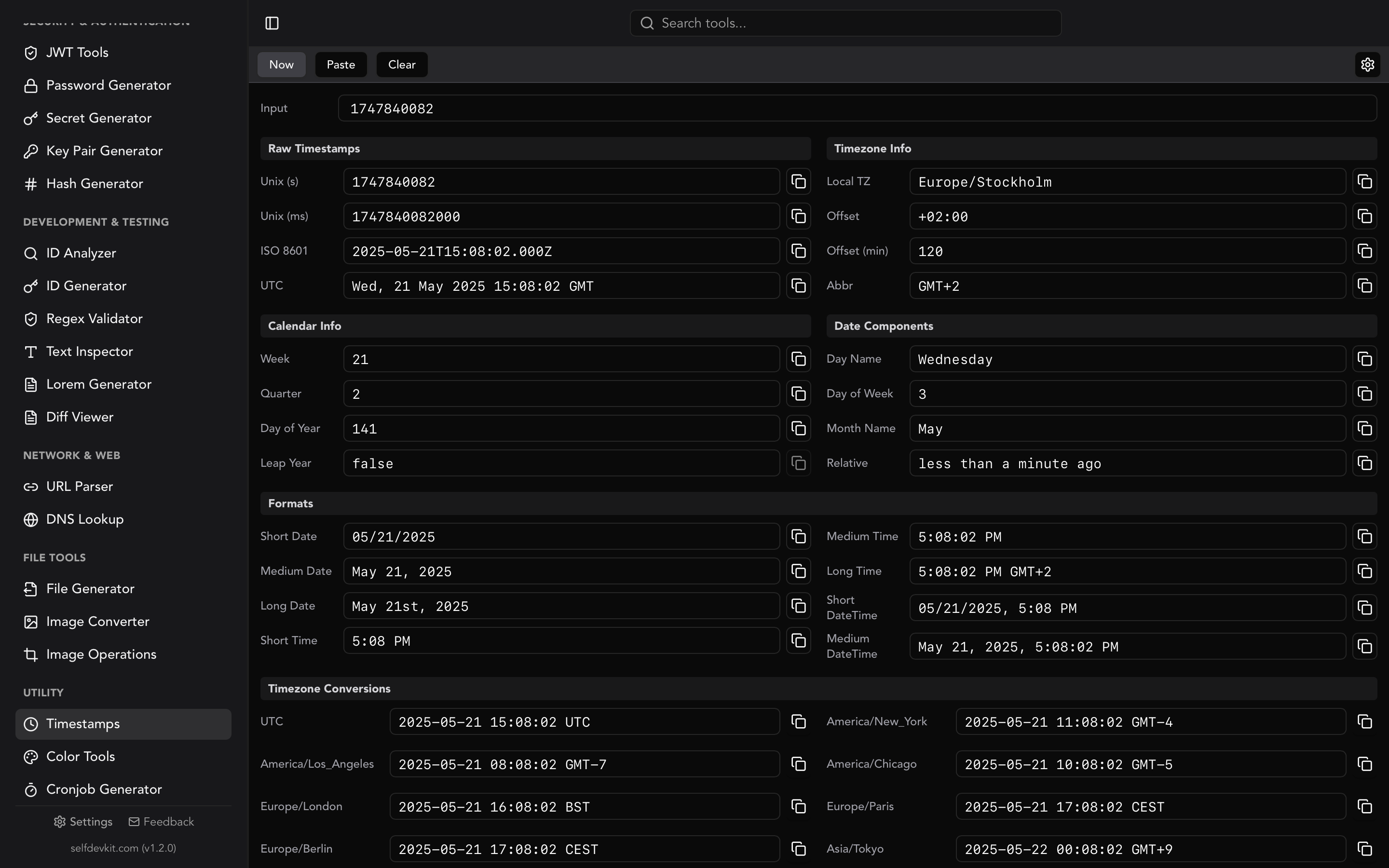
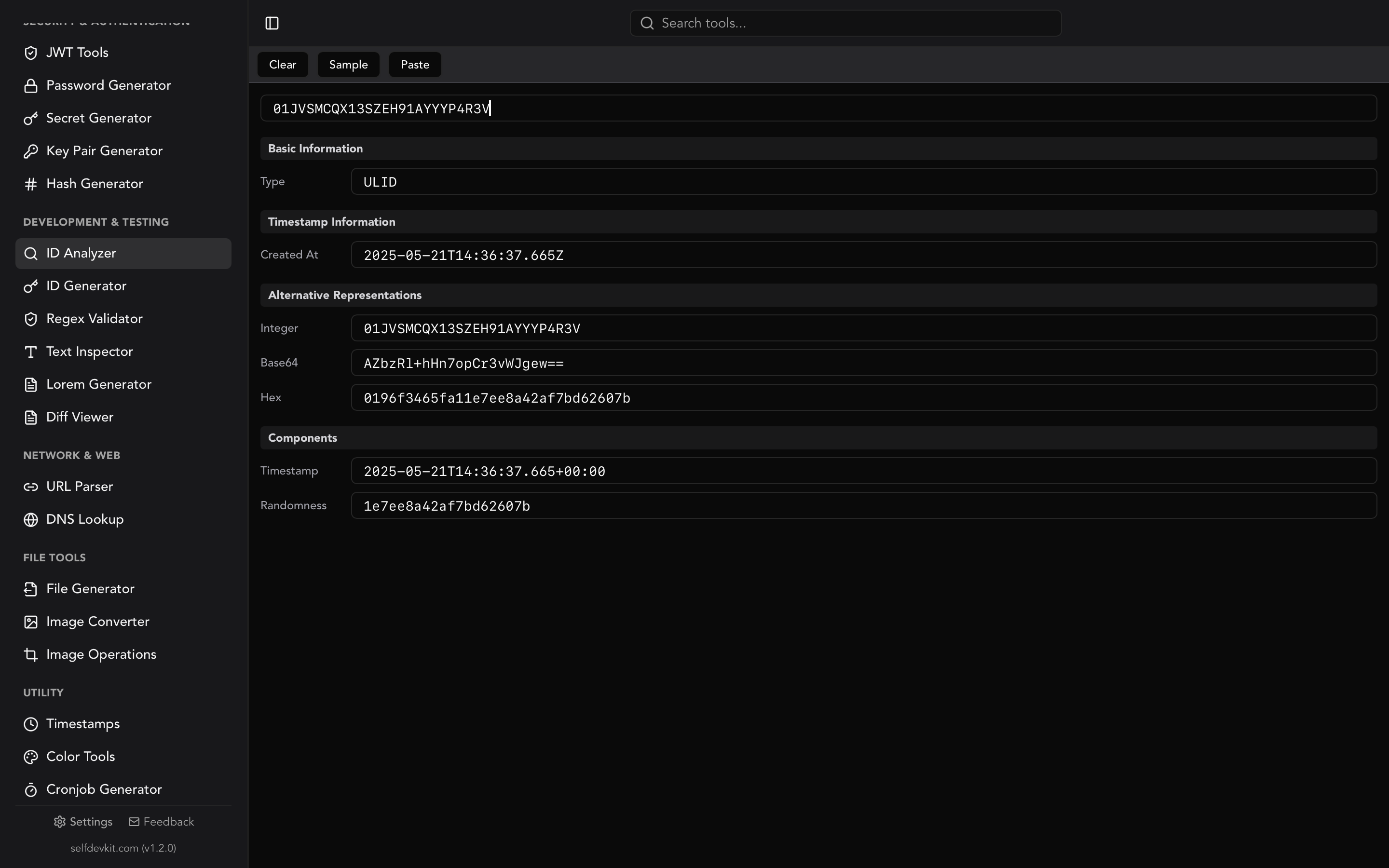
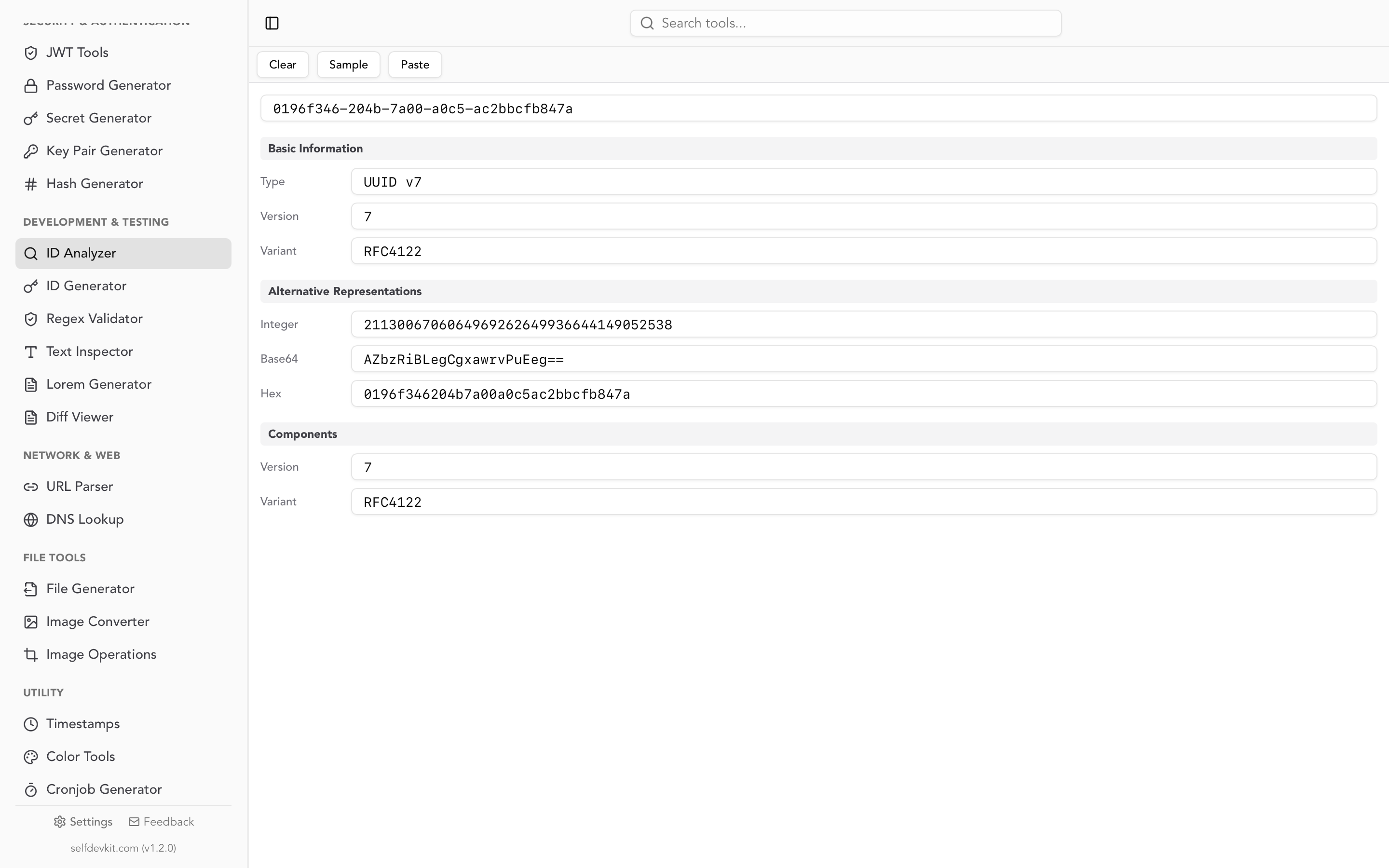
SelfDevKit's ID Analyzer decodes IDs on your machine, which matters when the ID comes from a production log. Paste a numeric ID and it lists its readings under several Snowflake layouts, each with a timestamp, worker ID, and sequence, plus the number in hex. Use its Twitter/X reading for tweet IDs and its Instagram reading for Instagram-style IDs; both follow the layouts above. For Discord, Sonyflake, and Mastodon IDs, use the snippets in this post, which follow each platform's published layout. The same tool reads ULIDs, UUIDs, and KSUIDs.
Download SelfDevKit to inspect IDs, timestamps, and 50+ other developer formats offline on macOS, Windows, and Linux.