How do you convert a date to a Unix timestamp?
Count the number of seconds between the Unix epoch (1970-01-01 00:00:00 UTC) and the instant your date refers to. The catch is that a date string like
2026-08-03 00:00:00does not refer to a single instant until you attach a timezone to it. Every language picks a default when you leave it off, and those defaults are not the same.
Going from date to timestamp unix looks like the mirror image of going the other way. It is not. Converting 1785715200 to a date is a pure function: one input, one answer, forever. Converting 2026-08-03 00:00:00 to a timestamp is a guess, and the guess is made by whichever runtime you happened to call.
That asymmetry is where the bugs live. This guide covers what each language assumes when you hand it a naked date, the two days a year when a local time maps to two timestamps or none at all, and how to build date ranges that do not silently drop a second of data.
Table of contents
- Why date to timestamp is the lossy direction
- What each language assumes about timezone
- Date to timestamp unix in 8 languages
- The two dates a year that break conversion
- Building date ranges without losing a second
- Seconds, milliseconds, and truncation
- Converting dates without sending them anywhere
- Frequently asked questions
- Convert dates offline
Why date to timestamp is the lossy direction
A Unix timestamp identifies an instant. A civil date and time identifies a label that humans wrote on a wall clock. Mapping instant to label is always well defined once you name a timezone. Mapping label to instant is not, because the same label can occur twice a year, or never.
MySQL states this outright in its own reference manual:
"If you use
UNIX_TIMESTAMP()andFROM_UNIXTIME()to convert between values in a non-UTC time zone and Unix timestamp values, the conversion is lossy because the mapping is not one-to-one in both directions."
That single sentence explains most timestamp bugs you will ever debug. The reverse conversion, epoch to date, cannot be wrong. The forward conversion, date to epoch, can be wrong by an hour, by five hours, or by a whole day, and it will be wrong silently.
There are only three ways to convert a date to a timestamp safely:
- The string carries an explicit offset or
Zsuffix, so no guessing is needed. - You pass a timezone in as a separate argument.
- You accept the runtime's default and you have verified what that default is.
Option three is where people get burned, because the default is different in almost every language. It is also different for two strings that look nearly identical in the same language.
What each language assumes about timezone
Here is what actually happens when you convert a date string that carries no offset. Every row below was checked against the language's own documentation or run directly.
| Runtime and call | Timezone assumed |
|---|---|
JS Date.parse("2026-08-03") (date-only) |
UTC |
JS Date.parse("2026-08-03T00:00:00") (date and time) |
System local time |
Python datetime(2026, 8, 3).timestamp() (naive) |
System local time |
Python calendar.timegm(dt.timetuple()) |
UTC |
Go time.Parse(layout, value) |
UTC |
Go time.ParseInLocation(layout, value, loc) |
loc |
PHP strtotime() |
date_default_timezone_get() |
GNU date -d "..." +%s |
The TZ environment variable |
MySQL UNIX_TIMESTAMP('2026-08-03') |
Session time_zone |
PostgreSQL EXTRACT(EPOCH FROM TIMESTAMP '...') |
No timezone at all (nominal) |
Java LocalDateTime |
Refuses to guess, you must call atZone() |
The first two rows are the single most expensive line in this table. MDN's documentation for Date.parse() is explicit that a date-only string implies UTC while a string that has "both date and time" without a zone is read in local time. Run it in New York and the difference is real:
// TZ=America/New_York
Date.parse('2026-08-03') / 1000;           // 1785715200  (midnight UTC)
Date.parse('2026-08-03T00:00:00') / 1000;  // 1785729600  (midnight EDT)
Four hours apart. Same date, one extra T00:00:00, and a date-picker value that now lands on the previous day for anyone west of Greenwich.
PostgreSQL deserves its own warning. Its docs state that for date and timestamp values, EXTRACT(EPOCH ...) returns "the nominal number of seconds since 1970-01-01 00:00:00, without regard to timezone or daylight-savings rules." It does not convert. It just reads the digits as if they were UTC. Cast to timestamptz first if you want a real instant:
-- Nominal. Treats the literal as if it were UTC.
SELECT EXTRACT(EPOCH FROM TIMESTAMP '2026-08-03 00:00:00');

-- Actual instant, resolved in the named zone.
SELECT EXTRACT(EPOCH FROM TIMESTAMP '2026-08-03 00:00:00' AT TIME ZONE 'America/New_York');
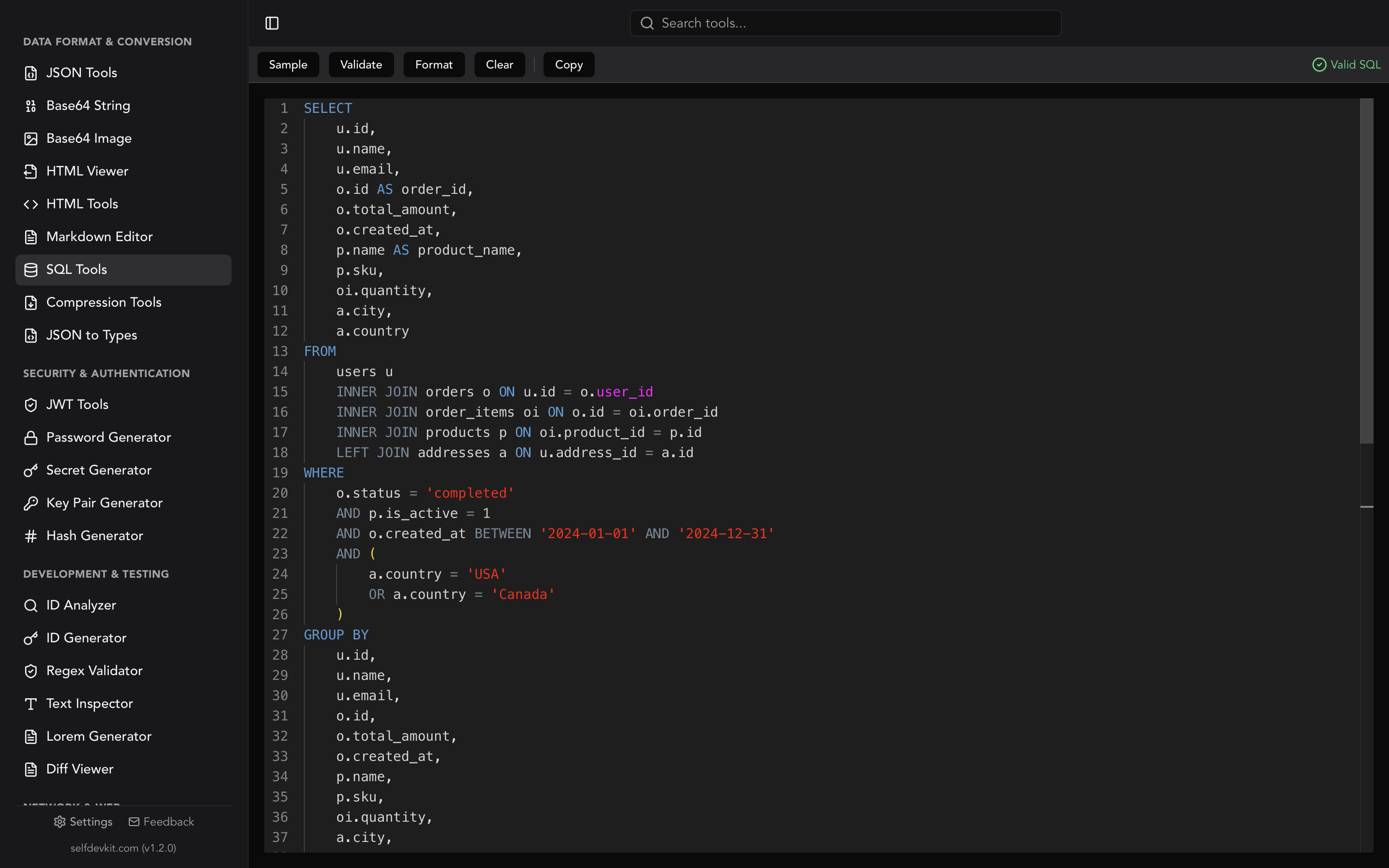
If you are writing these queries by hand, a SQL formatter makes the timezone casts far easier to spot in a long WHERE clause. Buried casts are how the wrong one survives code review.
Date to timestamp unix in 8 languages
To convert a date to a Unix timestamp in code, build a timezone-aware datetime object first, then ask it for its epoch value. Never convert a naive value and hope. Each example below produces 1785715200, which is 2026-08-03 00:00:00 UTC.
JavaScript / TypeScript
// Explicit UTC. Always safe.
Math.floor(Date.parse('2026-08-03T00:00:00Z') / 1000); // 1785715200

// Explicit offset. Also safe.
Math.floor(Date.parse('2026-08-02T20:00:00-04:00') / 1000); // 1785715200

// Component form. Date.UTC avoids the local-time constructor entirely.
Math.floor(Date.UTC(2026, 7, 3, 0, 0, 0) / 1000); // 1785715200
Note the month index. Date.UTC(2026, 7, 3) is August, not July, because JavaScript months are zero-based. This is the second most common date-to-timestamp bug after timezones.
Python
from datetime import datetime, timezone
from zoneinfo import ZoneInfo

# Explicit UTC
int(datetime(2026, 8, 3, tzinfo=timezone.utc).timestamp())  # 1785715200

# Explicit named zone
ny = ZoneInfo('America/New_York')
int(datetime(2026, 8, 3, tzinfo=ny).timestamp())            # 1785729600

# Parsing an ISO 8601 string that carries an offset
int(datetime.fromisoformat('2026-08-03T00:00:00+00:00').timestamp())  # 1785715200
Calling .timestamp() on a naive datetime uses the machine's local time. That is fine on your laptop and wrong in a container that runs UTC, which is exactly why the bug reaches production.
Go
t, _ := time.Parse(time.RFC3339, "2026-08-03T00:00:00Z")
fmt.Println(t.Unix()) // 1785715200

// Layout with no zone in the value: Parse assumes UTC
loc, _ := time.LoadLocation("America/New_York")
t2, _ := time.ParseInLocation("2006-01-02 15:04:05", "2026-08-03 00:00:00", loc)
fmt.Println(t2.Unix()) // 1785729600
The Go docs put it plainly: "In the absence of a time zone indicator, Parse returns a time in UTC." Use ParseInLocation whenever the input is a local wall time.
Rust
use chrono::{DateTime, TimeZone, Utc};

let ts = Utc.with_ymd_and_hms(2026, 8, 3, 0, 0, 0).unwrap().timestamp();
// 1785715200

let parsed = DateTime::parse_from_rfc3339("2026-08-03T00:00:00Z")
    .unwrap()
    .timestamp();
// 1785715200
PHP
$dt = new DateTime('2026-08-03 00:00:00', new DateTimeZone('UTC'));
echo $dt->getTimestamp(); // 1785715200
Passing the DateTimeZone explicitly sidesteps strtotime()'s dependence on the date.timezone INI setting, which differs between your dev box and your host.
Java
long ts = LocalDateTime.of(2026, 8, 3, 0, 0)
    .atZone(ZoneId.of("UTC"))
    .toEpochSecond(); // 1785715200
Java is the only mainstream runtime in this list that will not guess for you. LocalDateTime has no epoch method at all until you attach a zone. That is a feature.
Shell
# GNU coreutils (Linux)
date -u -d '2026-08-03 00:00:00' +%s        # 1785715200
TZ=America/New_York date -d '2026-08-03' +%s # 1785729600

# BSD date (macOS)
date -j -u -f '%Y-%m-%d %H:%M:%S' '2026-08-03 00:00:00' +%s
The -d flag on GNU date and the -j -f combination on BSD date are not interchangeable. Scripts that work in CI and fail on a developer's Mac usually trip on exactly this. If you schedule those scripts, the same portability gap shows up in cron entries that assume GNU behavior.
SQL
-- PostgreSQL
SELECT EXTRACT(EPOCH FROM TIMESTAMPTZ '2026-08-03 00:00:00+00');  -- 1785715200

-- MySQL (session time_zone must be '+00:00' for this to equal 1785715200)
SELECT UNIX_TIMESTAMP('2026-08-03 00:00:00');

-- SQLite
SELECT strftime('%s', '2026-08-03 00:00:00');  -- treats input as UTC
The two dates a year that break conversion
Twice a year, in every zone that observes daylight saving time, the mapping from local time to timestamp stops being a function. One local hour disappears. Another repeats. Converting a date that falls inside either window produces an answer, and the answer is arbitrary.
Take America/New_York in 2026. Clocks spring forward on March 8 and fall back on November 1.
The overlap. 2026-11-01 01:30:00 happens twice, once at UTC-4 and once at UTC-5. Two valid timestamps, 3,600 seconds apart:
| Reading | Offset | Timestamp |
|---|---|---|
| First pass (EDT) | UTC-4 | 1793511000 |
| Second pass (EST) | UTC-5 | 1793514600 |
The gap. 2026-03-08 02:30:00 never happens. The clock jumps from 01:59:59 to 03:00:00. There is no correct answer, only conventions.
Here is what four runtimes actually do with those two inputs:
| Runtime | 2026-11-01 01:30 (overlap) |
2026-03-08 02:30 (gap) |
|---|---|---|
GNU date -d |
1793511000 (earlier) | Error: invalid date |
JS Date.parse |
1793511000 (earlier) | 1772955000 (shifts to 03:30 EDT) |
Python fold=0 / fold=1 |
1793511000 / 1793514600 | 1772955000 / 1772951400 |
Java ZonedDateTime.of |
Earlier offset | Shifted forward by the gap length |
Python is the only one of the four that hands you the choice. PEP 495 added the fold attribute for exactly this: "0 corresponding to the earlier and 1 to the later of the two possible readings of an ambiguous local time."
from datetime import datetime
from zoneinfo import ZoneInfo

ny = ZoneInfo('America/New_York')
print(int(datetime(2026, 11, 1, 1, 30, tzinfo=ny, fold=0).timestamp()))  # 1793511000
print(int(datetime(2026, 11, 1, 1, 30, tzinfo=ny, fold=1).timestamp()))  # 1793514600
Java's ZonedDateTime documents its policy instead of exposing a choice: for a gap "the local date-time is adjusted to be later by the length of the gap," and for an overlap it "uses the earlier offset."
GNU date is arguably the most honest of the group. It refuses:
$ TZ=America/New_York date -d '2026-03-08 02:30:00' +%s
date: invalid date '2026-03-08 02:30:00'
The practical rule is short. Accept local wall times from users, store UTC, and convert at the boundary with an explicit zone. If your input is generated by a machine rather than typed by a person, require an offset and reject anything that arrives without one.
Building date ranges without losing a second
Date-to-timestamp conversion almost never happens once. It happens twice, as the two ends of a range, and that is where the off-by-one lives.
The instinct is to build an inclusive range that ends at the last second of the day:
-- Fragile
WHERE created_at >= 1785715200 AND created_at <= 1785801599
That 1785801599 is 2026-08-03 23:59:59 UTC. Any event with a sub-second component after that, and any millisecond-precision timestamp in the final second, falls through the gap. If the column ever changes from seconds to milliseconds, the upper bound is off by a factor of a thousand and returns nothing.
Use a half-open interval instead. Start of day inclusive, start of the next day exclusive:
-- Robust
WHERE created_at >= 1785715200 AND created_at < 1785801600
The half-open form survives precision changes, sub-second values, and leap-second smearing without edits. It is also the interval convention that BETWEEN cannot express, which is a decent reason to stop reaching for BETWEEN on timestamps.
One more trap: "start of day" is a local concept. A report labelled "August 3" for a user in Tokyo starts at 1785682800, not 1785715200. Compute the day boundary in the user's zone, then convert to epoch. Do not convert to epoch and then try to round.
Seconds, milliseconds, and truncation
When you convert a date to a Unix timestamp in JavaScript, the result is milliseconds. Divide by 1000 and floor it, never round it, when you need seconds.
const ms = Date.parse('2026-08-03T00:00:00.999Z'); // 1785715200999
Math.round(ms / 1000);  // 1785715201  <- one second into the future
Math.floor(ms / 1000);  // 1785715200  <- correct
Math.round pushes any timestamp in the second half of a second forward by a full second. On a token issued-at claim that is harmless. On an exp claim compared against a server that floors, you have just created a token that is briefly valid in the future and fails nbf checks on strict validators. If you are debugging that class of problem, decoding the token first is faster than reading the signing code, and our guide to JWT claim decoding walks through the iat, nbf, and exp fields.
Ten digits means seconds. Thirteen means milliseconds. For a deeper reference on the unit split across languages and databases, see the unix timestamp converter guide, which covers the reverse direction and the Year 2038 boundary in detail.
Converting dates without sending them anywhere
Most date-to-epoch conversions happen against a browser tab on a site you do not control. That is fine for 2026-08-03. It is less fine for the dates you are usually converting.
Think about what a real conversion looks like in practice. You paste an incident window from a production log. A customer's account creation date from a support ticket. A token expiry copied out of a staging environment. A retention cutoff from a compliance policy. Each of those is a date plus enough context to identify a system, a customer, or a security window, sitting in someone else's request logs.
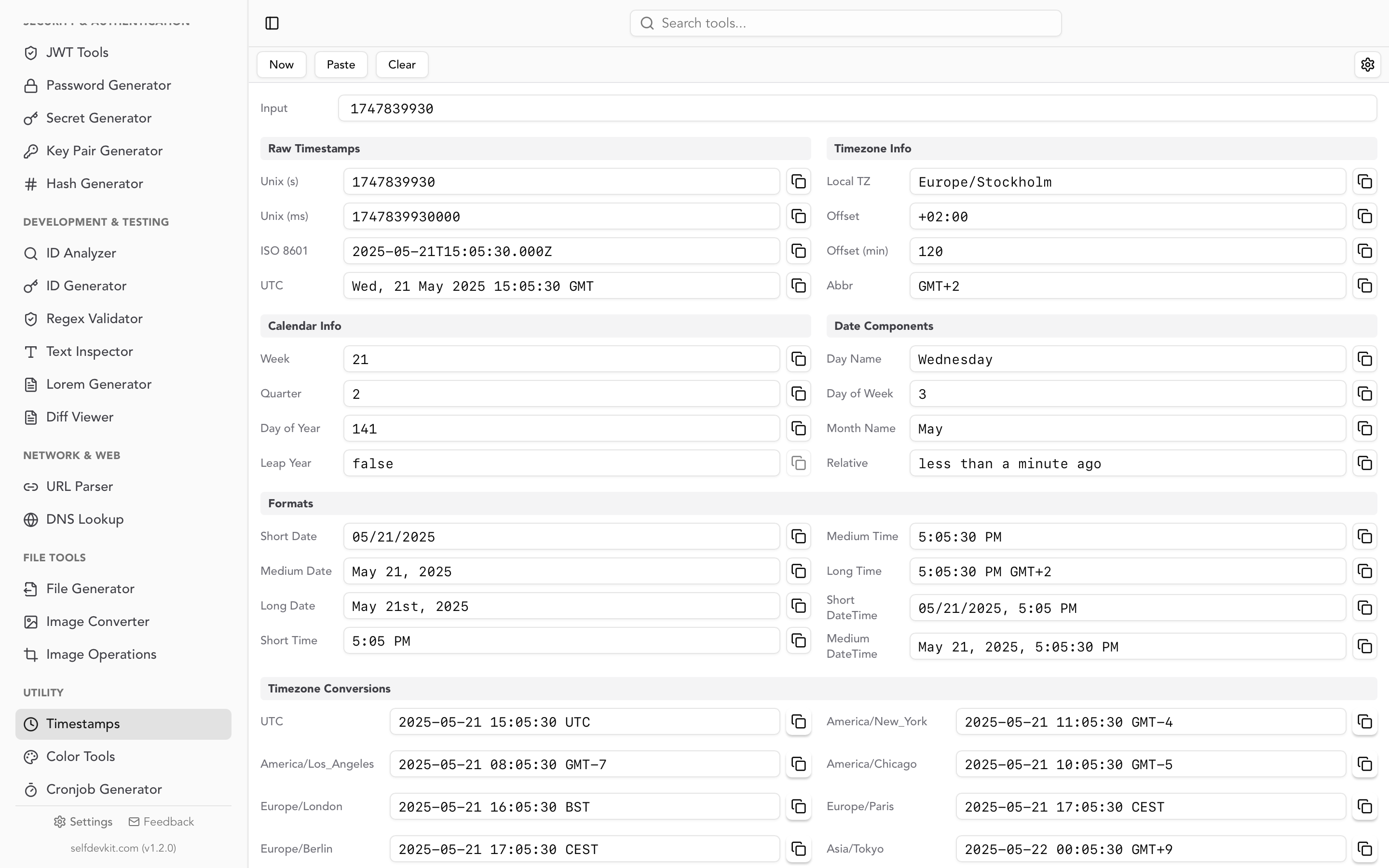
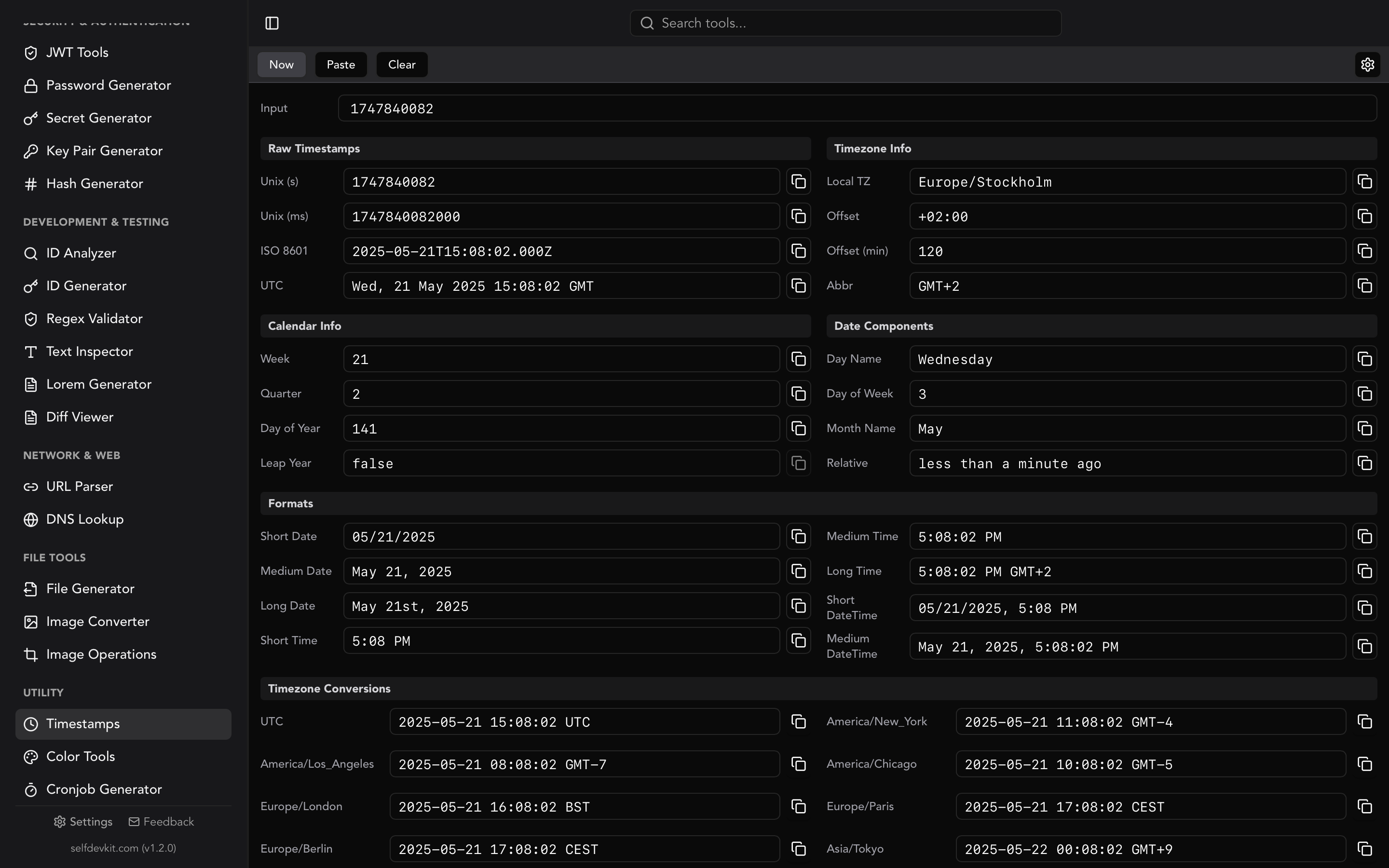
SelfDevKit's timestamp converter runs entirely on your machine. Paste a Unix value, an ISO 8601 string, or a plain date string into the same input field and you get the timestamp in both seconds and milliseconds, alongside ISO 8601, UTC, and your local zone. It also surfaces the calendar context you usually have to look up separately: week number, quarter, day of year, and leap year status.
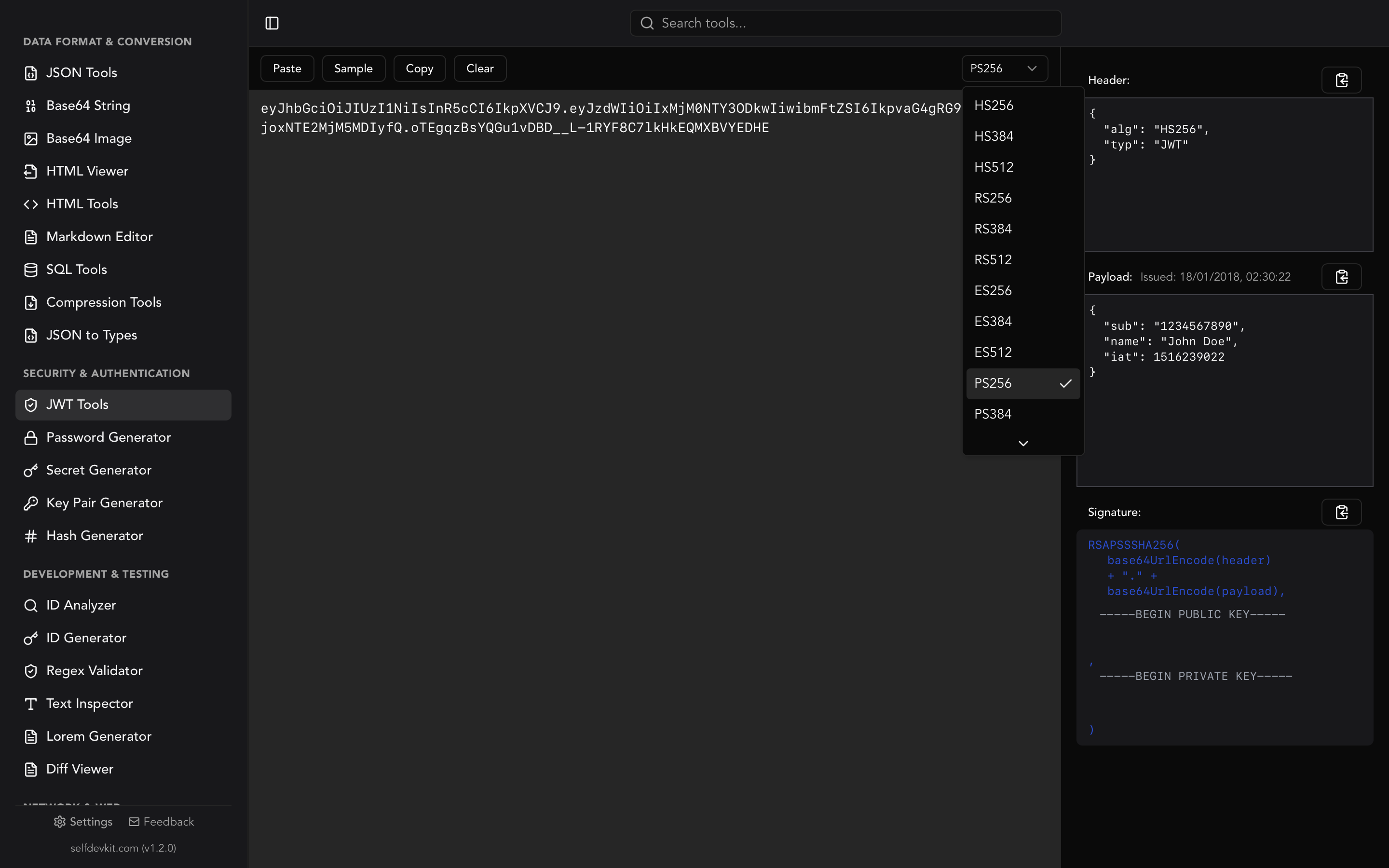
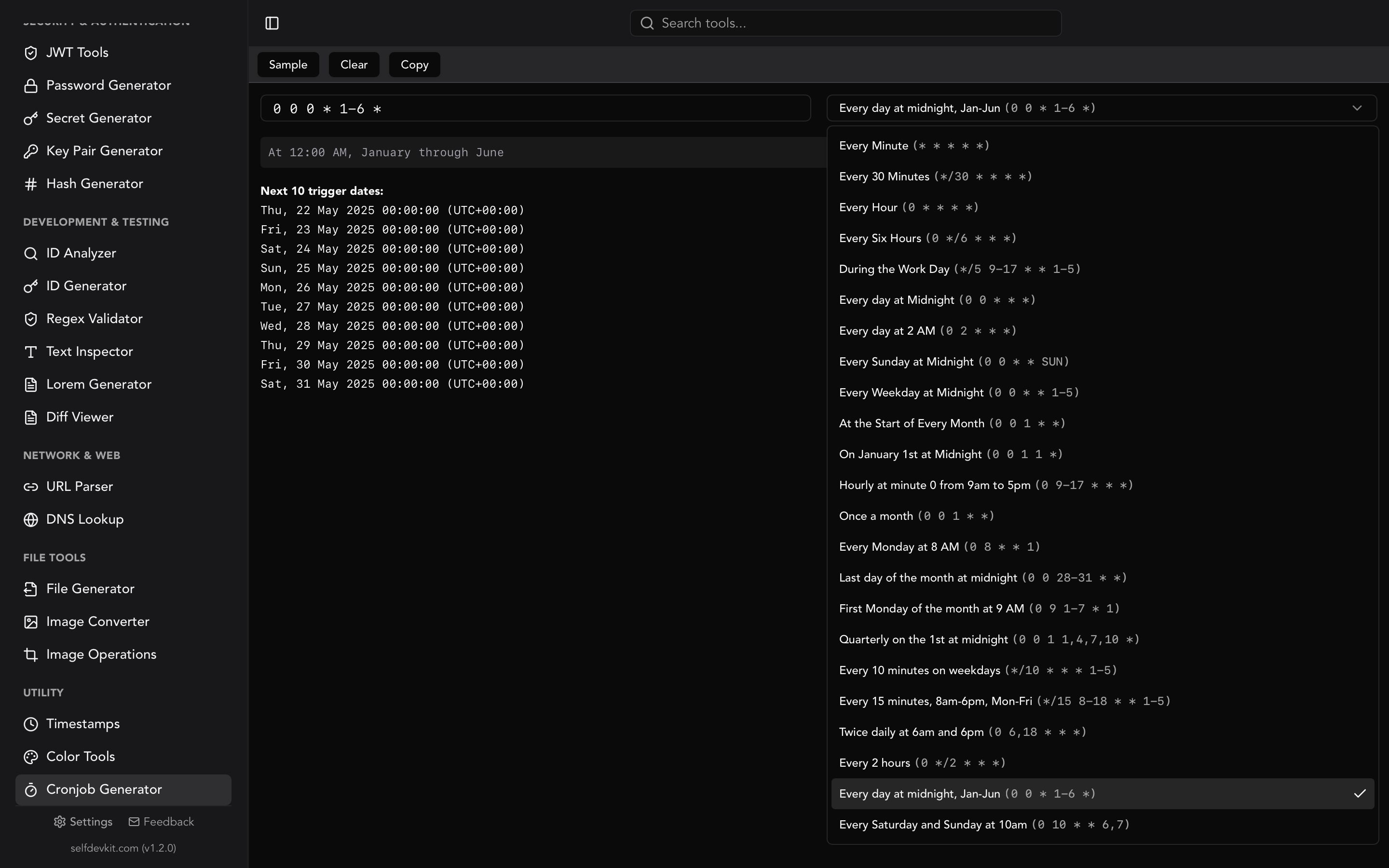
Nothing leaves the device, which is the same reason developers who handle regulated data keep the rest of their tooling offline too. The converter sits next to the JWT decoder and the cron expression builder, so the "what timestamp is this claim" and "what date does this schedule next fire" questions get answered in the same window.
Frequently asked questions
How do I convert a date to a Unix timestamp in seconds, not milliseconds?
Get the millisecond value from your runtime, divide by 1000, and truncate with floor rather than round. In Python, int(dt.timestamp()) already truncates toward zero for positive values. In JavaScript, use Math.floor(Date.parse(str) / 1000).
Why does the same date give me two different timestamps on two machines?
Almost certainly a timezone default. A date string with no offset is resolved against the system timezone in Python, PHP, and JavaScript's date-time form, so a UTC container and a local laptop disagree by the offset. Attach an explicit zone or an offset to the string and both machines agree.
What timestamp does midnight convert to?
It depends entirely on which midnight. 2026-08-03 00:00:00 UTC is 1785715200. The same wall clock midnight in New York is 1785729600, and in Tokyo it is 1785682800. Midnight is not a timestamp until you name a zone.
Can a date convert to a negative Unix timestamp?
Yes. Any date before 1970-01-01 00:00:00 UTC produces a negative value. 1969-07-20T20:17:00Z is -14182980. Most modern libraries handle this correctly, but some database drivers and older PHP versions on 32-bit builds do not, so verify before storing historical dates as epoch integers.
Convert dates offline
Getting from date to timestamp unix correctly comes down to one habit: never let a runtime guess your timezone. Attach the zone, use half-open ranges, and floor rather than round.
SelfDevKit's timestamp converter does the conversion in both directions on your machine, with seconds and milliseconds side by side, no network round trip and no request log.
Download SelfDevKit for 50+ developer tools that work offline, including the timestamp converter, JWT decoder, and cron builder.