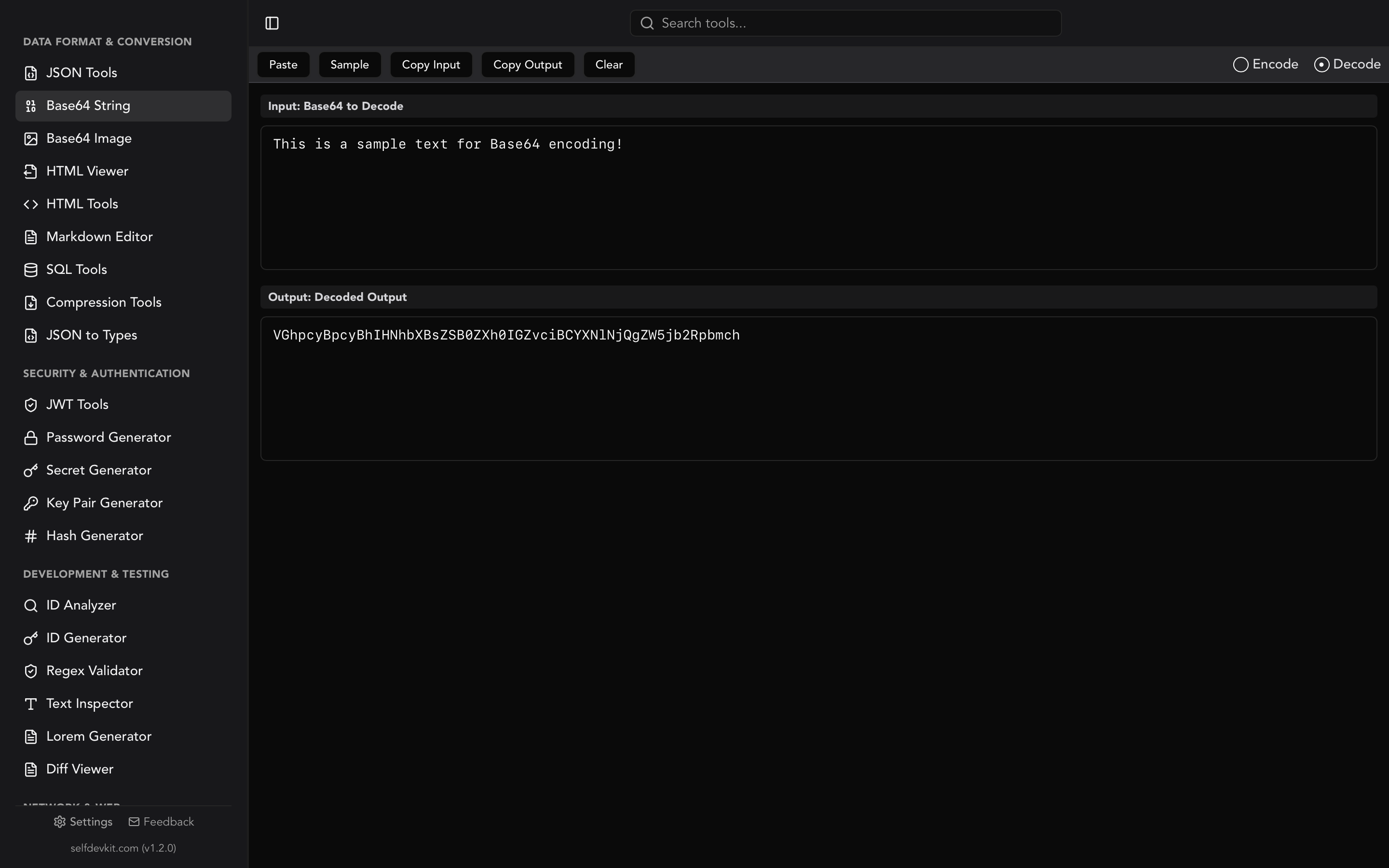
What is HTML encoding?
HTML encoding is the process of replacing characters that have special meaning in HTML, such as
<,>,&,", and', with their entity references like<and&. This makes the characters display as literal text instead of being parsed as markup, which prevents broken layouts and cross-site scripting (XSS) attacks.
To HTML encode a string, replace each reserved character with its HTML entity: & becomes &, < becomes <, > becomes >, " becomes ", and ' becomes '. The browser then renders those entities as the original characters on screen without treating them as tags or syntax. This one operation is the single most common defense against XSS, and it is also what lets you show code snippets, math symbols, and user comments inside a web page without breaking it.
This guide explains exactly which characters need encoding, the difference between named and numeric entities, why HTML encoding is not the same as URL encoding, and how to encode correctly in JavaScript, Python, PHP, and other languages. It also covers where HTML encoding alone is not enough.
Table of contents
- What HTML encode does and which characters it touches
- Named vs numeric character references
- HTML encode vs URL encode: not the same thing
- Why HTML encoding stops XSS attacks
- Context matters: where HTML encoding is not enough
- How to HTML encode in code
- When your framework encodes for you
- HTML decode: reversing the process
- Encoding privately with an offline tool
- Frequently asked questions
What HTML encode does and which characters it touches
HTML encoding replaces reserved characters with entity references so the browser reads them as data, not as instructions. HTML uses a small set of characters to define structure. When those same characters appear inside content, the parser cannot tell whether you mean "start a tag" or "print a less-than sign." Encoding removes the ambiguity.
Five characters carry structural meaning and should be encoded when they appear in untrusted or dynamic content:
| Character | Name | Entity |
|---|---|---|
& |
Ampersand | & |
< |
Less-than | < |
> |
Greater-than | > |
" |
Double quote | " |
' |
Single quote / apostrophe | ' |
The ampersand is encoded first for a reason. It starts every entity, so if you encode < to < before escaping a literal &, you risk double-encoding or corrupting the output. A correct encoder always handles & before the others.
Here is a concrete example. Suppose a user types this into a comment box:
<script>alert('hi')</script>
If you drop that straight into the page, the browser runs the script. HTML encode it first and you get:
<script>alert('hi')</script>
Now the browser prints the text <script>alert('hi')</script> on screen exactly as typed. No code executes. That is the whole point.
Note that letters, numbers, spaces, and most punctuation do not need encoding. You only touch the characters that would otherwise be interpreted as markup. Encoding everything, as some naive tools do, bloats your HTML and gains you nothing.
Named vs numeric character references
HTML entities come in two forms: named references like < and numeric references like < or <. Both resolve to the same character. The choice comes down to readability and coverage.
A named character reference uses a human-readable name between an ampersand and a semicolon. & is the ampersand, © is the copyright symbol, is a non-breaking space. Named entities are easy to read but only exist for a fixed list of characters defined in the HTML specification.
A numeric character reference points directly at a Unicode code point. It comes in two flavors:
- Decimal:
<(the number 60 is the base-ten code point for<) - Hexadecimal:
<(the same code point in hex)
Numeric references can represent any Unicode character, including ones with no named entity. That is why some encoders output ' for the apostrophe instead of '. The ' named entity is valid in HTML5 but was not defined in HTML4, so ' is the safer, more portable choice. SelfDevKit's HTML encoder uses ' for exactly this reason.
For the five structural characters, named entities are the standard. For everything else, such as emoji, accented letters, or symbols, numeric references guarantee the character survives even in ASCII-only transports like email or older systems.
HTML encode vs URL encode: not the same thing
HTML encoding and URL encoding solve different problems and produce different output, and confusing them is a common source of bugs. HTML encoding uses entity references (<) to make characters safe inside an HTML document. URL encoding, also called percent-encoding, uses a percent sign followed by hex digits (%3C) to make characters safe inside a URL.
Here is the same character encoded three ways:
| Character | Raw | HTML encoded | URL encoded |
|---|---|---|---|
< |
< |
< |
%3C |
| space | |
(unchanged) |
%20 |
& |
& |
& |
%26 |
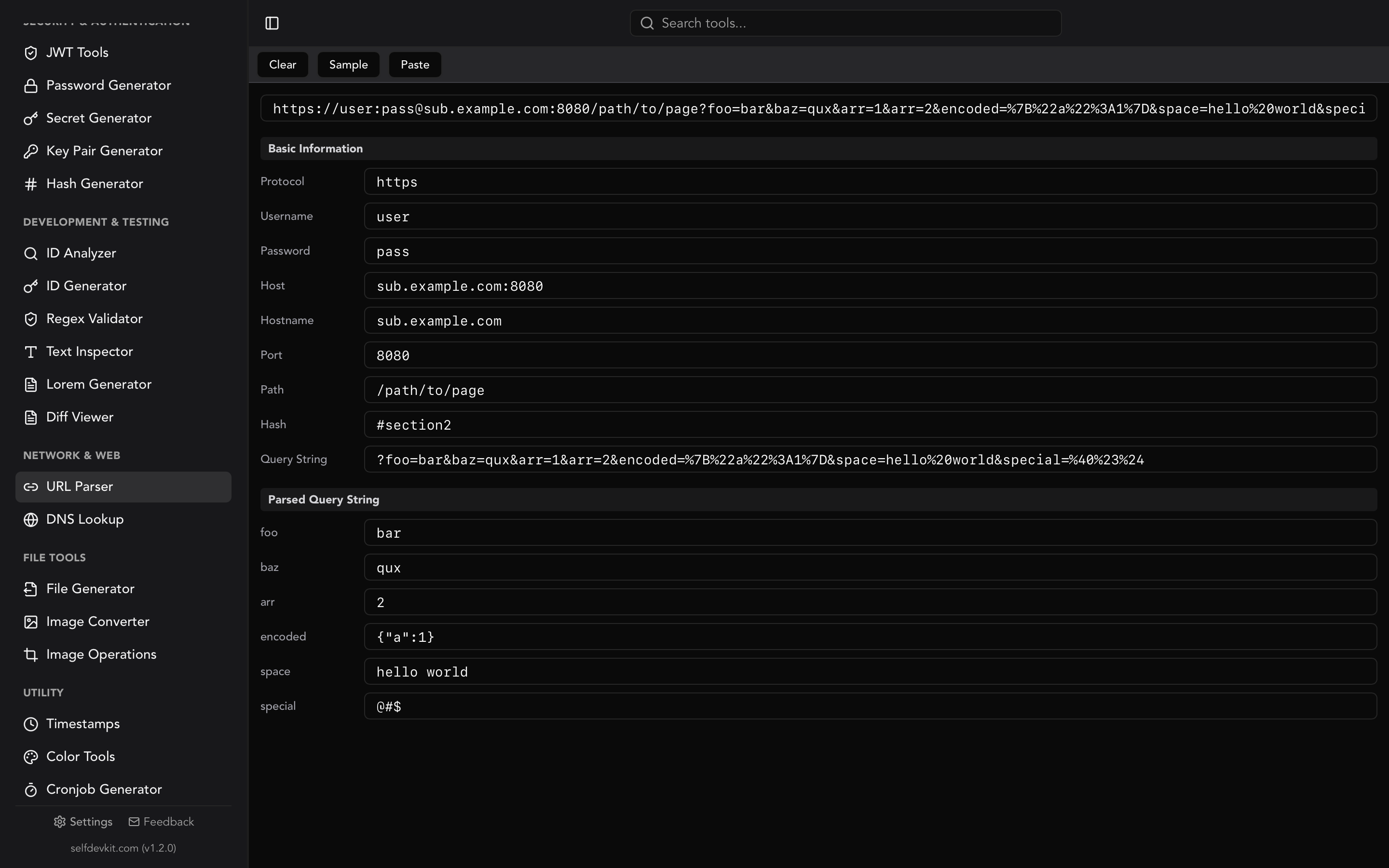
They are not interchangeable. If you HTML encode a query string, the URL breaks. If you URL encode text meant for display, the reader sees %3C instead of <. Use HTML encoding for content that lands between HTML tags. Use URL encoding for anything that goes into a link, a query parameter, or a form submission. If you work with URLs often, the URL parser breaks a URL into its components so you can see exactly which parts need percent-encoding, and our URL parsing guide covers the encoding rules in detail.
There is also Base64, a third encoding that developers sometimes reach for by mistake. Base64 is for turning binary data into ASCII text, not for making characters HTML-safe. Our Base64 encoder guide explains where it fits.
Why HTML encoding stops XSS attacks
HTML encoding is the primary defense against cross-site scripting because it neutralizes the characters an attacker needs to inject markup. Cross-site scripting, or XSS, happens when an application takes untrusted input and writes it into a page without escaping. The attacker supplies something like <img src=x onerror=steal()> and the browser executes it in the victim's session.
Encode the input first and the angle brackets become < and >. The browser renders the payload as visible text instead of building a live <img> element. No element, no event handler, no execution.
The OWASP Cross Site Scripting Prevention Cheat Sheet names these exact five characters as the ones to encode for the HTML body context. Encoding them correctly prevents the large majority of XSS in that context. This is not a nice-to-have. According to the OWASP Top 10, injection flaws including XSS remain among the most common and damaging web vulnerabilities.
The rule of thumb is simple: encode on output, not on input. Store the raw data as the user typed it, and encode it at the moment you render it into HTML. Encoding on input corrupts your stored data and breaks the moment you need the same value in a non-HTML context.
Context matters: where HTML encoding is not enough
HTML entity encoding only protects the HTML body context, and using it everywhere gives a false sense of security. This is the detail most online encoders never mention, and it is where developers get burned.
OWASP defines several output contexts, each needing its own encoding:
- HTML body (
<div>HERE</div>): use HTML entity encoding, the five characters above. - HTML attribute (
<div title="HERE">): encode entities, and always quote your attributes. Unquoted attributes can be broken out of with a space alone. - JavaScript (
<script>var x = 'HERE'</script>): HTML encoding does not help here. You need JavaScript string escaping (\x3cstyle) or, better, avoid injecting into script blocks entirely. - URL (
<a href="HERE">): use URL encoding, and validate that the scheme is notjavascript:. - CSS (
<style>orstyle=""): needs CSS-specific escaping.
The trap looks like this:
<a href="javascript:doThing('USER_INPUT')">click</a>
Even if you HTML encode USER_INPUT, the javascript: URL still runs attacker-controlled code. HTML encoding did nothing useful because the data landed in a JavaScript-in-URL context, not an HTML body context.
The practical takeaway: HTML encode when you are writing text into the visible body of a page. For attributes, scripts, URLs, and styles, reach for the encoding that matches the context, and prefer frameworks that do it automatically. When you need to build and test regular expressions for input validation as a second layer of defense, the regex validator helps you get the pattern right without shipping a broken filter.
How to HTML encode in code
Most languages provide a built-in or standard-library function to HTML encode a string, so you rarely need to write the replacement by hand. Here are the idiomatic approaches.
JavaScript has no built-in HTML encode function, which surprises people. In the browser, the reliable trick is to let the DOM do it:
function htmlEncode(str) {
const el = document.createElement('div');
el.textContent = str;
return el.innerHTML;
}
htmlEncode('<script>alert(1)</script>');
// "<script>alert(1)</script>"
For a pure function without the DOM, replace the characters explicitly, ampersand first:
function htmlEncode(str) {
return str
.replace(/&/g, '&')
.replace(/</g, '<')
.replace(/>/g, '>')
.replace(/"/g, '"')
.replace(/'/g, ''');
}
Python ships the html module in its standard library:
import html
html.escape("<script>alert(1)</script>")
# '<script>alert(1)</script>'
By default html.escape also encodes quotes, which is what you want for attribute safety.
PHP has htmlspecialchars, and you should pass the flags explicitly:
htmlspecialchars("<b>hi</b>", ENT_QUOTES | ENT_HTML5, 'UTF-8');
// "<b>hi</b>"
ENT_QUOTES encodes both single and double quotes. Omitting it leaves single quotes raw, which is a real XSS gap in single-quoted attributes.
Go uses the html package:
import "html"
html.EscapeString("<a href='x'>")
// "<a href='x'>"
Java developers typically use OWASP Java Encoder or Apache Commons StringEscapeUtils.escapeHtml4. Avoid rolling your own in Java; the encoder libraries handle edge cases you will miss.
Whatever the language, the principle is identical: encode ampersand first, cover all five structural characters, and encode quotes if the value may end up in an attribute.
When your framework encodes for you
Modern templating engines HTML encode variables automatically, which is why you may never call an encode function directly. React escapes any string you interpolate with {value}. Angular, Vue, Django templates, Jinja2, Rails ERB, and Laravel Blade all auto-escape by default.
This is good, but it has a sharp edge. Every framework also offers an escape hatch: React's dangerouslySetInnerHTML, Vue's v-html, Django's |safe filter, Rails raw and html_safe. The moment you use one of these, auto-escaping is off and you own the encoding yourself. If the value contains untrusted data, you must HTML encode it manually or sanitize it with a library like DOMPurify.
The bugs cluster around exactly these escape hatches. Reviewers should treat every dangerouslySetInnerHTML and |safe as a place to double-check the data is either fully trusted or properly sanitized.
HTML decode: reversing the process
HTML decoding converts entity references back into their original characters, turning < back into <. You need it whenever you receive already-encoded HTML and want the raw text, for example when scraping content, processing API responses that return encoded strings, or cleaning up double-encoded data.
Decoding maps each entity to its character:
& → &
< → <
> → >
" → "
' → '
A common problem is double encoding, where text gets encoded twice and you see &lt; instead of <. Decoding once gives you <, and decoding again gives you <. If your page is displaying literal < to users, you almost certainly have a double-encoding bug: something encoded a value that was already encoded, or a framework auto-escaped a string you had already escaped by hand. The fix is usually to remove your manual encoding and let the framework do it once.
Be careful decoding untrusted input. Decoding turns safe entities back into live characters, so never decode a value and then write it into the page without re-encoding for the new context.
Encoding privately with an offline tool
An offline HTML encoder processes your text locally, so nothing you paste is transmitted to a third-party server. Most developers reach for a random web-based HTML encoder when they need to escape a snippet fast. That is fine for <b>hello</b>. It is not fine for the strings you actually deal with day to day: internal error messages, customer comments pulled from a database, email templates with real addresses, or config fragments containing tokens.
When you paste into an online encoder, that content leaves your machine. It travels to a server you do not control, may be logged, and could be captured by third-party analytics scripts on the page. For anyone working under GDPR, HIPAA, SOC 2, or a client confidentiality agreement, running arbitrary text through an unknown web service is a real compliance problem. Our post on why offline developer tools matter digs into the tradeoff.
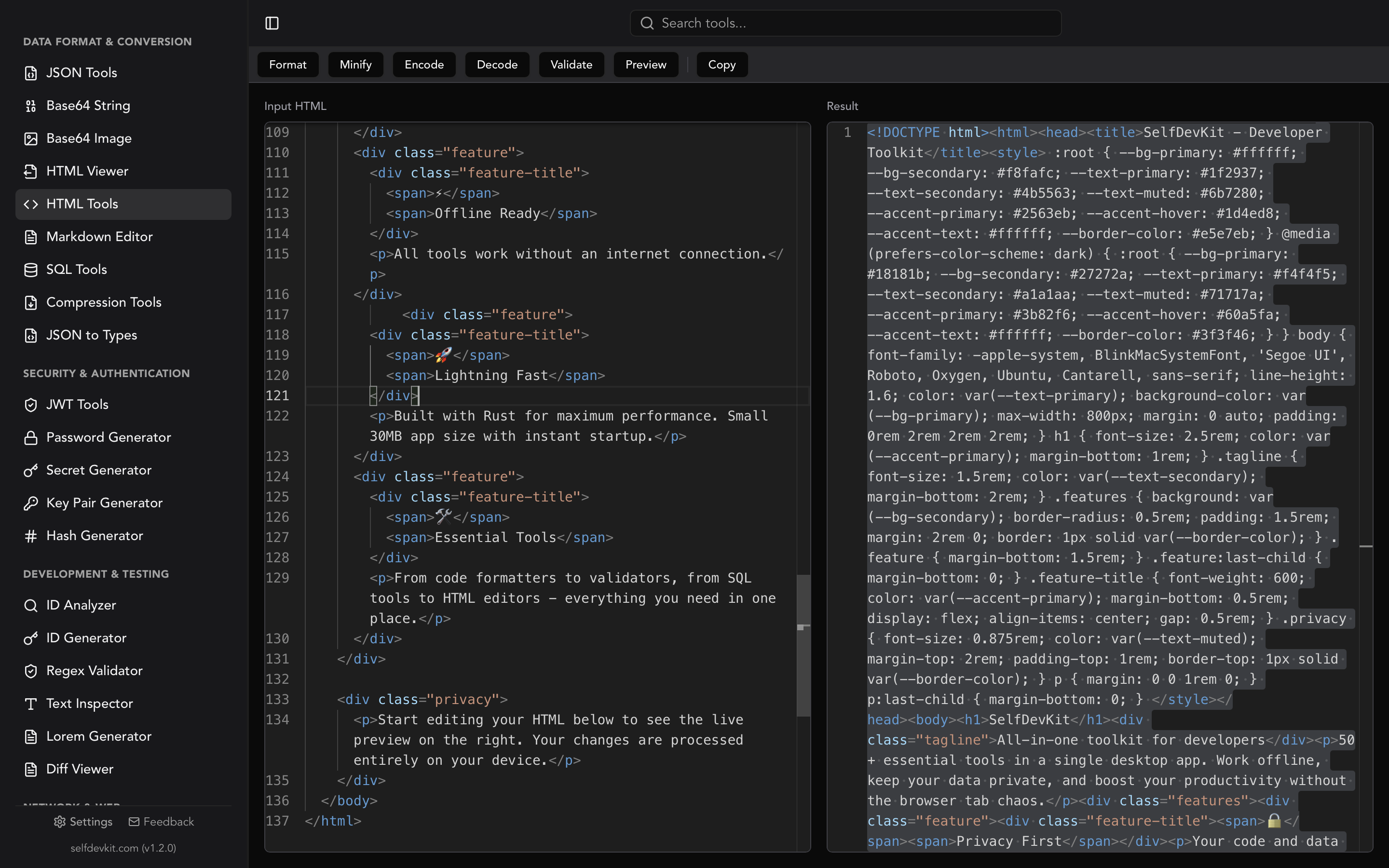
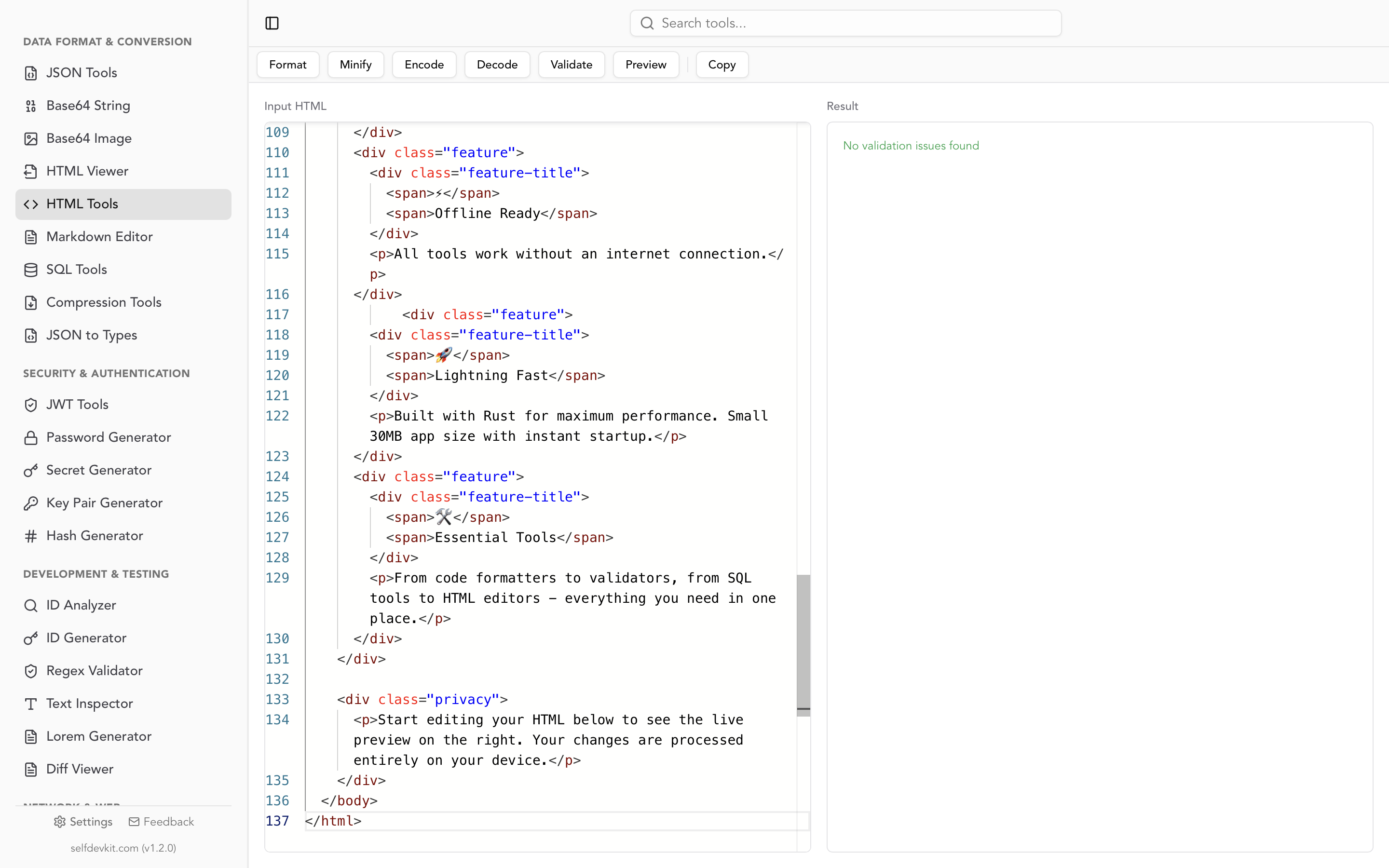
SelfDevKit's HTML Tools encode and decode entities entirely on your device. The same panel also formats, minifies, validates, and previews HTML, so you can escape a payload, check the markup, and render a preview without a single network request. It is part of a desktop app with 50+ developer tools that all run offline. If you frequently clean up markup, the companion HTML formatter guide walks through beautifying and minifying alongside encoding.
Frequently asked questions
Is HTML encoding the same as HTML escaping?
Yes. "HTML encode" and "HTML escape" refer to the same operation: replacing reserved characters with entity references so they render as text. Some tools and languages call it escaping (html.escape in Python) and others call it encoding (HtmlEncode in .NET). The result is identical.
Do I need to encode single quotes?
Yes, if the value might end up inside a single-quoted HTML attribute. Encoding ' to ' prevents an attacker from breaking out of value='...'. In the visible HTML body, single quotes are harmless, but encoding them anyway is safe and is what most robust encoders, including SelfDevKit's, do by default.
Why does my encoder output ' instead of '?
Because ' works everywhere. The named entity ' is valid in HTML5 but was not defined in HTML4, so older browsers and some XML contexts do not recognize it. The numeric reference ' points at the same code point and is universally supported, which is why it is the safer default.
Does HTML encoding protect against all XSS?
No. HTML entity encoding secures the HTML body context. It does not protect data placed inside <script> blocks, event handler attributes, href URLs, or CSS. Each of those needs context-specific encoding. Encode for the context where the data lands, and rely on your framework's auto-escaping plus a sanitizer for HTML you must render as markup.
Try it yourself
HTML encoding is a five-character operation with outsized consequences: get it right and user content displays safely, get it wrong and you ship an XSS hole. Encode on output, match the encoding to the context, and let your framework handle the common case.
When you need to encode or decode a snippet by hand, do it without sending your data anywhere. SelfDevKit's HTML Tools escape entities, format, and validate markup locally on macOS, Windows, and Linux.
Download SelfDevKit to HTML encode, decode, and validate offline, with 50+ developer tools in one private desktop app.