A base64 encoder converts binary data into a string of ASCII characters from a 64-symbol alphabet. You need one whenever you embed binary content in text-only formats like JSON, HTML, email, or configuration files. The encoding process maps every 3 input bytes to 4 output characters, producing a result roughly 33% larger than the original.
This guide covers how to encode Base64 in six programming languages and the command line, the UTF-8 pitfall that catches most JavaScript developers, how to calculate output size precisely, and why pasting sensitive data into online encoders is a risk you should stop taking.
Table of contents
- How a base64 encoder works
- Base64 encoding in every major language
- Base64 encoding on the command line
- The UTF-8 trap in JavaScript
- Standard vs URL-safe Base64
- Calculating Base64 output size
- Real-world base64 encoder use cases
- Stop pasting secrets into online encoders
- Frequently asked questions
- Try it yourself
How a base64 encoder works
A base64 encoder reads input bytes in groups of three, splits the resulting 24 bits into four 6-bit chunks, and maps each chunk to a character in the Base64 alphabet defined by RFC 4648. The alphabet consists of A-Z, a-z, 0-9, +, and /, with = used for padding.
Here is the step-by-step process for encoding the string "Dev":
Input:     D         e         v
ASCII:     68        101       118
Binary:    01000100  01100101  01110110

Split into 6-bit groups:
010001  000110  010101  110110

Index:     17      6       21      54
Base64:    R       G       V       2

Result: "RGV2"
When the input length is not a multiple of three, the encoder pads the output with = characters. One byte of input produces two Base64 characters plus ==. Two bytes produce three characters plus =. This padding makes the output length always a multiple of four, which simplifies decoding.
Here is what padding looks like in practice:
"A"    → "QQ=="     (1 byte  → 2 chars + == padding)
"AB"   → "QUI="     (2 bytes → 3 chars + = padding)
"ABC"  → "QUJD"     (3 bytes → 4 chars, no padding needed)
"ABCD" → "QUJDRA==" (4 bytes → 6 chars + == padding)
The Base64 alphabet is not random. The first 26 values (0-25) map to uppercase A-Z, the next 26 (26-51) to lowercase a-z, then digits 0-9 for values 52-61, and finally + and / for values 62 and 63. This ordering was chosen because uppercase ASCII letters come first in the character table, making the mapping computationally simple.
For a detailed walkthrough of the reverse process, see the Base64 decode guide.
Base64 encoding in every major language
Every modern language has built-in Base64 encoding support. Here are working examples you can copy directly into your projects.
JavaScript (Browser)
const encoded = btoa("Hello, World!");
// "SGVsbG8sIFdvcmxkIQ=="
JavaScript (Node.js)
const encoded = Buffer.from("Hello, World!").toString("base64");
// "SGVsbG8sIFdvcmxkIQ=="
Python
import base64

encoded = base64.b64encode(b"Hello, World!").decode("ascii")
# "SGVsbG8sIFdvcmxkIQ=="
Go
import "encoding/base64"

encoded := base64.StdEncoding.EncodeToString([]byte("Hello, World!"))
// "SGVsbG8sIFdvcmxkIQ=="
Rust
use base64::{Engine as _, engine::general_purpose};

let encoded = general_purpose::STANDARD.encode(b"Hello, World!");
// "SGVsbG8sIFdvcmxkIQ=="
Java
import java.util.Base64;

String encoded = Base64.getEncoder().encodeToString("Hello, World!".getBytes());
// "SGVsbG8sIFdvcmxkIQ=="
PHP
$encoded = base64_encode("Hello, World!");
// "SGVsbG8sIFdvcmxkIQ=="
Notice how every language produces the exact same output for the same input. That is the point. Base64 is a standard, not an implementation detail. A string encoded in Python decodes correctly in Go, Rust, Java, or any other language that follows RFC 4648.
Base64 encoding on the command line
The base64 command is available on macOS and Linux out of the box. On Windows, PowerShell provides equivalent functionality.
macOS and Linux
# Encode a string
echo -n "Hello, World!" | base64
# SGVsbG8sIFdvcmxkIQ==

# Encode a file
base64 < certificate.pem > certificate.b64

# Encode and copy to clipboard (macOS)
echo -n "my-api-key:secret" | base64 | pbcopy
The -n flag on echo is critical. Without it, echo appends a newline character, and your encoded output will include that newline. This is one of the most common CLI encoding mistakes.
Windows PowerShell
# Encode a string
[Convert]::ToBase64String([Text.Encoding]::UTF8.GetBytes("Hello, World!"))
# SGVsbG8sIFdvcmxkIQ==

# Encode a file
[Convert]::ToBase64String([IO.File]::ReadAllBytes("certificate.pem"))
Practical CLI patterns
Developers frequently need to Base64 encode credentials for HTTP Basic Authentication headers:
# Create a Basic Auth header value
echo -n "admin:p@ssw0rd" | base64
# YWRtaW46cEBzc3cwcmQ=

# Use it directly with curl
curl -H "Authorization: Basic $(echo -n 'admin:p@ssw0rd' | base64)" https://api.example.com
Kubernetes secrets are another common use case. Every value in a Secret manifest must be Base64-encoded:
# Encode values for a Kubernetes Secret
echo -n "my-db-password" | base64
# bXktZGItcGFzc3dvcmQ=
For a deeper look at generating the secrets themselves, see the JWT secret key generator guide or the Secret Generator tool.
Encoding files for embedding
You can also encode entire files and embed them directly. This is useful for including small assets in JSON configuration or embedding fonts in CSS:
# Encode an SVG icon for use as a CSS background
echo -n "data:image/svg+xml;base64,$(base64 < icon.svg)" > icon-data-uri.txt

# Encode a small font file
base64 < custom-font.woff2 | tr -d '\n' > font.b64
On macOS, the base64 command outputs with line wraps by default (76 characters per line, following MIME conventions). To get a single continuous line, pipe through tr -d '\n' or use base64 -b 0 on macOS. On Linux, use base64 -w 0. This difference trips people up when switching between platforms.
# macOS: no line wrapping
base64 -b 0 < input.bin

# Linux: no line wrapping
base64 -w 0 < input.bin
The UTF-8 trap in JavaScript
JavaScript's btoa() function throws a DOMException when the input string contains characters with code points above 0xFF. This catches developers off guard because JavaScript strings are UTF-16 internally, but btoa() was designed for byte strings where each character represents a single byte.
// This works fine
btoa("Hello");  // "SGVsbG8="

// This throws DOMException: The string contains characters
// outside of the Latin1 range.
btoa("Hello, 世界!");  // ERROR
The fix is to convert the string to UTF-8 bytes first, then encode those bytes:
// Modern approach (2024+)
function utf8ToBase64(str) {
  const bytes = new TextEncoder().encode(str);
  const binString = Array.from(bytes, (byte) =>
    String.fromCodePoint(byte)
  ).join("");
  return btoa(binString);
}

utf8ToBase64("Hello, 世界!");
// "SGVsbG8sIOS4lueVjCE="
The older workaround using encodeURIComponent and unescape still works but unescape is deprecated:
// Legacy approach (still functional but deprecated)
const encoded = btoa(unescape(encodeURIComponent("Hello, 世界!")));
According to MDN's Base64 documentation, the newer Uint8Array.prototype.toBase64() method handles this more cleanly, though browser support is still rolling out as of 2026.
Python, Go, Rust, and Java do not have this problem. They operate on byte arrays natively, so UTF-8 encoding happens naturally as part of the string-to-bytes conversion.
Standard vs URL-safe Base64
RFC 4648 defines two Base64 alphabets. Standard Base64 uses + and / as the 62nd and 63rd characters. URL-safe Base64 replaces them with - and _ because + and / have special meaning in URLs and file paths.
| Property | Standard Base64 | URL-safe Base64 |
|---|---|---|
| Characters 62-63 | + / |
- _ |
| Padding | = (required) |
= (often omitted) |
| RFC section | RFC 4648 Section 4 | RFC 4648 Section 5 |
| Use when | Email (MIME), PEM certs, general data | URLs, filenames, JWT tokens, cookies |
Here is how to use both variants:
import base64

data = b"subjects?test=true"

# Standard
base64.b64encode(data).decode()
# "c3ViamVjdHM/dGVzdD10cnVl"

# URL-safe
base64.urlsafe_b64encode(data).decode()
# "c3ViamVjdHM_dGVzdD10cnVl"
#                     ^ underscore instead of slash
import "encoding/base64"

data := []byte("subjects?test=true")

// Standard
base64.StdEncoding.EncodeToString(data)

// URL-safe
base64.URLEncoding.EncodeToString(data)
JWT tokens use URL-safe Base64 without padding for their header and payload segments. If you are building or debugging JWTs, this distinction matters. Using standard Base64 to encode a JWT segment will produce invalid tokens. For more on working with JWTs, see the JWT decoder guide.
Calculating Base64 output size
The encoded output size for n input bytes is 4 * ceil(n / 3) characters. Each character is one ASCII byte, so the output is also that many bytes.
Here is a quick reference:
| Input size | Output size | Overhead |
|---|---|---|
| 1 byte | 4 characters | 300% |
| 2 bytes | 4 characters | 100% |
| 3 bytes | 4 characters | 33% |
| 100 bytes | 136 characters | 36% |
| 1 KB | 1,368 characters | 33.6% |
| 10 KB | 13,656 characters | 33.4% |
| 1 MB | 1,398,100 characters | 33.3% |
The overhead converges to exactly 33.33% as input size grows. For small inputs (1-2 bytes), padding pushes the overhead much higher.
This matters when you are deciding whether to Base64-encode an image for embedding in CSS or HTML. A 5 KB icon becomes roughly 6.7 KB of Base64 text. That is usually worth the saved HTTP request. A 500 KB photo becomes 667 KB of inline text that the browser cannot cache separately. That is almost never worth it.
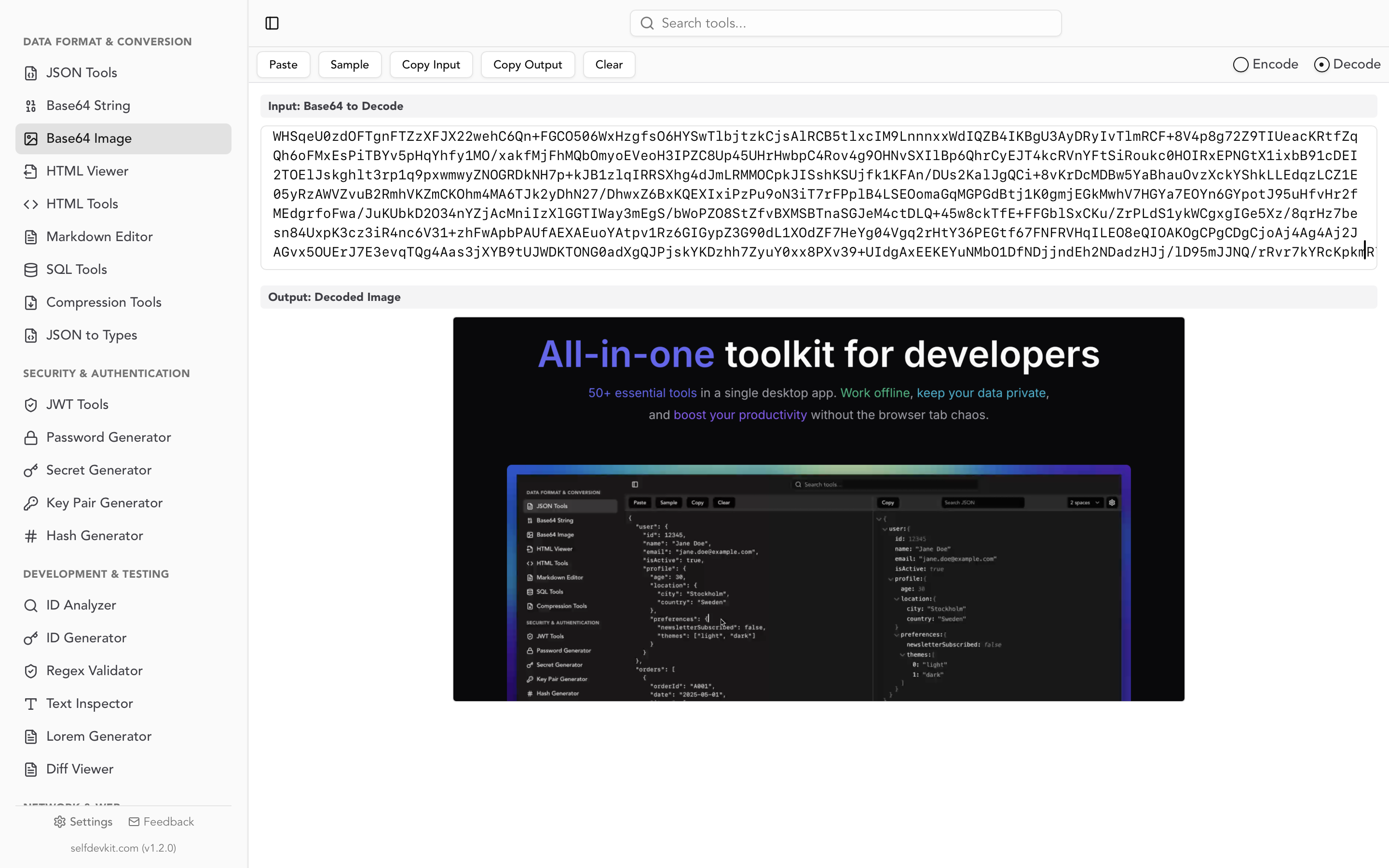
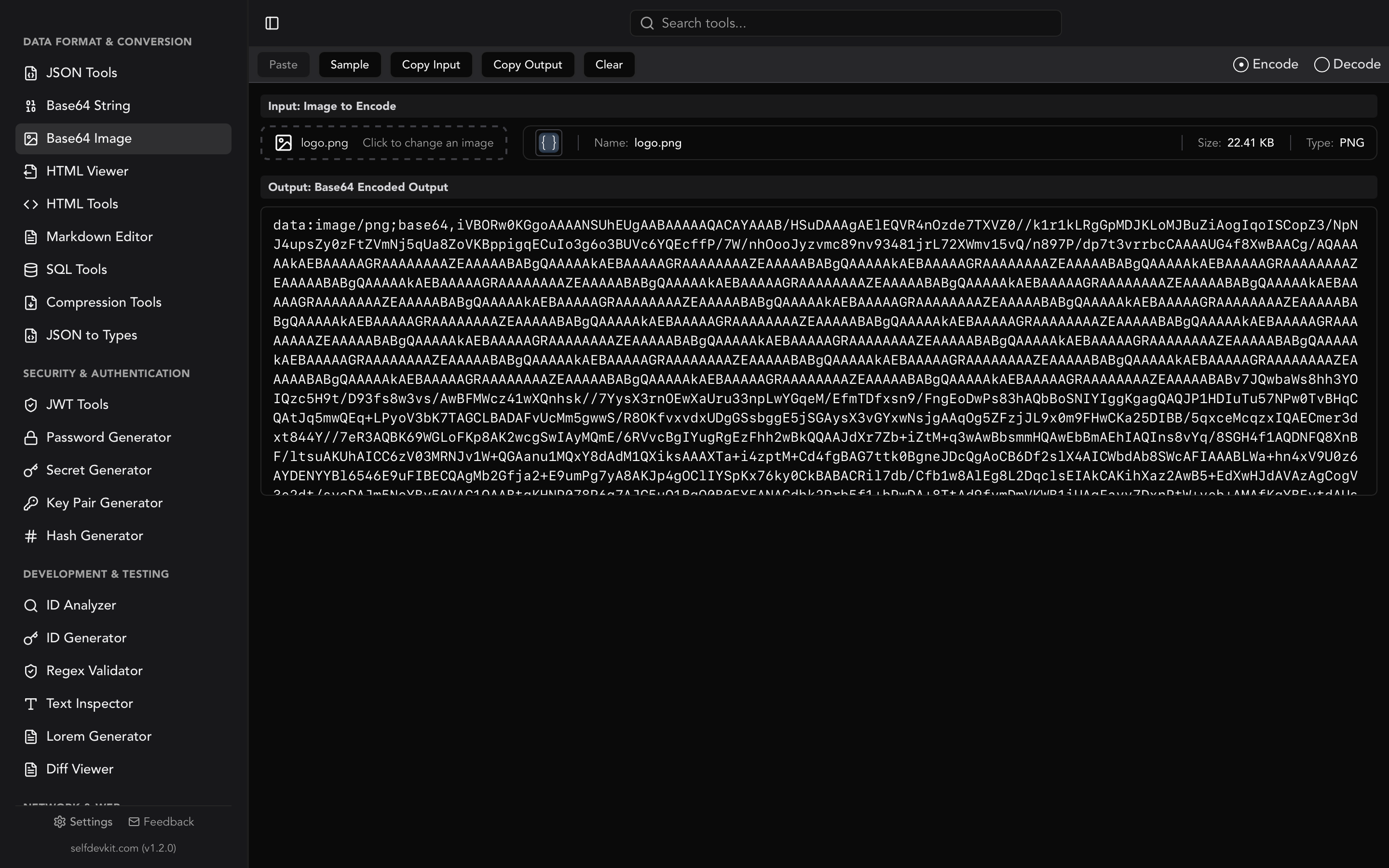
For image encoding specifically, see the Base64 to image guide and the Base64 Image Tools feature page.
Real-world base64 encoder use cases
Base64 encoding solves exactly one problem: representing binary data in contexts that only support text. Here are the scenarios where developers reach for a base64 encoder most often.
HTTP Basic Authentication
The HTTP Basic Auth scheme requires the username:password pair to be Base64-encoded. This is defined in RFC 7617. The server decodes the header to extract credentials.
// Building a Basic Auth header in JavaScript
const username = "admin";
const password = "s3cret!";
const credentials = btoa(`${username}:${password}`);

fetch("https://api.example.com/data", {
  headers: {
    "Authorization": `Basic ${credentials}`
  }
});
Remember: Basic Auth only encodes credentials. It does not encrypt them. Always use HTTPS when transmitting Basic Auth headers. For generating strong passwords, see the secure password generator guide.
Kubernetes Secrets
Every value in a Kubernetes Secret manifest must be Base64-encoded. The data field expects encoded values, while the stringData field accepts plain text (Kubernetes encodes it for you):
apiVersion: v1
kind: Secret
metadata:
  name: db-credentials
type: Opaque
data:
  username: YWRtaW4=           # echo -n "admin" | base64
  password: cEBzc3cwcmQ=       # echo -n "p@ssw0rd" | base64
  connection-string: cG9zdGdyZXM6Ly9hZG1pbjpwQHNzdzByZEBkYi5leGFtcGxlLmNvbTo1NDMyL215ZGI=
Embedding images in HTML emails
Email clients block external images by default. Base64 embedding ensures images render without user interaction:
<img src="data:image/png;base64,iVBORw0KGgo..." alt="Logo" width="200" />
Keep embedded images small. A 50 KB logo becomes roughly 67 KB of Base64 text, which inflates the email payload and may trigger spam filters on larger attachments. For converting images to Base64 strings, see the Base64 Image Tools.
Binary data in JSON APIs
JSON has no binary type. When an API needs to return file content alongside metadata, Base64 encoding is the standard approach:
{
  "filename": "report.pdf",
  "contentType": "application/pdf",
  "content": "JVBERi0xLjQKJeLjz9MKMSAwIG9iago8PC...",
  "sizeBytes": 24891
}
You can inspect these payloads with the JSON Tools to verify the structure before decoding the content.
When NOT to encode
Not every binary problem needs Base64. Avoid it when:
- You need security. Base64 is encoding, not encryption. Anyone can decode it. Use the Hash Generator for integrity checks or actual encryption for confidentiality.
- Binary transport is available. WebSocket binary frames, gRPC, Protocol Buffers, and direct file uploads all handle binary natively without the 33% size penalty.
- The image is larger than 10 KB. Serve it as a separate file with proper cache headers instead.
- You are trying to "hide" data. Base64-encoded strings are trivially recognizable by their character set and padding.
Stop pasting secrets into online encoders
Every major "base64 encoder" search result points to an online tool. These tools work fine for non-sensitive data. But developers routinely paste API keys, database passwords, authentication tokens, and private certificates into them.
Think about what that means. Your credentials are being sent to a third-party server, processed, and returned. Even if the site claims "client-side only," you have no way to verify that without auditing their JavaScript. And most of these sites load analytics scripts, ad networks, and third-party tracking code that could intercept form inputs.
This is not a theoretical risk. The OWASP Sensitive Data Exposure guidelines warn against transmitting secrets through uncontrolled channels. Your local terminal, a desktop app, or your own code are the only safe options for encoding sensitive data.
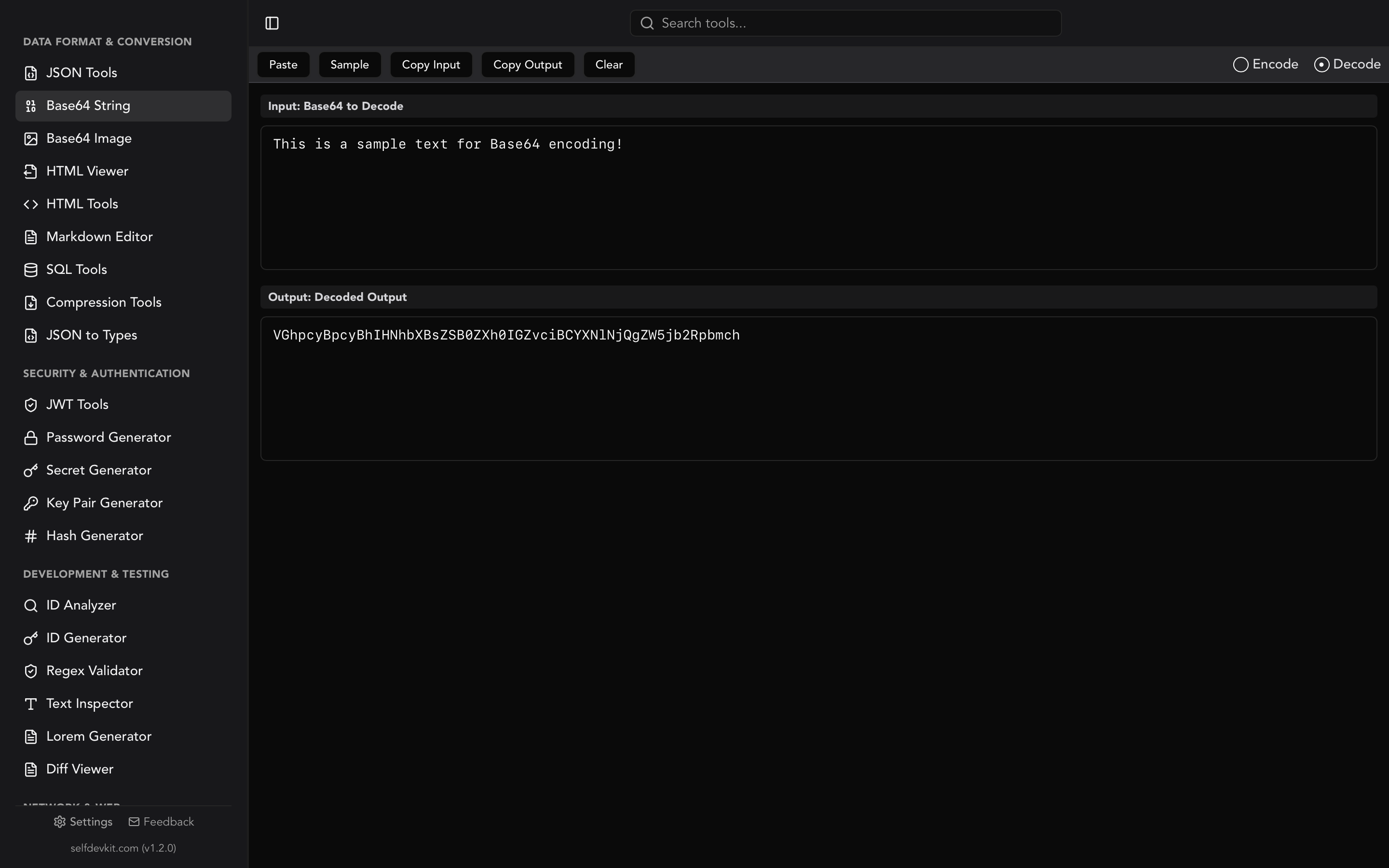
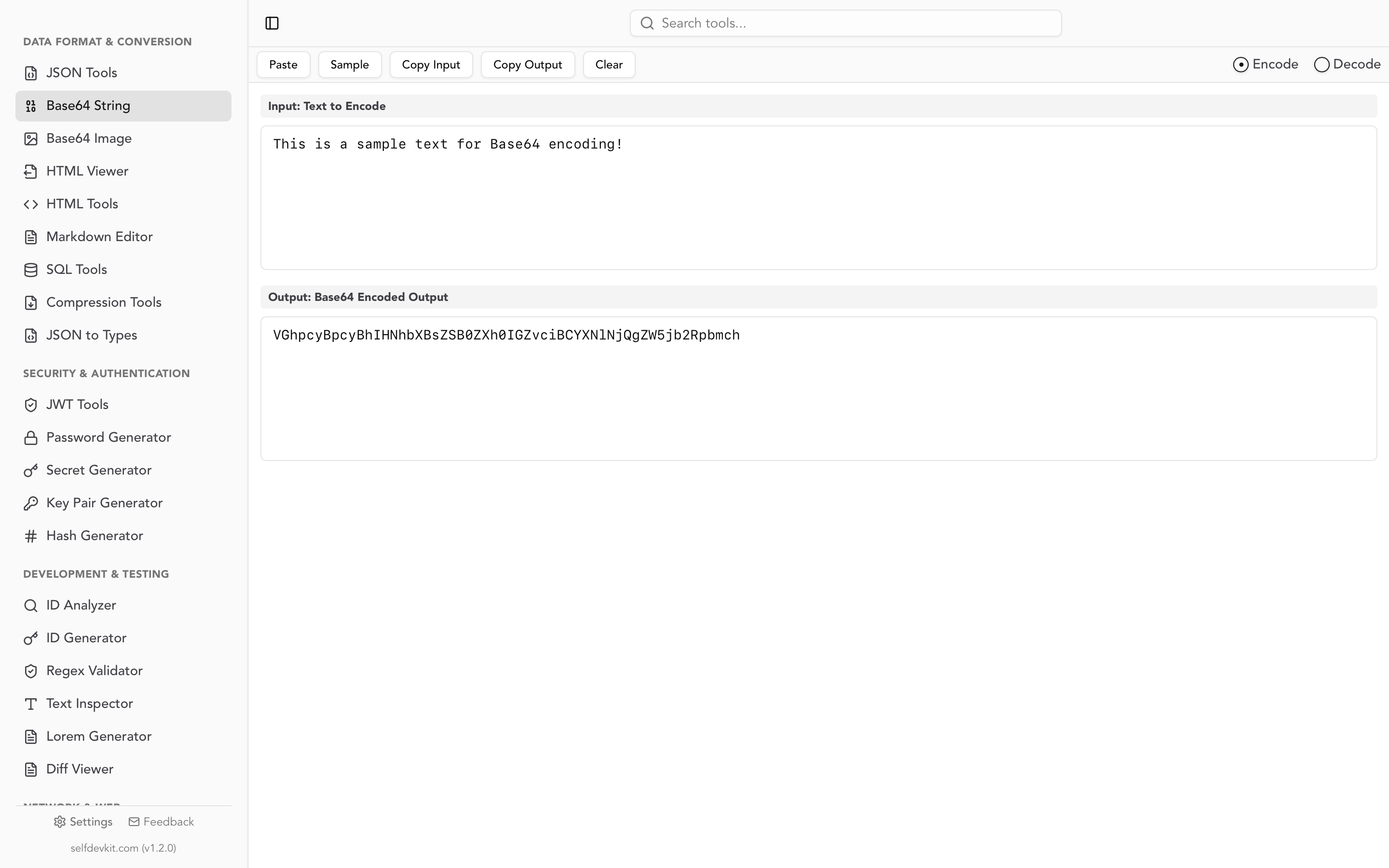
SelfDevKit's Base64 String Tools run entirely on your machine. No network requests, no telemetry, no third-party scripts. Paste your Kubernetes secret, encode it, copy the result. The data never leaves your device.
For quick non-sensitive encoding, online tools are fine. For anything you would not post publicly on GitHub, use an offline tool or the command line.
Frequently asked questions
What is the difference between Base64 encoding and encryption?
Base64 encoding is a reversible transformation that makes binary data text-safe. It provides zero confidentiality since anyone can decode it without a key. Encryption transforms data so that only someone with the correct key can read it. Never use Base64 as a security measure. For generating secure secrets, see the Password Generator.
Why does my Base64 output have = signs at the end?
Padding characters (=) appear when the input length is not a multiple of three bytes. One = means the last group had two bytes; == means it had one byte. Some implementations (particularly URL-safe Base64 in JWTs) omit padding entirely since the decoder can infer the original length from the output length.
Can I Base64 encode binary files like images and PDFs?
Yes. Base64 can encode any binary data, not just text. In fact, embedding images in HTML and CSS via data URIs is one of the most common uses. For working with images specifically, see the Base64 Image Tools which provide drag-and-drop encoding with a live preview.
Is Base64 encoding the same across all programming languages?
Yes. As long as both sides use the same variant (standard or URL-safe) and the same padding behavior, a string encoded in Python will decode correctly in JavaScript, Go, Rust, Java, or any RFC 4648-compliant implementation. The output is deterministic and portable.
Try it yourself
SelfDevKit includes dedicated Base64 String Tools with real-time encoding, one-click copy, and full offline operation. No browser tabs, no privacy concerns, no network dependency.
Download SelfDevKit to get a base64 encoder along with 50+ other developer tools, all running locally on your machine.