What is JSON minification?
JSON minification removes all whitespace, line breaks, and indentation from a JSON document, producing the smallest valid JSON string. The data itself is unchanged; only the formatting characters are stripped. Minified JSON transfers faster over the network and parses slightly faster because there are fewer bytes to process.
Every API that returns JSON has to make a choice: ship readable, indented output or strip the whitespace and send a dense single-line payload. For production systems, the answer is almost always: minify it.
But "just minify your JSON" gets repeated without much nuance. When does it actually matter? How much does it help? What's the right way to do it in your language or build pipeline? And what happens to the sensitive JSON you paste into random online minifiers?
This post covers all of it.
Table of contents
- What JSON minify does under the hood
- How much size reduction to expect
- How to minify JSON in JavaScript and Node.js
- How to minify JSON in Python
- Minifying JSON in build pipelines
- When to minify JSON and when to skip it
- The privacy problem with online JSON minifiers
- Frequently Asked Questions
What JSON minify does under the hood
JSON minification strips insignificant whitespace: spaces, tabs, and newlines that exist only to make the document readable. The JSON specification (RFC 8259) explicitly classifies these characters as insignificant structural whitespace, which is why a minifier can safely remove them without changing what the document means.
What minification preserves:
- All key names and values
- String content, including spaces inside string values
- Number precision
- Boolean and null literals
- Array and object nesting structure
What it removes:
- Spaces and tabs used for indentation
- Line breaks between properties
- Spaces after colons and commas (outside string values)
Here is a concrete before and after:
Formatted (2-space indented):
{
  "user": {
    "id": "usr_123",
    "email": "jane@example.com",
    "active": true,
    "roles": ["admin", "editor"]
  }
}
Minified:
{"user":{"id":"usr_123","email":"jane@example.com","active":true,"roles":["admin","editor"]}}
The result is semantically identical JSON. A parser reading the minified version produces the exact same data structure as a parser reading the formatted version.
One thing worth clarifying: minification is not compression. Minification removes formatting characters at the text level, producing a shorter string. Compression (gzip, brotli) encodes the byte stream to reduce binary size. Both can be applied together. HTTP servers typically gzip or brotli compress response bodies, and minified JSON compresses more efficiently than formatted JSON because the repetitive indentation patterns are eliminated before the compression algorithm runs.
How much size reduction to expect
The savings vary with how deeply nested and how verbose your original JSON is. Heavily indented structures shrink more. Flat key-value pairs shrink less.
Realistic ranges based on indentation style:
| Original indentation | Typical size reduction |
|---|---|
| 4-space indented | 30-45% |
| 2-space indented | 20-35% |
| Tab indented | 25-40% |
| Already compact | 5-10% |
For context: a typical REST API response of 5 KB formatted drops to roughly 3-3.5 KB minified. Across millions of requests, that translates to real infrastructure cost savings and measurable latency improvements, especially on mobile connections.
One thing most guides skip: if you're already serving JSON with HTTP compression enabled (gzip or brotli), the additional benefit of minification shrinks considerably. Gzip on formatted JSON often reaches a similar final byte count as minified-then-gzip. The biggest wins from minification alone come when you're storing JSON in a database, embedding it in a binary protocol, or transmitting it through a channel that doesn't apply HTTP-level compression.
How to minify JSON in JavaScript and Node.js
To JSON minify in JavaScript, no dependencies are required. JSON.stringify produces minified output by default.
const data = JSON.parse(formattedJson);
const minified = JSON.stringify(data);
The third argument to JSON.stringify controls indentation. Omit it (or pass null or 0) and you get minified output.
// Minified output
JSON.stringify(data);
// {"name":"Jane","age":30}

// Formatted with 2 spaces
JSON.stringify(data, null, 2);

// Formatted with 4 spaces
JSON.stringify(data, null, 4);
For processing JSON files from the filesystem in Node.js:
import { readFileSync, writeFileSync } from 'fs';

const input = readFileSync('data.json', 'utf8');
const minified = JSON.stringify(JSON.parse(input));
writeFileSync('data.min.json', minified);
This round-trips through parse and stringify, which also validates the JSON. If the input is malformed, JSON.parse throws before any output is written. Free validation at no extra cost.
How to minify JSON in Python
Python's standard library handles this cleanly through the json module.
import json

# From a string
formatted = '{\n  "name": "Jane",\n  "age": 30\n}'
minified = json.dumps(json.loads(formatted), separators=(',', ':'))

# From a file
with open('data.json') as f:
    data = json.load(f)

minified = json.dumps(data, separators=(',', ':'))
The separators=(',', ':') argument is the key detail. By default, json.dumps uses ', ' and ': ' (with trailing spaces after each separator). Specifying (',', ':') removes those spaces, producing truly compact output.
Writing the result back to a file:
with open('data.min.json', 'w') as f:
    json.dump(data, f, separators=(',', ':'))
Minifying JSON in build pipelines
Most production applications don't minify JSON manually. It happens automatically as part of the build or deploy process.
Webpack: The json-minimizer-webpack-plugin handles JSON assets included in your bundle.
// webpack.config.js
const JsonMinimizerPlugin = require("json-minimizer-webpack-plugin");

module.exports = {
  optimization: {
    minimizer: [new JsonMinimizerPlugin()],
  },
};
jq: If jq is available in your environment, it's the cleanest CLI option.
jq -c . input.json > output.min.json
The -c flag enables compact output mode. Combined with . (identity filter), this reads, validates, and minifies JSON in one step.
Node.js one-liner for CI pipelines:
node -e "process.stdout.write(JSON.stringify(JSON.parse(require('fs').readFileSync('/dev/stdin','utf8'))))" < input.json > output.min.json
These approaches handle minification at build time. Source files stay readable and human-editable. Distributed files stay compact. This is the pattern to aim for: never force developers to read minified JSON in source control, and never ship formatted JSON to production consumers.
When to minify JSON and when to skip it
Minify JSON when:
- Serving API responses over HTTP
- Storing JSON blobs in a database or object store
- Embedding JSON in bundled JavaScript for production
- Transmitting JSON through message queues or event streams
- Caching JSON in Redis or similar stores where memory costs money
- Embedding in URL query parameters where every byte counts
Skip minification (or keep formatted copies) when:
- The JSON is a configuration file that humans edit directly, like
package.jsonortsconfig.json - You're debugging and need to read the output quickly
- You're committing JSON to source control and want readable diffs
- The JSON payload is tiny (under 1 KB) and the overhead isn't worth the complexity
The biggest mistake is minifying JSON that humans are expected to read or edit. A minified package.json checked into version control makes every code review harder and every merge conflict a guessing game. Minification belongs in the output layer, not in source files.
When you do need to temporarily format minified JSON for inspection, the reverse operation (beautifying) is just as important. Our guide on JSON formatting, viewing, and validation covers the full picture of working with JSON in both directions.
It's also worth knowing that minification handles plain JSON. If your JSON strings contain escape sequences (like \" or \n embedded inside string values), minification preserves those exactly. For scenarios where you need to work with escaped vs. unescaped JSON strings themselves, that's a separate operation covered in our unescape JSON guide.
The privacy problem with online JSON minifiers
Online JSON minifiers are convenient, but think about what you're pasting into them.
API responses often contain user data: emails, IDs, authentication tokens (like JWTs with embedded claims), internal system fields. Configuration files can carry database connection strings and API keys. Debug payloads from production systems can contain customer records. Any of this belongs in a production incident if it leaks.
When you paste that data into a web-based minifier:
- It may travel over the network to their servers (or run in client-side JavaScript, but you can't verify which without auditing their bundle)
- Their server may log requests for debugging or analytics
- Third-party scripts loaded on the page can access the DOM
- You have no visibility into their data retention policies
Even well-intentioned services have incidents. Server logs get breached. Analytics providers capture fields they shouldn't. A misconfigured cache exposes something.
The solution is simple: process it locally.
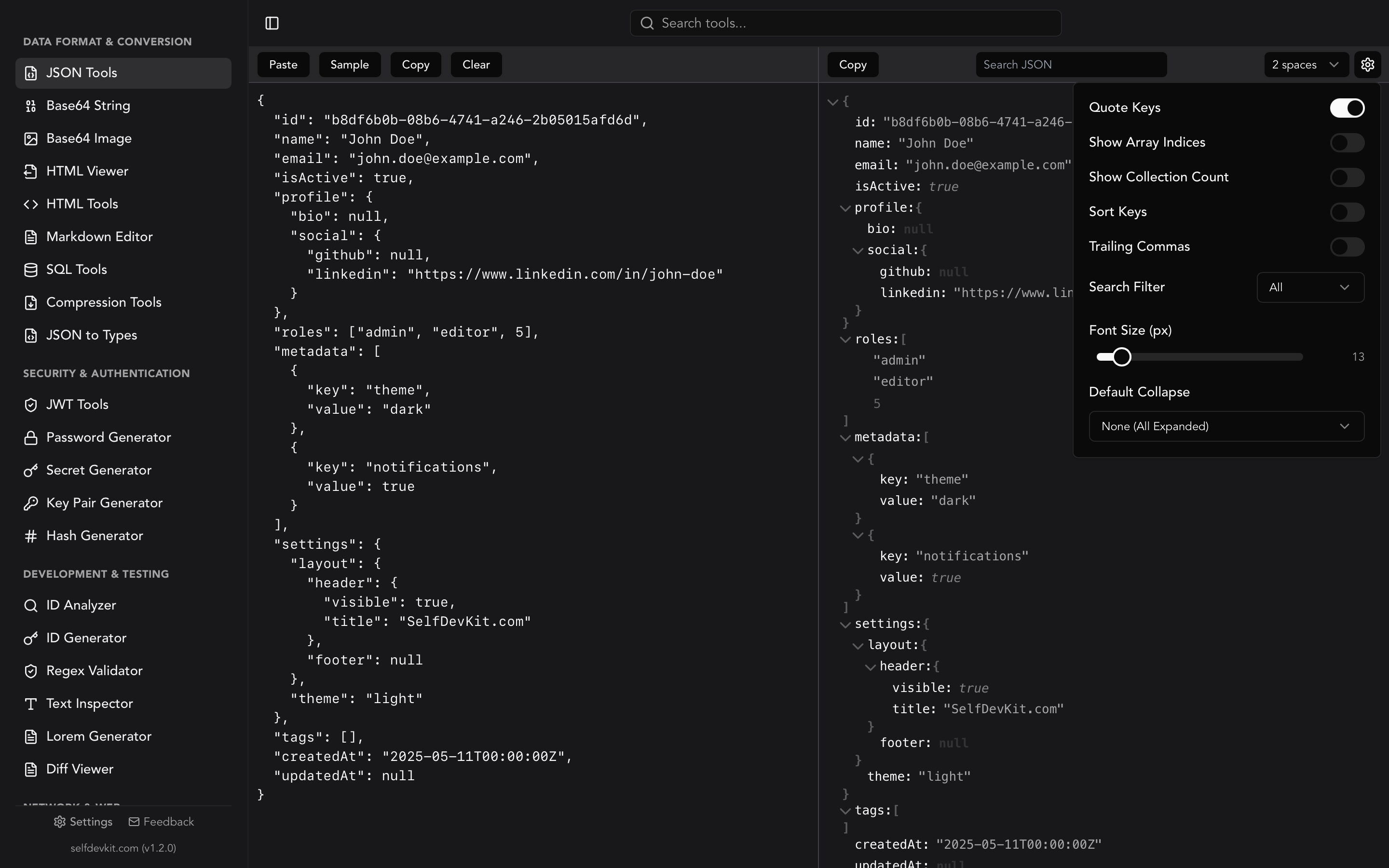
SelfDevKit's JSON Tools include JSON minification as a built-in feature alongside formatting, validation, and tree view. Everything runs natively on your desktop.
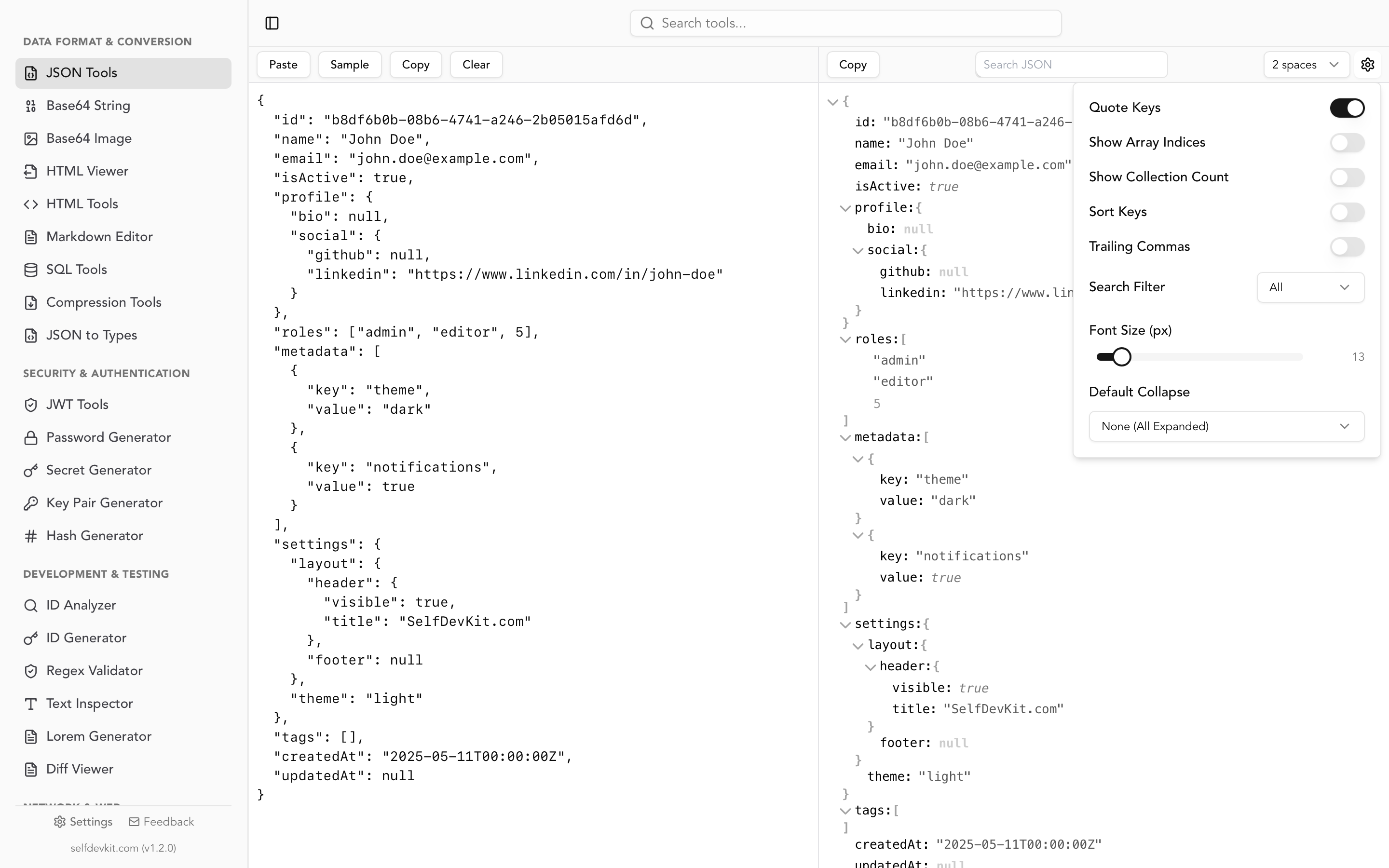
Paste your most sensitive API payload. Minify it. Nothing touches the network. The same tool handles formatting when you're reading output and minification when you're optimizing for production, with no context switching between tools or browser tabs.
For a deeper look at why local processing matters, read our post on why offline-first developer tools are essential.
Frequently Asked Questions
Does JSON minification change the data?
No. JSON minification only removes insignificant whitespace between tokens. String values, numbers, booleans, null, and the overall structure are preserved exactly. A parser reading the minified output produces the identical data structure as reading the original formatted JSON.
Is minified JSON valid JSON?
Yes. Minified JSON is fully valid JSON according to RFC 8259. Whitespace between tokens is explicitly optional in the specification. Any conforming JSON parser accepts both minified and formatted JSON.
Can I minify JSON that contains comments?
Standard JSON does not allow comments. If your JSON contains // or /* */ comments, it is not valid JSON but rather a superset like JSON5 or JSONC. Standard minifiers will reject it as invalid. You need a tool that explicitly supports the superset format you're using.
How is minification different from gzip compression?
Minification removes formatting characters at the text level, producing a shorter UTF-8 string. Gzip (and brotli) compress the byte stream using algorithms that find and eliminate repetition. Both can be applied together, and they compound. Minified JSON compresses better than formatted JSON because repetitive indentation is removed before the compression pass.
Try it yourself
SelfDevKit's JSON Tools handle minification, formatting, validation, and tree view in a single offline desktop app. Paste your JSON once, minify for production, format for debugging, all without touching the network.
Download SelfDevKit and get 50+ developer tools, offline and private.