What does it mean to unescape JSON?
To unescape JSON means to convert escaped character sequences (like
\",\\,\n,\t) back into their original characters within a JSON string. This is necessary when JSON has been serialized multiple times or stored as a plain string inside another JSON value.
If you work with APIs, log files, or database exports, you have almost certainly encountered escaped JSON. A response comes back with backslashes littered throughout the string, quotes prefixed with \, and newlines represented as \n instead of actual line breaks. You need to unescape JSON to turn that mess back into a usable data structure.
This guide covers the escape sequences defined by the JSON specification, shows you how to unescape JSON in Python, JavaScript, and Go, and walks through the most common real-world scenario that trips developers up: double-escaped JSON.
Table of contents
- JSON escape sequences explained
- When and why JSON gets escaped
- How to unescape JSON in code
- Fixing double-escaped JSON
- Common unescape mistakes
- Privacy risks of online unescape tools
- Frequently asked questions
JSON escape sequences explained
The JSON specification (RFC 8259) defines exactly which characters must be escaped inside a JSON string value. There are nine escape sequences in total:
| Escape sequence | Character | Unicode code point |
|---|---|---|
\" |
Double quote | U+0022 |
\\ |
Backslash | U+005C |
\/ |
Forward slash | U+002F |
\b |
Backspace | U+0008 |
\f |
Form feed | U+000C |
\n |
Line feed (newline) | U+000A |
\r |
Carriage return | U+000D |
\t |
Tab | U+0009 |
\uXXXX |
Any Unicode character | U+XXXX |
Double quotes and backslashes must always be escaped inside JSON strings. The forward slash escape (\/) is optional but sometimes used when embedding JSON inside HTML <script> tags to prevent the browser from interpreting </ as a closing tag.
Control characters (code points U+0000 through U+001F) also require escaping. Most of these are rare in practice, but \n, \r, and \t show up constantly.
Unescaping reverses this process. Every \" becomes a literal ", every \\ becomes a single \, and every \n becomes an actual newline character.
When and why JSON gets escaped
Understanding why your JSON arrived in escaped form is half the battle. Here are the most common scenarios.
Stringified JSON inside JSON
This is the number one cause of escaped JSON headaches. An API returns a JSON response where one of the values is itself a JSON string, serialized as a string value rather than a nested object:
{
  "event": "user.created",
  "payload": "{\"id\":42,\"name\":\"Jane\",\"email\":\"jane@example.com\"}"
}
The payload field contains valid JSON, but it has been serialized as a string. The inner quotes are escaped with backslashes so they do not break the outer JSON structure. To work with the payload data, you need to parse it separately.
This pattern is extremely common in message queues (SQS, Kafka, RabbitMQ), webhook payloads, and event-driven architectures where the envelope and the payload are serialized independently.
Log files and database columns
Production log entries often store JSON as text in a single line. Logging frameworks may escape the JSON before writing it to avoid breaking the log format:
2026-03-20 14:32:01 INFO event=api_response body="{\"status\":\"ok\",\"count\":15}"
Similarly, database columns of type TEXT or VARCHAR store JSON as a plain string. When you query that column, the value comes back escaped.
Double serialization in APIs
Some API clients accidentally serialize JSON twice. The first JSON.stringify() produces valid JSON. The second wraps the entire thing in quotes and escapes every internal quote:
const data = { name: "Jane" };
const once = JSON.stringify(data);       // '{"name":"Jane"}'
const twice = JSON.stringify(once);      // '"{\\"name\\":\\"Jane\\"}"'
The result of twice is a JSON string whose value is an escaped JSON string. Parsing it once gives you the intermediate string. Parsing it again gives you the actual object.
Escaped strings from copy-paste
Developers frequently copy JSON from browser DevTools, terminal output, or documentation. Depending on the context, the copied text may include escape characters that were part of the display representation, not the actual data.
How to unescape JSON in code
Every major language has built-in support for unescaping JSON. The key insight: JSON.parse (or its equivalent) is the unescape function. You do not need a separate unescape utility. The parser handles escape sequences automatically.
Python
Python's json module handles unescaping through json.loads():
import json

# Escaped JSON string (as you might receive from an API)
escaped = '{"payload": "{\\"user\\":\\"Jane\\",\\"active\\":true}"}'

# First parse: get the outer object
outer = json.loads(escaped)
print(outer["payload"])
# Output: {"user":"Jane","active":true}

# Second parse: unescape the inner JSON string
inner = json.loads(outer["payload"])
print(inner["user"])
# Output: Jane
For strings that contain Python-style escape sequences (not JSON escapes), use codecs.decode:
import codecs

raw = r'Hello\nWorld\t!'
unescaped = codecs.decode(raw, 'unicode_escape')
print(unescaped)
# Output:
# Hello
# World	!
JavaScript
JSON.parse() is the standard unescape method in JavaScript and TypeScript:
// Escaped JSON string from an API response
const escaped = '{"payload":"{\\"id\\":1,\\"status\\":\\"active\\"}"}';

// Parse the outer JSON
const outer = JSON.parse(escaped);
console.log(outer.payload);
// Output: {"id":1,"status":"active"}

// Parse the inner string to get the actual object
const inner = JSON.parse(outer.payload);
console.log(inner.status);
// Output: active
If you are working in Node.js and the string is simply a JavaScript string literal with escape sequences (not JSON), you can evaluate it carefully or use a replace chain:
const raw = 'Line 1\\nLine 2\\tTabbed';
const unescaped = raw
  .replace(/\\n/g, '\n')
  .replace(/\\t/g, '\t')
  .replace(/\\"/g, '"')
  .replace(/\\\\/g, '\\');
console.log(unescaped);
// Output:
// Line 1
// Line 2	Tabbed
Go
Go's encoding/json package unescapes through json.Unmarshal:
package main

import (
    "encoding/json"
    "fmt"
)

func main() {
    escaped := []byte(`{"payload":"{\"user\":\"Jane\",\"active\":true}"}`)

    var outer map[string]string
    json.Unmarshal(escaped, &outer)

    var inner map[string]interface{}
    json.Unmarshal([]byte(outer["payload"]), &inner)

    fmt.Println(inner["user"]) // Jane
}
Go also provides strconv.Unquote for unescaping Go string literals, which follows similar rules but is not JSON-specific.
Command line with jq
For quick one-off unescaping, jq is invaluable:
# Unescape a JSON string value
echo '"{\\"name\\":\\"Jane\\"}"' | jq -r '.'
# Output: {"name":"Jane"}

# Parse and pretty-print the inner JSON
echo '"{\\"name\\":\\"Jane\\"}"' | jq -r '.' | jq .
# Output:
# {
#   "name": "Jane"
# }
The -r flag tells jq to output raw strings instead of JSON-encoded strings, which effectively unescapes one layer.
Fixing double-escaped JSON
Double-escaped JSON is the single most common unescape problem developers encounter. It happens when data gets serialized twice, and it looks like this:
"{\\\"name\\\":\\\"Jane\\\",\\\"age\\\":30}"
Three backslashes before each quote. That is the telltale sign.
How double escaping happens
Consider this sequence of events:
- Your application creates a JavaScript object:
{ name: "Jane" } - A middleware layer calls
JSON.stringify()to turn it into{"name":"Jane"} - The HTTP client calls
JSON.stringify()again before sending, producing"{\"name\":\"Jane\"}" - The receiving API stores this value inside another JSON object, escaping the backslashes:
{"data": "{\\\"name\\\":\\\"Jane\\\"}"}
Each layer of serialization adds another level of escaping. Unescaping requires the reverse: parse once per layer.
Detecting the depth
Count the backslashes before a quote to determine how many layers of escaping exist:
| Pattern | Escape depth | Parses needed |
|---|---|---|
\" |
1 (normal) | 1 |
\\" |
2 (double-escaped) | 2 |
\\\\" |
3 (triple-escaped) | 3 |
Unwinding layers safely
Here is a Python function that unescapes iteratively until the result is a parsed object:
import json

def deep_unescape(value):
    """Parse a potentially multi-escaped JSON string."""
    result = value
    for _ in range(10):  # safety limit
        if not isinstance(result, str):
            return result
        try:
            result = json.loads(result)
        except json.JSONDecodeError:
            return result
    return result

# Triple-escaped example
raw = '"{\\\\\\"name\\\\\\":\\\\\\"Jane\\\\\\"}"'
parsed = deep_unescape(raw)
print(parsed)  # {'name': 'Jane'}
The equivalent in JavaScript:
function deepUnescape(value) {
  let result = value;
  for (let i = 0; i < 10; i++) {
    if (typeof result !== 'string') return result;
    try {
      result = JSON.parse(result);
    } catch {
      return result;
    }
  }
  return result;
}
The loop limit prevents infinite recursion on malformed input. In practice, you will rarely see more than two or three layers.
Preventing double escaping at the source
The best fix is to stop double-escaping from happening. Common causes and solutions:
- API frameworks that auto-serialize: If your framework already serializes the response body, do not call
JSON.stringify()on the data before returning it. - Message queue producers: Serialize the message once. If the queue SDK also serializes, pass the raw object instead of a pre-serialized string.
- Logging libraries: Use structured logging that accepts objects, not pre-serialized strings. Libraries like Pino (Node.js) and Python's
structloghandle this correctly.
Common unescape mistakes
Confusing URL encoding with JSON escaping
URL encoding (%22 for a double quote) and JSON escaping (\" for a double quote) are entirely different systems. If your string contains %22 or %5C, you need URL decoding, not JSON unescaping. In JavaScript, use decodeURIComponent(). In Python, use urllib.parse.unquote().
SelfDevKit includes a URL Parser that handles URL decoding and encoding, and a Base64 decoder for Base64-encoded JSON payloads. Both work entirely offline.
Using regex to unescape
Replacing \" with " using a regex seems simple but breaks on edge cases. A backslash before a quote might be an escaped backslash followed by an unescaped quote (\\" means literal backslash + end of string). Only a proper JSON parser can distinguish these cases reliably. Use JSON.parse(), json.loads(), or your language's equivalent.
Forgetting that parse returns the unescaped value
Developers sometimes parse JSON, extract a string field, and then try to manually "unescape" the value. But JSON.parse() already unescaped it. The extracted string is the final value. If it still looks escaped, the data was double-escaped at the source.
Silently swallowing parse errors
When unescaping user-provided or external data, always handle JSONDecodeError (Python) or wrap JSON.parse() in a try-catch (JavaScript). Malformed input will throw, and silently catching and ignoring that error leads to subtle bugs downstream.
Privacy risks of online unescape tools
Pasting escaped JSON into an online tool is faster than writing code. But consider what that escaped string contains.
API responses carry user data, authentication tokens, and internal system identifiers. JWT tokens contain claims with user IDs, email addresses, and permissions. Database exports include personally identifiable information. Log entries reveal internal architecture, endpoint paths, and error details.
Every online unescape tool receives your full input string. Some tools transmit it to a server for processing. Even client-side tools run on pages loaded with analytics scripts and ad trackers that may capture form input.
For a deeper look at these risks, see our post on why offline-first developer tools matter.
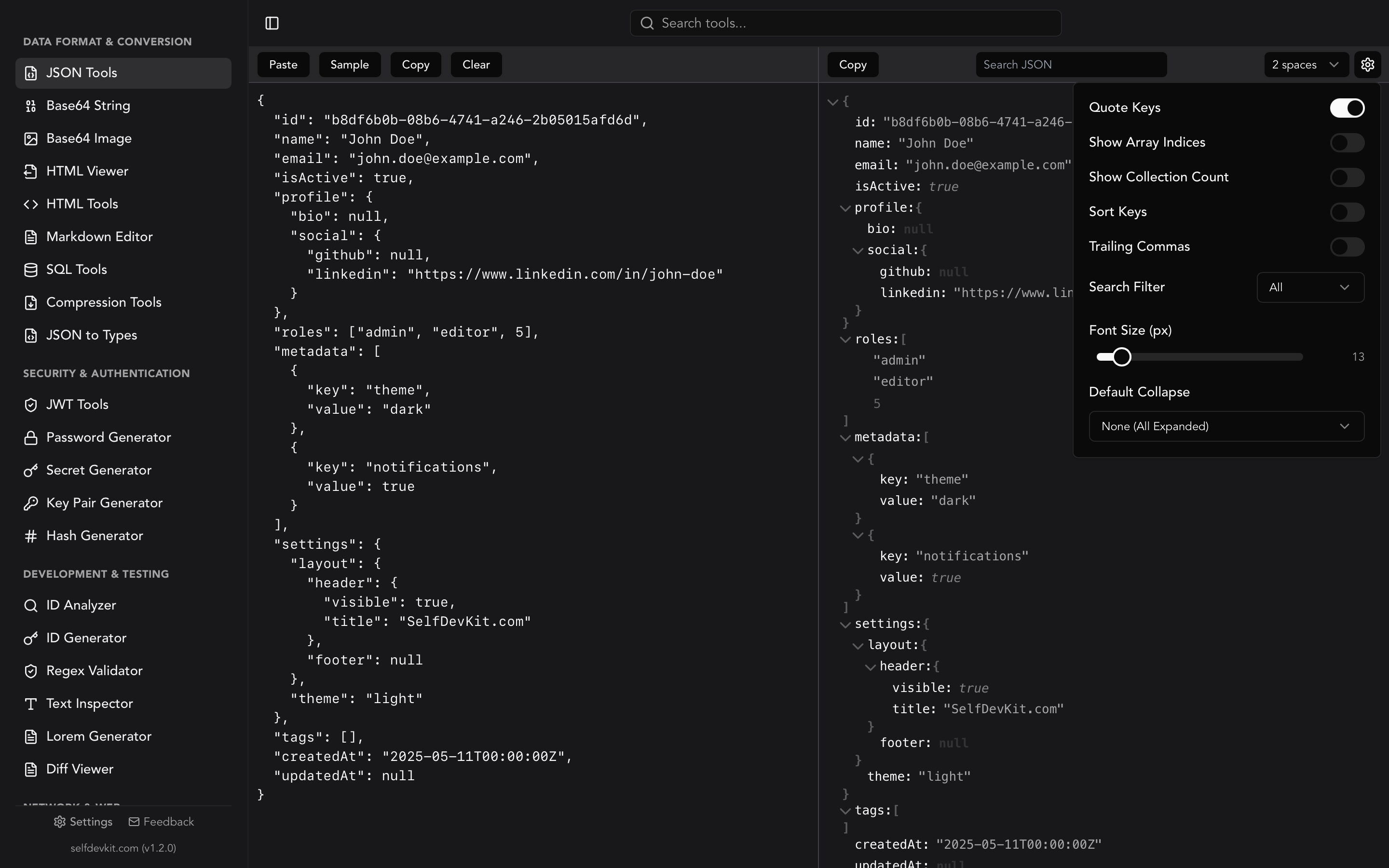
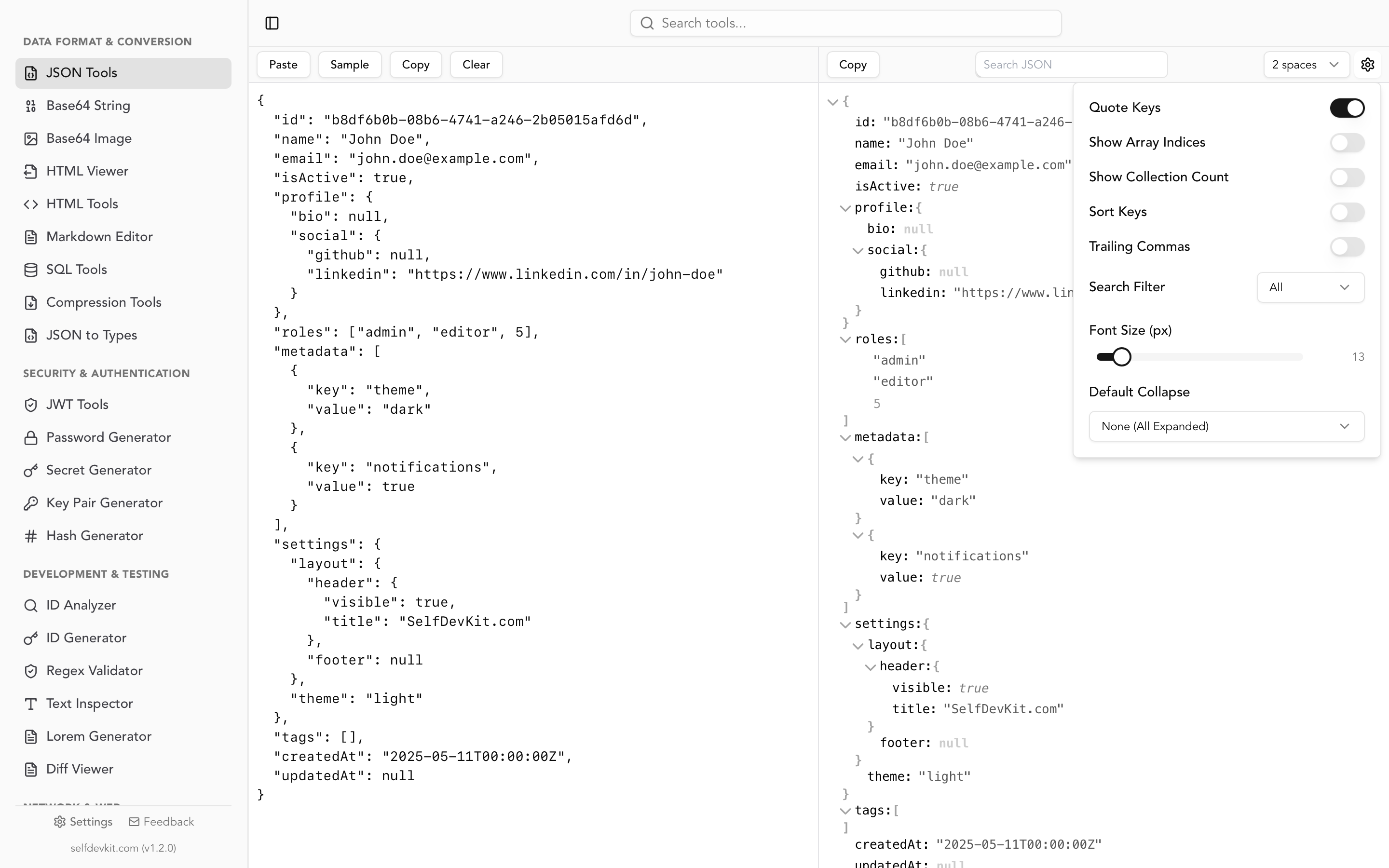
SelfDevKit's JSON Tools handle escaped and unescaped JSON display modes locally on your machine. Your data never leaves your device. The JSON formatter includes validation, tree view, and minification alongside escape handling, all in a single offline tool.
Download SelfDevKit to unescape, format, and validate JSON without sending your data to any server.
Frequently asked questions
What is the difference between JSON escape and unescape?
JSON escaping converts special characters (quotes, backslashes, control characters) into escape sequences so they can safely exist inside a JSON string value. Unescaping reverses that process, turning \" back into " and \\n back into a newline. Standard JSON parsers like JSON.parse() and json.loads() unescape automatically when parsing.
How do I unescape JSON in the command line?
Use jq with the -r (raw output) flag: echo '"{\\"key\\":\\"value\\"}"' | jq -r '.'. This strips one layer of escaping and outputs the raw string. Pipe the result into jq . again to pretty-print the inner JSON. You can also use SelfDevKit's JSON Tools for a visual approach.
Why does my JSON have three backslashes before each quote?
Three backslashes (\\\") indicate double-escaped JSON. This happens when data is serialized twice, once to produce the JSON string and again when that string is embedded inside another JSON value. Parse it twice (once to unwrap the outer string, once to parse the inner JSON) to recover the original object.
Can I unescape JSON without writing code?
Yes. Desktop tools like SelfDevKit provide an Escaped/Unescaped display mode that toggles between views instantly. For one-off tasks from the terminal, jq -r handles single-layer unescaping. Online tools exist too, but they carry privacy risks if your JSON contains sensitive data.