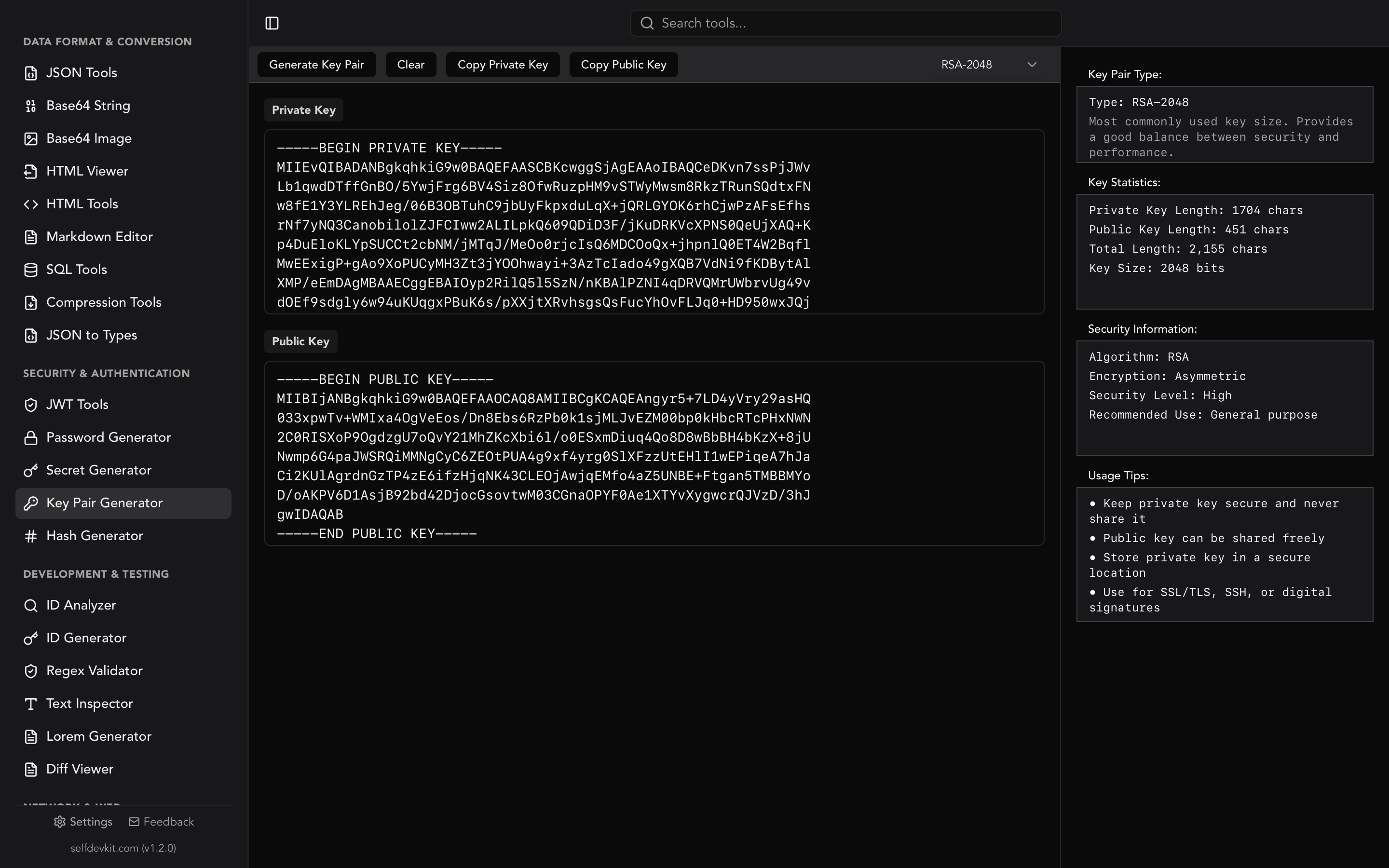
An RSA key generator creates a mathematically linked pair of keys: a public key you can share freely and a private key you must keep secret. You choose a key size, the generator produces the pair, and you use them for encryption, digital signatures, TLS, SSH, or signing JWTs. This guide covers how to generate RSA key pairs, which key size to pick, what the PEM output actually means, and the one detail most online generators gloss over: where your private key is created matters more than how it is created.
Here is the uncomfortable truth about the top search results for "rsa key generator." Most of them are web pages that generate your private key on someone else's infrastructure, or with JavaScript you cannot audit, then ask you to trust that the key was never logged, cached, or intercepted. For a throwaway test key, fine. For anything real, that is a problem worth understanding before you paste a private key anywhere.
What an RSA key generator produces
An RSA key generator outputs two artifacts: a private key and a public key, both derived from the same large random prime numbers. The public key contains a modulus and a public exponent (almost always 65537). The private key contains the modulus plus the secret exponent and the original primes, which is why it must never leave your control.
RSA is asymmetric cryptography. What one key locks, only the other key opens. That property is what makes the whole system useful:
- Encryption: anyone encrypts data with your public key, and only your private key can decrypt it.
- Signatures: you sign data with your private key, and anyone verifies the signature with your public key.
Ron Rivest, Adi Shamir, and Leonard Adleman published the algorithm in 1977, which is where the name RSA comes from. Nearly fifty years later it still underpins TLS certificates, SSH authentication, PGP email, and token signing schemes like RS256.
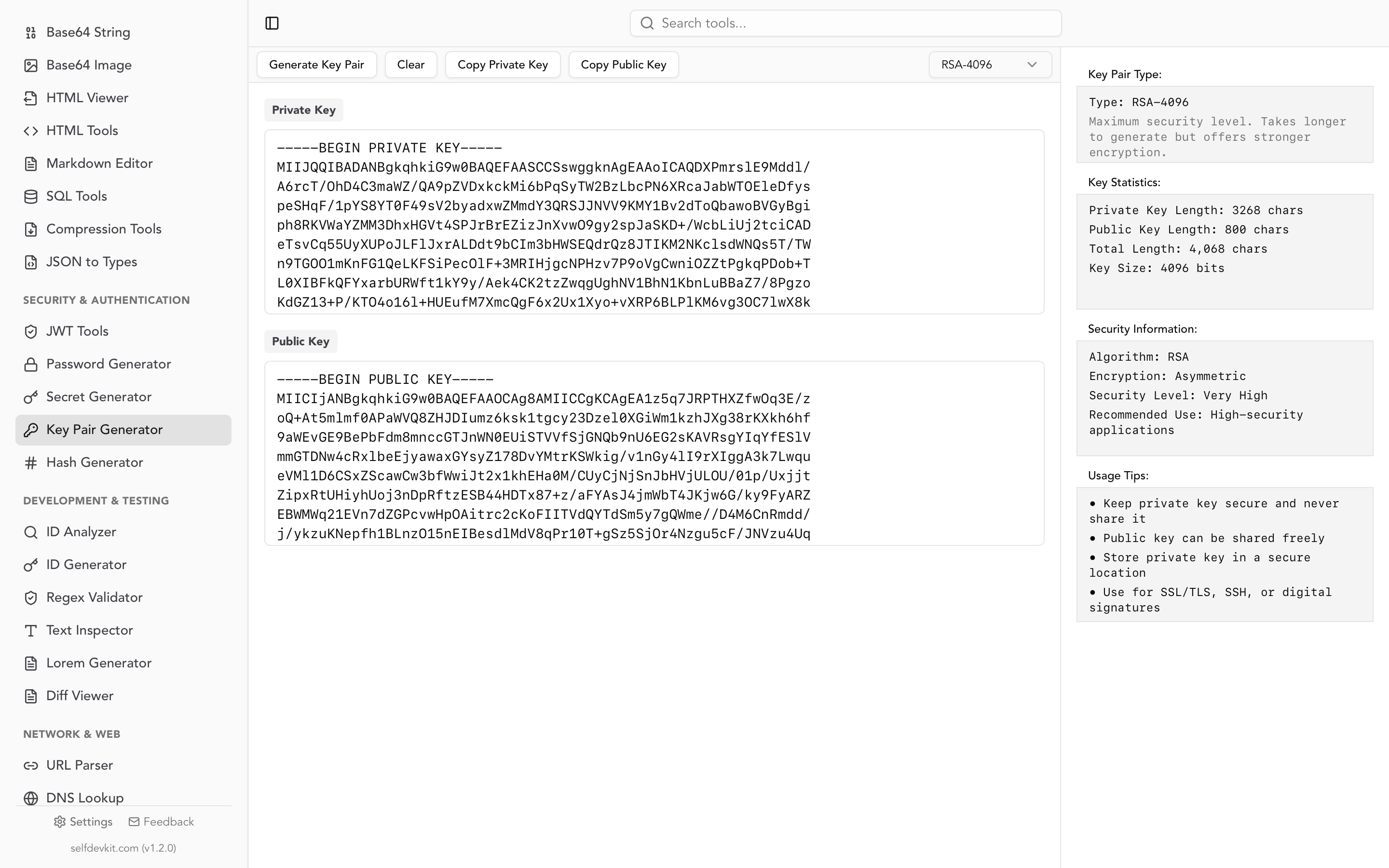
SelfDevKit's Key Pair Generator creates RSA key pairs entirely on your machine, in three key sizes, with the private and public keys output as ready-to-use PEM text.
Why generating a private key offline is not optional
Generate private keys locally, never on a remote server, because a private key that touches a network you do not control is a key you can no longer trust. This is the gap almost every "rsa key generator online" result ignores, and it is the single most important thing to get right.
Think about what a private key is. It is the entire security of your system compressed into a block of text. If someone else sees it, they can decrypt your data, impersonate your server, or forge your signatures. There is no rotation-free recovery from a leaked private key. You revoke it and start over.
Now think about what happens when you generate one on a website:
- The key may be generated server-side, meaning the server saw your private key in plaintext.
- Even client-side JavaScript generators pull code from a server on every visit, so a compromised or malicious script could exfiltrate the key silently.
- Browser extensions, network proxies, and analytics scripts on the page all sit in a position to read what is on screen.
- You have no way to verify any of the promises on the page.
The randomness question compounds this. RSA security depends on unpredictable prime generation. Weak randomness in the browser or on a shared server has produced real, factorable keys in the wild. A native tool using the operating system's cryptographic random number generator sidesteps that class of failure.
The fix is simple. Generate keys with a tool that runs locally and makes no network requests. That is openssl on the command line, your language's standard crypto library, or a desktop app like SelfDevKit. The same reasoning applies to any secret material, which is why we make the same argument for offline-first developer tools generally.
How to choose an RSA key size
Choose 2048 bits for general use and 4096 bits when you want a longer security margin or must meet stricter policy. Avoid 1024 bits for anything new. Here is the decision in a table.
| Key size | Security strength | Status | Use it for |
|---|---|---|---|
| 1024 bits | ~80 bits | Disallowed for new keys | Legacy verification only |
| 2048 bits | ~112 bits | Recommended minimum | TLS, JWT signing, SSH, most production use |
| 4096 bits | ~128+ bits | Higher margin | Long-lived root keys, high-value signatures |
NIST SP 800-131A Revision 2 disallows RSA key establishment below 2048 bits, and 1024-bit RSA has been off the table for new keys since the end of 2013. If a generator still defaults to 1024, treat that as a warning sign. A 2048-bit modulus gives roughly 112 bits of security strength, which is the current baseline for approved use.
Bigger is not automatically better. Doubling the key size does not double security, and it comes with real costs:
- Generation time: a 4096-bit key can take several times longer to generate than a 2048-bit key, because the tool must find much larger random primes.
- Runtime cost: every signature and decryption with a 4096-bit key is slower, which matters at scale for TLS handshakes or high-volume token signing.
- Diminishing returns: 2048 bits is already infeasible to factor with current technology.
For most developers, 2048 is the pragmatic choice and 4096 is a reasonable default for keys that will live for many years. SelfDevKit's Key Pair Generator supports 1024, 2048, and 4096 bits so you can match your key to the policy you are working under.
Understanding PEM, PKCS#8, and PKCS#1 formats
RSA keys are stored as structured binary encoded in Base64 and wrapped in header lines, which is what PEM format means. The header line tells you which structure is inside. Getting this right saves hours of "why won't this key load" debugging.
A private key in PKCS#8 PEM looks like this:
-----BEGIN PRIVATE KEY-----
MIIEvQIBADANBgkqhkiG9w0BAQEFAASCBKcwggSjAgEAAoIBAQC7...
-----END PRIVATE KEY-----
A public key in the SubjectPublicKeyInfo (SPKI) format looks like this:
-----BEGIN PUBLIC KEY-----
MIIBIjANBgkqhkiG9w0BAQEFAAOCAQ8AMIIBCgKCAQEAu7...
-----END PUBLIC KEY-----
The header text is the key to reading these. Here is what each one means.
| Header line | Format | Notes |
|---|---|---|
BEGIN PRIVATE KEY |
PKCS#8 | Modern, algorithm-agnostic private key wrapper |
BEGIN RSA PRIVATE KEY |
PKCS#1 | Older RSA-specific format, still common with OpenSSH and some libraries |
BEGIN PUBLIC KEY |
SPKI / X.509 | Modern public key wrapper |
BEGIN RSA PUBLIC KEY |
PKCS#1 | RSA-specific public key, less common |
BEGIN ENCRYPTED PRIVATE KEY |
PKCS#8 encrypted | Passphrase-protected private key |
SelfDevKit outputs PKCS#8 (BEGIN PRIVATE KEY) for the private key and SPKI (BEGIN PUBLIC KEY) for the public key. These are the modern defaults and what most current libraries expect. If a library demands the older PKCS#1 BEGIN RSA PRIVATE KEY form, you can convert without regenerating:
# Convert PKCS#8 to PKCS#1
openssl rsa -in pkcs8_key.pem -out pkcs1_key.pem -traditional

# Convert PEM to binary DER
openssl rsa -in key.pem -outform DER -out key.der

# Extract the public key from a private key
openssl rsa -in private.pem -pubout -out public.pem
That last command is worth remembering. The public key is fully derivable from the private key, so you never need to store both if you have the private one safe.
Using your RSA keys in code
Once you have a PEM key pair, loading it takes a few lines in any mainstream language. These examples assume private.pem and public.pem from your generator.
Node.js signs and verifies with the built-in crypto module:
const crypto = require('crypto');
const fs = require('fs');

const privateKey = fs.readFileSync('private.pem', 'utf8');
const publicKey = fs.readFileSync('public.pem', 'utf8');

const data = 'message to sign';
const signature = crypto.sign('sha256', Buffer.from(data), privateKey);

const isValid = crypto.verify(
  'sha256',
  Buffer.from(data),
  publicKey,
  signature,
);
console.log(isValid); // true
Python with the cryptography library:
from cryptography.hazmat.primitives import hashes, serialization
from cryptography.hazmat.primitives.asymmetric import padding

with open("private.pem", "rb") as f:
    private_key = serialization.load_pem_private_key(f.read(), password=None)

message = b"message to sign"
signature = private_key.sign(
    message,
    padding.PKCS1v15(),
    hashes.SHA256(),
)
Go with the standard library:
block, _ := pem.Decode(pemBytes)
key, _ := x509.ParsePKCS8PrivateKey(block.Bytes)
rsaKey := key.(*rsa.PrivateKey)
Notice that Go uses ParsePKCS8PrivateKey for the BEGIN PRIVATE KEY format. If your key were in the older PKCS#1 form you would call ParsePKCS1PrivateKey instead. That single mismatch causes a large share of key-loading errors, which is why knowing your format matters.
Common RSA key use cases
RSA key pairs show up across authentication, transport security, and data protection. A few of the most common workflows:
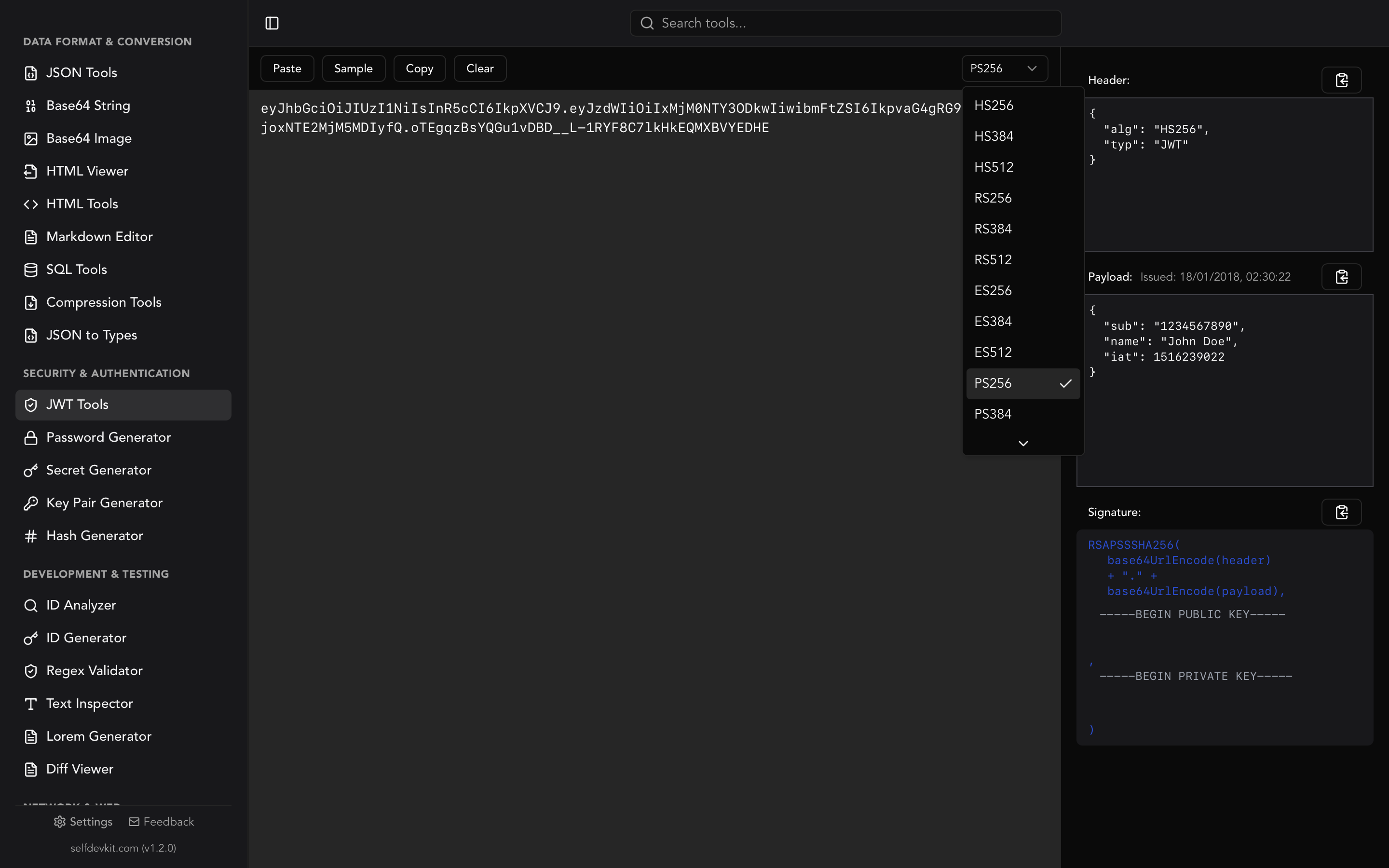
- Signing JWTs with RS256: the RS256 algorithm signs tokens with an RSA private key and verifies them with the public key, so your auth server holds the private key and every other service only needs the public one. If you also need the symmetric HS256 route, our JWT secret key generator guide covers that. To inspect signed tokens, the decode JWT walkthrough shows the anatomy of a token.
- TLS and HTTPS certificates: a server's RSA private key backs its certificate, and the public key travels inside the certificate to clients.
- SSH authentication: an RSA key pair lets you log into servers without a password, with the public key placed in
authorized_keys. - Encrypting small payloads: because RSA is slow on large data, it is typically used to encrypt a symmetric key that then encrypts the actual payload, a pattern called hybrid encryption.
RSA is not the only option anymore. For SSH and signatures, Ed25519 keys are smaller, faster, and considered at least as strong, and many teams now prefer them. RSA remains the safe default when you need broad compatibility, when a system or certificate authority requires it, or when you are integrating with older infrastructure that has not adopted elliptic-curve keys.
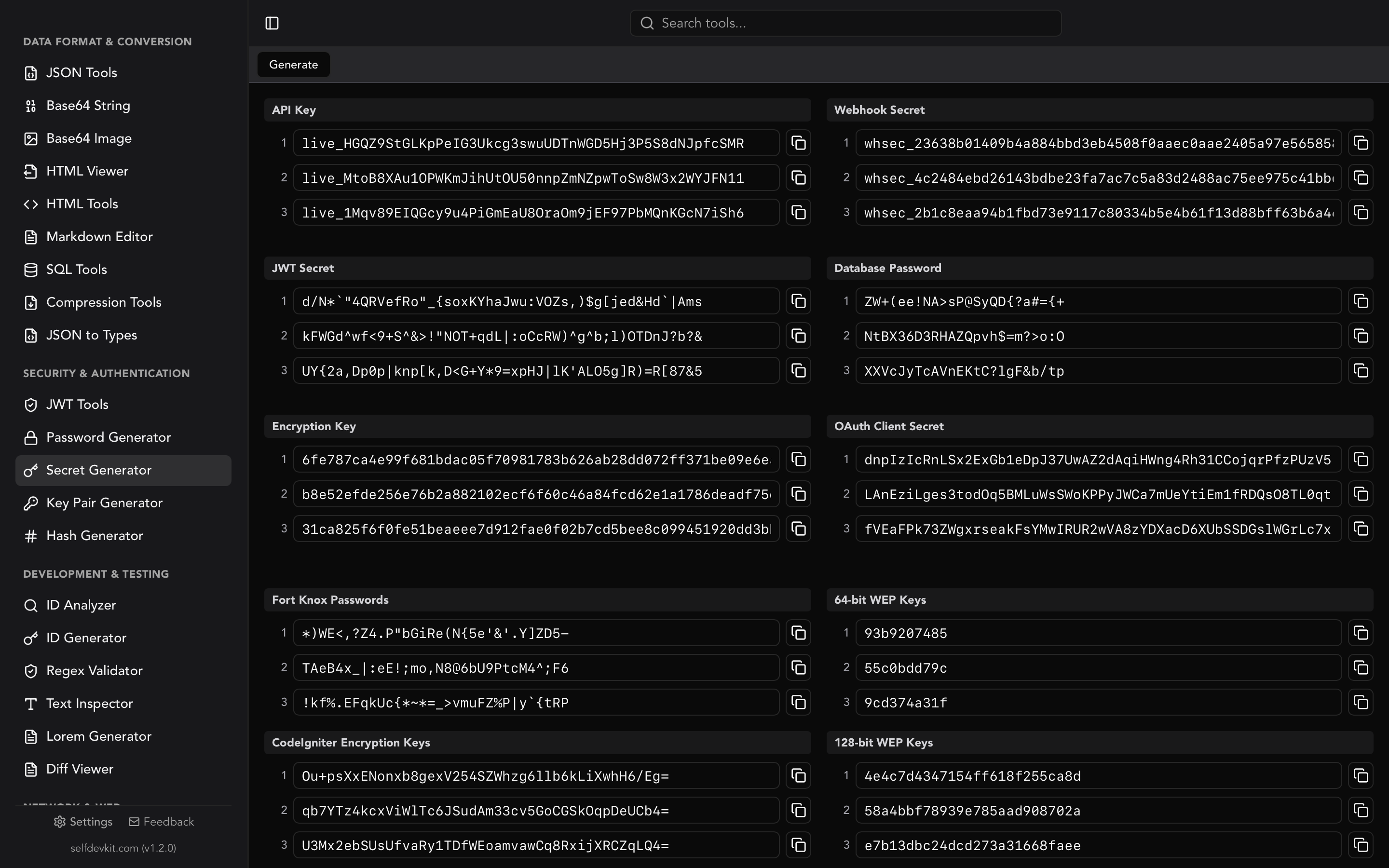
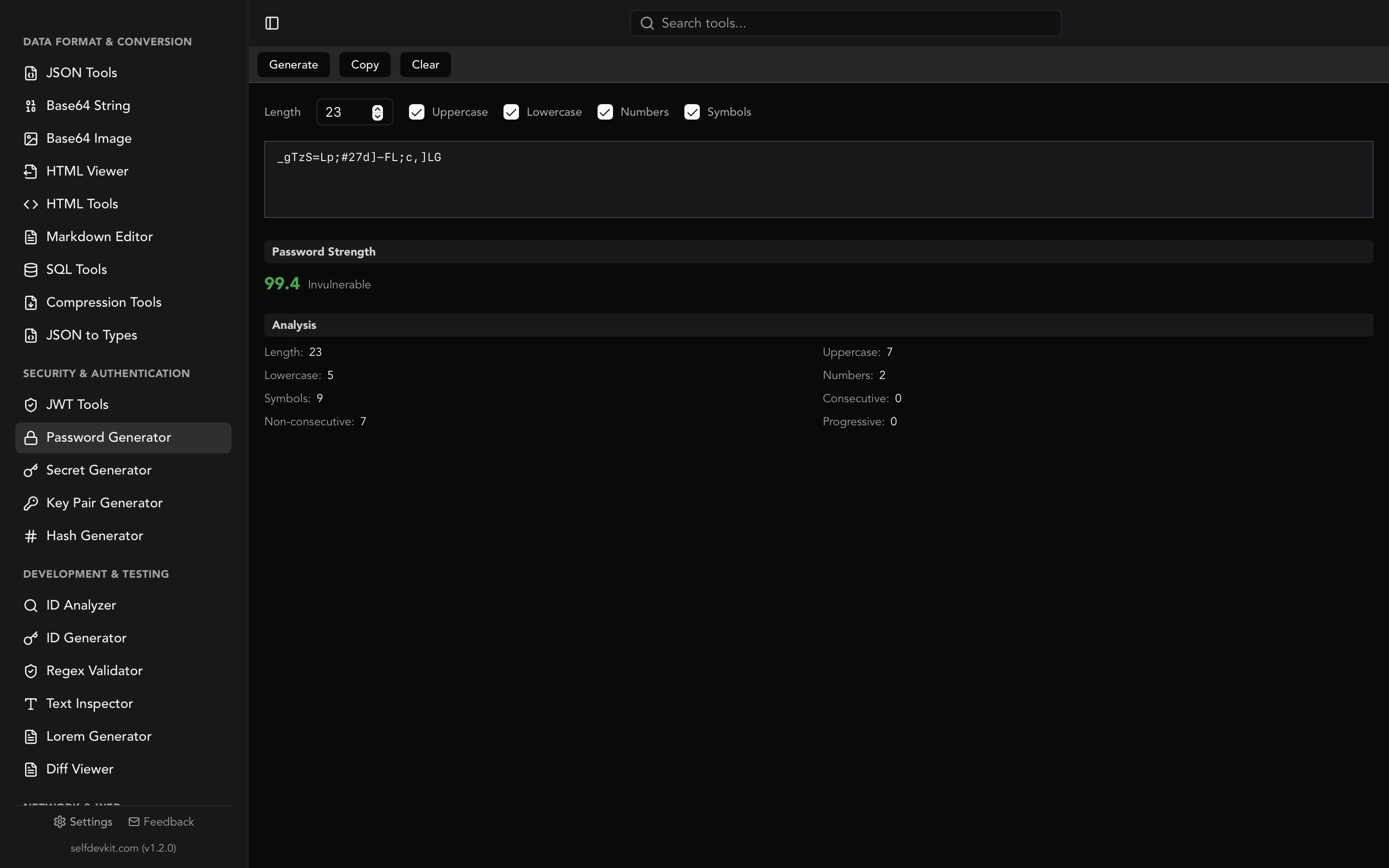
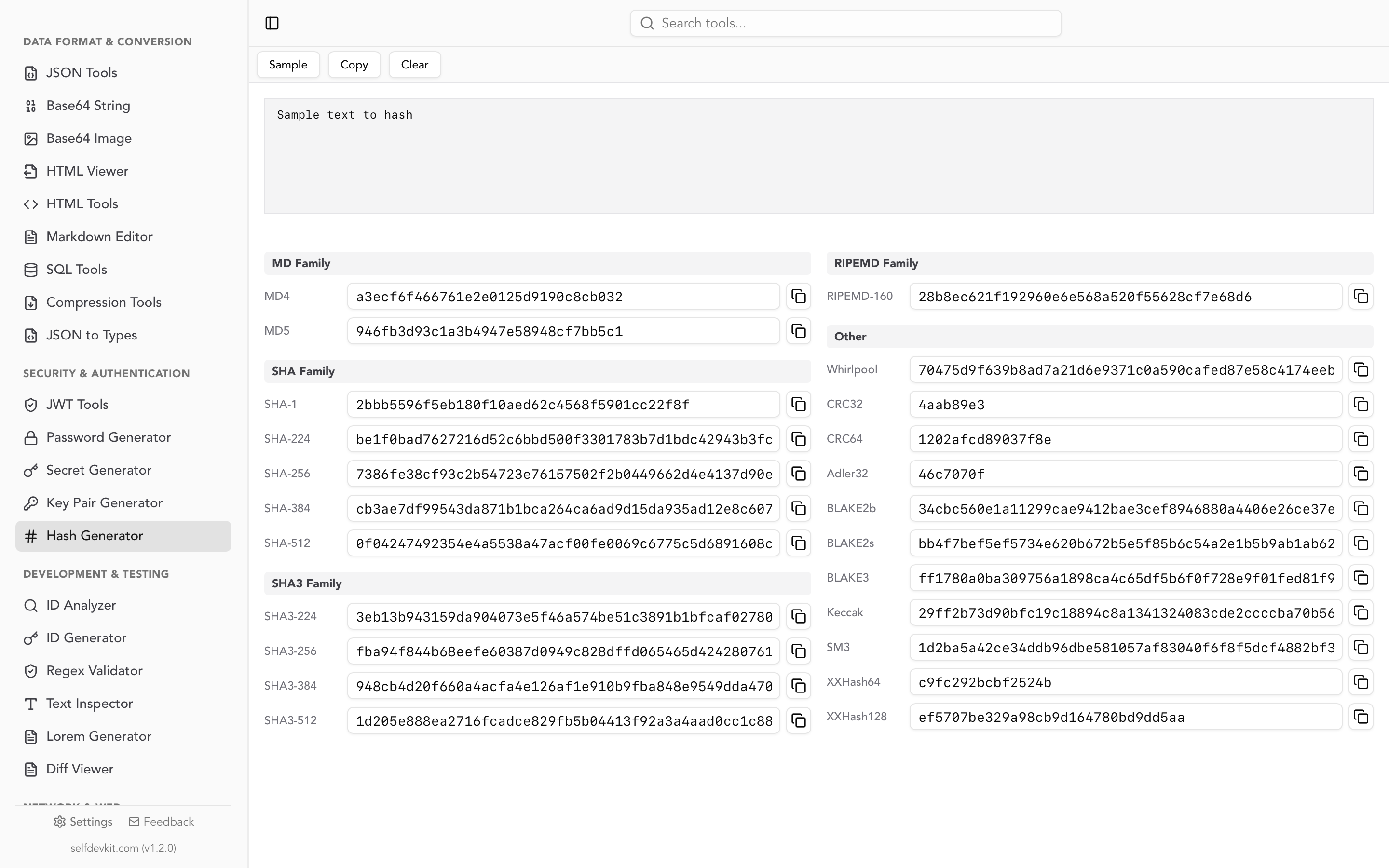
For related security tooling, SelfDevKit also includes a hash generator for MD5, SHA-1, and SHA-256 digests, a password generator for strong credentials, and a secret generator for API keys and random tokens. The JWT tools round out the set when you are working with signed tokens.
Frequently asked questions
Is it safe to use an online RSA key generator?
For disposable test keys, an online generator is fine. For any key protecting real data, no. You cannot verify that a website did not log or transmit your private key, and weak browser randomness has produced factorable keys before. Generate production keys with a local tool such as openssl, your language's crypto library, or an offline key pair generator.
What key size should I use for RSA?
Use 2048 bits as the minimum for anything new, which meets the NIST baseline of roughly 112 bits of security strength. Choose 4096 bits for long-lived root keys or when policy demands a larger margin. Do not generate new 1024-bit keys, since they have been disallowed for new use since 2013.
What is the difference between PKCS#8 and PKCS#1 keys?
PKCS#8 is a modern, algorithm-agnostic private key format with a BEGIN PRIVATE KEY header. PKCS#1 is the older RSA-specific format with a BEGIN RSA PRIVATE KEY header. Both hold the same key material; they just wrap it differently. You can convert between them with openssl rsa without regenerating the key.
Can I recover a lost RSA private key?
No. There is no way to reconstruct a private key from the public key, and a good generator never stores your key. If you lose the private key you must generate a new pair and update everywhere the old public key was trusted. Back up private keys securely and treat them like the secrets they are.
Generate RSA keys without leaving your machine
Your private key is the most sensitive string you will handle. It should never be created on a server you do not own or with JavaScript you cannot read. SelfDevKit's Key Pair Generator produces RSA key pairs in 1024, 2048, or 4096 bits, outputs clean PKCS#8 and SPKI PEM, and does it all offline with the operating system's secure randomness. No network requests, no logging, no trust required.
Download SelfDevKit to generate RSA keys and use 50+ other developer tools, all offline and private.