What is Base64 Encoding?
Base64 is an encoding scheme that converts binary data into ASCII text using 64 printable characters. It allows images, files, and binary content to be safely transmitted through text-only systems like JSON APIs, HTML attributes, and email. The encoded output is approximately 33% larger than the original binary data.
Every developer encounters Base64 encoding regularly - from embedding images in HTML emails to handling binary data in JSON APIs. Understanding how to base64 encode and decode data efficiently is a fundamental skill that saves debugging time and enables cleaner integrations.
This guide covers Base64 encoding from first principles through practical applications, with code examples in multiple languages and best practices for common use cases.
Table of contents
- How Base64 encoding works
- When to use Base64
- Base64 for text strings
- Base64 for images and data URIs
- Common use cases
- Base64 in programming languages
- Frequently asked questions
- Implementation considerations
- In summary
How Base64 encoding works
Base64 uses a 64-character alphabet to represent binary data: uppercase letters (A-Z), lowercase letters (a-z), digits (0-9), plus (+), and slash (/). Each character represents 6 bits of data.
The encoding process converts every 3 bytes (24 bits) of input into 4 Base64 characters:
Input:    H         i
ASCII:    72        105
Binary:   01001000  01101001

Split into 6-bit groups:
010010  000110  1001xx

Base64:   S       G       k=

Result: SGk=
The = padding character indicates the original data length. One = means 2 bytes of input, two == means 1 byte. This deterministic relationship makes Base64 encoding fully reversible.
Understanding this mechanism helps when debugging JWT tokens or parsing encoded payloads in API responses. The encoding is standardized in RFC 4648, which defines both standard and URL-safe variants.
When to use Base64
Base64 solves a specific problem: transmitting binary data through text-only channels. Use it appropriately to avoid unnecessary overhead.
Good use cases
- Small images in HTML/CSS - Icons under 10KB benefit from reduced HTTP requests
- Binary data in JSON - APIs that need to include file content in responses
- Email attachments - MIME encoding requires Base64 for binary content
- Data URLs - Embedding resources directly in web pages
- Authentication headers - HTTP Basic Auth uses Base64-encoded credentials
When to avoid Base64
- Large files - The 33% size increase hurts performance significantly
- Security purposes - Base64 is encoding, not encryption. Use the Secret Generator for actual secrets
- When binary transport is available - WebSocket binary frames, gRPC, or direct file uploads are more efficient
- Server-to-server communication - Binary protocols eliminate the encoding overhead
The Hash Generator documentation explains how Base64 differs from hashing - encoding is reversible while hashing is not.
Base64 for text strings
Text encoding is common when preparing data for transmission or storage in systems that might mangle special characters.
Encoding text
JavaScript (browser):
const text = "Hello, World!";
const encoded = btoa(text);
// Result: "SGVsbG8sIFdvcmxkIQ=="
JavaScript (Node.js):
const encoded = Buffer.from("Hello, World!").toString('base64');
Python:
import base64
encoded = base64.b64encode(b"Hello, World!").decode()
Decoding text
// Browser
const decoded = atob("SGVsbG8sIFdvcmxkIQ==");
// Result: "Hello, World!"

// Node.js
const decoded = Buffer.from("SGVsbG8sIFdvcmxkIQ==", 'base64').toString();
Handling Unicode
JavaScript's btoa() only handles ASCII. For Unicode text, encode to UTF-8 first:
// Encode Unicode
const text = "Hello, 世界!";
const encoded = btoa(unescape(encodeURIComponent(text)));

// Decode Unicode
const decoded = decodeURIComponent(escape(atob(encoded)));
The Text Inspector helps debug encoding issues by showing character codes and detecting encoding problems.
For quick conversions without writing code, use SelfDevKit's Base64 String Tools. It handles Unicode automatically and works entirely offline - your sensitive data never leaves your machine.
Base64 for images and data URIs
Data URIs embed images directly in HTML or CSS, eliminating additional HTTP requests. The format is:
data:[MIME type];base64,[Base64 data]
Creating image data URIs
In the browser:
const file = document.querySelector('input[type="file"]').files[0];
const reader = new FileReader();
reader.onload = (e) => {
  const dataUri = e.target.result;
  // "data:image/png;base64,iVBORw0KGgo..."
};
reader.readAsDataURL(file);
In Node.js:
const fs = require('fs');
const imageBuffer = fs.readFileSync('logo.png');
const base64 = imageBuffer.toString('base64');
const dataUri = `data:image/png;base64,${base64}`;
Using data URIs in HTML and CSS
HTML:
<img src="data:image/png;base64,iVBORw0KGgo..." alt="Logo" />
CSS:
.icon {
  background-image: url('data:image/svg+xml;base64,PHN2ZyB4bWxucz0i...');
}
Supported image formats
All common formats work with data URIs:
| Format | MIME Type | Best For |
|---|---|---|
| PNG | image/png | Icons, screenshots with transparency |
| JPEG | image/jpeg | Photos, large images |
| SVG | image/svg+xml | Vector icons (often smaller as plain SVG) |
| GIF | image/gif | Simple animations |
| WebP | image/webp | Modern browsers, best compression |
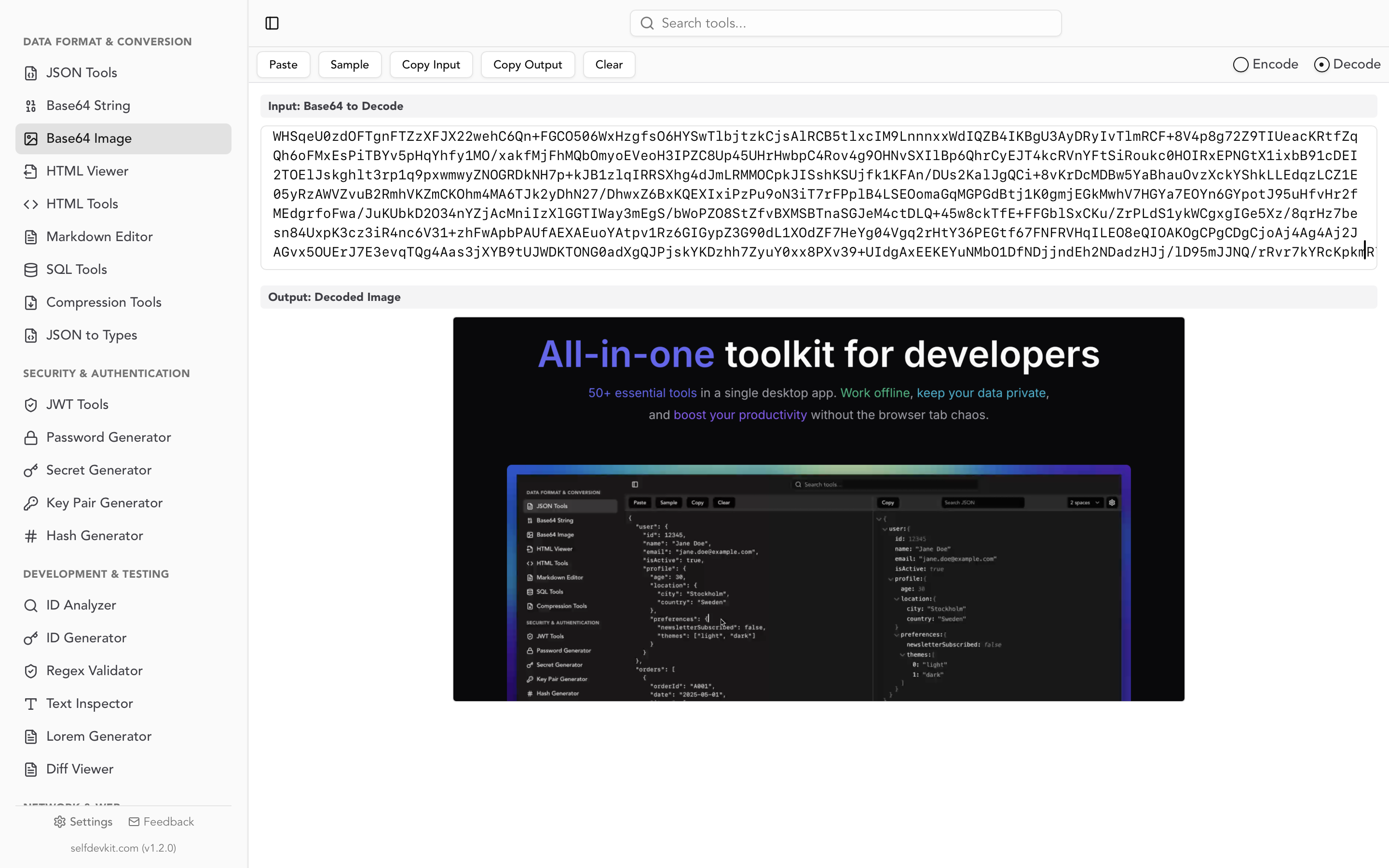
For visual encoding and decoding with preview, use Base64 Image Tools. Drop an image to get the data URI, or paste Base64 to see the rendered image.
Common use cases
Embedding images in HTML emails
Email clients block external images by default. Base64 embedding ensures images display without user action:
<img src="data:image/png;base64,..." alt="Company Logo" style="width:200px" />
This technique is essential for logos, icons, and inline graphics in marketing emails and transactional notifications.
Binary data in JSON APIs
When your API returns images or files alongside metadata:
{
  "document": {
    "name": "report.pdf",
    "content": "JVBERi0xLjQKJeLjz9...",
    "contentType": "application/pdf"
  }
}
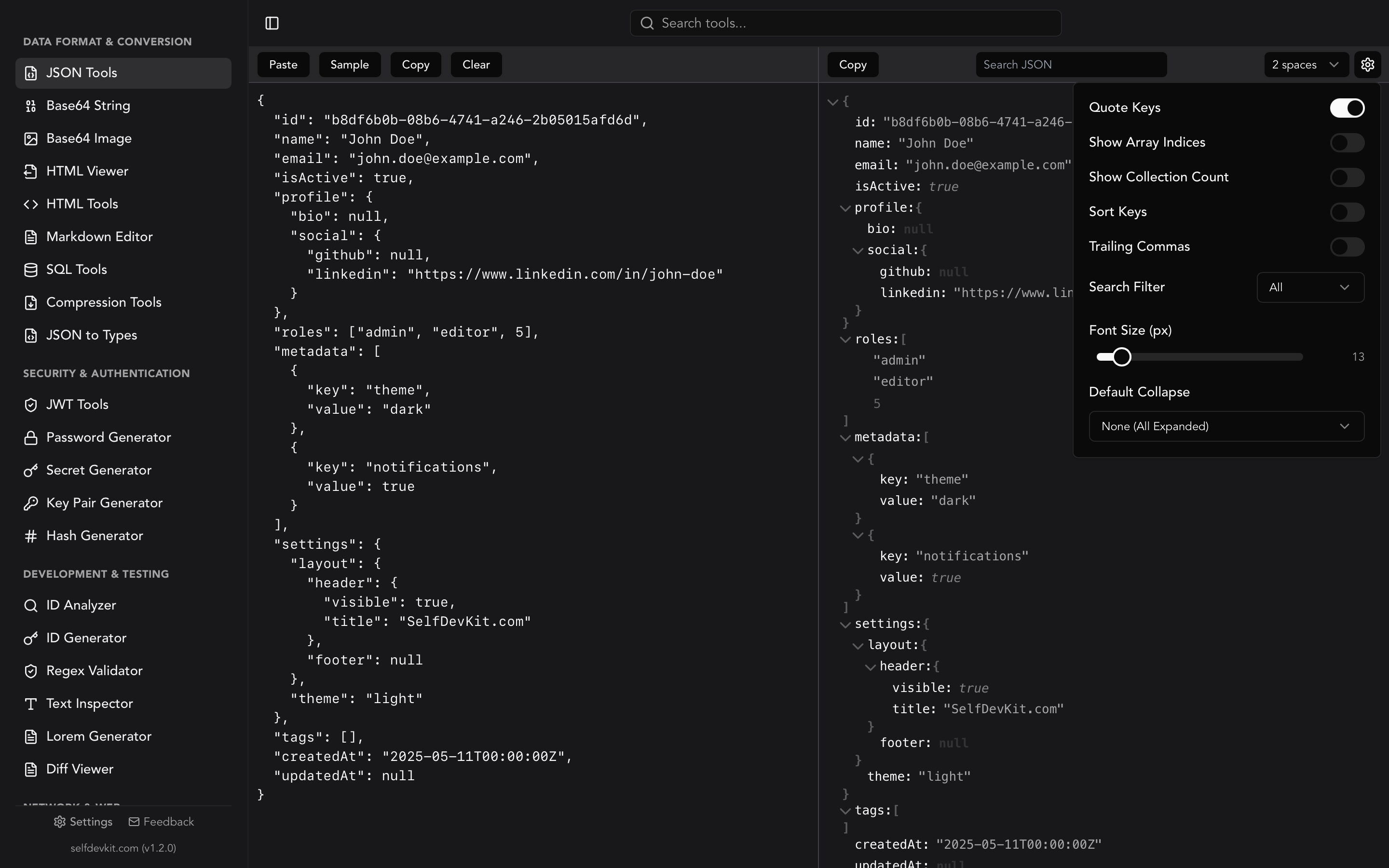
The JSON Tools help format and inspect API responses containing Base64 payloads.
CSS sprites replacement
Instead of maintaining sprite sheets, embed small icons directly:
.icon-home { background-image: url('data:image/svg+xml;base64,...'); }
.icon-settings { background-image: url('data:image/svg+xml;base64,...'); }
Configuration files
Embed certificates or keys in YAML or JSON configs:
tls:
  certificate: LS0tLS1CRUdJTiBDRVJUSUZJQ0FURS0...
  key: LS0tLS1CRUdJTiBQUklWQVRFIEtFWS0...
Authentication headers
HTTP Basic Auth encodes credentials:
const credentials = btoa(`${username}:${password}`);
fetch(url, {
  headers: { 'Authorization': `Basic ${credentials}` }
});
Note: Basic Auth only encodes credentials, it doesn't encrypt them. Always use HTTPS. For secure credential generation, see the Password Generator guide.
Base64 in programming languages
JavaScript
// Browser
btoa("text")                    // Encode
atob("dGV4dA==")               // Decode

// Node.js
Buffer.from("text").toString('base64')
Buffer.from("dGV4dA==", 'base64').toString()
Python
import base64

base64.b64encode(b"text").decode()    # "dGV4dA=="
base64.b64decode("dGV4dA==").decode() # "text"

# URL-safe variant
base64.urlsafe_b64encode(b"text").decode()
Go
import "encoding/base64"

encoded := base64.StdEncoding.EncodeToString([]byte("text"))
decoded, _ := base64.StdEncoding.DecodeString("dGV4dA==")
Rust
use base64::{Engine as _, engine::general_purpose};

let encoded = general_purpose::STANDARD.encode(b"text");
let decoded = general_purpose::STANDARD.decode("dGV4dA==").unwrap();
PHP
base64_encode("text")       // "dGV4dA=="
base64_decode("dGV4dA==")   // "text"
Java
import java.util.Base64;

String encoded = Base64.getEncoder().encodeToString("text".getBytes());
byte[] decoded = Base64.getDecoder().decode("dGV4dA==");
For a complete overview of development tools across languages, see our Getting Started with SelfDevKit guide.
Frequently asked questions
Why is Base64 output larger than the input?
Base64 represents 6 bits per character, while binary data has 8 bits per byte. This means 3 bytes (24 bits) become 4 characters, resulting in a 33% size increase. The overhead is the trade-off for text compatibility.
Is Base64 secure for storing passwords?
No. Base64 is encoding, not encryption - anyone can decode it instantly. For password storage, use proper hashing algorithms like Argon2 or bcrypt. See our Hash Generator Guide for secure hashing practices.
Can I use Base64 images in production?
Yes, for small images (under 10KB). Larger images should use regular file URLs. Base64 images increase HTML/CSS size and can't be cached separately by browsers. The break-even point depends on your specific HTTP overhead.
What's the difference between standard and URL-safe Base64?
Standard Base64 uses + and / which have special meaning in URLs. URL-safe Base64 replaces these with - and _. Use URL-safe encoding for query parameters, filenames, and anywhere URL encoding might cause issues.
Implementation considerations
When integrating Base64 encoding into your workflow, consider these practical factors:
Performance impact: Base64 encoding is CPU-bound but fast. The 33% size increase affects network transfer and storage. For high-throughput systems, consider streaming encoding rather than loading entire files into memory.
Caching strategy: Base64-embedded resources can't be cached separately from their containing document. For images used across multiple pages, traditional URLs with proper cache headers often perform better.
Development workflow: Use offline tools like Base64 Image Tools during development to quickly convert assets. This keeps sensitive content local and provides instant results without network latency.
Error handling: Invalid Base64 input causes decoding errors. Always validate input in production code and handle the DOMException that atob() throws on invalid input.
Browser support: Data URIs work in all modern browsers. IE8 limited data URIs to 32KB; this isn't a concern for current applications but may matter for legacy support.
In summary
Base64 encoding converts binary data to text, enabling images and files to travel through text-only channels like JSON, HTML, and email. The key principles:
- 33% size overhead is the cost of text compatibility
- Use for small assets under 10KB where HTTP request reduction matters
- Not encryption - anyone can decode Base64 instantly
- Data URIs follow the format
data:[type];base64,[data] - Every language supports it with standard library functions
For day-to-day encoding tasks, SelfDevKit provides dedicated tools that work offline. The Base64 String Tools handle text with automatic Unicode support, while Base64 Image Tools provide visual encoding with preview.
Working offline matters for sensitive data - API payloads, authentication credentials, and internal images shouldn't pass through external services. Read Why Offline-First Developer Tools Matter to understand the privacy and security benefits.
Ready to encode and decode Base64 offline?
SelfDevKit includes dedicated Base64 tools for both text and images, along with 50+ other developer utilities. Everything runs locally on your machine - no network requests, no data collection, no privacy concerns.
Download SelfDevKit — available for macOS, Windows, and Linux.
Or explore the full toolkit at selfdevkit.com/features to see all available tools including the JSON formatter, JWT decoder, and hash generator.