You need to base64 decode a string when you encounter encoded data in API responses, JWT tokens, configuration files, email headers, or log output. The process reverses Base64 encoding: it takes a string of ASCII characters from the 64-character alphabet (A-Z, a-z, 0-9, +, /) and converts it back to the original bytes.
This guide covers how to decode Base64 in every common context: programming languages, the command line, and GUI tools. It also covers the problems nobody warns you about, like URL-safe variants, padding errors, and the security risk of pasting encoded secrets into online decoders.
How base64 decode works
Base64 decoding reverses the encoding process defined in RFC 4648. Each Base64 character maps to a 6-bit value. The decoder groups four characters (24 bits total), then splits those bits into three 8-bit bytes to recover the original data.
Here is the step-by-step process:
Input:     S       G       V       s
Index:     18      6       21      44
Binary:    010010  000110  010101  101100

Reassemble into 8-bit bytes:
01001000  01100101  01101100

ASCII:     H        e        l

Result: "Hel"
Padding characters (=) at the end of the string signal that the final group has fewer than three bytes. One = means two output bytes; == means one. This makes the decoding deterministic regardless of the original data length.
For a deeper look at the encoding side, including when and why you should use Base64 in the first place, see our Base64 encoding guide.
Base64 decode in every major language
To decode a Base64 string in code, use your language's standard library. Every major language includes built-in support.
JavaScript (Browser)
The browser provides atob() for decoding:
const decoded = atob("SGVsbG8sIFdvcmxkIQ==");
console.log(decoded); // "Hello, World!"
The name atob stands for "ASCII to binary." It throws a DOMException if the input contains characters outside the Base64 alphabet, so wrap it in a try/catch in production code:
function safeBase64Decode(input) {
  try {
    return atob(input);
  } catch (e) {
    console.error("Invalid Base64 input:", e.message);
    return null;
  }
}
One major limitation: atob() only handles ASCII output. If the original data was UTF-8 text (containing emoji, CJK characters, or accented letters), you need an extra step:
function decodeBase64Utf8(base64) {
  const binaryString = atob(base64);
  const bytes = Uint8Array.from(binaryString, (c) => c.charCodeAt(0));
  return new TextDecoder().decode(bytes);
}

decodeBase64Utf8("5L2g5aW9"); // "你好"
JavaScript (Node.js)
Node.js uses Buffer instead of atob:
const decoded = Buffer.from("SGVsbG8sIFdvcmxkIQ==", "base64").toString("utf-8");
// "Hello, World!"
Buffer.from is more forgiving than atob. It silently ignores invalid characters and handles both standard and URL-safe Base64. For strict validation, check the input against a regex first:
function isValidBase64(str) {
  return /^[A-Za-z0-9+/]*={0,2}$/.test(str);
}
If you work with regex patterns regularly, the Regex Validator in SelfDevKit lets you test patterns like this interactively.
Python
import base64

decoded = base64.b64decode("SGVsbG8sIFdvcmxkIQ==")
print(decoded.decode("utf-8"))  # "Hello, World!"

# URL-safe variant
decoded = base64.urlsafe_b64decode("SGVsbG8sIFdvcmxkIQ==")
Python's b64decode raises binascii.Error on invalid input. The validate parameter (added in Python 3.x) enforces strict alphabet checking:
# Strict mode: rejects characters outside the Base64 alphabet
decoded = base64.b64decode(encoded_string, validate=True)
Go
package main

import (
    "encoding/base64"
    "fmt"
)

func main() {
    decoded, err := base64.StdEncoding.DecodeString("SGVsbG8sIFdvcmxkIQ==")
    if err != nil {
        fmt.Println("Decode error:", err)
        return
    }
    fmt.Println(string(decoded)) // "Hello, World!"
}
Go's encoding/base64 package provides separate encodings for standard (StdEncoding) and URL-safe (URLEncoding) Base64, plus RawStdEncoding and RawURLEncoding variants that omit padding.
Rust
use base64::{Engine as _, engine::general_purpose};

fn main() {
    let decoded = general_purpose::STANDARD
        .decode("SGVsbG8sIFdvcmxkIQ==")
        .expect("Invalid Base64");
    let text = String::from_utf8(decoded).expect("Invalid UTF-8");
    println!("{}", text); // "Hello, World!"
}
Java
import java.util.Base64;

byte[] decoded = Base64.getDecoder().decode("SGVsbG8sIFdvcmxkIQ==");
String text = new String(decoded, "UTF-8");
// "Hello, World!"

// URL-safe decoder
byte[] urlDecoded = Base64.getUrlDecoder().decode("SGVsbG8sIFdvcmxkIQ");
PHP
$decoded = base64_decode("SGVsbG8sIFdvcmxkIQ==");
// "Hello, World!"

// Strict mode: returns false on invalid input
$decoded = base64_decode($input, true);
if ($decoded === false) {
    echo "Invalid Base64 input";
}
Base64 decode on the command line
For quick decoding in a terminal, every major operating system provides built-in tools. No installation required.
macOS and Linux
echo "SGVsbG8sIFdvcmxkIQ==" | base64 --decode
# Hello, World!
Decode a file:
base64 --decode encoded.txt > decoded.bin
On some Linux distributions, the flag is -d instead of --decode:
echo "SGVsbG8sIFdvcmxkIQ==" | base64 -d
Windows (PowerShell)
[System.Text.Encoding]::UTF8.GetString([System.Convert]::FromBase64String("SGVsbG8sIFdvcmxkIQ=="))
# Hello, World!
OpenSSL (cross-platform)
echo "SGVsbG8sIFdvcmxkIQ==" | openssl base64 -d
OpenSSL expects line-wrapped Base64 by default (76-character lines). If your input is a single long line, add -A:
echo "SGVsbG8sIFdvcmxkIQ==" | openssl base64 -d -A
This is a common gotcha when piping API responses or JWT segments through OpenSSL.
Standard Base64 vs URL-safe Base64
Standard Base64 and URL-safe Base64 use different characters for positions 62 and 63 in the alphabet. Confusing the two is one of the most common causes of decode failures.
| Variant | Position 62 | Position 63 | Padding | Defined in |
|---|---|---|---|---|
| Standard | + |
/ |
= required |
RFC 4648 Section 4 |
| URL-safe | - |
_ |
Often omitted | RFC 4648 Section 5 |
URL-safe Base64 exists because +, /, and = all have special meanings in URLs. The + becomes a space in query strings, / is a path separator, and = delimits key-value pairs.
You will encounter URL-safe Base64 in:
- JWT tokens. The header and payload segments use URL-safe Base64 without padding. If you try to decode a JWT segment with a standard decoder, it will fail on any
-or_characters. See our JWT decoding guide for the full workflow. - OAuth state parameters and PKCE code verifiers
- Filename-safe identifiers in cloud storage (S3, GCS)
- Data passed in URL query parameters
To convert between the two before decoding:
function urlSafeToStandard(base64url) {
  let base64 = base64url.replace(/-/g, "+").replace(/_/g, "/");
  // Add padding if missing
  while (base64.length % 4 !== 0) {
    base64 += "=";
  }
  return base64;
}
Troubleshooting base64 decode errors
Decode failures are frustrating because the error messages are usually vague. Here are the most common problems and how to fix them.
"Invalid character" errors
The input contains characters outside the Base64 alphabet. Common culprits:
- Whitespace and newlines. PEM certificates and MIME-encoded email wrap Base64 at 76 characters with
\nline breaks. Strip them before decoding:input.replace(/\s/g, "") - URL-safe characters in a standard decoder. If you see
-or_in the string, convert to standard Base64 first (replace-with+,_with/). - Data URI prefix. Strings like
data:image/png;base64,iVBORw0KGgo...include a prefix that is not Base64. Split on the comma and decode only the part after it. For image-specific decoding, our Base64 to image guide covers the full workflow.
Incorrect padding
Base64 strings must have a length divisible by 4. Missing padding causes errors in strict decoders. The fix is simple: append = characters until the length is a multiple of 4.
import base64

encoded = "SGVsbG8"  # Missing padding
# Add padding
padded = encoded + "=" * (4 - len(encoded) % 4) if len(encoded) % 4 else encoded
decoded = base64.b64decode(padded)
Some decoders (like Node.js Buffer.from) handle missing padding automatically. Others (like Python's b64decode in strict mode, or atob in browsers) throw errors.
Garbled output after decoding
If the decoded output looks like random characters or mojibake, the original data was not plain text. It could be:
- Binary data (an image, PDF, or compressed file). Write the decoded bytes to a file instead of printing them as a string.
- Text in a different encoding. Try decoding as UTF-16 or Latin-1 instead of UTF-8.
- Double-encoded data. Some systems encode Base64 twice. Decode again and check.
// Check if the result is still Base64
function isBase64(str) {
  try {
    return btoa(atob(str)) === str;
  } catch (e) {
    return false;
  }
}

let result = atob(input);
if (isBase64(result)) {
  result = atob(result); // Double-encoded
}
Line-length issues with OpenSSL
As mentioned in the CLI section, OpenSSL's base64 -d expects input wrapped at 76 characters. A single long line without wrapping causes silent failures or partial output. Always use -A for unwrapped input.
Real-world decode scenarios
Knowing the API for decoding is only half the picture. Here is where you actually encounter Base64 in daily development, and what to do when you find it.
Debugging JWT tokens
JWT tokens consist of three Base64URL-encoded segments separated by dots. To inspect a token's claims without a dedicated tool:
# Extract and decode the payload (second segment)
echo "eyJhbGciOiJIUzI1NiJ9.eyJzdWIiOiIxMjM0NTY3ODkwIn0.abc123" \
  | cut -d'.' -f2 \
  | base64 -d 2>/dev/null
# {"sub":"1234567890"}
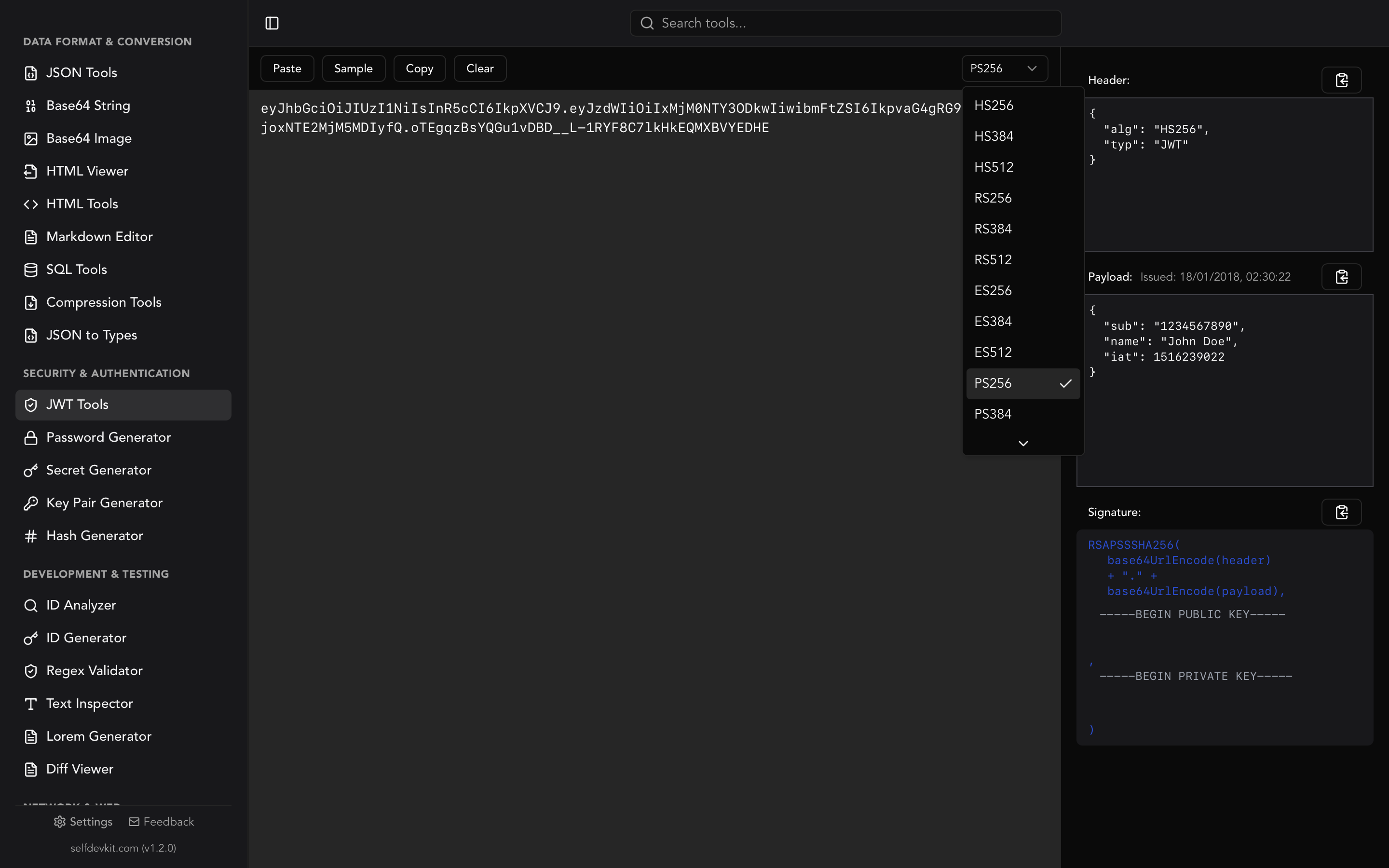
This works for inspection, but does not verify the signature. For full JWT validation with signature checking, SelfDevKit's JWT Tools decode, validate, and display all three segments with syntax highlighting.
Inspecting API responses
REST APIs sometimes return binary content as Base64-encoded strings inside JSON:
{
  "document": {
    "filename": "report.pdf",
    "content": "JVBERi0xLjQKJeLjz9MK..."
  }
}
To extract the file, first use a JSON formatter to find the encoded field, then decode and save:
# Using jq + base64
cat response.json | jq -r '.document.content' | base64 -d > report.pdf
Reading PEM certificates
PEM files (certificates, private keys) are Base64-encoded DER data wrapped with header and footer lines:
-----BEGIN CERTIFICATE-----
MIIBojCCAUmgAwIBAgIUH5gx...
-----END CERTIFICATE-----
To decode the raw certificate data:
# Strip headers and decode
grep -v "^-----" cert.pem | base64 -d | openssl x509 -inform DER -text
If you work with key pairs and certificates, the Key Pair Generator in SelfDevKit can create RSA key pairs locally without relying on external services.
Decoding email attachments
MIME email encodes attachments as Base64 with 76-character line wrapping. If you are debugging email delivery issues and need to extract an attachment:
import base64
import email

with open("message.eml") as f:
    msg = email.message_from_file(f)

for part in msg.walk():
    if part.get_content_disposition() == "attachment":
        payload = part.get_payload(decode=True)  # Handles Base64 automatically
        filename = part.get_filename()
        with open(filename, "wb") as out:
            out.write(payload)
Decoding configuration values
Kubernetes secrets, CI/CD environment variables, and cloud provider configs often store sensitive values as Base64:
# Kubernetes Secret
apiVersion: v1
kind: Secret
data:
  database-url: cG9zdGdyZXM6Ly91c2VyOnBhc3NAaG9zdDo1NDMyL2Ri
echo "cG9zdGdyZXM6Ly91c2VyOnBhc3NAaG9zdDo1NDMyL2Ri" | base64 -d
# postgres://user:pass@host:5432/db
This is worth emphasizing: these encoded strings contain real credentials. Which brings us to the next section.
Why you should not decode Base64 in online tools
Every online Base64 decoder works by sending your input to a server, processing it, and returning the result. Some process client-side in JavaScript, but you have no way to verify that without reading their source code.
Consider what developers commonly paste into these tools:
- JWT tokens containing user IDs, email addresses, and permissions
- API keys and database connection strings from config files
- Certificate private keys
- Kubernetes secrets holding production credentials
- SAML assertions with employee identity data
None of this data should travel to someone else's server. Even client-side tools run on pages loaded with analytics scripts, ad trackers, and third-party dependencies that could intercept form input.
For teams operating under compliance requirements like GDPR, HIPAA, or SOC 2, using external services to process internal data creates audit complications. An offline tool eliminates the risk entirely.
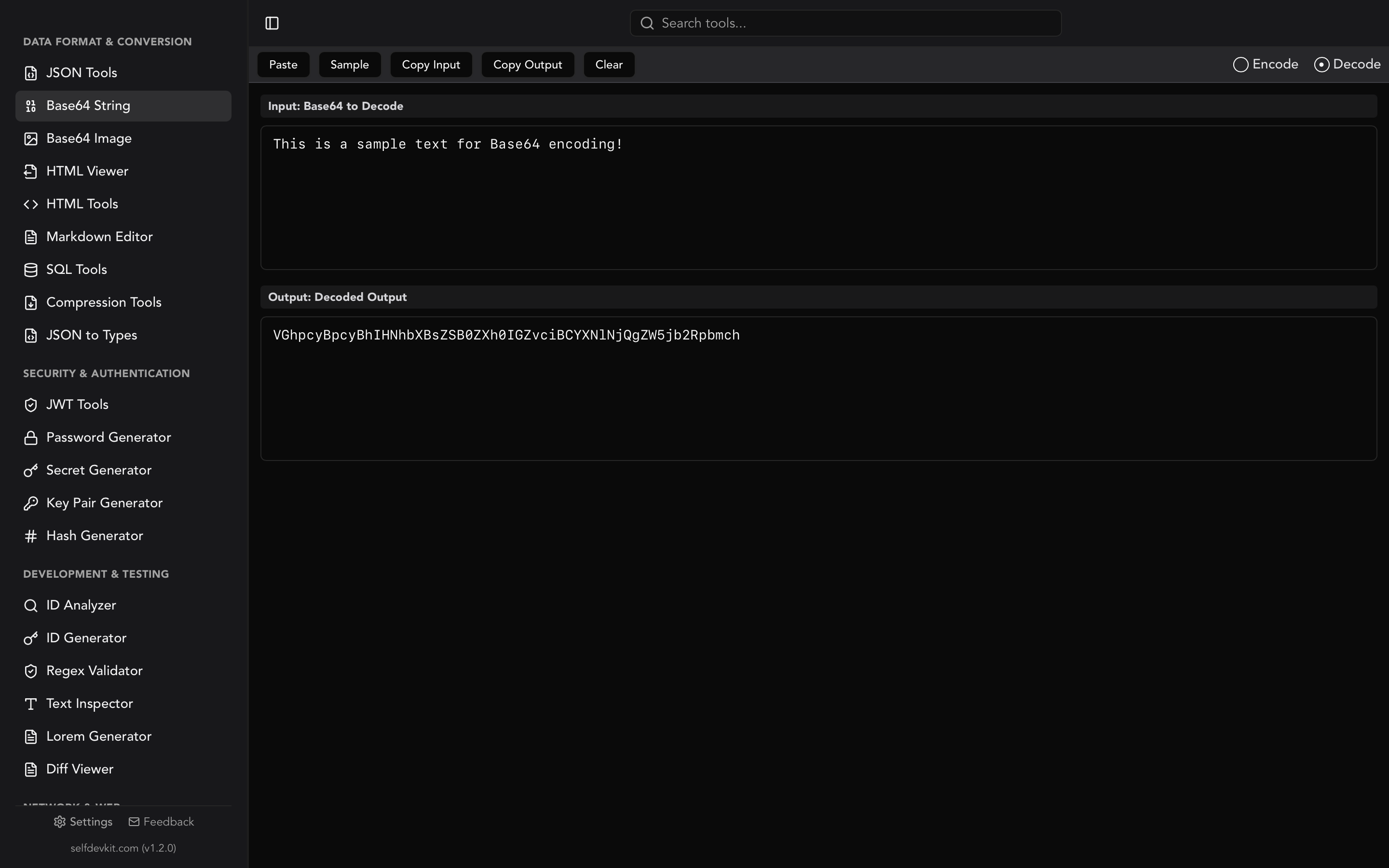
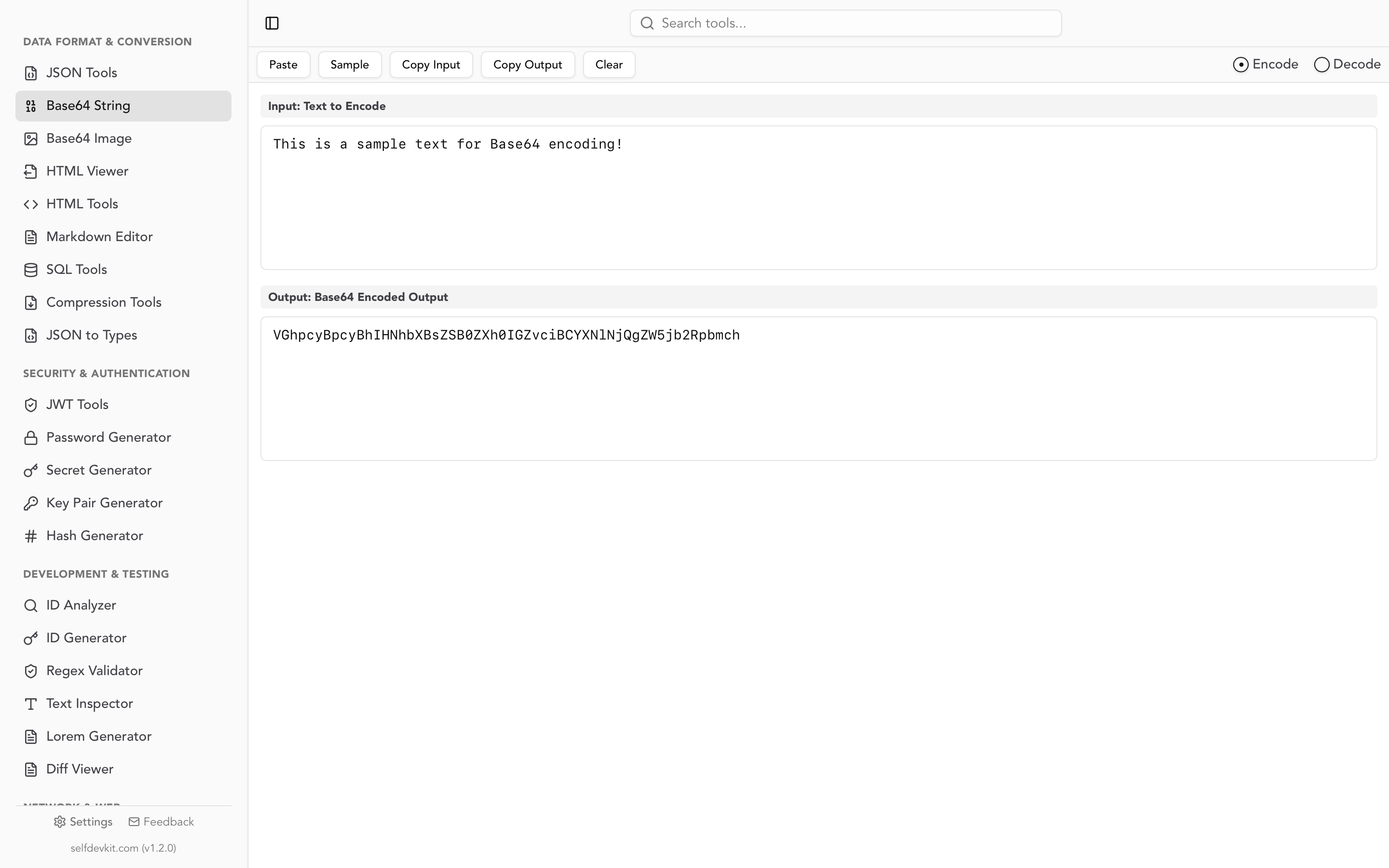
SelfDevKit's Base64 String Tools decode Base64 in real time without any network requests. Paste your encoded string, see the result instantly, copy it out. Your data never leaves your machine.
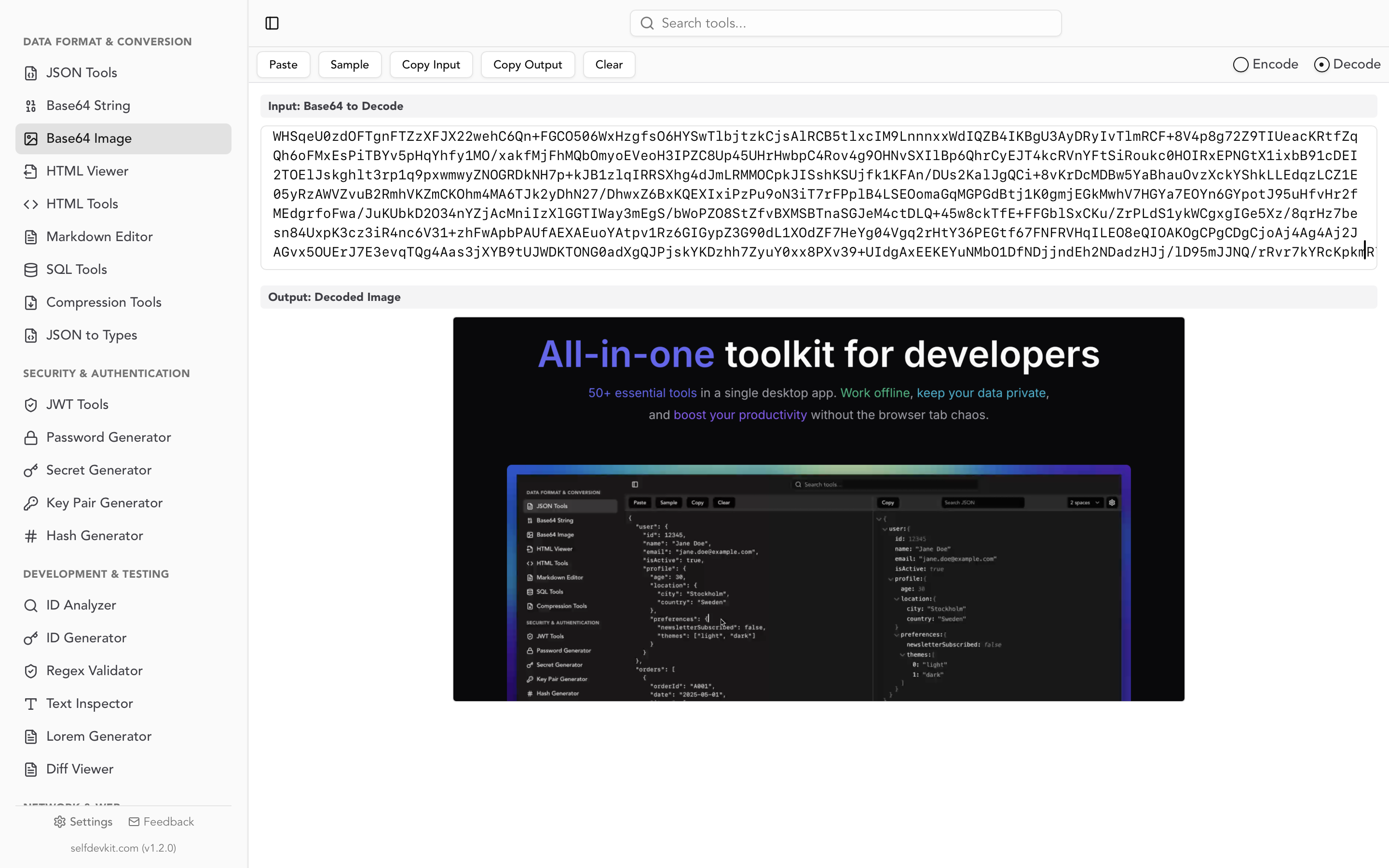
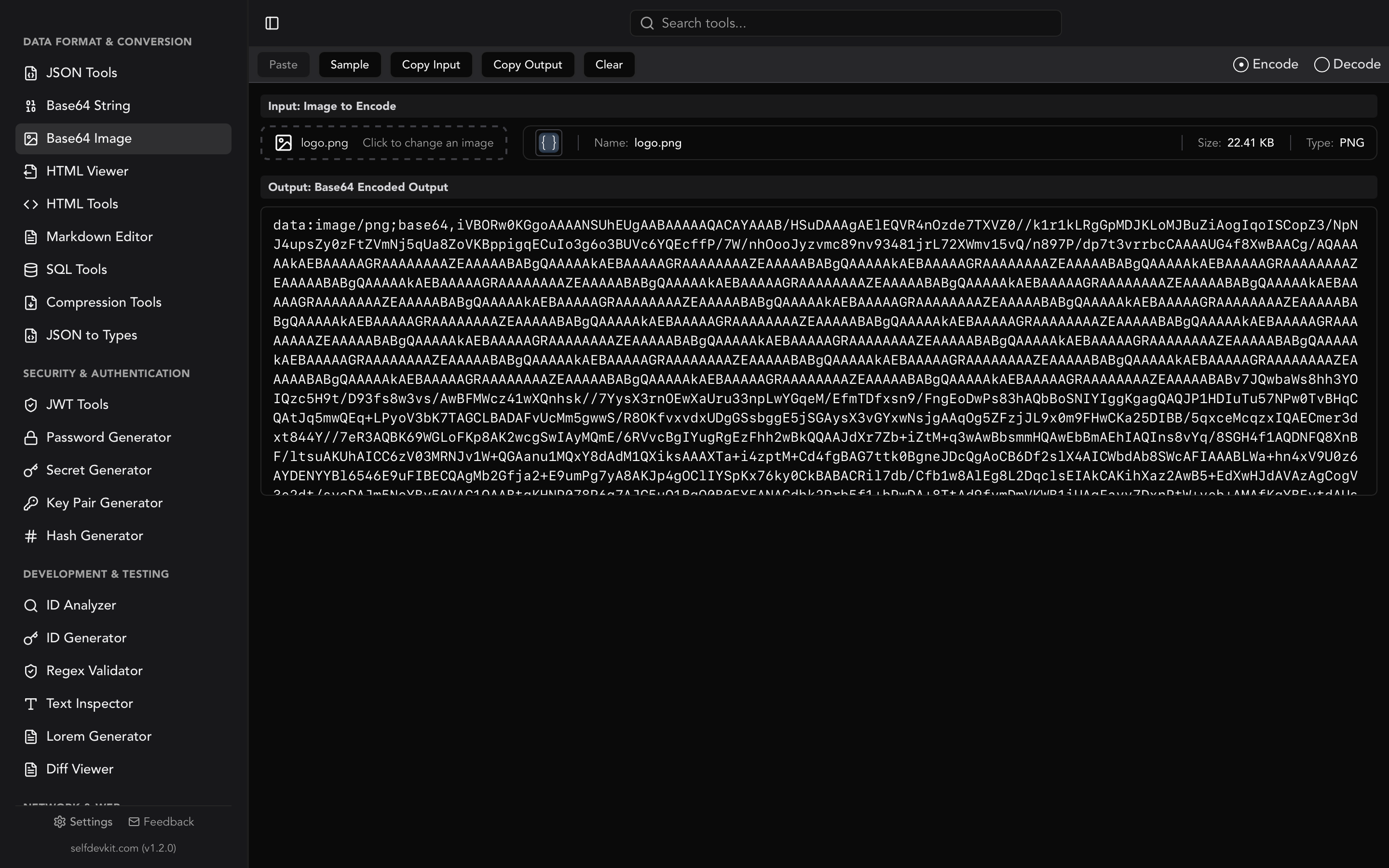
For image data specifically, the Base64 Image Tools let you paste a Base64 string and see the rendered image preview, or drag in an image file to get its encoded representation. Both tools work completely offline.
Base64 decode vs other transformations
Developers sometimes confuse Base64 decoding with other operations. Here is a quick reference.
| Operation | Reversible? | Purpose | Example tool |
|---|---|---|---|
| Base64 decode | Yes | Recover original bytes from ASCII-safe text | atob(), base64 -d |
| URL decode | Yes | Recover original characters from percent-encoded URLs | decodeURIComponent() |
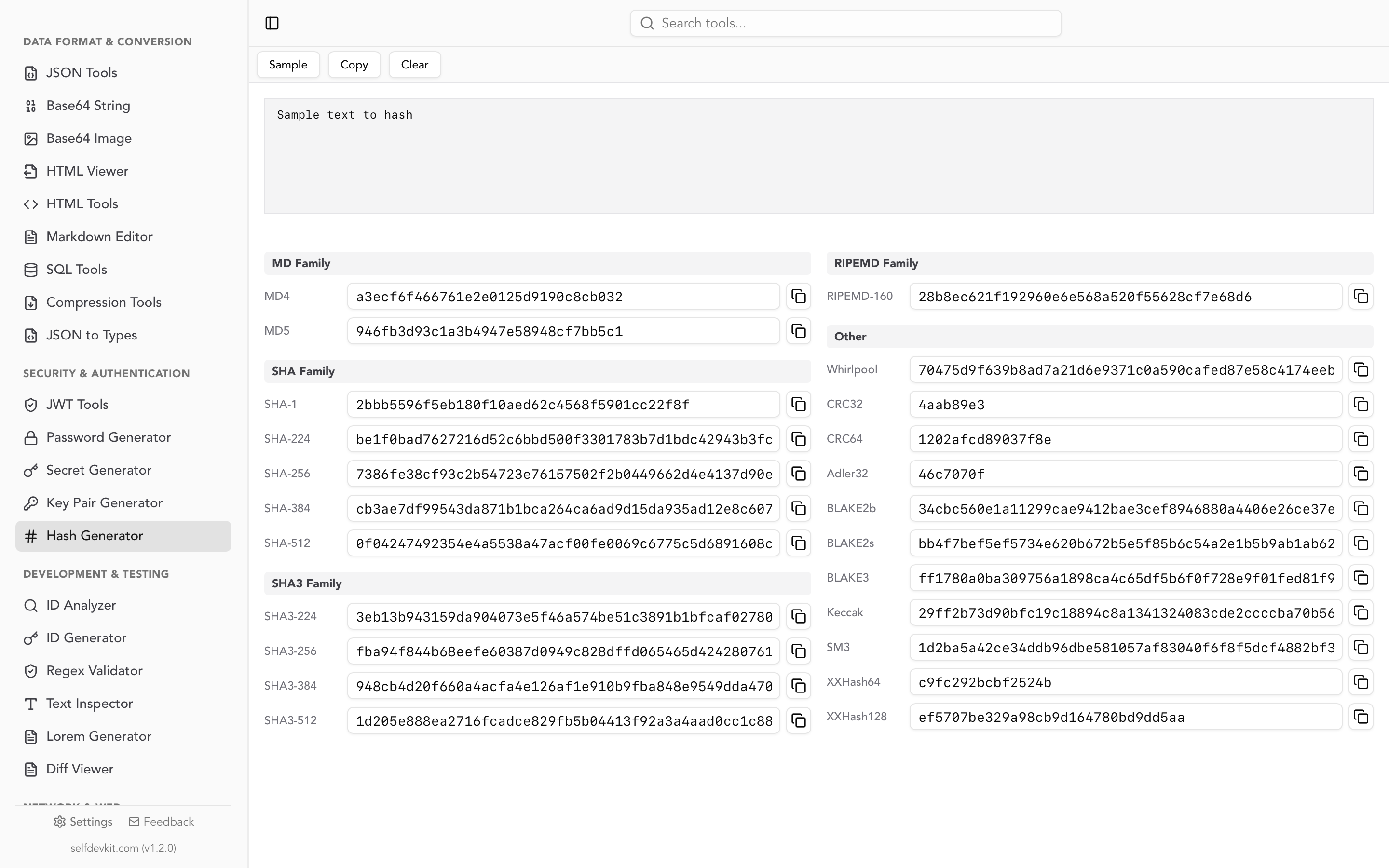
| Hash (SHA-256, MD5) | No | Generate fixed-length fingerprint | Hash Generator |
| Encryption (AES) | Yes (with key) | Protect data confidentiality | Requires a secret key |
| Compression (gzip) | Yes | Reduce data size | Compression Tools |
A critical distinction: Base64 is not encryption. Anyone can decode a Base64 string without any key or secret. Never use Base64 to "hide" sensitive data. If you need to verify data integrity, use a hash. If you need to protect data from being read, use encryption.
Frequently asked questions
Is base64 decode the same as decryption?
No. Base64 decoding is a simple, reversible transformation that anyone can perform. It provides no confidentiality. Encryption requires a secret key and makes data unreadable without that key. Treat Base64-encoded data as plaintext from a security perspective.
Can I base64 decode binary files like images and PDFs?
Yes. Base64 decoding returns the original bytes regardless of what they represent. Write the decoded output to a file rather than printing it as text. For images specifically, the Base64 to image post covers data URIs and MIME types in detail.
Why does my decoded output look like garbage characters?
The decoded data is probably binary (an image, archive, or protocol buffer), not human-readable text. Another possibility is double encoding, where the data was Base64-encoded twice. Try decoding the output a second time. If the original text used a non-UTF-8 encoding like Latin-1, specify that encoding when converting bytes to a string.
What is the difference between atob() and Buffer.from() in JavaScript?
atob() is the browser API. It only handles ASCII output and throws on invalid input. Buffer.from(str, 'base64') is the Node.js API. It is more lenient with invalid characters, handles UTF-8 natively, and works with both standard and URL-safe Base64 variants. In modern Node.js (v16+), atob is also available but Buffer remains the preferred approach.
Try it yourself
SelfDevKit includes dedicated Base64 String Tools that decode in real time as you type or paste. No network requests, no sign-up, no ads. Just paste your Base64 string and see the decoded output instantly.
Download SelfDevKit to get Base64 decoding plus 50+ other developer tools, all offline and private.