What is JSON to TypeScript conversion?
JSON to TypeScript conversion is the process of generating strongly-typed TypeScript interfaces or type aliases from JSON data. This gives you compile-time type checking, IDE autocomplete, and protection against silent API changes that would otherwise go unnoticed until runtime.
Every API response, config file, and webhook payload you work with in TypeScript starts as untyped JSON. The moment you call JSON.parse(), you get any. From that point, TypeScript's type system can't help you. Converting JSON to TypeScript interfaces closes that gap, and doing it manually for every endpoint gets old fast.
This guide covers both manual and automated approaches, the real-world edge cases that trip people up, and why runtime validation matters just as much as compile-time types.
Table of contents
- Why JSON to TypeScript matters
- Manual conversion: writing interfaces by hand
- Handling nested objects and arrays
- Automated JSON to TypeScript tools
- Interfaces vs type aliases: which to generate
- Runtime validation: where TypeScript stops
- Practical patterns for API responses
- Privacy risks of online converters
- Frequently asked questions
Why JSON to TypeScript matters
TypeScript interfaces exist only at compile time. They vanish completely when your code is transpiled to JavaScript. That means TypeScript cannot protect you from a malformed API response at runtime. But it can protect you everywhere else: during development, in code reviews, and across your entire codebase through type inference.
Without types, a simple typo like user.emial instead of user.email compiles just fine and returns undefined. With a proper interface, your editor flags it immediately.
The benefits compound across a team. When the backend changes an API response, the TypeScript compiler tells every developer which files need updating. No more grepping through the codebase hoping you found every reference.
Manual conversion: writing interfaces by hand
To convert JSON to a TypeScript interface, map each JSON property to its corresponding TypeScript type. Strings become string, numbers become number, booleans become boolean, and null stays null.
Given this JSON:
{
  "id": 42,
  "username": "jdoe",
  "email": "jdoe@example.com",
  "isActive": true,
  "loginCount": 7
}
The TypeScript interface is:
interface User {
  id: number;
  username: string;
  email: string;
  isActive: boolean;
  loginCount: number;
}
Straightforward. But JSON from real APIs is rarely this simple.
When manual conversion makes sense
For small, stable data structures (under 10 properties, no nesting), writing interfaces by hand is fine. You control the naming. You can add JSDoc comments. You can mark fields as optional based on domain knowledge that no automated tool would have.
interface Config {
  /** API base URL without trailing slash */
  apiUrl: string;
  /** Request timeout in milliseconds */
  timeout?: number;
  retries: number;
}
The limitation is scale. A single API endpoint might return 50+ fields across nested objects. Multiply that by 20 endpoints and manual conversion becomes a maintenance problem.
Handling nested objects and arrays
Real API responses contain nested objects, arrays of objects, nullable fields, and union types. This is where manual conversion gets tedious and automated tools earn their keep.
Consider a typical API response:
{
  "id": "ord_28f3a",
  "status": "shipped",
  "customer": {
    "id": "cust_9e1b",
    "name": "Jane Doe",
    "address": {
      "street": "123 Main St",
      "city": "Portland",
      "state": "OR",
      "zip": "97201"
    }
  },
  "items": [
    {
      "sku": "WIDGET-01",
      "name": "Blue Widget",
      "quantity": 3,
      "priceInCents": 1499
    }
  ],
  "shippedAt": "2026-03-15T14:30:00Z",
  "notes": null
}
The correct TypeScript representation requires multiple interfaces:
interface Address {
  street: string;
  city: string;
  state: string;
  zip: string;
}

interface Customer {
  id: string;
  name: string;
  address: Address;
}

interface OrderItem {
  sku: string;
  name: string;
  quantity: number;
  priceInCents: number;
}

interface Order {
  id: string;
  status: string;
  customer: Customer;
  items: OrderItem[];
  shippedAt: string;
  notes: string | null;
}
A few things to notice. The notes field is null in the sample, so the type should be string | null (not just null). The status field could be narrowed to a union type like "pending" | "shipped" | "delivered" if you know the possible values. And shippedAt is a string, not a Date, because JSON has no date type.
These judgment calls are exactly where manual conversion requires domain knowledge. Automated tools will infer string | null for nullable fields, but they can't narrow status to a union unless you provide multiple JSON samples.
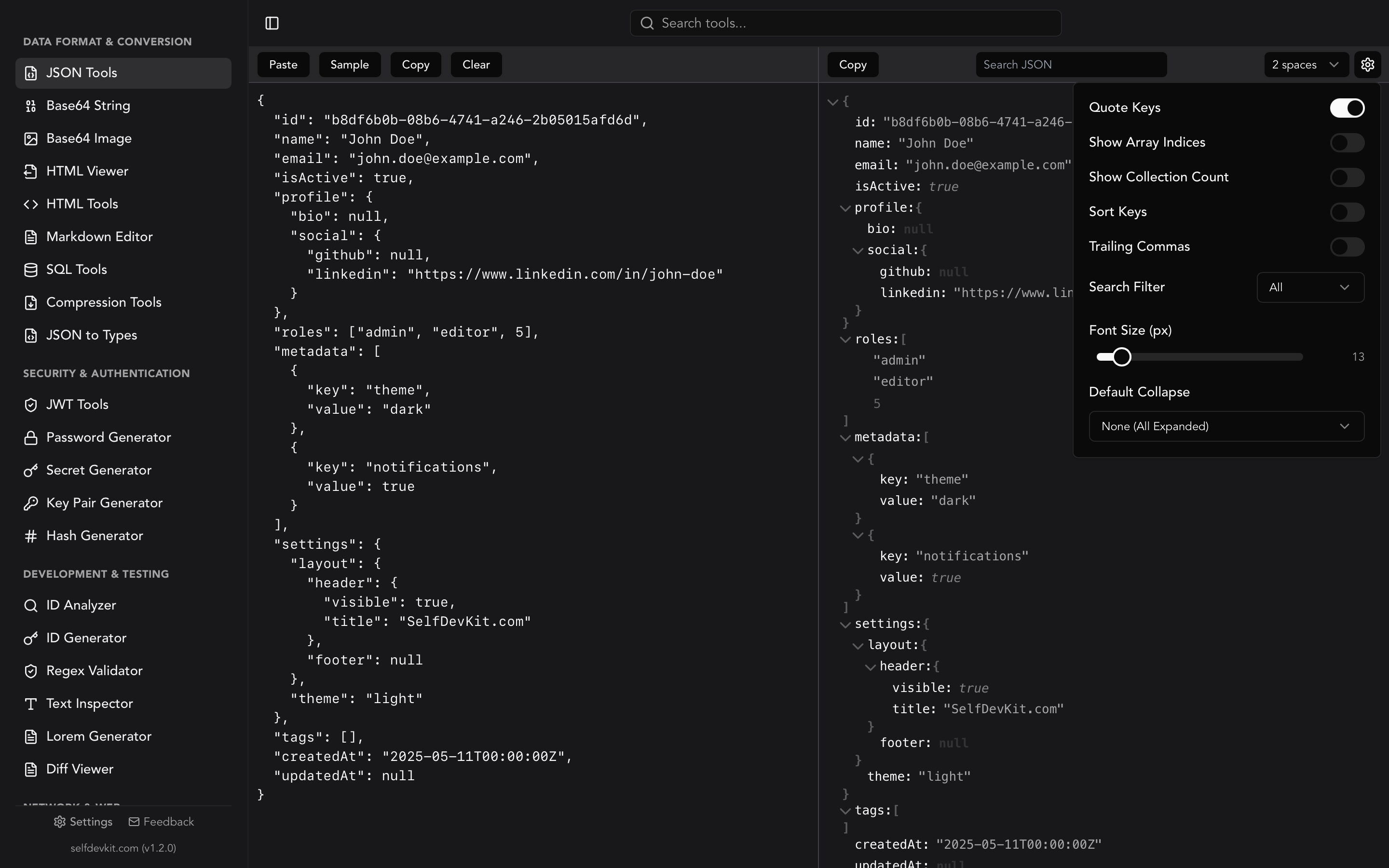
If you're working with deeply nested JSON, formatting it first with a tree view makes the structure much easier to reason about before writing types.
Automated JSON to TypeScript tools
For anything beyond a handful of simple objects, automated tools save significant time. To convert JSON to TypeScript automatically, paste your JSON into a converter tool that infers property types and generates interfaces.
How automated converters work
Under the hood, most converters use the same approach:
- Parse the JSON into an AST (abstract syntax tree)
- Infer types from values (
42becomesnumber,"hello"becomesstring) - Detect patterns across array elements to produce consistent item types
- Generate interfaces or type aliases with proper nesting
The popular open-source library quicktype powers many of these tools. It supports JSON, JSON Schema, and GraphQL as input formats.
CLI approach with quicktype
Install quicktype globally and convert from the command line:
npm install -g quicktype

# From a file
quicktype -s json -o types.ts --lang ts data.json

# From a URL (useful for public APIs)
quicktype "https://api.example.com/users/1" -o User.ts

# Just types, no runtime helpers
quicktype -s json --just-types -o types.ts data.json
VS Code extension
The Paste JSON as Code extension (also powered by quicktype) lets you paste JSON directly as TypeScript interfaces inside your editor. Select "Paste JSON as Code" from the command palette and choose TypeScript as the target language.
Desktop tool: SelfDevKit
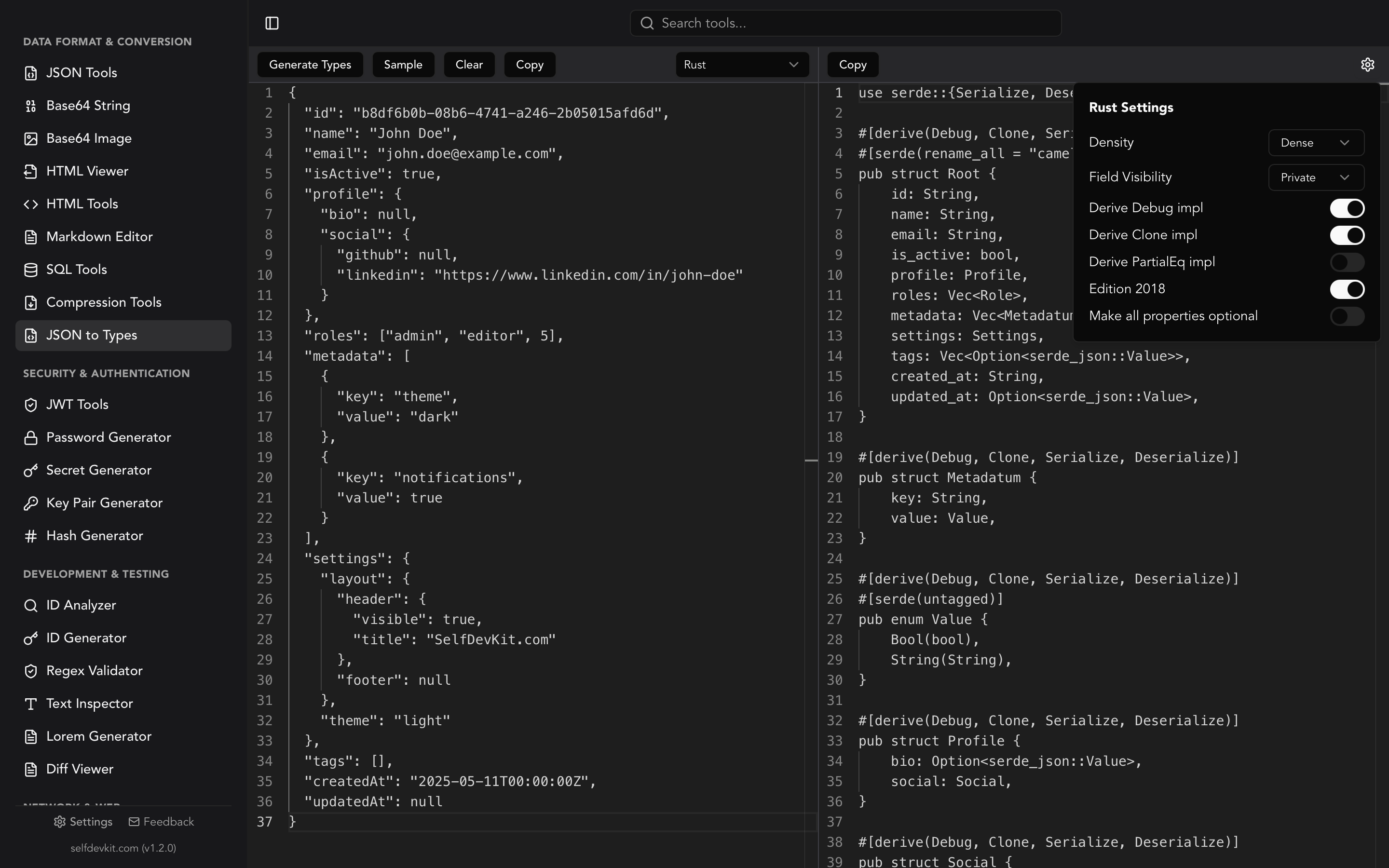
SelfDevKit's JSON to Types tool converts JSON to TypeScript interfaces locally, with no data leaving your machine. It defaults to TypeScript and offers four settings you can toggle:
- Use types instead of interfaces (generates
typealiases instead ofinterfacedeclarations) - Make all properties optional (adds
?to every property) - Prefer unions over enums (generates
"a" | "b"instead ofenum) - Make properties readonly (adds
readonlymodifier)
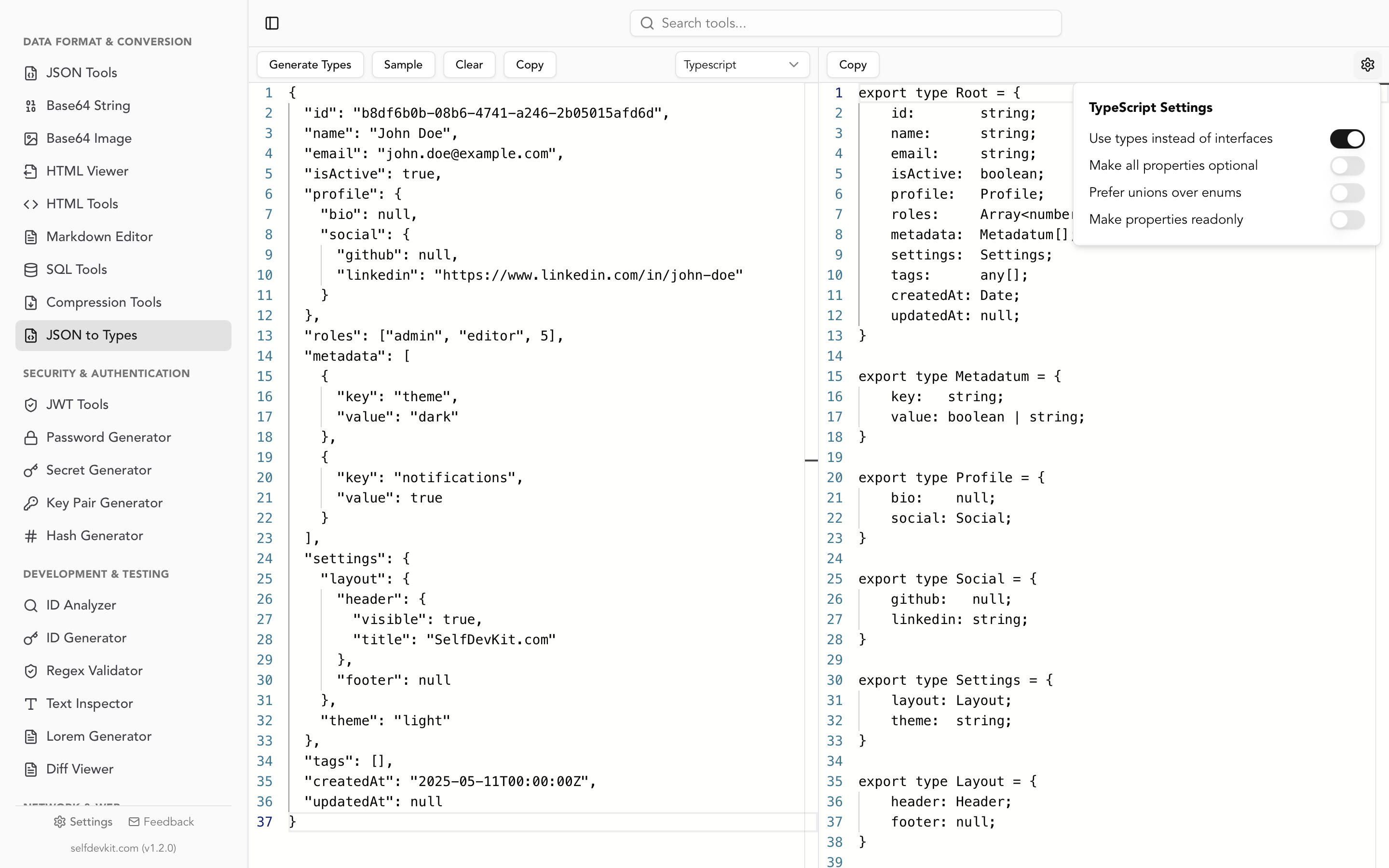
Beyond TypeScript, the same tool generates types for Rust, Python, Go, and Ruby, so if your stack spans multiple languages, you can generate types for all of them from the same JSON sample.
Interfaces vs type aliases: which to generate
TypeScript gives you two ways to define object shapes: interface and type. Most JSON-to-TypeScript converters default to interfaces, but the choice matters.
Interfaces
interface User {
  id: number;
  name: string;
}
Interfaces support declaration merging. If you define the same interface twice, TypeScript merges them:
interface User {
  id: number;
}

interface User {
  name: string;
}

// Result: User has both id and name
This is useful when extending third-party types or when different parts of your codebase contribute properties to the same shape. Interfaces also produce slightly clearer error messages in some editors.
Type aliases
type User = {
  id: number;
  name: string;
};
Type aliases are more versatile. They can represent unions, intersections, mapped types, conditional types, and primitives. You can't do interface Status = "active" | "inactive", but you can do type Status = "active" | "inactive".
Which should you choose?
The TypeScript handbook recommends interfaces for object shapes and type aliases for everything else. For generated code from JSON, interfaces are the safer default because:
- They're easier to extend (
interface Admin extends User {}) - Error messages reference the interface name directly
- They can't accidentally be assigned non-object types
That said, if your team prefers type aliases for consistency, SelfDevKit's "Use types instead of interfaces" toggle lets you switch with one click.
Runtime validation: where TypeScript stops
TypeScript types are erased at compile time. This is the most important thing to understand about JSON to TypeScript conversion. Your beautifully typed interfaces provide zero protection when JSON.parse() returns unexpected data at runtime.
Consider this:
interface User {
  id: number;
  name: string;
  email: string;
}

// This compiles fine, but what if the API returns { id: "abc" }?
const user: User = await response.json();
If the API changes id from a number to a string, TypeScript won't catch it. Your code will happily assign the wrong data type and fail somewhere downstream in a way that's hard to trace.
Zod: runtime validation that mirrors your types
Zod is a TypeScript-first schema validation library that lets you define schemas and infer types from them:
import { z } from "zod";

const UserSchema = z.object({
  id: z.number(),
  name: z.string(),
  email: z.string().email(),
});

// Infer the TypeScript type from the schema
type User = z.infer<typeof UserSchema>;

// Validate at runtime
const user = UserSchema.parse(await response.json());
// Throws ZodError if data doesn't match
This approach gives you both compile-time types and runtime validation from a single source of truth. No type drift.
SelfDevKit includes a TypeScript Zod output mode that generates Zod schemas directly from your JSON, so you get runtime validation code without writing schemas by hand.
When to use runtime validation
Not every JSON parse needs validation. Here's a practical guide:
| Scenario | Validation needed? |
|---|---|
| External API responses | Yes, always |
| User-submitted JSON | Yes, always |
| Internal microservice calls | Recommended |
| Config files you control | Optional |
| Test fixtures | No |
For API responses, validation catches breaking changes before they cascade through your application. For JWT tokens and other security-sensitive data, validating the payload structure is especially important.
Practical patterns for API responses
Converting a single JSON sample to TypeScript is the easy part. In practice, you need patterns that handle the messy reality of API development.
Discriminated unions for polymorphic responses
Many APIs return different shapes based on a type or status field:
[
  { "type": "text", "content": "Hello" },
  { "type": "image", "url": "https://example.com/photo.jpg", "width": 800 },
  { "type": "video", "url": "https://example.com/clip.mp4", "duration": 120 }
]
A flat interface can't represent this well. Use discriminated unions:
interface TextBlock {
  type: "text";
  content: string;
}

interface ImageBlock {
  type: "image";
  url: string;
  width: number;
}

interface VideoBlock {
  type: "video";
  url: string;
  duration: number;
}

type ContentBlock = TextBlock | ImageBlock | VideoBlock;
TypeScript then narrows the type automatically when you check the discriminant:
function render(block: ContentBlock) {
  switch (block.type) {
    case "text":
      return block.content; // TypeScript knows this is TextBlock
    case "image":
      return block.url;     // TypeScript knows this is ImageBlock
  }
}
No automated tool will generate discriminated unions from a single JSON sample. This is where understanding your API's contract matters more than any converter.
Pagination wrappers with generics
Most APIs wrap responses in a pagination envelope:
interface PaginatedResponse<T> {
  data: T[];
  total: number;
  page: number;
  pageSize: number;
  hasNext: boolean;
}

type UserListResponse = PaginatedResponse<User>;
type OrderListResponse = PaginatedResponse<Order>;
Generate the inner types (User, Order) from JSON samples, then wrap them in a generic manually. This avoids duplicating the pagination structure across every endpoint.
Handling dates
JSON has no date type. Dates arrive as strings, and they need to stay as string in your interfaces:
// Correct: matches what JSON.parse() actually returns
interface Event {
  name: string;
  startsAt: string; // ISO 8601 format
}

// If you need Date objects, convert explicitly
function toEvent(raw: Event): Event & { startsAtDate: Date } {
  return {
    ...raw,
    startsAtDate: new Date(raw.startsAt),
  };
}
Automated tools get this right. They'll type date strings as string, not Date. If you see a converter outputting Date for JSON string fields, that's a bug.
Privacy risks of online converters
Most developers don't think twice about pasting JSON into an online converter. But consider what's in that JSON.
API responses routinely contain user emails, authentication tokens, internal IDs, and business logic. JWT payloads include user claims and permissions. Config files hold API keys and database credentials. If your organization handles healthcare data under HIPAA or user data under GDPR, pasting that data into a third-party website creates a compliance risk.
Online converters send your JSON to a server for processing. Even if the service is well-intentioned, their servers can be breached, their logs can be subpoenaed, and their third-party analytics scripts can capture your input.
Offline tools eliminate this risk entirely. SelfDevKit processes everything locally on your machine. Your JSON never touches a network. For teams that work with sensitive data (and that's most teams), this is the practical choice.
If you already use SelfDevKit's JSON Tools for formatting and minifying JSON, the JSON to Types tool fits naturally into the same workflow. Inspect the JSON, understand its structure, then generate types, all without switching to a browser.
Download SelfDevKit to convert JSON to TypeScript (and Rust, Python, Go, Ruby) offline.
Frequently asked questions
What's the difference between JSON to TypeScript and JSON Schema to TypeScript?
JSON to TypeScript infers types from actual JSON data (values like 42, "hello", true). JSON Schema to TypeScript reads a formal schema definition that describes the data's structure, constraints, and validation rules. If you have a JSON Schema, tools like json-schema-to-typescript produce more precise types because the schema contains information (like required fields, string patterns, and enums) that raw data samples don't.
Should I use interface or type for generated TypeScript types?
For object shapes generated from JSON, interface is the standard recommendation from the TypeScript team. Interfaces support extension (extends), produce clearer error messages, and work well with declaration merging. Use type when you need unions, intersections, or mapped types. SelfDevKit lets you toggle between both.
Do I need runtime validation if I already have TypeScript interfaces?
Yes, for any data that crosses a trust boundary (API responses, user input, file reads). TypeScript interfaces are erased at compile time and provide no runtime guarantees. Libraries like Zod or io-ts let you validate data at runtime while keeping your types in sync.
Can I convert JSON to TypeScript from the command line?
Yes. Install quicktype with npm install -g quicktype, then run quicktype -s json --just-types -o types.ts data.json. This works well in CI pipelines for generating types from API fixtures. For a GUI approach that also handles JSON formatting, Base64 encoding, and 50+ other developer tasks, SelfDevKit bundles everything in one desktop app.