What is a lorem ipsum paragraph?
A lorem ipsum paragraph is a block of scrambled Latin placeholder text, typically four sentences and around 69 words, used to fill a layout so designers and developers can preview typography and spacing before real copy exists. Its letter and word-length distribution mirrors natural English, so paragraphs wrap and break the way real content will.
Sometimes you do not need a whole generator. You just need one lorem ipsum paragraph to drop into a card, a blog preview, or a <p> tag so you can see how the layout holds up. This guide gives you copy-ready paragraph blocks, tells you exactly how long a lorem ipsum paragraph is, and then goes further than the copy-paste sites: it shows how to use multiple paragraphs to stress test typography, measure, and vertical rhythm, and how to generate any number of paragraphs in code.
If you want the deeper history of the text or a full breakdown of what the Latin means, see our companion guides on lorem ipsum text and the lorem ipsum generator. This post stays focused on the paragraph as a unit.
Table of contents
- Copy-ready lorem ipsum paragraphs
- The anatomy of a lorem ipsum paragraph
- How many paragraphs do you actually need
- Testing multi-paragraph typography
- Generate a specific number of paragraphs
- Generating paragraphs in code and your editor
- Keep placeholder text offline
- Frequently asked questions
Copy-ready lorem ipsum paragraphs
Here are the standard blocks. Grab whichever length matches your layout.
One paragraph (the classic block):
Lorem ipsum dolor sit amet, consectetur adipiscing elit, sed do eiusmod tempor incididunt ut labore et dolore magna aliqua. Ut enim ad minim veniam, quis nostrud exercitation ullamco laboris nisi ut aliquip ex ea commodo consequat. Duis aute irure dolor in reprehenderit in voluptate velit esse cillum dolore eu fugiat nulla pariatur. Excepteur sint occaecat cupidatat non proident, sunt in culpa qui officia deserunt mollit anim id est laborum.
Two paragraphs:
Lorem ipsum dolor sit amet, consectetur adipiscing elit, sed do eiusmod tempor incididunt ut labore et dolore magna aliqua. Ut enim ad minim veniam, quis nostrud exercitation ullamco laboris nisi ut aliquip ex ea commodo consequat. Duis aute irure dolor in reprehenderit in voluptate velit esse cillum dolore eu fugiat nulla pariatur.
Sed ut perspiciatis unde omnis iste natus error sit voluptatem accusantium doloremque laudantium, totam rem aperiam, eaque ipsa quae ab illo inventore veritatis et quasi architecto beatae vitae dicta sunt explicabo. Nemo enim ipsam voluptatem quia voluptas sit aspernatur aut odit aut fugit, sed quia consequuntur magni dolores eos qui ratione voluptatem sequi nesciunt.
Three paragraphs:
Lorem ipsum dolor sit amet, consectetur adipiscing elit, sed do eiusmod tempor incididunt ut labore et dolore magna aliqua. Ut enim ad minim veniam, quis nostrud exercitation ullamco laboris nisi ut aliquip ex ea commodo consequat.
Duis aute irure dolor in reprehenderit in voluptate velit esse cillum dolore eu fugiat nulla pariatur. Excepteur sint occaecat cupidatat non proident, sunt in culpa qui officia deserunt mollit anim id est laborum. Sed ut perspiciatis unde omnis iste natus error sit voluptatem accusantium doloremque laudantium.
Neque porro quisquam est, qui dolorem ipsum quia dolor sit amet, consectetur, adipisci velit, sed quia non numquam eius modi tempora incidunt ut labore et dolore magnam aliquam quaerat voluptatem. Ut enim ad minima veniam, quis nostrum exercitationem ullam corporis suscipit laboriosam.
Need a different length or exact word count? Skip the copy-paste and generate precisely what you need with SelfDevKit's Lorem Generator. For more ready blocks and the full Latin translation, our lorem ipsum text guide covers the standard passages in detail.
The anatomy of a lorem ipsum paragraph
A standard lorem ipsum paragraph is four sentences long, contains roughly 69 words, and runs about 446 characters including spaces. That is the classic block quoted above, and it is the one most word processors and CMS platforms insert by default.
But there is no single fixed size. Paragraph length varies depending on the generator and its settings. Here is how the common units compare so you can pick the right one:
| Unit | Typical size | Best for |
|---|---|---|
| Word | 1 word, ~5.1 characters | Filling a single label or tag |
| Sentence | 8 to 15 words | Card subtitles, tooltips, form hints |
| Standard paragraph | ~4 sentences, ~69 words | Blog previews, product descriptions |
| Generated paragraph | 8 to 12 sentences | Full article body, long-form layouts |
The reason a lorem ipsum paragraph works better than typing "content goes here content goes here" comes down to distribution. Lorem ipsum averages 5.1 characters per word versus about 4.7 for English, and its letter frequency closely tracks real English text. That means a real lorem ipsum paragraph wraps, breaks, and overflows the way genuine copy will, exposing layout bugs that repeated filler hides.
If you ever need to confirm the exact word, sentence, or character count of a block before you use it, paste it into the Text Inspector or check our word counter guide for how counting handles edge cases like hyphenation and Unicode.
How many paragraphs do you actually need
Match the paragraph count to the component you are filling. Too little text and you never see how the layout behaves under load; too much and you waste time scrolling. Use this as a starting point:
| Layout element | Recommended paragraphs |
|---|---|
| Card or list item | 1 short paragraph (2 to 3 sentences) |
| Blog post preview | 1 standard paragraph |
| Product description | 2 paragraphs |
| Article or documentation body | 3 to 5 paragraphs |
| Full-page template review | 5 or more paragraphs |
| Email newsletter | 3 paragraphs of varying length |
The important detail most copy-paste sites miss: vary the paragraph lengths. Real articles are not made of four identical blocks. Mix a two-sentence paragraph with a seven-sentence one, then add a single-line paragraph. That variation is what reveals uneven spacing, awkward widows, and rhythm problems in your typography.
Testing multi-paragraph typography
Multiple lorem ipsum paragraphs are the fastest way to test long-form typography, because several problems only appear when text flows across paragraph boundaries. A single paragraph will never surface them. Here is what to look for.
Measure (line length)
Measure is the number of characters per line, and it has a large effect on readability. The widely cited guideline from Robert Bringhurst is 45 to 75 characters per line, with around 66 as the sweet spot for body text. Butterick's Practical Typography recommends a similar 45 to 90 range. For accessibility, WCAG 1.4.8 sets a ceiling of 80 characters (40 for CJK).
Fill your content column with a couple of lorem ipsum paragraphs and count the characters on a full line. Too wide and readers lose their place jumping back to the left margin; too narrow and the eye tires from constant line breaks. In CSS, you can constrain measure with max-width in ch units:
.article-body {
  max-width: 66ch; /* roughly 66 characters per line */
  line-height: 1.6;
}
Vertical rhythm and paragraph spacing
Vertical rhythm is the consistent spacing that ties lines and paragraphs to a shared baseline. You cannot judge it from one paragraph. Drop in three or four and check that the space between paragraphs relates cleanly to your line-height. A common convention is spacing paragraphs by one full line height:
.article-body p + p {
  margin-top: 1.6rem; /* match line-height for even rhythm */
}
Widows and orphans
A widow is a short final line of a paragraph, sometimes a single word, stranded at the top of the next column or page. An orphan is the opening line of a paragraph left behind at the bottom. Both look awkward, and you only catch them with enough text to fill and overflow the container. CSS gives you control through the widows and orphans properties for paged and multi-column layouts:
.article-body {
  orphans: 3;
  widows: 3;
}
Drop caps and first-line styling
If your design uses a drop cap or an indented first line, you need real paragraph starts to see it work. Generate several paragraphs so you can confirm the ::first-letter styling and any first-line indent behave consistently, not just on the opening block.
.article-body p:first-of-type::first-letter {
  float: left;
  font-size: 3.2rem;
  line-height: 1;
  padding-right: 0.5rem;
}
None of this shows up with a single hardcoded paragraph. That is precisely why you want a generator that produces varied, multi-sentence paragraphs on demand.
Generate a specific number of paragraphs
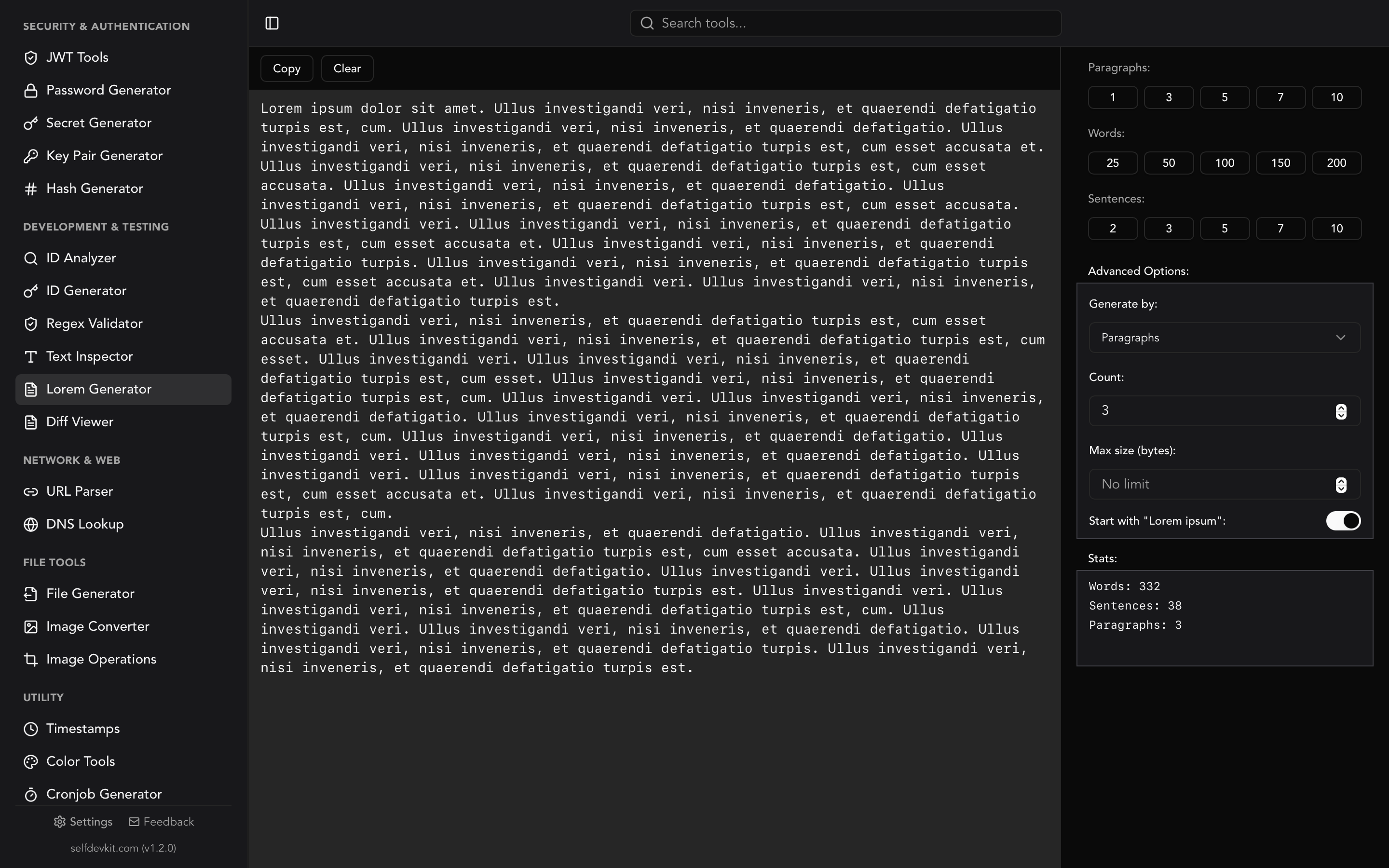
To generate an exact number of lorem ipsum paragraphs, use paragraph mode in a generator and set the count. SelfDevKit's Lorem Generator lets you choose paragraphs, sentences, or words, and shows live statistics for each as you generate.
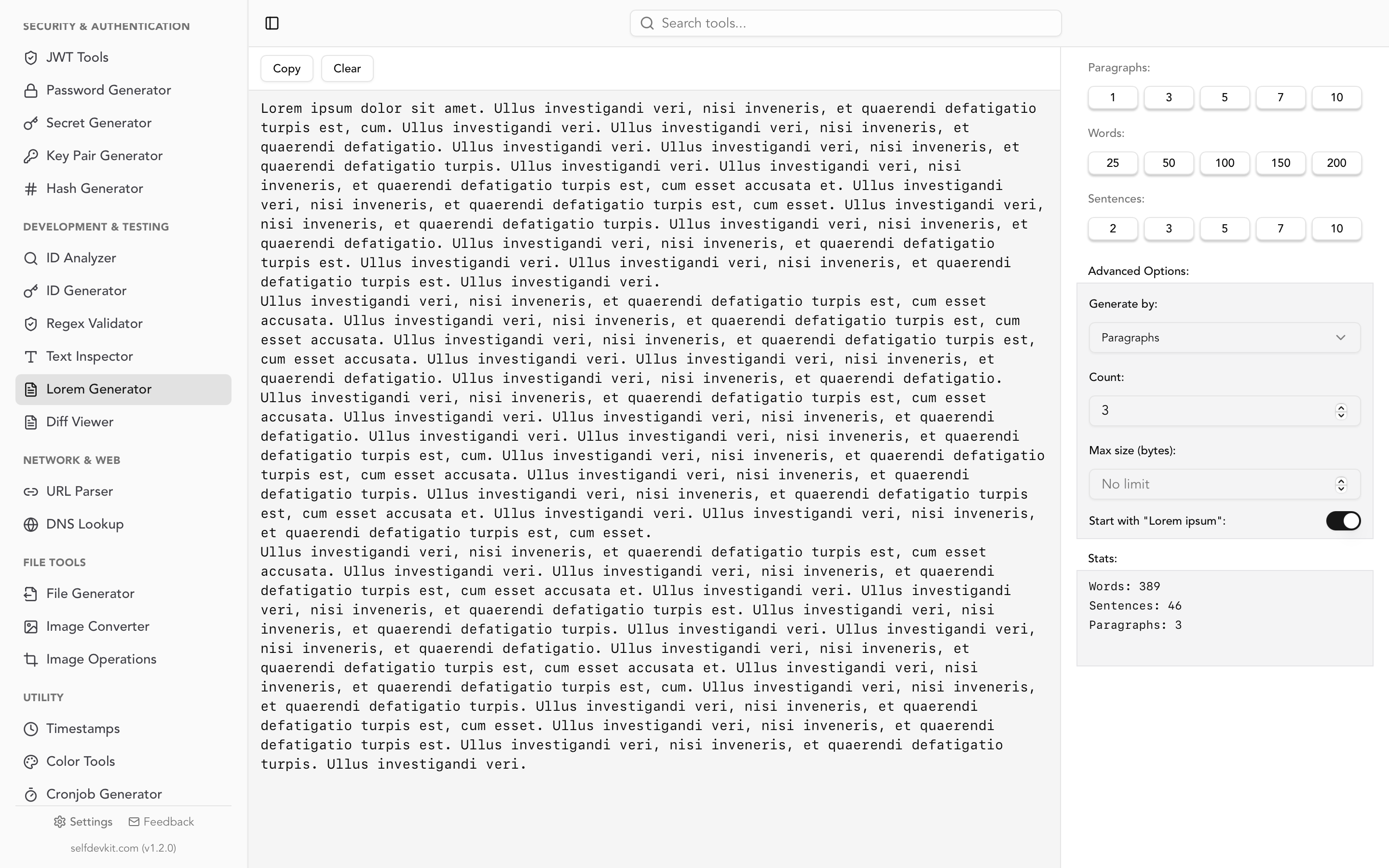
Each generated paragraph contains 8 to 12 sentences with sentence lengths varying between roughly 8 and 15 words, so the output reads with natural rhythm instead of repeating one fixed block. You can also toggle the classic "Lorem ipsum" opening on or off, and cap the total output at a character limit when a field has length constraints.
Once you have your paragraphs, preview how they render inside real markup with the HTML Viewer, or drop them into the Markdown Editor to check how they look as formatted body content.
Generating paragraphs in code and your editor
Sometimes you need paragraphs without leaving your editor or your codebase. Here are the fastest paths, with a focus on paragraph output.
Emmet (VS Code and most editors)
This is the trick most developers overlook. Emmet's lorem abbreviation generates placeholder paragraphs inline. Type this in an HTML file and press Tab:
p*4>lorem
That expands into four <p> elements, each filled with about 30 words of lorem ipsum. Control the word count per paragraph by appending a number, for example p*3>lorem20 for three paragraphs of 20 words each. No website, no copy-paste.
JavaScript / Node.js
The lorem-ipsum package generates paragraphs directly:
import { LoremIpsum } from 'lorem-ipsum';

const lorem = new LoremIpsum({
  sentencesPerParagraph: { max: 8, min: 4 },
  wordsPerSentence: { max: 16, min: 4 }
});

console.log(lorem.generateParagraphs(3)); // 3 paragraphs
Python
The Faker library returns a list of paragraphs, which is handy for seeding database rows:
from faker import Faker
fake = Faker()

paragraphs = fake.paragraphs(nb=3)  # list of 3 paragraph strings
print("\n\n".join(paragraphs))
For the full multi-language rundown, including Rust and Go, plus a comparison of the most popular libraries, see our lorem ipsum generator guide. If you are seeding a database with these paragraphs, the SQL tools keep your INSERT scripts readable as they grow.
Keep placeholder text offline
Grabbing a lorem ipsum paragraph from the first search result seems harmless, and usually it is. But you are rarely on that site in isolation. You are mid-task, with your project code and admin panels open in adjacent tabs, and the generator page is loading third-party analytics and ad trackers that fingerprint your session and read referrer headers.
An offline generator sidesteps all of it. SelfDevKit's Lorem Generator runs entirely on your machine with no network requests, no server logs, and no tracker scripts. Generate one paragraph or fifty without sharing anything.
This is the same reasoning behind using offline tools for JSON formatting and every other daily task. If a tool does not need the network to run, it should not require it. Our post on why offline matters makes the full case.
Frequently asked questions
How long is a standard lorem ipsum paragraph?
The classic lorem ipsum paragraph is four sentences long, about 69 words, and roughly 446 characters including spaces. Generated paragraphs are often longer, running 8 to 12 sentences. You can confirm any block's exact length with the Text Inspector.
How do I get multiple lorem ipsum paragraphs quickly?
Copy the two- or three-paragraph blocks above, use Emmet's p*3>lorem abbreviation in your editor, or set paragraph mode in an offline generator and choose the count. Vary the lengths so your layout gets tested against realistic content rather than identical blocks.
Is a lorem ipsum paragraph copyrighted?
No. The source text by Cicero dates to 45 BC and is firmly in the public domain, and the scrambled placeholder version has been in continuous use since the 1500s. You can use lorem ipsum paragraphs freely in any project, though you should replace them with real copy before shipping.
Why not just repeat one paragraph three times?
Identical repeated paragraphs hide layout problems. Real articles vary in length, so widows, orphans, and uneven spacing only appear when your placeholder paragraphs vary too. Generate distinct paragraphs of different lengths to catch these issues early.
Generate lorem ipsum paragraphs offline
SelfDevKit gives you a lorem ipsum generator with paragraph, sentence, and word modes, live statistics, and a character limit, all running locally with nothing sent to a server.
Download SelfDevKit to get the lorem generator plus 50+ other developer tools, offline and private.