What is a SHA256 generator?
A SHA256 generator is a tool that runs the SHA-256 hash function on any input and returns a fixed 256-bit digest, written as 64 hexadecimal characters. The same input always produces the same digest, the output cannot be reversed to recover the input, and changing a single byte changes roughly half the output bits.
Type a word into a SHA256 generator, get back 64 hex characters, done. That part is easy. The hard part is everything the tool pages skip: why the hash you generated does not match the one your teammate generated, when SHA-256 is the wrong choice, and how to reproduce the exact same digest from your own code.
This guide covers all of it. You will learn how to generate a SHA-256 hash from the command line and from JavaScript, Python, and Go, how to produce hex or Base64 output, how HMAC-SHA256 differs from a plain hash, and the three encoding mistakes that make hashes silently disagree.
Table of contents
- How a SHA256 generator works
- Generate a SHA-256 hash on the command line
- Generate SHA-256 in code: JavaScript, Python, Go
- Hex vs Base64 output
- HMAC-SHA256 vs a plain SHA-256 hash
- Why two SHA-256 hashes never match
- When not to use SHA-256
- Frequently asked questions
- Generate SHA-256 hashes offline
How a SHA256 generator works
A SHA256 generator feeds your input through the SHA-256 algorithm and returns a 256-bit digest. SHA-256 belongs to the SHA-2 family, published by NIST in 2001 and specified in FIPS 180-4. It is the current default for general-purpose cryptographic hashing.
The output is always exactly 256 bits, which is 32 bytes, which is 64 hexadecimal characters. This holds no matter how large the input is. Hashing a single letter and hashing a 4 GB disk image both produce a 64-character string.
Input: "hello"
SHA-256: 2cf24dba5fb0a30e26e83b2ac5b9e29e1b161e5c1fa7425e73043362938b9824

Input: "Hello"
SHA-256: 185f8db32271fe25f561a6fc938b2e264306ec304eda518007d1764826381969
Changing one letter from lowercase to uppercase produced a completely different digest with no visible relationship to the first. That property, called the avalanche effect, is what makes SHA-256 useful for detecting tampering. Flip one bit anywhere in a file and the hash changes beyond recognition.
Three properties matter in practice. SHA-256 is deterministic, so the same bytes always hash to the same digest. It is one-way, so you cannot compute the input from the output. And it is collision resistant, so finding two different inputs with the same hash is computationally infeasible with current hardware.
Generate a SHA-256 hash on the command line
To generate a SHA-256 hash from the terminal, pipe your input into sha256sum on Linux or shasum -a 256 on macOS. Both read from standard input or from a file.
# Linux
printf '%s' "hello" | sha256sum
# 2cf24dba5fb0a30e26e83b2ac5b9e29e1b161e5c1fa7425e73043362938b9824  -

# macOS
printf '%s' "hello" | shasum -a 256

# Windows PowerShell
"hello" | Get-FileHash -Algorithm SHA256 -InputStream ([System.IO.MemoryStream]::new([System.Text.Encoding]::UTF8.GetBytes("hello")))
Use printf '%s' rather than echo. This detail trips up more people than any other. The echo command appends a trailing newline, so echo "hello" hashes the five letters plus a \n, which is a different input:
echo "hello" | sha256sum
# 5891b5b522d5df086d0ff0b110fbd9d21bb4fc7163af34d08286a2e846f6be03

printf '%s' "hello" | sha256sum
# 2cf24dba5fb0a30e26e83b2ac5b9e29e1b161e5c1fa7425e73043362938b9824
To hash a file, pass the path directly. This is how you verify downloads against a published checksum:
# Generate a checksum for a release archive
sha256sum release.tar.gz

# Verify against a published value
echo "2cf24dba...  release.tar.gz" | sha256sum --check

# macOS
shasum -a 256 release.tar.gz
Verifying a downloaded binary against the SHA-256 checksum the author published is one of the most common real uses. A match confirms the file arrived intact and unmodified. If you deal with checksums and file diffs a lot, our guide on the hash generator and cryptographic hashing covers the wider algorithm landscape.
Generate SHA-256 in code: JavaScript, Python, Go
Every major language ships SHA-256 in its standard library. Never write your own implementation. Here is the same digest produced three ways.
Node.js and the browser
Node uses the built-in crypto module:
const crypto = require('crypto');

const hash = crypto.createHash('sha256').update('hello').digest('hex');
// 2cf24dba5fb0a30e26e83b2ac5b9e29e1b161e5c1fa7425e73043362938b9824
In the browser, use the async Web Crypto API, which returns an ArrayBuffer you convert to hex:
async function sha256(message) {
  const data = new TextEncoder().encode(message);
  const buffer = await crypto.subtle.digest('SHA-256', data);
  return [...new Uint8Array(buffer)]
    .map((b) => b.toString(16).padStart(2, '0'))
    .join('');
}
The Web Crypto digest method is available in all modern browsers and only works over HTTPS or localhost.
Python
Python's hashlib is part of the standard library. Encode the string to bytes first, because SHA-256 hashes bytes, not text:
import hashlib

digest = hashlib.sha256("hello".encode("utf-8")).hexdigest()
# 2cf24dba5fb0a30e26e83b2ac5b9e29e1b161e5c1fa7425e73043362938b9824
Go
Go uses crypto/sha256 from the standard library:
package main

import (
	"crypto/sha256"
	"encoding/hex"
	"fmt"
)

func main() {
	sum := sha256.Sum256([]byte("hello"))
	fmt.Println(hex.EncodeToString(sum[:]))
	// 2cf24dba5fb0a30e26e83b2ac5b9e29e1b161e5c1fa7425e73043362938b9824
}
Notice that all four snippets, plus both CLI examples, produce the identical digest. That is the point. A correct SHA-256 generator is reproducible everywhere, which is exactly why a mismatch always points to different input bytes rather than a broken algorithm.
Hex vs Base64 output
A SHA-256 digest is 32 raw bytes. Hex and Base64 are just two ways of printing those same bytes as text, and they are not interchangeable strings.
Hexadecimal encodes each byte as two characters, giving the familiar 64-character output. Base64 packs the bytes more densely into 44 characters (including padding). Both represent the same underlying digest.
# Hex: 64 characters
printf '%s' "hello" | openssl dgst -sha256
# 2cf24dba5fb0a30e26e83b2ac5b9e29e1b161e5c1fa7425e73043362938b9824

# Base64: 44 characters
printf '%s' "hello" | openssl dgst -sha256 -binary | base64
# LPJNul+wow4m6DsqxbninhsWHlwfp0JecwQzYpOLmCQ=
| Encoding | Length | Example prefix | Common use |
|---|---|---|---|
| Hex | 64 chars | 2cf24dba... |
Checksums, Git, most APIs |
| Base64 | 44 chars | LPJNul+w... |
Subresource Integrity, HTTP headers |
Web browsers use Base64 SHA-256 for Subresource Integrity, where a <script integrity="sha256-..."> attribute pins the expected hash of a CDN file. If you need to move between Base64 and other formats while debugging, the Base64 string tools handle the conversion locally.
HMAC-SHA256 vs a plain SHA-256 hash
HMAC-SHA256 combines SHA-256 with a secret key to prove that a message came from someone who holds that key. A plain SHA-256 hash proves only integrity, not authenticity, because anyone can compute it.
The difference matters for authentication. A plain hash of a webhook payload is worthless as a signature, because an attacker who tampers with the payload can simply recompute the hash. HMAC requires the secret, so only the server and the sender can produce a valid signature.
const crypto = require('crypto');

// Plain SHA-256: anyone can reproduce this
const digest = crypto.createHash('sha256').update(payload).digest('hex');

// HMAC-SHA256: requires the shared secret
const signature = crypto
  .createHmac('sha256', 'your_webhook_secret')
  .update(payload)
  .digest('hex');
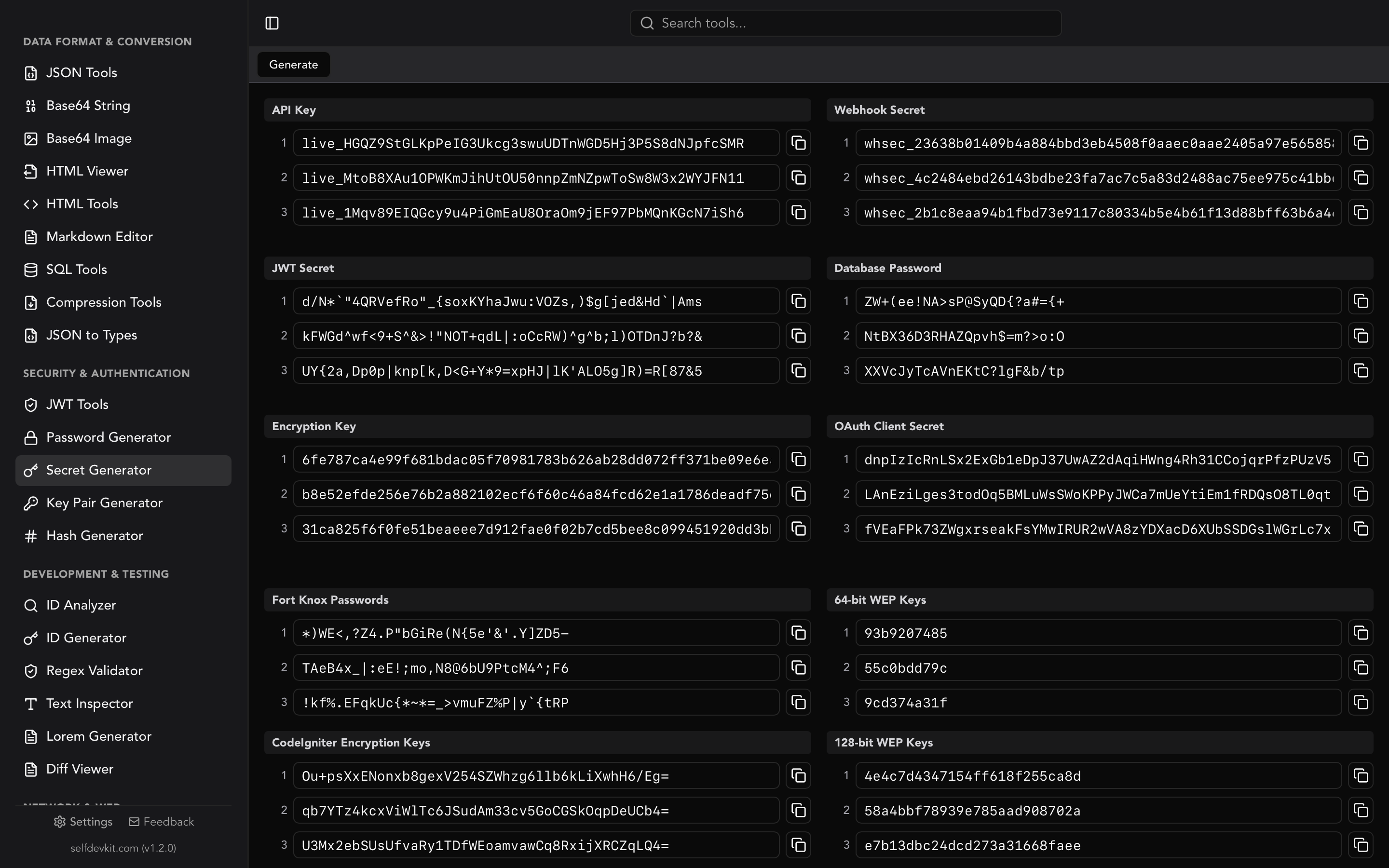
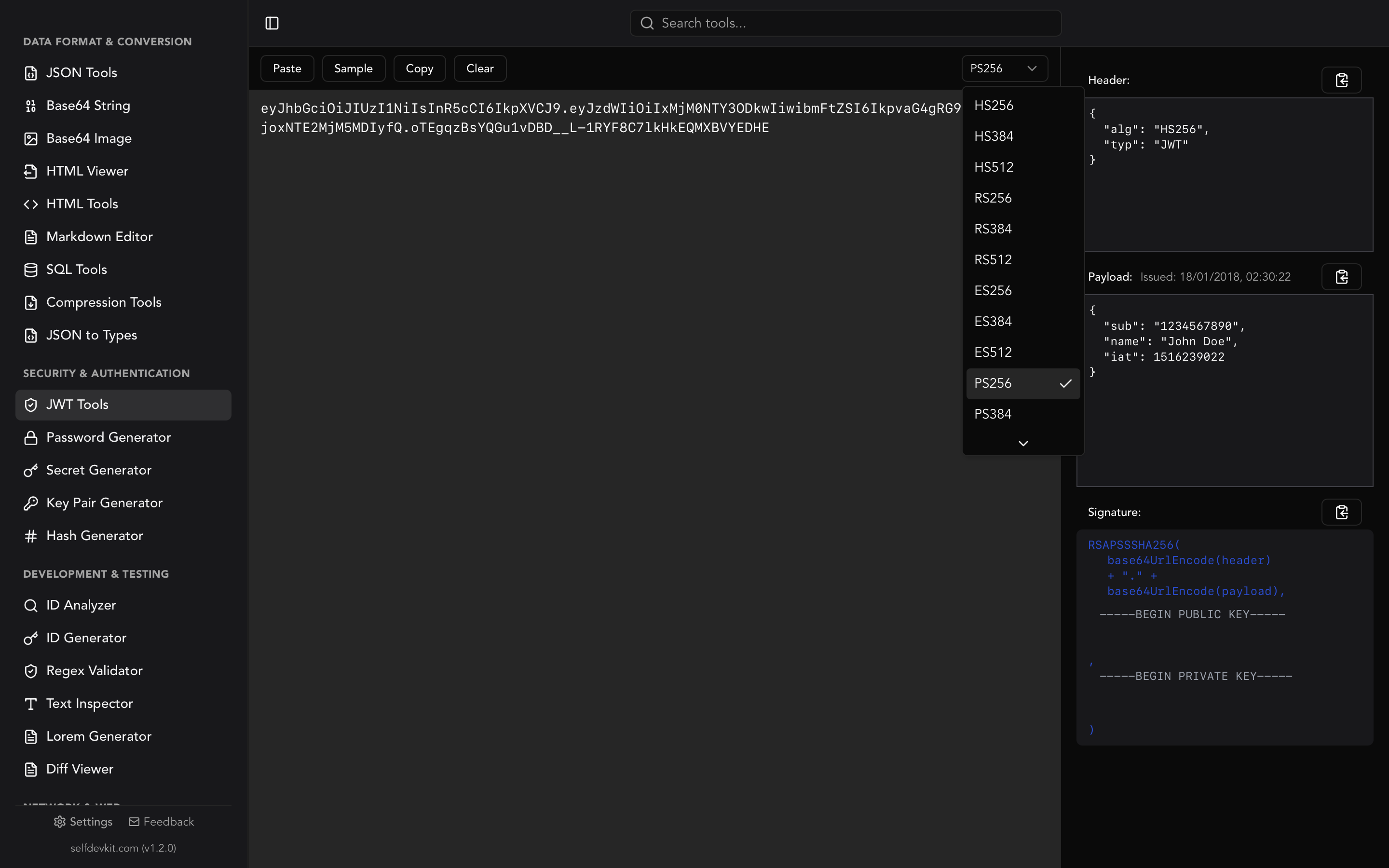
This is how Stripe, GitHub, and Slack sign webhooks, and how the HS256 algorithm in JSON Web Tokens signs the token body. When you verify an HMAC, always use a constant-time comparison such as crypto.timingSafeEqual to avoid leaking information through timing. For generating the secret keys these signatures depend on, see our JWT secret key generator guide and the Secret Generator tool.
Why two SHA-256 hashes never match
When two SHA-256 hashes of "the same" data disagree, the inputs are not actually the same bytes. SHA-256 has no randomness, so identical bytes always produce identical output. Three encoding differences cause almost every mismatch.
Trailing newlines. As shown earlier, echo adds a \n and printf '%s' does not. Editors that "insert final newline on save" quietly change file hashes. Copying a value out of a terminal can append a newline too.
Character encoding. SHA-256 hashes bytes, not characters. The string "café" hashed as UTF-8 differs from the same string hashed as Latin-1, because the é is one byte in one encoding and two in the other. Always agree on UTF-8 and encode explicitly, as in Python's .encode("utf-8").
Invisible whitespace and line endings. A file saved with Windows CRLF line endings hashes differently from the same file with Unix LF endings. Leading spaces, tabs versus spaces, and a UTF-8 byte order mark all change the input. When you suspect whitespace, run the two inputs through a diff viewer to see the exact byte-level difference.
A quick way to isolate the cause is to hash a known value, such as the string hello, and confirm you get 2cf24dba5fb0a30e26e83b2ac5b9e29e1b161e5c1fa7425e73043362938b9824. If that matches, your generator is correct and the problem is in the input you are feeding it.
When not to use SHA-256
Do not use plain SHA-256 to store passwords. This is the single most important warning that generic SHA256 generator pages leave out.
SHA-256 is designed to be fast, and speed is exactly wrong for passwords. A modern GPU computes billions of SHA-256 hashes per second, so an attacker who steals a database of SHA-256 password hashes can brute-force common passwords in seconds and use precomputed rainbow tables for the rest. Adding a salt helps against rainbow tables but does nothing about raw speed.
Passwords need slow, memory-hard algorithms built for the job:
- Argon2id, the current recommendation from the OWASP Password Storage Cheat Sheet
- bcrypt, battle-tested and widely supported
- scrypt, memory-hard for high-security needs
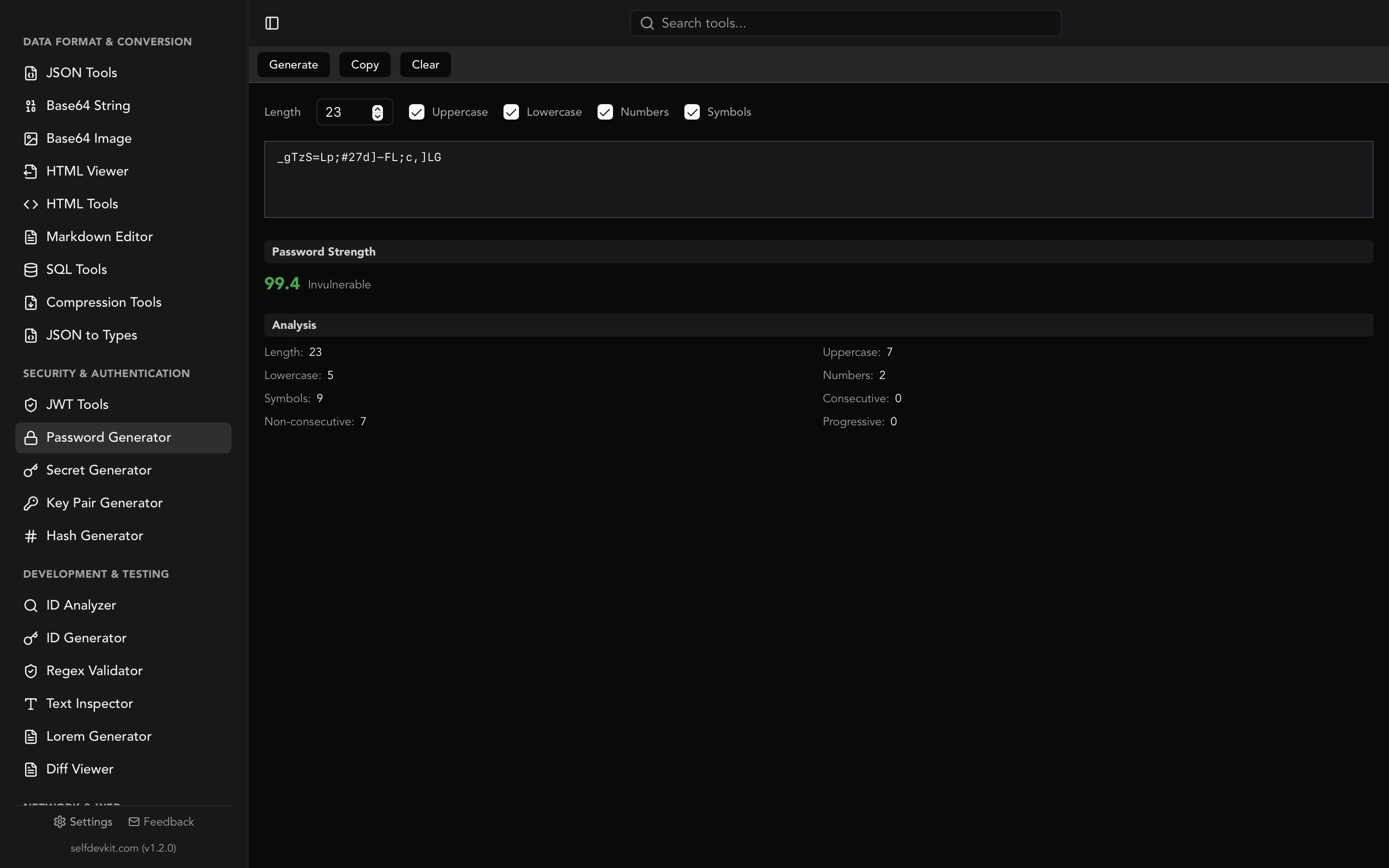
SHA-256 is the right tool for file integrity, checksums, digital signatures, content addressing (Git stores objects by their hash), blockchain proof-of-work, and as the hash inside HMAC and TLS. It is the wrong tool the moment the input is a low-entropy secret that a human chose. For creating strong passwords in the first place, use the Password Generator and read our secure password generator guide.
Frequently asked questions
Can a SHA-256 hash be reversed or decrypted?
No. SHA-256 is a one-way hash, not encryption, so there is no key that turns the digest back into the input. Sites that claim to "decrypt" SHA-256 are looking your hash up in a database of previously computed common inputs. They cannot reverse a hash of anything unpredictable.
How long is a SHA-256 hash?
A SHA-256 hash is always 256 bits, which is 32 bytes. Printed as hexadecimal it is 64 characters, and printed as Base64 it is 44 characters including padding. The length never changes regardless of input size.
Is SHA-256 still secure in 2026?
Yes. SHA-256 has no known practical collision or preimage attacks and remains the default for TLS certificates, code signing, Git, and blockchains. The known weaknesses of MD5 and SHA-1 do not apply to the SHA-2 family. Just remember it is not a password hashing algorithm.
What is the difference between SHA-256 and SHA-2?
SHA-2 is the family, and SHA-256 is one member of it. The family also includes SHA-224, SHA-384, and SHA-512, which differ mainly in output size. When people say "SHA-2" in the context of a checksum, they almost always mean SHA-256.
Generate SHA-256 hashes offline
Most online SHA256 generators send whatever you paste to their servers. For a public string that is harmless, but developers routinely hash things that are not public: internal file paths, API payloads, config values, license keys, customer records during debugging. Once that input leaves your machine, you no longer control where it is logged.
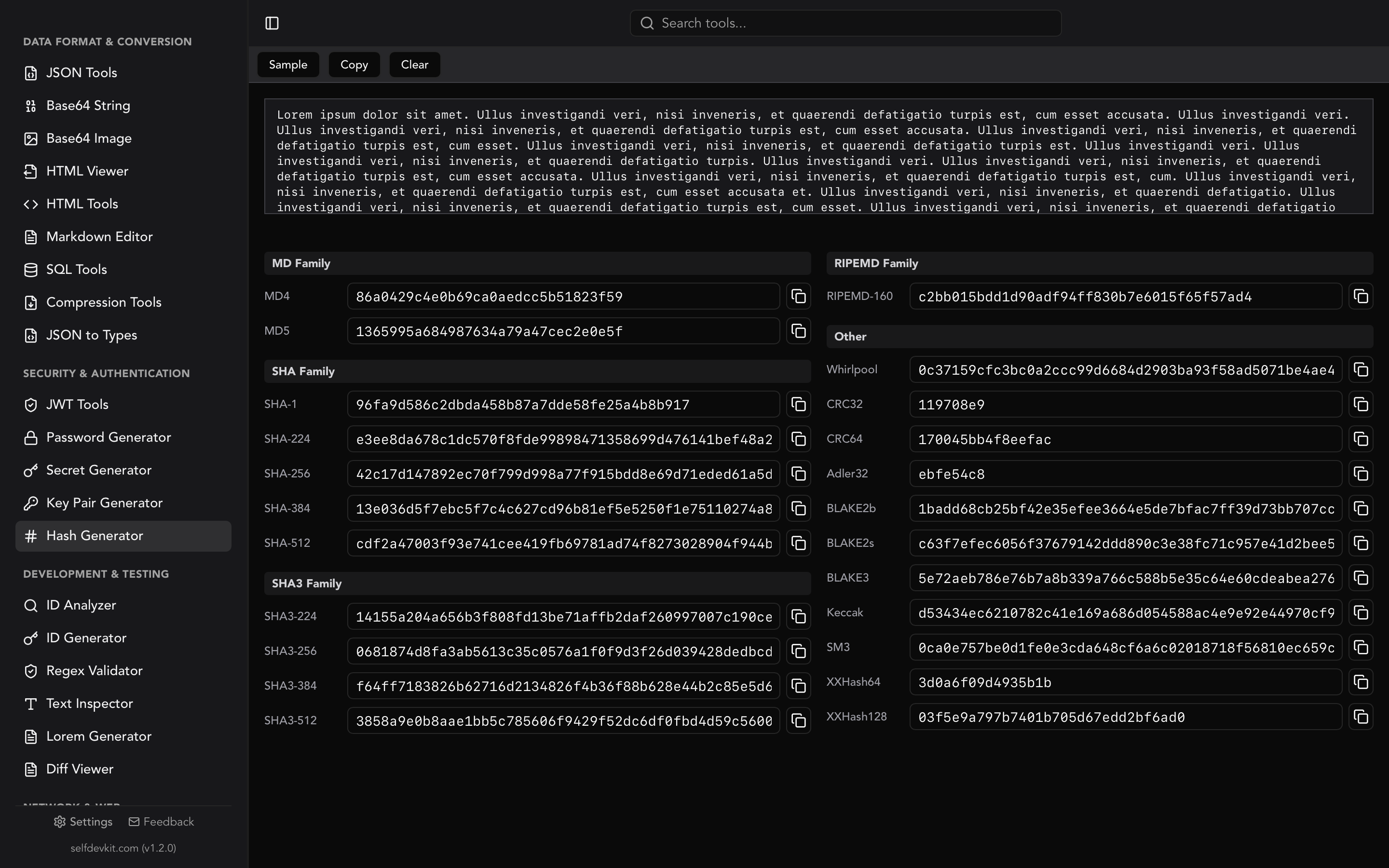
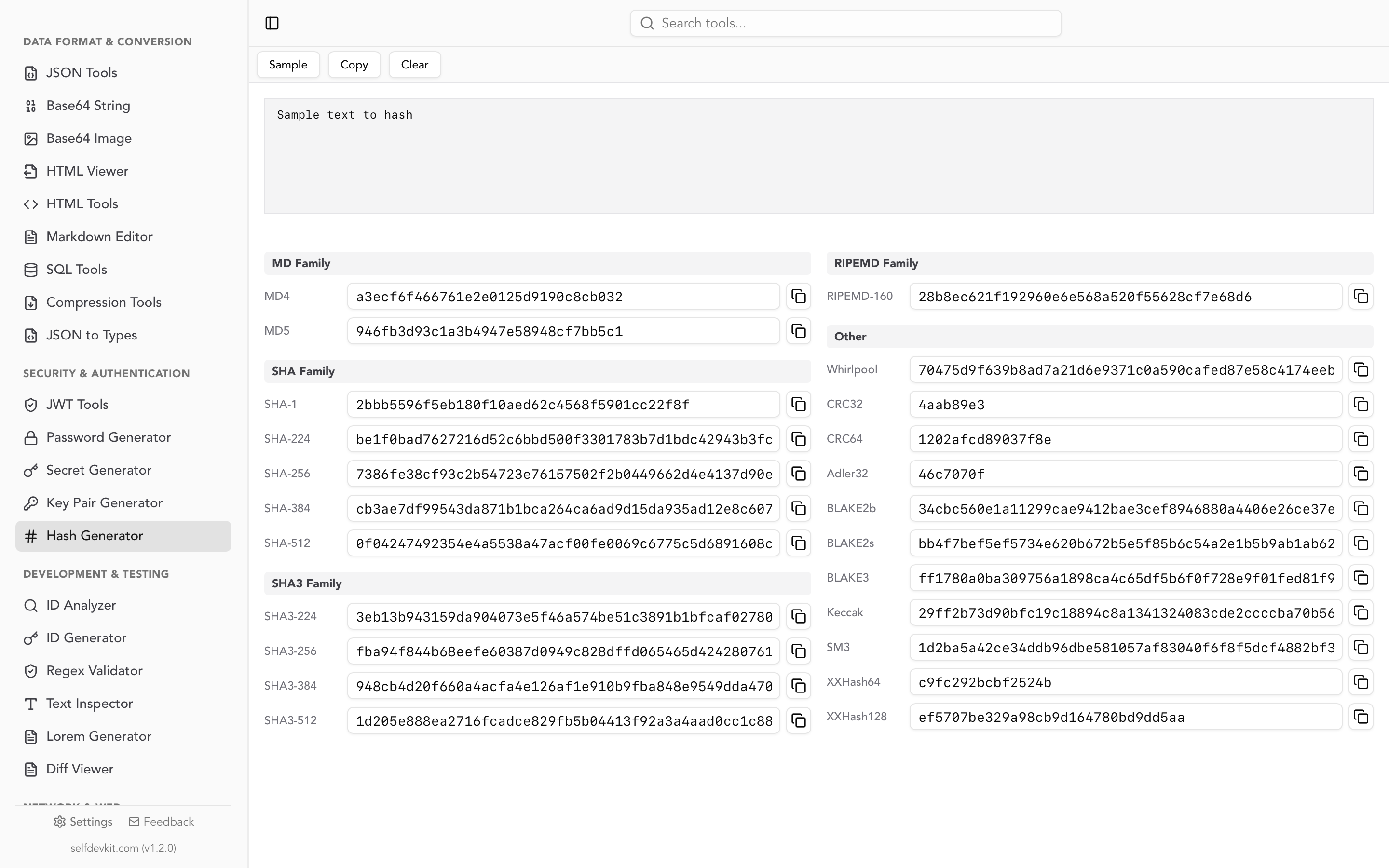
SelfDevKit's Hash Generator runs SHA-256 entirely on your device. Paste text or load a file and get SHA-256 alongside SHA-512, SHA-3, MD5, BLAKE, and a dozen other algorithms, with no network request and nothing to log. It is one of 50+ tools in the app, so the same window also covers JSON, JWT, and Base64 work without switching to a browser tab. For more on why local processing matters, read why offline-first developer tools matter.
Download SelfDevKit to generate and verify SHA-256 hashes locally, on macOS, Windows, and Linux.
Sources: FIPS 180-4, MDN Web Crypto digest, OWASP Password Storage Cheat Sheet