Building Software with Privacy-First Tools
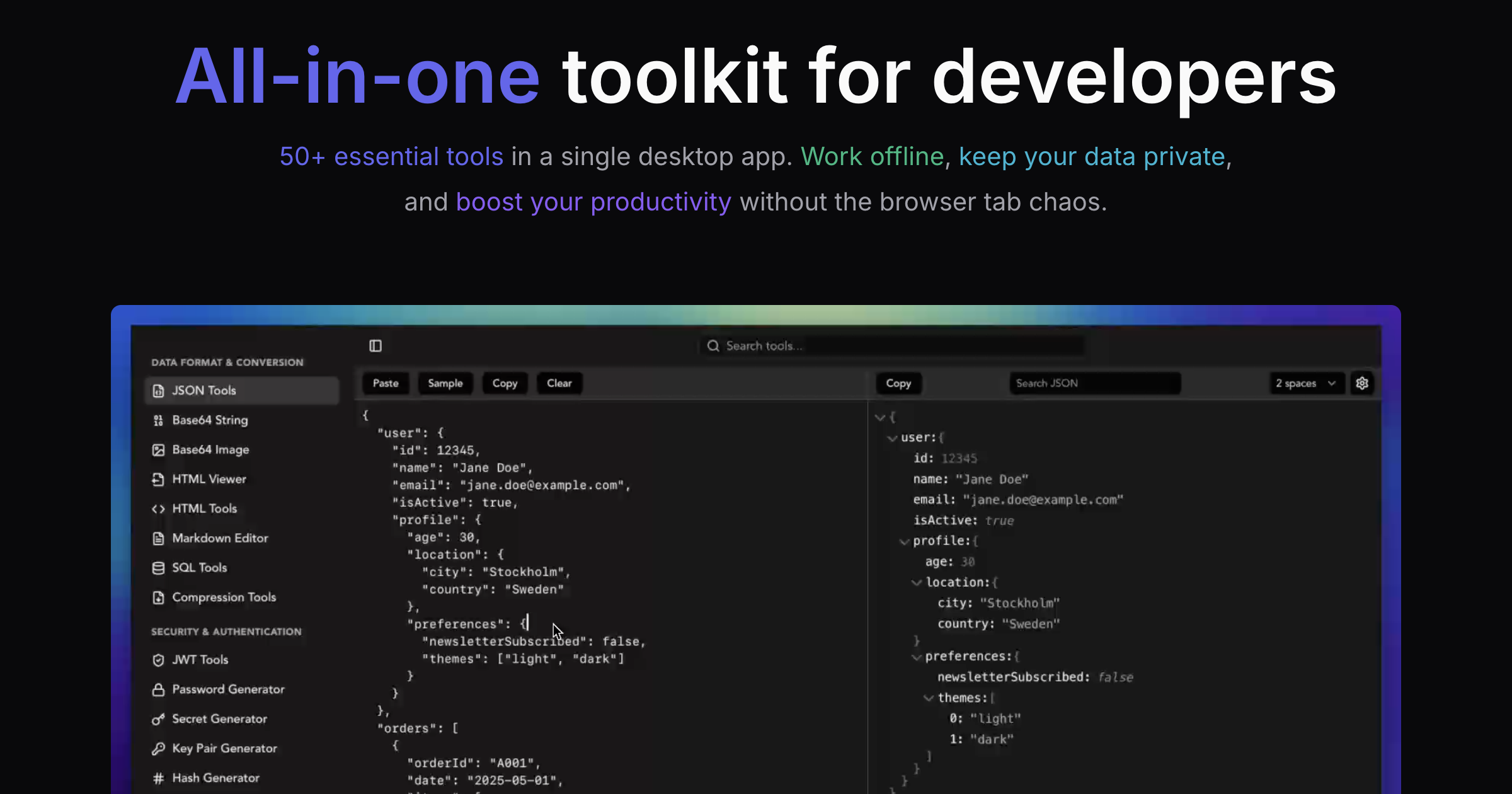
Every production service I build relies on the same core set of developer utilities: JSON formatters for API debugging, URL encoders for query parameters, hash generators for cache keys, and regex testers for data validation. After years of using scattered online tools for these tasks, I switched to SelfDevKit - and it fundamentally changed how I approach development. This is the story of building Is It Visible, a real-time mountain visibility forecasting platform, using offline-first developer tools.
When you're building a service that handles user data and integrates with external APIs, the last thing you want is to paste sensitive information into random websites. Yet that's exactly what most developers do - copying API responses into json-formatter.com, pasting tokens into jwt.io, and encoding URLs through online tools that log every request.
I created SelfDevKit to solve this problem for myself and other developers. But theory only goes so far. In this post, I'll walk through how I actually use these tools while building real production services, using my latest project Is It Visible as a concrete example.
Table of contents
- About Is It Visible
- The development workflow
- JSON tools for API debugging
- URL encoding for API requests
- Hash generation for caching
- Regex testing for data validation
- Base64 for data handling
- Unix timestamps for weather data
- Color tools for visibility scores
- UUID generation for unique identifiers
- The offline advantage in practice
- Lessons learned
- In summary
About Is It Visible
Is It Visible is a real-time mountain visibility forecasting platform that helps travelers and photographers determine the best times to view iconic mountains. The service currently covers:
- Mt. Fuji, Japan - Visible from Tokyo, Yokohama, and Lake Kawaguchiko
- Mount Rainier, Washington - The iconic peak visible from Seattle
- Denali, Alaska - Only 30% of visitors ever see this mountain
The platform analyzes weather data every 15 minutes to generate visibility scores from 0-100, helping users plan their trips around optimal viewing conditions. It integrates with multiple weather APIs, processes altitude-specific cloud data, and provides 10-day forecasts with hourly breakdowns.
Building this service required constant interaction with APIs, data transformation, URL construction, and debugging - exactly the tasks where developer tools become essential.
The development workflow
Modern web development involves a continuous cycle of:
- API Integration - Fetching data from external services
- Data Transformation - Parsing, validating, and reformatting responses
- Debugging - Identifying issues in data flow
- Testing - Validating patterns and edge cases
- Optimization - Implementing caching and performance improvements
Each of these steps benefits from having the right tools immediately accessible. Let me walk through specific examples from building Is It Visible.
JSON tools for API debugging
Weather APIs return complex nested JSON structures. When building Is It Visible, I integrate with the Open-Meteo API, which returns forecasts in this format:
{"latitude":35.6762,"longitude":139.6503,"generationtime_ms":0.051021575927734375,"utc_offset_seconds":32400,"timezone":"Asia/Tokyo","timezone_abbreviation":"JST","elevation":40.0,"hourly_units":{"time":"iso8601","temperature_2m":"°C","relative_humidity_2m":"%","precipitation_probability":"%","cloud_cover":"%","cloud_cover_low":"%","cloud_cover_mid":"%","cloud_cover_high":"%","visibility":"m","wind_speed_10m":"km/h"},"hourly":{"time":["2026-01-31T00:00","2026-01-31T01:00","2026-01-31T02:00"],"temperature_2m":[5.2,4.8,4.5],"relative_humidity_2m":[65,68,71],"precipitation_probability":[0,0,5],"cloud_cover":[25,30,35],"cloud_cover_low":[10,15,20],"cloud_cover_mid":[5,10,15],"cloud_cover_high":[10,5,0],"visibility":[24140,24140,20000],"wind_speed_10m":[8.5,7.2,6.8]}}
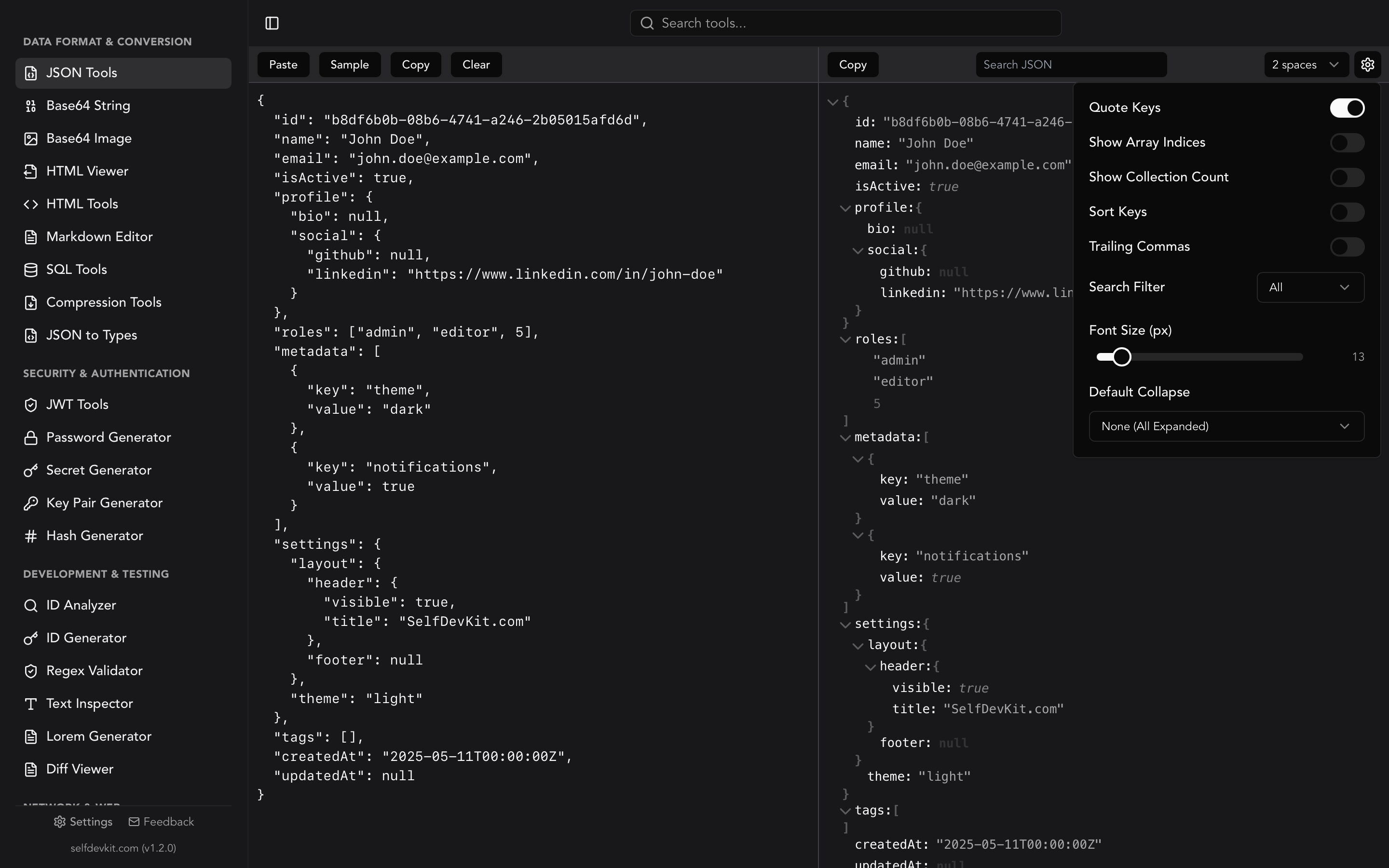
That's unreadable. Using the JSON Formatter, I instantly transform it into:
{
  "latitude": 35.6762,
  "longitude": 139.6503,
  "generationtime_ms": 0.051021575927734375,
  "utc_offset_seconds": 32400,
  "timezone": "Asia/Tokyo",
  "timezone_abbreviation": "JST",
  "elevation": 40.0,
  "hourly_units": {
    "time": "iso8601",
    "temperature_2m": "°C",
    "relative_humidity_2m": "%",
    "precipitation_probability": "%",
    "cloud_cover": "%",
    "cloud_cover_low": "%",
    "cloud_cover_mid": "%",
    "cloud_cover_high": "%",
    "visibility": "m",
    "wind_speed_10m": "km/h"
  },
  "hourly": {
    "time": [
      "2026-01-31T00:00",
      "2026-01-31T01:00",
      "2026-01-31T02:00"
    ],
    "temperature_2m": [5.2, 4.8, 4.5],
    "relative_humidity_2m": [65, 68, 71],
    "precipitation_probability": [0, 0, 5],
    "cloud_cover": [25, 30, 35],
    "cloud_cover_low": [10, 15, 20],
    "cloud_cover_mid": [5, 10, 15],
    "cloud_cover_high": [10, 5, 0],
    "visibility": [24140, 24140, 20000],
    "wind_speed_10m": [8.5, 7.2, 6.8]
  }
}
Now I can see the structure clearly:
- The API returns separate cloud cover percentages for low (0-3km), mid (3-8km), and high (8km+) altitude layers
- Visibility is in meters (24140m = about 15 miles)
- All timestamps are in ISO 8601 format with the local timezone
Debugging API response issues
During development, I encountered an issue where visibility scores were unexpectedly low. The formatted JSON revealed the problem:
{
  "cloud_cover_high": [95, 98, 100],
  "visibility": [50000, 50000, 50000]
}
High-altitude clouds (above 8km) were at 95-100% coverage, but ground-level visibility was excellent. The original algorithm weighted all cloud layers equally, but for mountain viewing, high-altitude clouds directly obscure the summit even when surface visibility is clear.
Without proper JSON formatting, this discrepancy would have taken much longer to identify. The JSON Tools made the data structure immediately apparent.
Validating API responses
Before processing weather data, I validate the JSON structure to catch API changes or malformed responses:
interface WeatherResponse {
  hourly: {
    time: string[];
    cloud_cover: number[];
    cloud_cover_low: number[];
    cloud_cover_mid: number[];
    cloud_cover_high: number[];
    visibility: number[];
    precipitation_probability: number[];
  };
}

function validateWeatherData(data: unknown): data is WeatherResponse {
  if (!data || typeof data !== 'object') return false;
  const response = data as Record<string, unknown>;

  if (!response.hourly || typeof response.hourly !== 'object') return false;

  const hourly = response.hourly as Record<string, unknown>;
  const requiredArrays = [
    'time', 'cloud_cover', 'cloud_cover_low',
    'cloud_cover_mid', 'cloud_cover_high',
    'visibility', 'precipitation_probability'
  ];

  return requiredArrays.every(key => Array.isArray(hourly[key]));
}
When validation fails, I paste the actual API response into the JSON formatter to compare against the expected structure. This workflow happens multiple times per development session.
For a complete guide on JSON formatting and validation, see our JSON Formatter, Viewer & Validator Guide.
URL encoding for API requests
Weather APIs require geographic coordinates and various parameters in the URL. For Is It Visible, I construct URLs like:
https://api.open-meteo.com/v1/forecast?latitude=35.3606&longitude=138.7274&hourly=temperature_2m,relative_humidity_2m,precipitation_probability,cloud_cover,cloud_cover_low,cloud_cover_mid,cloud_cover_high,visibility,wind_speed_10m&timezone=Asia/Tokyo&forecast_days=10
The timezone parameter Asia/Tokyo contains a forward slash that must be URL-encoded as Asia%2FTokyo for the request to work correctly.
Building complex query strings
The URL Encoder/Decoder helps me verify that parameters are properly encoded:
const params = new URLSearchParams({
  latitude: '35.3606',
  longitude: '138.7274',
  hourly: [
    'temperature_2m',
    'relative_humidity_2m',
    'precipitation_probability',
    'cloud_cover',
    'cloud_cover_low',
    'cloud_cover_mid',
    'cloud_cover_high',
    'visibility',
    'wind_speed_10m'
  ].join(','),
  timezone: 'Asia/Tokyo',
  forecast_days: '10'
});

const url = `https://api.open-meteo.com/v1/forecast?${params.toString()}`;
When debugging failed requests, I decode the full URL to verify each parameter:
latitude=35.3606
longitude=138.7274
hourly=temperature_2m,relative_humidity_2m,precipitation_probability,cloud_cover,cloud_cover_low,cloud_cover_mid,cloud_cover_high,visibility,wind_speed_10m
timezone=Asia/Tokyo
forecast_days=10
Debugging redirect URLs
Is It Visible includes canonical URLs for SEO. When testing social sharing, I need to verify that encoded URLs resolve correctly:
https://is-it-visible.com/fuji?utm_source=twitter&utm_medium=social&utm_campaign=launch
The URL encoder helps me quickly verify that special characters in campaign names or referrer URLs are properly handled.
Hash generation for caching
Weather data updates every 15 minutes, but I don't want to fetch from the API on every page load. Is It Visible implements intelligent caching using hash-based cache keys.
Creating cache keys
Each cache entry needs a unique key based on the request parameters:
import { createHash } from 'crypto';

function generateCacheKey(
  mountain: string,
  coordinates: { lat: number; lng: number },
  forecastDays: number
): string {
  const keyData = JSON.stringify({
    mountain,
    lat: coordinates.lat.toFixed(4),
    lng: coordinates.lng.toFixed(4),
    days: forecastDays,
    // Round to 15-minute intervals
    timestamp: Math.floor(Date.now() / (15 * 60 * 1000))
  });

  return createHash('sha256').update(keyData).digest('hex').slice(0, 16);
}

// Example: "3a7f2b9c8d1e4f0a"
const cacheKey = generateCacheKey('fuji', { lat: 35.3606, lng: 138.7274 }, 10);
The Hash Generator helps me verify that my cache key implementation produces consistent results. I paste the input JSON and confirm the expected hash output.
Verifying hash consistency
During development, I discovered that floating-point precision caused cache misses:
// These produce different hashes!
{ lat: 35.360600000000001, lng: 138.7274 }
{ lat: 35.3606, lng: 138.7274 }
Using the hash generator to compare outputs revealed the issue immediately. The fix was to round coordinates to a fixed decimal precision before hashing.
For more details on hash algorithms and use cases, see our Hash Generator Guide.
Regex testing for data validation
Is It Visible accepts user input for location searches and feedback forms. Regular expressions validate this input before processing.
Validating coordinate formats
Users sometimes paste coordinates from Google Maps in various formats:
35.3606, 138.7274
35.3606,138.7274
35°21'38.2"N 138°43'38.6"E
N 35.3606, E 138.7274
The Regex Tester helps me build and test patterns for each format:
// Decimal degrees pattern
const decimalPattern = /^(-?\d+\.?\d*)\s*,\s*(-?\d+\.?\d*)$/;

// Test cases
const testInputs = [
  '35.3606, 138.7274',      // ✓ Match
  '35.3606,138.7274',       // ✓ Match
  '-35.3606, -138.7274',    // ✓ Match (negative coordinates)
  '35.3606 138.7274',       // ✗ No match (missing comma)
];
Extracting weather alert patterns
Weather APIs sometimes include alert messages that need parsing:
"WIND ADVISORY IN EFFECT FROM 6 PM THIS EVENING TO 3 AM PST FRIDAY"
Building a regex to extract the time range:
const alertTimePattern = /FROM\s+(\d+\s*(?:AM|PM))\s+.*?TO\s+(\d+\s*(?:AM|PM))/i;
const match = alertText.match(alertTimePattern);
// match[1] = "6 PM", match[2] = "3 AM"
The regex tester lets me iterate on patterns quickly, testing against multiple real alert messages without writing a full test harness.
For a complete guide to regular expressions, see our Regex Tester Guide.
Base64 for data handling
Several features in Is It Visible use Base64 encoding for data handling.
Encoding state in URLs
The share feature encodes current view settings into the URL:
interface ViewSettings {
  mountain: string;
  unit: 'metric' | 'imperial';
  theme: 'light' | 'dark';
  zoom: number;
}

function encodeSettings(settings: ViewSettings): string {
  const json = JSON.stringify(settings);
  return btoa(json);
}

function decodeSettings(encoded: string): ViewSettings {
  const json = atob(encoded);
  return JSON.parse(json);
}

// URL: https://is-it-visible.com/fuji?s=eyJtb3VudGFpbiI6ImZ1amkiLCJ1bml0IjoibWV0cmljIiwidGhlbWUiOiJsaWdodCIsInpvb20iOjEwfQ==
The Base64 Tools help me debug shared URLs by decoding the settings parameter to see what configuration was shared.
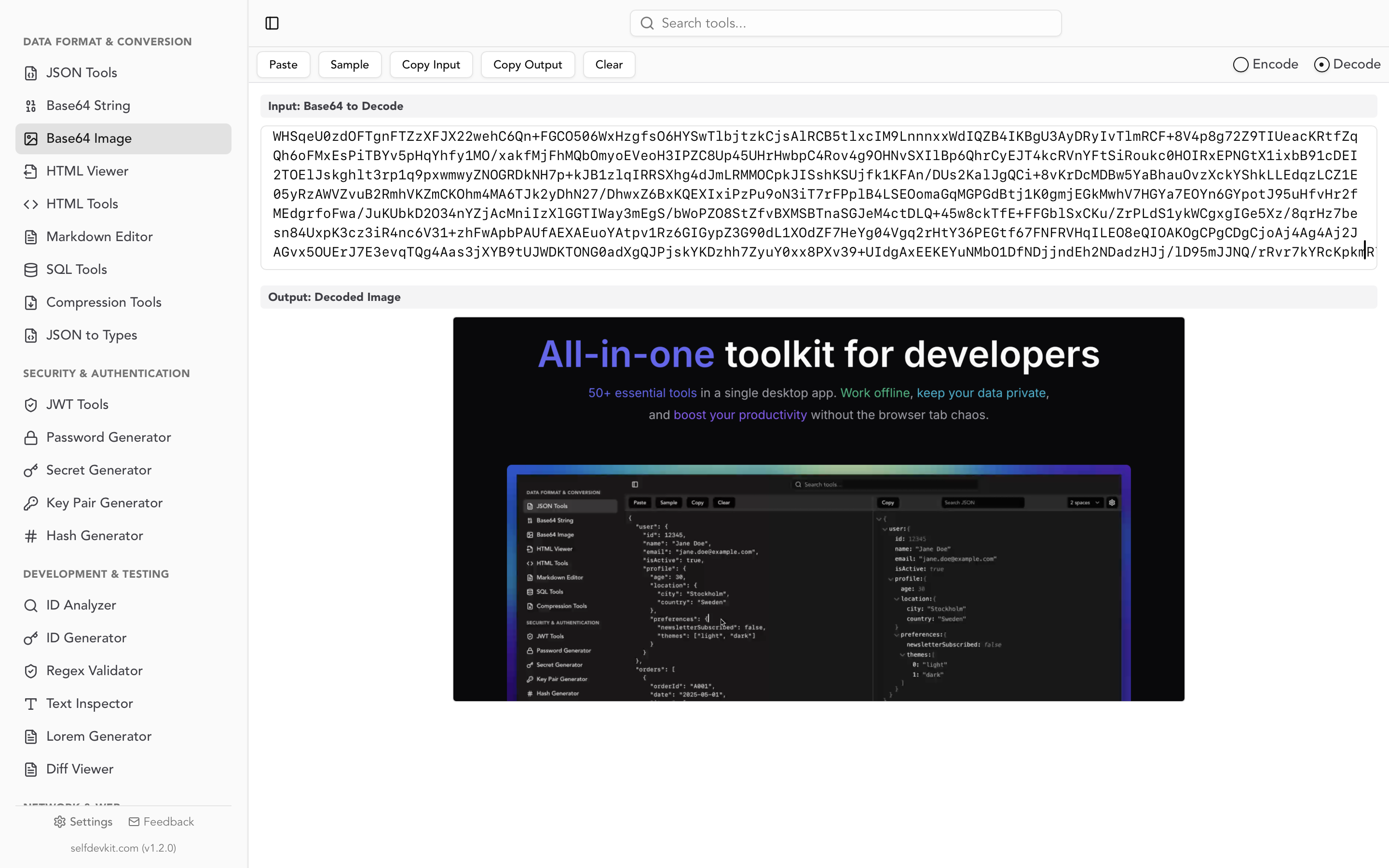
Handling embedded images
The blog section of Is It Visible uses markdown with embedded images. During development, I sometimes need to convert small icons to Base64 data URIs:

The Base64 Image Tools handle the conversion without needing to upload icons to external services.
For more on Base64 encoding, see our Base64 Encode and Decode Guide.
Unix timestamps for weather data
Weather APIs use Unix timestamps extensively. Is It Visible displays forecasts in local time for each mountain's timezone.
Converting API timestamps
The Open-Meteo API returns ISO 8601 timestamps, but some caching systems use Unix timestamps:
// API returns: "2026-01-31T14:00"
// Cache key needs: 1738332000

function toUnixTimestamp(isoString: string, timezone: string): number {
  const date = new Date(isoString);
  return Math.floor(date.getTime() / 1000);
}
The Unix Timestamp Converter helps me verify conversions, especially when debugging timezone issues.
Timezone-aware display
Each mountain has a different timezone:
- Mt. Fuji: Asia/Tokyo (JST, UTC+9)
- Mount Rainier: America/Los_Angeles (PST/PDT, UTC-8/-7)
- Denali: America/Anchorage (AKST/AKDT, UTC-9/-8)
When a user in New York views the Fuji forecast, times must display in JST. The timestamp converter helps me verify that conversions are correct:
Unix: 1738332000
→ UTC: 2026-01-31T05:00:00Z
→ JST: 2026-01-31T14:00:00+09:00
→ PST: 2026-01-30T21:00:00-08:00
Debugging cache expiration
Cache entries expire after 15 minutes. When debugging stale data issues, I check timestamps:
const cacheEntry = {
  data: weatherData,
  cachedAt: 1738330200,  // When was this cached?
  expiresAt: 1738331100  // When does it expire?
};

// Is it still valid?
const now = Math.floor(Date.now() / 1000);  // Current Unix timestamp
const isValid = now < cacheEntry.expiresAt;
Converting these timestamps to human-readable dates helps me understand cache behavior during debugging.
Color tools for visibility scores
Is It Visible uses a color-coded system to display visibility scores. The Color Picker was essential for designing this system.
Visibility score colors
The score gradient maps 0-100 to a color range:
function getScoreColor(score: number): string {
  if (score >= 80) return '#22c55e';  // Green - Excellent
  if (score >= 60) return '#84cc16';  // Lime - Good
  if (score >= 40) return '#eab308';  // Yellow - Fair
  if (score >= 20) return '#f97316';  // Orange - Poor
  return '#ef4444';                    // Red - Very Poor
}
The color picker helps me:
- Convert between HEX, RGB, and HSL formats
- Check color contrast for accessibility
- Find complementary colors for the UI
Ensuring accessibility
Weather data needs to be accessible to all users. I use the color tools to verify that text remains readable against colored backgrounds:
.score-excellent {
  background-color: #22c55e;
  color: #052e16;  /* Dark green text */
}

.score-poor {
  background-color: #f97316;
  color: #431407;  /* Dark orange text */
}
The contrast ratio between text and background must meet WCAG AA standards (4.5:1 for normal text).
UUID generation for unique identifiers
Is It Visible uses UUIDs for several features:
Session tracking
Anonymous session IDs track user preferences without collecting personal data:
function getOrCreateSessionId(): string {
  let sessionId = localStorage.getItem('session_id');
  if (!sessionId) {
    sessionId = crypto.randomUUID();
    localStorage.setItem('session_id', sessionId);
  }
  return sessionId;
}
Feedback submission IDs
User feedback submissions get unique IDs for deduplication:
interface FeedbackSubmission {
  id: string;  // UUID
  timestamp: number;
  mountain: string;
  message: string;
}

const submission: FeedbackSubmission = {
  id: crypto.randomUUID(),
  timestamp: Date.now(),
  mountain: 'fuji',
  message: 'Great accuracy today!'
};
The UUID Generator helps me generate test UUIDs and verify the format during development.
The offline advantage in practice
Building Is It Visible reinforced why offline tools matter:
Sensitive data never leaves my machine
Weather APIs require API keys. When debugging authentication issues, I need to inspect headers containing these keys:
Authorization: Bearer sk_live_abc123...
X-API-Key: weather_api_key_xyz789...
With SelfDevKit, I can decode, format, and inspect these values without sending them to external servers. Online tools log every request - that's a significant security risk for production credentials.
Speed improves focus
Network latency breaks flow. When I'm debugging a JSON parsing issue, waiting 300ms for an online formatter to respond adds up across hundreds of operations. SelfDevKit processes data in milliseconds, keeping me focused on the actual problem.
Works anywhere
I often work on flights or in cafes with unreliable WiFi. Having all developer tools available offline means I can be productive regardless of connectivity. For a service that helps travelers like Is It Visible, this resonates personally.
No usage limits or rate limiting
Online tools often rate-limit free users. During intensive debugging sessions, hitting these limits at critical moments is frustrating. SelfDevKit has no limits - use the tools as much as needed.
For more on why offline tools matter, see Why Offline-First Developer Tools Matter More Than Ever.
Lessons learned
Building Is It Visible with SelfDevKit taught me several lessons about developer tooling:
1. Consolidation reduces friction
Before SelfDevKit, I had bookmarks for 15+ different online tools. Finding the right bookmark, waiting for the page to load, and context-switching between browser tabs added friction to every operation. Having everything in one offline application streamlines the workflow.
2. Privacy enables experimentation
When tools are private, I'm more willing to paste real production data for debugging. With online tools, I often sanitize data first - replacing real API keys with placeholders, removing actual user data. This sanitization takes time and sometimes obscures the actual issue. Offline tools remove this concern.
3. Reliability matters more than features
A tool that works instantly and consistently beats a feature-rich tool that's slow or occasionally unavailable. SelfDevKit prioritizes reliability - every tool works immediately, every time.
4. Integration opportunities
Having all tools in one application enables future integrations. For example, decoding a JWT could automatically format the payload JSON. Converting a Unix timestamp could offer to copy in multiple formats. These cross-tool workflows are only possible with a unified application.
In summary
Building real-world services like Is It Visible requires constant interaction with data transformation tools. JSON formatters, URL encoders, hash generators, regex testers, Base64 converters, and timestamp utilities are part of every development session.
SelfDevKit provides all these tools in a single offline application:
- JSON Tools - Format, validate, and inspect API responses
- URL Encoder/Decoder - Build and debug API URLs
- Hash Generator - Create cache keys and verify integrity
- Regex Tester - Build and test validation patterns
- Base64 Tools - Encode and decode data
- Unix Timestamp Converter - Work with time-based data
- Color Picker - Design accessible color schemes
- UUID Generator - Create unique identifiers
The key benefits for real-world development:
- Privacy - Sensitive data stays on your machine
- Speed - No network latency, instant results
- Reliability - Works offline, no rate limits
- Consolidation - All tools in one place
Whether you're building a weather service like Is It Visible, an e-commerce platform, or a developer API, these tools are essential parts of the development workflow. Having them available offline, instantly, without privacy concerns transforms daily productivity.
Ready to streamline your development workflow?
SelfDevKit includes 50+ developer tools that work entirely offline. Everything runs locally on your machine - no network requests, no data logging, no privacy concerns.
Download SelfDevKit — available for macOS, Windows, and Linux.
Or explore the full toolkit at selfdevkit.com/features to see all available tools including the JSON formatter, JWT decoder, and hash generator.
Start building with confidence, knowing your data never leaves your machine.