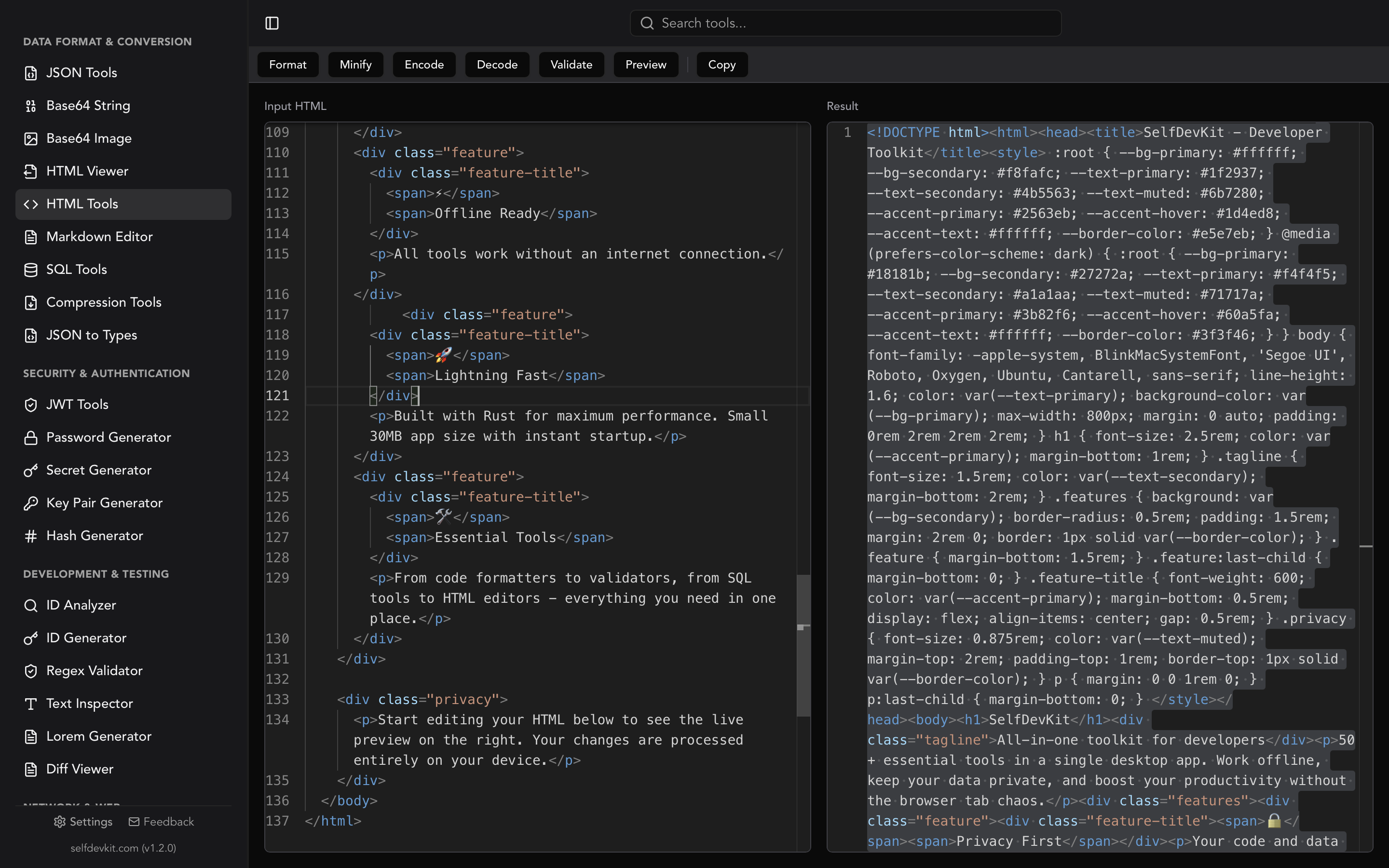
How does a SQL formatter work?
A SQL formatter splits your query into tokens (keywords, identifiers, literals, operators, comments) and re-emits those tokens with new indentation, line breaks, and casing. Most formatters never build a full syntax tree, which is why they happily format broken SQL and occasionally mangle dialect-specific syntax.
Search formatter SQL and every result promises the same thing: paste your query, click a button, get prettier SQL back. That part is easy. What almost nobody explains is what happens between those two steps, and that gap is exactly where developers lose an afternoon wondering why their PostgreSQL cast turned into : : or why their dbt model exploded after a "harmless" reformat.
This post is about the mechanics. How a formatter for SQL decides where to break lines, why the dialect dropdown is not decoration, the specific constructs that reliably break formatters, and how to format SQL that lives inside application code instead of a .sql file.
If you want the style-guide side of things (keyword casing, leading commas, CTE indentation), the SQL formatting guide covers that in depth. This one goes under the hood.
Table of contents
- Formatter SQL basics: what the tool does to your query
- Choosing a formatter: SQL dialects change the output
- Where SQL formatters break
- Formatting SQL that lives inside application code
- Formatter vs linter: two different jobs
- Validate first, then format
- Frequently asked questions
- Format SQL without a browser tab
Formatter SQL basics: what the tool does to your query
A formatter for SQL rewrites whitespace, line breaks, and letter casing without changing a single token that affects execution. It does not reorder clauses, rename aliases, add hints, or touch the query plan. The database receives the same statement it would have received before.
There are two families of tools, and knowing which one you are using explains most surprising behavior.
Token-based (whitespace) formatters run a lexer over the input, classify each chunk as a keyword, identifier, string, number, operator, or comment, and then decide indentation from a small set of rules. The popular JavaScript library sql-formatter describes itself as exactly this: a whitespace formatter, not a full SQL parser. Python's sqlparse and the Rust sqlformat crate work the same way.
Parser-based formatters build a syntax tree, then pretty-print the tree. They know that a SELECT has a projection list, a FROM clause, and an optional WHERE. They can make smarter decisions about nesting, but they refuse input they cannot parse.
The practical differences:
| Behavior | Token-based | Parser-based |
|---|---|---|
| Invalid SQL | Formats it anyway | Fails with a parse error |
| Unknown/vendor syntax | Usually survives as opaque tokens | Often rejected |
| Nesting decisions | Rule-based, sometimes shallow | Structurally correct |
| Speed on large files | Very fast | Slower |
| Tells you the query is broken | No | Yes |
That first row is the one that surprises people. Feed this to a whitespace formatter:
select id, email form users where created_at > now() - interval '7 days'
You get back a neatly indented query. FORM is a typo for FROM, but the lexer sees an identifier, treats it as a table alias, and formats around it. The output looks correct and confident. It is neither.
A formatter is not a validator. If you want to know whether the SQL parses, you need a parser. SelfDevKit's SQL tools run both: a sqlparser pass that reports syntax errors and a separate formatting pass, so you find out the query is broken before you commit the pretty version of it.
One more property worth knowing: good formatters are idempotent. Format twice, get the same bytes. That is what makes --check style CI gates possible, and it is a quick smoke test for any tool you are evaluating. If running the formatter twice produces different output, do not put it in a pre-commit hook.
Choosing a formatter: SQL dialects change the output
The dialect setting matters because SQL formatters lex dialect-specific tokens differently, and picking the wrong dialect turns valid syntax into misparsed junk. This is not a cosmetic preference. It is the single most common cause of "the formatter broke my query" reports.
Vendors have piled decades of extensions on top of the standard. Each one adds tokens that a generic lexer does not recognize.
| Token | Dialect | Meaning | Typical damage under a generic lexer |
|---|---|---|---|
`col` |
MySQL, BigQuery | Quoted identifier | Read as a string or an unterminated token |
[col] |
T-SQL | Quoted identifier | Read as array/index syntax |
"col" |
PostgreSQL, standard | Quoted identifier | Read as a string literal |
# |
MySQL | Line comment | Treated as an operator; rest of line reformatted |
:: |
PostgreSQL | Cast | Split into : : |
-> ->> #>> |
PostgreSQL JSON | JSON access | Spaced apart into - > |
$$ ... $$ |
PostgreSQL | Dollar-quoted body | Interior reformatted as if it were SQL |
/*! ... */ |
MySQL | Executable comment | Treated as an ordinary comment |
@@ROWCOUNT |
T-SQL | System variable | Read as two named parameters |
%s |
psycopg | Driver placeholder | Read as modulo followed by an alias |
Two of these are worth expanding, because they cause the loudest failures.
PostgreSQL dollar quoting. The PostgreSQL lexical structure docs define $tag$ ... $tag$ as a string constant where nothing is escaped and nothing inside is interpreted. That is how function bodies are written:
CREATE FUNCTION active_users() RETURNS int AS $$
  SELECT count(*) FROM users WHERE deleted_at IS NULL;
$$ LANGUAGE sql;
A formatter that does not know about dollar quoting sees $$ as two dollar signs, decides the body is regular SQL, and reformats it. Sometimes the result still runs. Sometimes the tag gets separated from its dollar signs and the whole statement stops parsing.
MySQL comment styles. MySQL accepts # to end of line, -- followed by whitespace, and /* */ blocks, plus executable comments like /*!50110 KEY_BLOCK_SIZE=1024 */ that MySQL runs and every other engine ignores, per the MySQL comment syntax reference. A formatter set to PostgreSQL will not recognize # as a comment. Everything after it on that line gets treated as SQL and rearranged, which quietly turns a comment into what looks like a clause.
Here is what a dialect mismatch actually looks like. PostgreSQL input:
select u.id, u.payload->>'plan' as plan, (u.score::numeric)::int as score
from users u where u.payload->'flags'->>'beta' = 'true'
Formatted with the correct dialect, ->>, ->, and :: stay glued together. Formatted with a lexer that has never heard of them, you can end up with payload - >> 'plan' and score : : numeric. The indentation is beautiful and the query no longer runs.
The fix is boring and reliable: set the dialect explicitly, then read the first ten lines of output before you replace anything. Most tools default to a generic or ANSI mode that is wrong for whatever you actually use.
Where SQL formatters break
SQL formatters break on anything that is not plain SQL: template tags, parameter placeholders, procedural bodies, and custom delimiters. Every one of these is common in real codebases, which is why formatter frustration is so widespread.
Templated SQL (Jinja and dbt)
If your query contains {{ ref('orders') }} or {% if is_incremental() %}, a plain SQL formatter has no idea what it is looking at. Braces are not SQL. Best case the tags survive as opaque tokens with mangled spacing. Worst case the formatter throws.
The answer is a tool that understands both layers. sqlfmt formats SQL and Jinja together with a single opinionated style and no configuration, in the spirit of Black. SQLFluff takes the other approach and offers several templaters (Jinja, Python, dbt, and a placeholder templater) documented in its templating configuration, compiling the template before it lints.
dbt made the same split official. The dbt Cloud IDE lint and format docs note that sqlfmt is the default formatter, SQLFluff is the linter, and the IDE switches to SQLFluff rules when a .sqlfluff file exists in the project root. SQLFluff with the dbt templater is slower because it has to compile your models into warehouse SQL first.
Parameter placeholders
Prepared statements do not contain literals. They contain placeholders, and every driver picked a different syntax:
SELECT * FROM users WHERE id = ?;      -- MySQL, SQLite, JDBC
SELECT * FROM users WHERE id = $1;     -- PostgreSQL (pg, sqlx)
SELECT * FROM users WHERE id = :id;    -- Oracle, SQLAlchemy
SELECT * FROM users WHERE id = @id;    -- T-SQL
SELECT * FROM users WHERE id = %s;     -- psycopg
Formatters that do not know these styles fall back to guessing. %s is the worst offender: a lexer reads % as the modulo operator and s as an identifier, so id = %s becomes id = % s and your driver stops recognizing the placeholder. @id gets similar treatment in a non-T-SQL dialect.
sql-formatter handles this with a paramTypes option that lets you declare which placeholder styles are in play (positional ?, numbered $1, named :name or @name). If your tool has an equivalent setting, use it. If it does not, keep placeholder-heavy SQL out of the formatter or wrap it in a disable block.
Stored procedures and delimiters
Procedural code is a different language wearing a SQL costume. BEGIN ... END blocks, DECLARE, cursors, and exception handlers do not follow the shape of a SELECT, and most whitespace formatters do not try. sql-formatter says so plainly in its documentation: no stored procedure support, and no delimiter other than ;.
That second limitation bites when you format a MySQL dump:
DELIMITER $$
CREATE PROCEDURE purge_sessions()
BEGIN
  DELETE FROM sessions WHERE expires_at < NOW();
END$$
DELIMITER ;
DELIMITER is a client command, not SQL. The formatter treats $$ as a statement terminator it does not recognize and the whole block loses its structure. Format the body separately or leave procedure files alone.
The escape hatch nobody uses
Most mature formatters give you a way to opt out of a region. In sql-formatter it is a comment pair:
/* sql-formatter-disable */
SELECT weird || vendor -> specific ~ syntax FROM legacy_view;
/* sql-formatter-enable */

SELECT id, email FROM users ORDER BY created_at DESC;
Text between those markers is not even parsed. This is the right tool for the one gnarly statement in an otherwise normal file, and it beats disabling formatting for the entire repository.
Whatever tool you use, build one habit: after formatting anything unusual, diff the before and after. A whitespace-insensitive diff should show zero meaningful changes. If it shows a token moving, the formatter did something you did not ask for. SelfDevKit's diff viewer makes that a two-panel check, and the code diff guide covers how to read the output.
Formatting SQL that lives inside application code
SQL embedded in application code cannot be formatted by a SQL formatter directly, because your editor sees a string literal, not a query. This is the daily reality for most backend developers, and no online formatter addresses it.
The query is in there somewhere:
// Go
query := `select o.id, o.total, c.email from orders o
join customers c on c.id = o.customer_id where o.status = $1`
# Python
QUERY = """select o.id, o.total, c.email from orders o
join customers c on c.id = o.customer_id where o.status = %s"""
// Java text block
String query = """
    select o.id, o.total, c.email from orders o
    join customers c on c.id = o.customer_id where o.status = ?""";
// TypeScript tagged template
const query = sql`select o.id, o.total, c.email from orders o
join customers c on c.id = o.customer_id where o.status = ${status}`;
You have four realistic options, roughly in order of how much they scale.
1. Move the SQL out of the code. Put queries in .sql files and load them at build or startup. Now your formatter, your linter, and your CI all work on real SQL with no extraction step. This is why tools like sqlc and dbt exist, and it is the only option that makes formatting a solved problem rather than a recurring chore.
2. Use a formatter that understands embedded SQL. In the JavaScript ecosystem, prettier-plugin-embed detects tagged template literals (like the sql tag above) and hands the contents to prettier-plugin-sql or prettier-plugin-sql-cst. It only works for tagged templates, so an untagged string stays untouched, but for codebases that already use a sql tag it is close to free.
3. Format on selection. Several editor plugins format only the highlighted region. Select the inside of the string, format, done. Fast for one-off cleanups, useless for enforcing a standard across a team.
4. The scratchpad loop. Copy the query out, format it, paste it back. This is what most developers actually do, and two details make it less painful than it sounds.
First, indentation. A formatter emits output starting at column zero, but your string sits four or eight columns deep inside a function. Paste it back and everything is flush left. Reindent the block afterwards (most editors do this with a select-and-tab), or use a formatter width narrow enough that the nesting still reads well.
Second, escaping. If the SQL lives in a double-quoted Java, C#, or JSON string, the text you copied contains \" and \n sequences. Feed that to a SQL formatter and it treats the backslashes as garbage tokens. Unescape first, format, then re-escape. The same trick applies to queries pulled out of JSON log lines, where the JSON tools will hand you the raw string before the SQL formatter ever sees it.
The scratchpad loop is also where a desktop tool beats a browser tab. Queries pulled from a slow query log or a production stack trace often contain table names, column names, and literal values from real rows. Round-tripping them through a website is a decision worth making deliberately, and the online SQL formatter comparison walks through what those queries actually reveal.
Formatter vs linter: two different jobs
A SQL formatter rewrites whitespace; a SQL linter judges the content of a query and can fail your build. Confusing the two leads to expecting error detection from a tool that was never designed to provide it.
| Tool | Type | Dialects | Configurable | Handles Jinja | Reports errors |
|---|---|---|---|---|---|
| sql-formatter (JS) | Whitespace formatter | 19 | Extensively | No | No |
| sqlparse (Python) | Whitespace formatter | Generic | Moderately | No | No |
| sqlformat (Rust) | Whitespace formatter | Generic | Minimally | No | No |
| sqlfmt | Formatter | Warehouse SQL | No, by design | Yes | No |
| SQLFluff | Linter and formatter | Many | Extensively | Yes | Yes |
| sqlparser-rs | Parser | Dialect-aware | N/A | No | Yes |
Read that table as three tiers. Whitespace formatters are fast and forgiving, and they are what most "format SQL" buttons run underneath. sqlfmt trades every configuration knob for the guarantee that two developers produce identical output. SQLFluff is the only entry that will tell you your SELECT * violates the team standard or that an ambiguous column reference exists, and that power costs setup time and CI minutes.
Most teams want a formatter locally and a linter in CI. The SQL formatter guide covers wiring both into pre-commit hooks and pipelines with working config.
Validate first, then format
Validating before formatting tells you whether the input is actually SQL, which a whitespace formatter will never do. Reversing the order means you spend time reading beautifully indented nonsense.
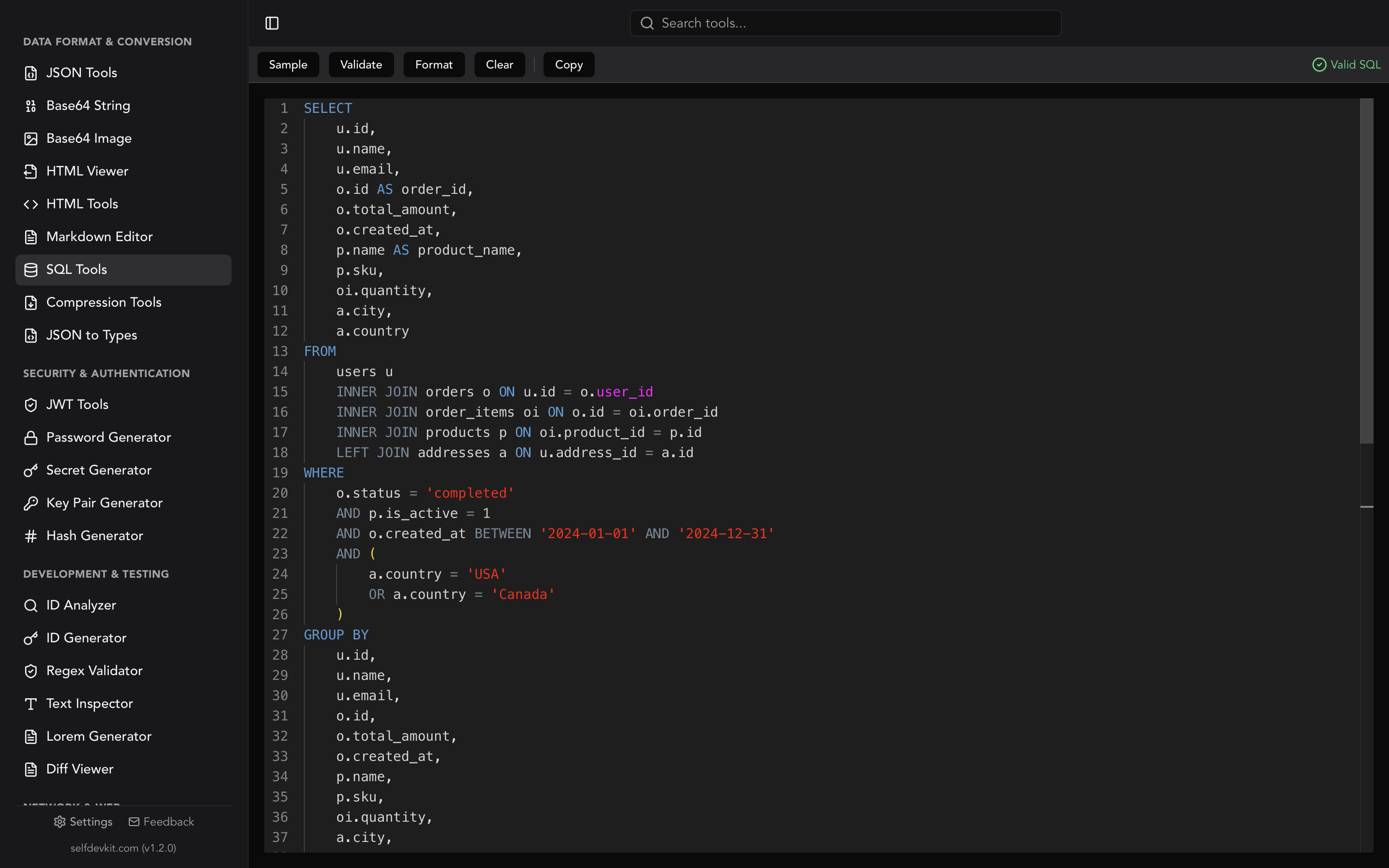
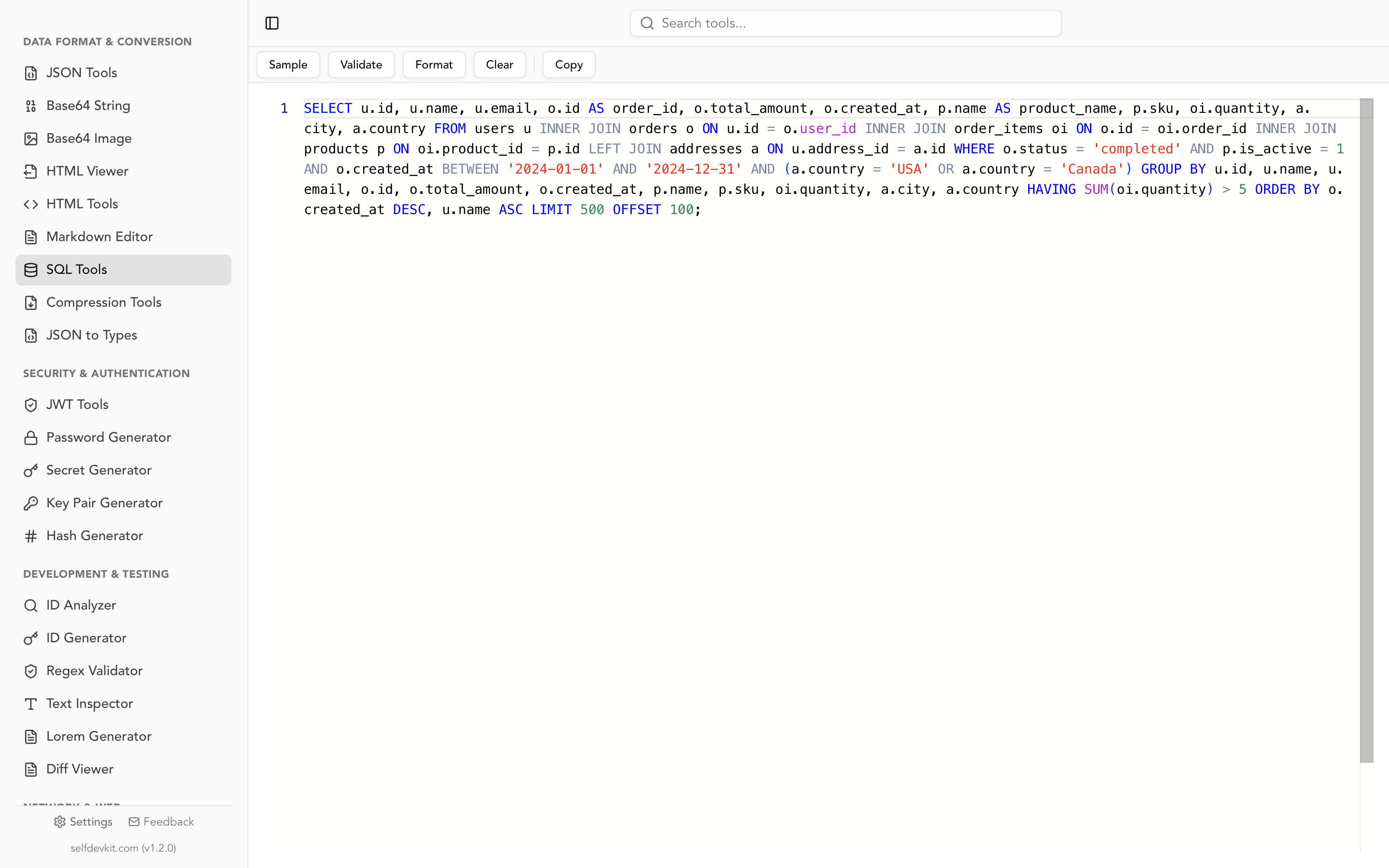
SelfDevKit's SQL tools follow that order. Validation runs the query through sqlparser, which builds a real syntax tree and returns the parser's error message when it cannot. Formatting is a separate action using the sqlformat engine: four-space indentation, uppercase keywords, and blank lines separating consecutive statements. Both run in Rust, on your machine, with no network call in either direction.
The practical loop looks like this:
- Paste the query (from a log, a code review, a stack trace, a colleague's message).
- Validate. If it fails, you know the problem is syntax, not logic, before you go hunting.
- Format. Read it. Now the structure is visible.
- Copy it back out.
That is four steps with no browser tab, no upload, and no waiting on a page load. The same reasoning that applies to formatting HTML locally or running a JSON formatter offline applies here, only more so: a SQL query describes your schema, your joins, and often your business rules in a single readable artifact. There is a longer argument for keeping that on your machine in why offline matters.
For queries pulled out of raw logs, the text inspector is a useful first stop to strip stray control characters and check encoding before the SQL formatter runs.
Frequently asked questions
Does formatting SQL change how the query runs?
No. A formatter only changes whitespace, line breaks, and keyword casing, none of which affect parsing or the query plan. The one exception is a formatter that mishandles dialect syntax and corrupts a token, which is a bug rather than intended behavior. Diff the output the first time you use a new tool on unusual SQL.
Which SQL dialect should I select in a formatter?
Select the dialect your database actually speaks, not the generic or ANSI default. PostgreSQL casts (::), JSON operators (->>), MySQL backticks and # comments, and T-SQL bracket identifiers all lex differently, and the wrong setting can silently split those tokens apart.
Why does my SQL formatter break dbt Jinja?
Because {{ }} and {% %} are not SQL, and a plain SQL formatter has no template layer. Use sqlfmt, which formats SQL and Jinja together, or SQLFluff with the Jinja or dbt templater. dbt's own IDE defaults to sqlfmt for exactly this reason.
Can a SQL formatter tell me whether my query is valid?
Usually not. Whitespace formatters tokenize rather than parse, so they will format a query containing FORM instead of FROM without complaint. You need a parser-based validator for that, which is why SelfDevKit's SQL tools expose validation as a separate action alongside formatting.
Format SQL without a browser tab
Understanding what a formatter for SQL does to your query is what separates "the tool broke my code" from "I picked the wrong dialect." Tokenize, do not parse. Dialect matters. Templates, placeholders, and procedure bodies need special handling. Diff the output when the SQL is unusual.
SelfDevKit gives you validation and formatting side by side, with syntax highlighting, sample queries, and one-click copy, entirely offline. No dialect dropdown to misconfigure on a website you have never audited, and no query text leaving your laptop.
Download SelfDevKit for 50+ developer tools in one desktop app, offline and private.