What is a code diff checker?
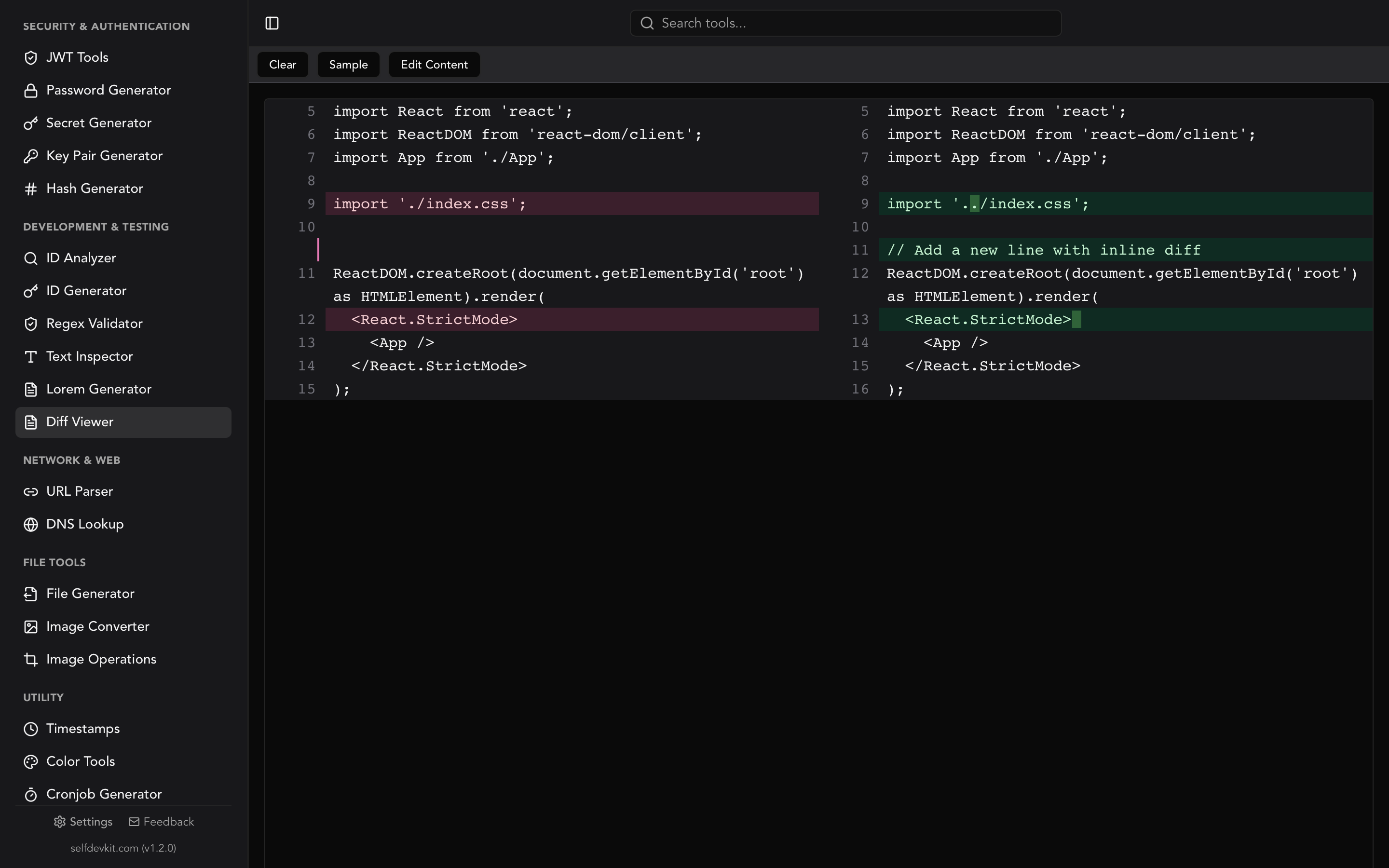
A code diff checker compares two blocks of text or source code and highlights the differences between them. It shows added lines, removed lines, and unchanged context so you can quickly understand what changed between two versions of a file.
Every developer reads diffs. Pull requests, merge conflicts, config file updates, database migration scripts. A code diff checker is one of those tools you reach for daily without thinking about it. But most developers rely on whatever GitHub shows them in a PR, or paste code into the first online diff tool that appears in search results.
Both approaches have limitations. This guide covers how diff checking actually works, how to read diff output like a pro, and when an offline tool is the better choice.
Table of contents
- How a code diff checker works
- How to read unified diff output
- Comparing code in practice: real workflows
- Programmatic diffing: code examples
- Why pasting code into online diff checkers is risky
- Choosing the right diff view: side-by-side vs. inline
- Beyond text: what else can you diff?
- Frequently Asked Questions
How a code diff checker works
A code diff checker takes two inputs, typically labeled "original" and "modified," and runs a comparison algorithm to produce a minimal set of changes that transform one into the other. The most widely used algorithm is the Myers diff algorithm, published by Eugene W. Myers in 1986. It finds the shortest edit script: the fewest insertions and deletions needed to get from version A to version B.
The algorithm models the problem as a graph traversal. Matching lines are "free" diagonal moves, while insertions and deletions are horizontal and vertical steps. The goal is to minimize those costly steps. Git uses Myers diff as its default algorithm, which is why git diff output and a good code diff checker produce similar results.
Other algorithms exist for specific situations:
| Algorithm | Best for | How it works |
|---|---|---|
| Myers | General purpose (Git default) | Finds the shortest edit script via graph traversal |
| Patience | Code with moved blocks | Matches unique lines first, then fills in gaps |
| Histogram | Files with many duplicate lines | Extends Patience with occurrence counting for speed |
The Patience algorithm handles cases where Myers produces confusing output, particularly when large blocks of code move around. The histogram algorithm (used by git diff --histogram) extends Patience with better performance on files that share many identical lines. You can switch between them in Git with git diff --diff-algorithm=patience or git diff --histogram.
How to read unified diff output
Unified diff is the standard format for representing code changes. You see it in git diff, in pull requests, and in patch files. Understanding this format makes you faster at code review and debugging, yet most tutorials skip over it entirely.
Here is a simple example:
--- a/config.json
+++ b/config.json
@@ -3,7 +3,7 @@
   "database": {
     "host": "localhost",
     "port": 5432,
-    "name": "myapp_dev",
+    "name": "myapp_staging",
     "pool_size": 10
   }
 }
Breaking it down piece by piece:
File headers. The --- a/config.json line identifies the original file. The +++ b/config.json line identifies the modified file. The a/ and b/ prefixes are conventions from Git.
Chunk headers. The @@ -3,7 +3,7 @@ line tells you where in the file this change lives. -3,7 means "starting at line 3 of the original, showing 7 lines." +3,7 means the same range in the modified version. When the line counts differ, you know lines were added or removed.
Change markers. Lines starting with - were removed. Lines starting with + were added. Lines with no prefix are unchanged context, included so you can orient yourself in the file.
That is the entire format. Once you internalize these three elements, reading any diff becomes second nature.
Multi-hunk diffs
Larger changes produce multiple hunks (sections). Each hunk has its own @@ header:
@@ -10,6 +10,8 @@
   "timeout": 30,
+  "retries": 3,
+  "backoff": "exponential",
   "logging": true
 }
@@ -25,4 +27,4 @@
-  "version": "1.2.0"
+  "version": "1.3.0"
The first hunk shows two lines added (retries and backoff configuration). The second hunk shows a version bump. Each hunk is independent, which makes it easy to review changes one section at a time during code review.
Comparing code in practice: real workflows
Knowing the theory is one thing. Here is where a code diff checker saves real time.
Debugging unexpected behavior after a deploy
Something broke in production. You suspect a recent config change. Pull up the previous version and the current version of your config file, paste them into a diff checker, and instantly see what changed. No scrolling through hundreds of lines manually. No guessing.
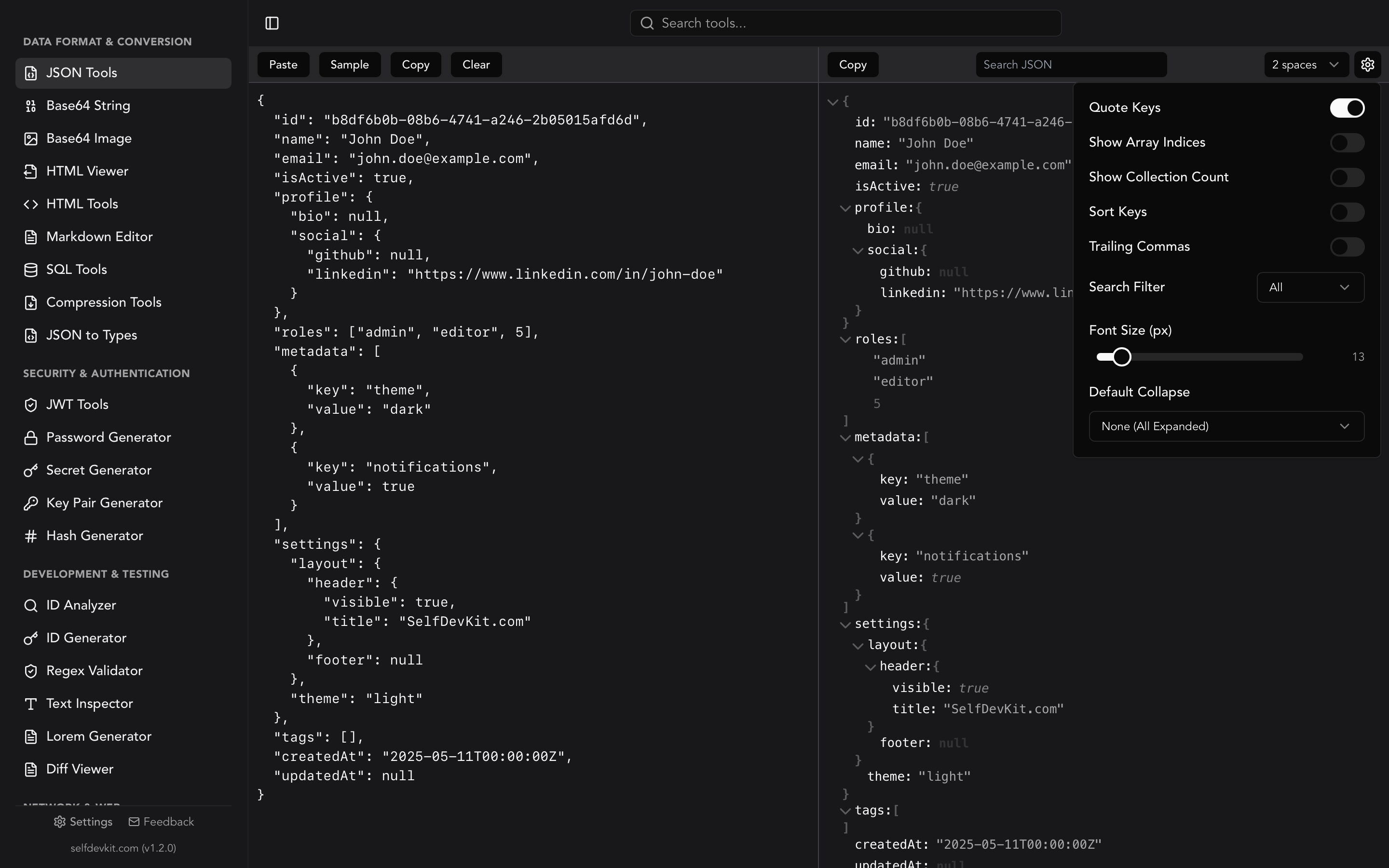
This is especially valuable for JSON configuration files. A misplaced comma or a changed value in a deeply nested object is nearly invisible when reading raw text. A diff checker highlights it immediately.
Reviewing SQL migrations
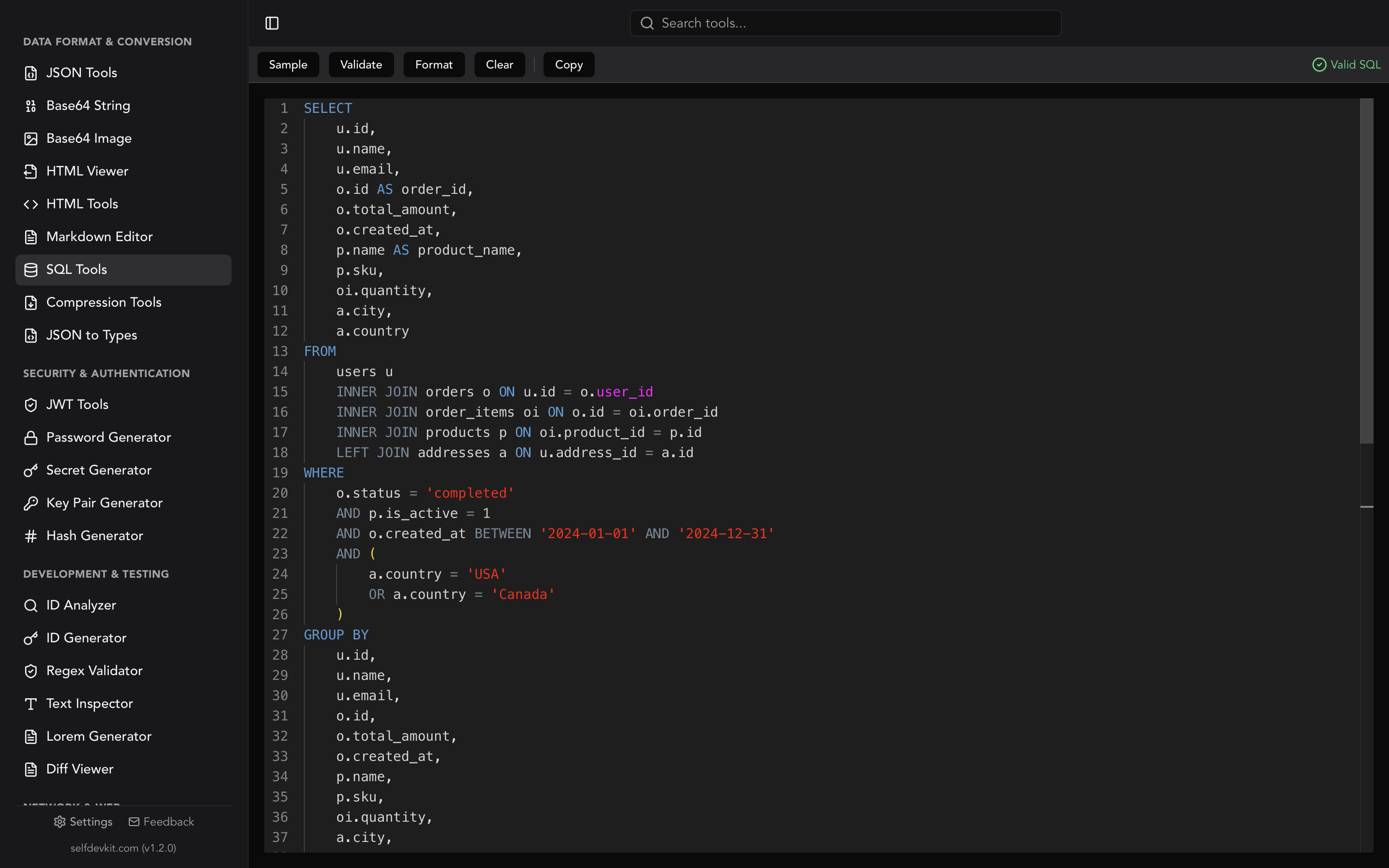
Database migrations are high-stakes changes. Comparing the before and after states of a SQL schema helps you catch destructive changes (dropped columns, altered types) before they hit production. A diff checker shows exactly what the migration will do to your schema.
 CREATE TABLE users (
   id SERIAL PRIMARY KEY,
   email VARCHAR(255) NOT NULL,
-  name VARCHAR(100),
+  name VARCHAR(100) NOT NULL,
+  created_at TIMESTAMP DEFAULT NOW(),
   updated_at TIMESTAMP
 );
At a glance: the name column became NOT NULL and a new created_at column was added. Two changes that could break existing insert statements if your application code does not account for them.
Validating refactored code
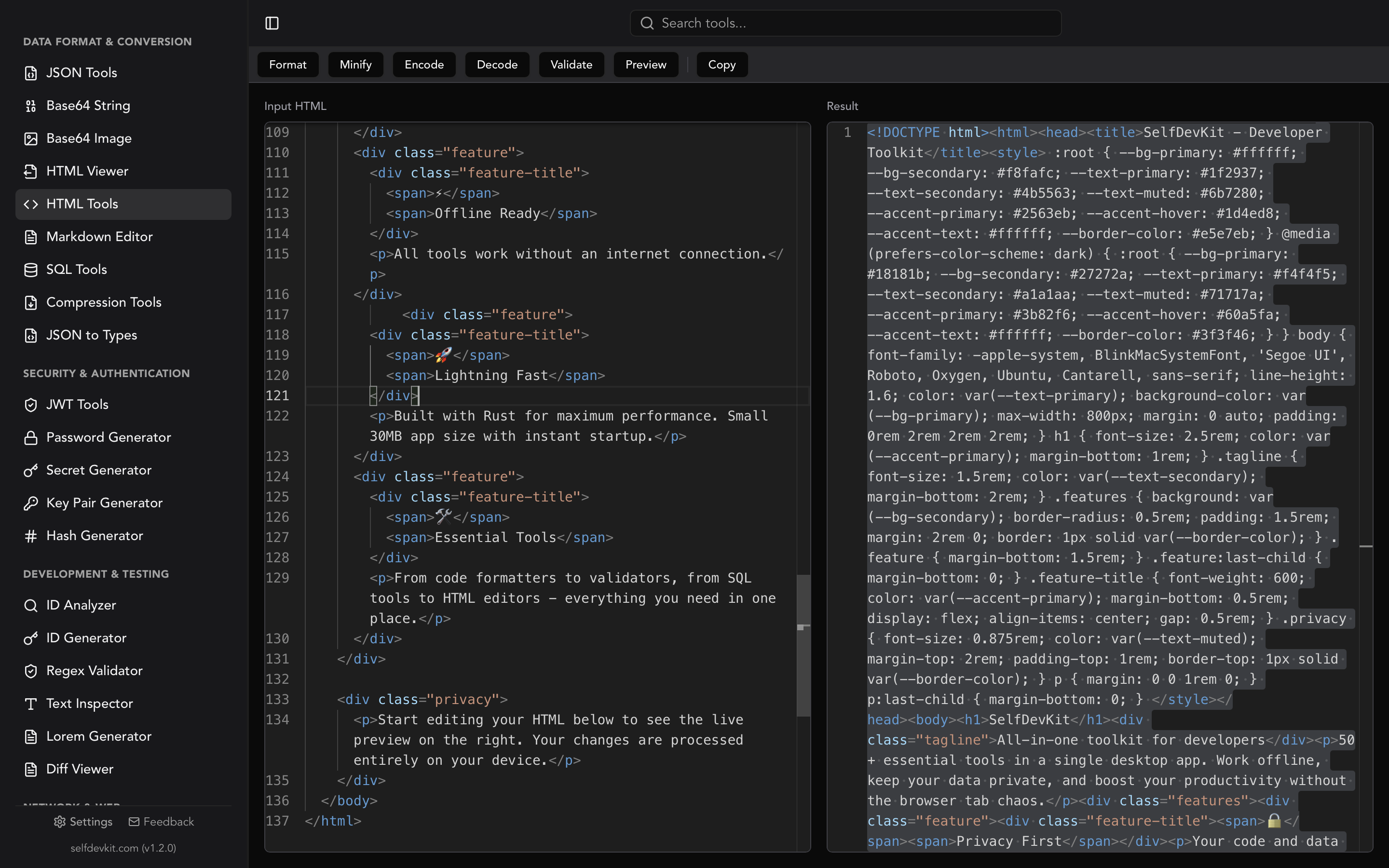
After refactoring a function, you want to confirm that only the intended changes were made. Paste the old and new versions into a diff checker to verify you did not accidentally alter logic while reorganizing the structure. This is particularly useful for HTML templates where structural changes can be hard to spot by eye.
Comparing API response shapes
When an API changes its response format, you need to know exactly what moved, what was renamed, and what disappeared. Format both the old and new JSON responses with consistent indentation first, then run a diff. Without formatting both sides first, you will get noisy diffs full of whitespace changes that obscure the real modifications.
Programmatic diffing: code examples
Sometimes you need to generate diffs programmatically, whether for a CI pipeline, a custom code review tool, or automated testing. None of the popular online diff checkers cover this, but it is straightforward in most languages.
Python
Python's standard library includes difflib, which handles unified diff generation out of the box:
import difflib

original = """def greet(name):
    print("Hello " + name)
    return True""".splitlines(keepends=True)

modified = """def greet(name, greeting="Hello"):
    print(greeting + " " + name)
    return True""".splitlines(keepends=True)

diff = difflib.unified_diff(original, modified,
                            fromfile="greet.py",
                            tofile="greet.py")
print("".join(diff))
No external dependencies needed. The Python difflib documentation covers additional output formats including HTML side-by-side views.
JavaScript / Node.js
The diff npm package is the most popular choice:
const Diff = require('diff');

const original = `function add(a, b) {
  return a + b;
}`;

const modified = `function add(a, b) {
  if (typeof a !== 'number') throw new Error('invalid');
  return a + b;
}`;

const patch = Diff.createPatch('math.js', original, modified);
console.log(patch);
This produces standard unified diff output that tools like patch can consume. The library also supports structured change objects if you need to build a custom diff UI.
Command line with Git
You do not need a separate tool for basic diffing if Git is installed. The official Git diff documentation covers the full range of options:
# Compare two files directly (no repo needed)
git diff --no-index file_a.py file_b.py

# Compare working changes against last commit
git diff

# Compare two branches
git diff main..feature-branch -- src/

# Word-level highlighting (great for prose and config files)
git diff --color-words
The --no-index flag is the hidden gem here. It lets you use git diff on any two files, even outside a Git repository. Combined with --color-words for word-level highlighting, it is one of the most powerful diffing tools already on your machine.
Why pasting code into online diff checkers is risky
Most online diff checkers claim to process everything client-side. And many do. But "client-side" does not mean "private." Third-party analytics scripts, browser extensions, and ad networks running on the same page can access DOM content. Your code is sitting in a text area on a page with unknown JavaScript running alongside it.
Consider what you are pasting:
- Configuration files with database credentials
- API endpoint structures revealing your internal architecture
- JWT tokens containing user claims and secrets
- SQL migrations exposing your database schema
- Source code under NDA
- URL strings with embedded API keys or session tokens
Even if the diff tool itself is trustworthy, the environment around it may not be.
An offline code diff checker removes the entire class of risk. No network requests. No third-party scripts. No ambiguity about where your data goes. SelfDevKit's Diff Viewer runs as a native desktop application, processing everything locally on your machine. Your code never leaves your device.
For teams working under compliance requirements (SOC 2, HIPAA, GDPR), this is not just a preference. It is often a policy requirement. Using online tools to process company code or data can violate data handling agreements.
Choosing the right diff view: side-by-side vs. inline
Side-by-side and inline are the two standard ways to display diff output. Each suits different reviewing situations.
| Aspect | Side-by-side | Inline (unified) |
|---|---|---|
| Layout | Original left, modified right | Single column, interleaved |
| Best for | Targeted changes, code review | Large structural changes |
| Screen width | Needs wide viewport | Works on narrow screens |
| Context | Easy visual comparison | Better flow of changes |
| Common in | GitHub PR files view, IDEs | git diff output, patch files |
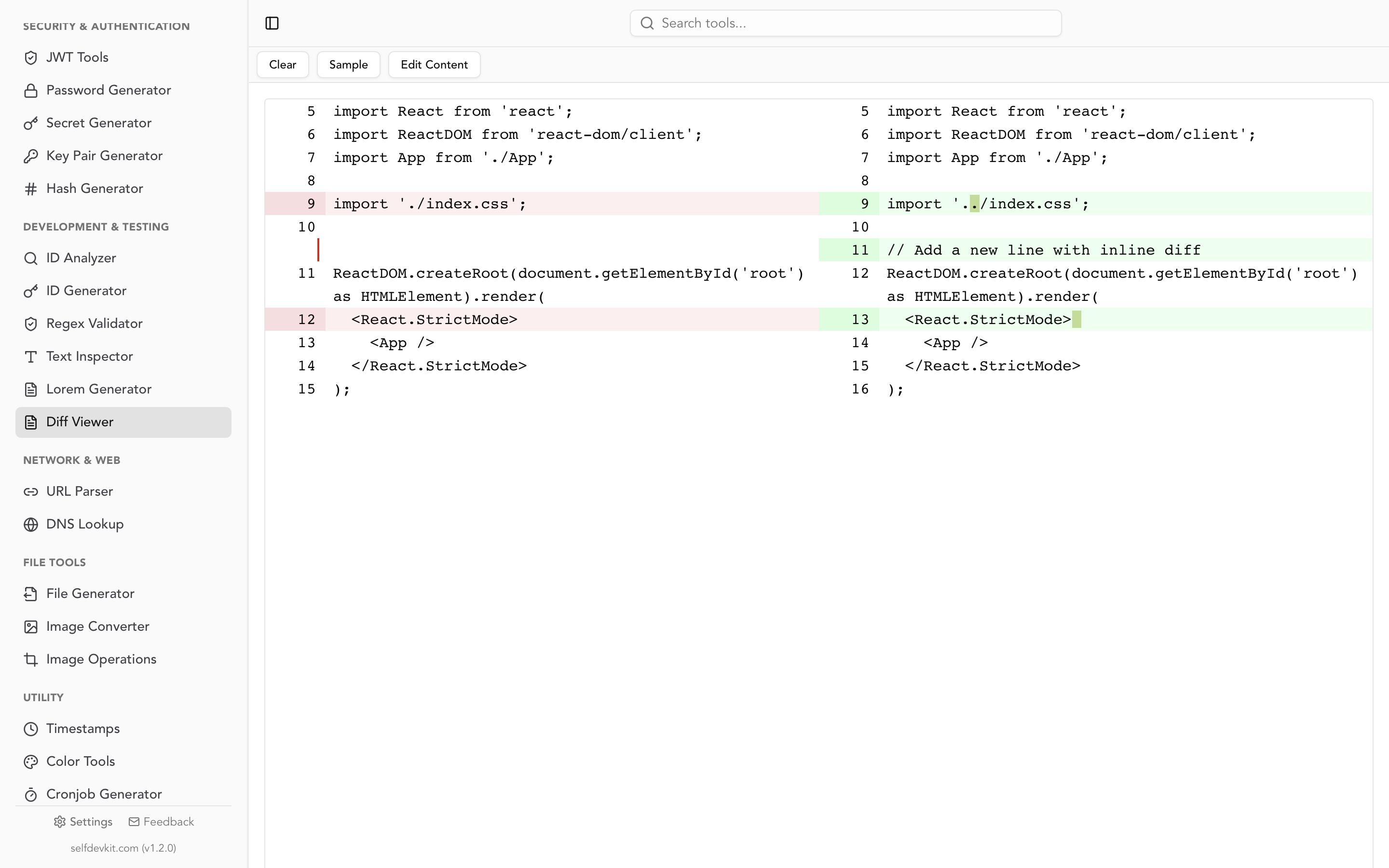
Side-by-side (split) view works best for reviewing targeted changes where you want to see both versions simultaneously. This is the default in most code review interfaces, and for good reason. Your eyes can jump back and forth between versions without losing context.
Inline (unified) view interleaves removed and added lines in a single column. It works better for large structural changes where context matters more than comparison, and for narrow screens where a split view would be cramped.
SelfDevKit's Diff Viewer supports side-by-side comparison with real-time editing on both sides. You can paste two versions, see the differences highlighted instantly, and even edit directly within the diff view.
Beyond text: what else can you diff?
A code diff checker handles source code and plain text. But developers frequently need to compare other formats too:
- JSON responses. Comparing API responses before and after a change. SelfDevKit's JSON Tools can format both versions first, making structural differences visible.
- HTML output. Checking rendered markup changes after a template update. Format the HTML with HTML Tools before diffing for cleaner results.
- Configuration files. Environment-specific config files (dev vs. staging vs. production) often drift over time. Regular diffing catches drift early.
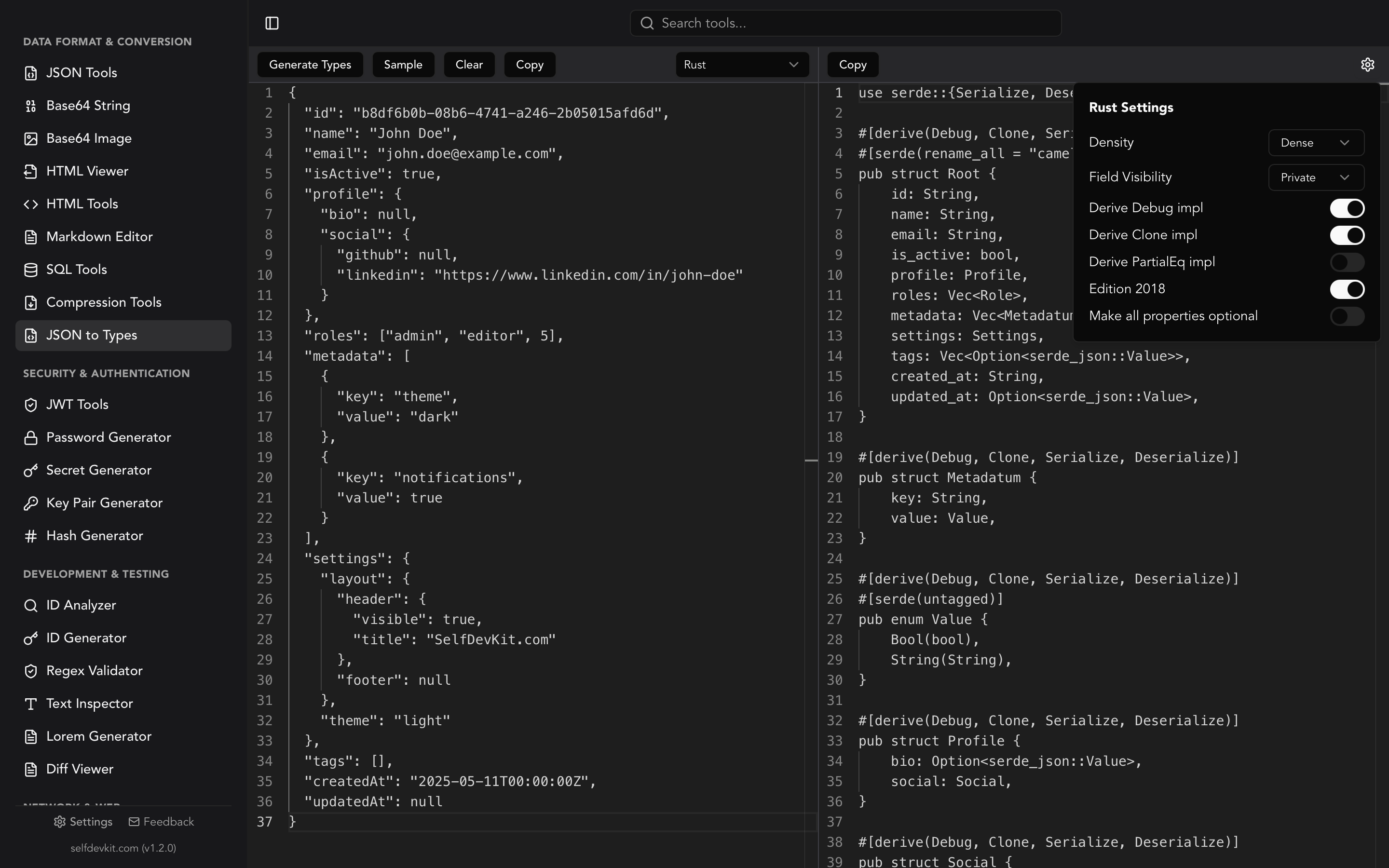
- Generated types. After updating a schema or running a code generator like JSON to Types, diff the output to verify only expected changes appeared. This is especially useful when converting JSON to TypeScript interfaces across API version bumps.
- Regex patterns. When debugging why a regex pattern stopped matching, comparing the old and new patterns character by character reveals subtle changes that are easy to miss.
The pattern is consistent: format first, then diff. Comparing minified or inconsistently formatted text produces noisy diffs full of whitespace changes that obscure the real modifications.
Frequently Asked Questions
What is the best algorithm for code diff checking?
The Myers diff algorithm is the most widely used and is the default in Git. It produces minimal diffs (fewest changes) and handles most code comparison scenarios well. For files with large moved blocks, the Patience or histogram algorithms can produce cleaner output. Git supports all three via git diff --diff-algorithm=patience.
Can I diff binary files with a code diff checker?
No. Code diff checkers operate on text content, comparing line by line or character by character. Binary files (images, compiled binaries, archives) require specialized comparison tools. Git will tell you "Binary files differ" rather than attempting a text diff. For comparing images, tools like Diffchecker offer dedicated image diff modes.
How do I ignore whitespace changes in a diff?
Most diff tools include a whitespace toggle. In Git, use git diff --ignore-all-space (or -w) to ignore whitespace entirely, or --ignore-space-change (or -b) to treat sequences of whitespace as equivalent. This is invaluable when comparing code that has been reformatted but not functionally changed.
Is it safe to paste proprietary code into online diff tools?
It depends on the tool, but the safest approach is to avoid it. Even client-side tools run in a browser environment with potential exposure through analytics scripts, browser extensions, and page-level JavaScript. An offline diff checker like SelfDevKit eliminates this risk entirely by processing everything on your local machine.
Try it yourself
Stop pasting proprietary code into browser tabs. SelfDevKit's Diff Viewer gives you side-by-side comparison with real-time highlighting, editing on both sides, and complete privacy.
Download SelfDevKit to get 50+ developer tools, offline and private.