
There are two completely different tasks hiding behind the phrase "generate an api key." One is clicking a button in somebody else's dashboard. The other is designing a credential system for an API you built. This guide covers both, because the interesting decisions in each case happen before you click Create, not after.
Most articles on this topic hand you a random string and stop. That is the easy part. The hard parts are choosing the right scope and expiry at creation time, surviving the show-once window without losing the key, and, if you are the one issuing keys, picking a format that you can still look up after you have hashed it.
How do you generate an API key?
To generate an API key from a service you use, open that provider's dashboard, create a new key with the narrowest scope and shortest expiry that your integration needs, then copy the value immediately because most providers show it only once. To generate an API key for your own API, produce at least 128 bits from a cryptographically secure random source, prefix it with an identifier you can index on, and store only a hash of the secret half.
Table of contents
- Two different jobs called "generate an api key"
- Generate an API key in a provider dashboard
- The decisions you make before clicking Create
- The 60 seconds after the key appears
- Generate an API key for your own API
- The hashed key lookup problem
- Issuing, verifying, and revoking the key
- Plan rotation at generation time
- Why production keys should not be generated in a browser tab
- Frequently asked questions
Two different jobs called "generate an api key"
The phrase means one of two things, and the correct answer is completely different for each.
| You want to | What you actually do | Where the risk is |
|---|---|---|
| Call someone else's API (Stripe, OpenAI, GitHub, Google Maps) | Create a key in their dashboard or CLI | Over-scoping, losing the key, committing it |
| Let other people call your API | Write an issuance endpoint that mints, hashes, and stores keys | Format design, storage, revocation |
| Get a random string for a config file or fixture | Generate locally with a CSPRNG | Weak randomness, pasting it into a website |
If you are in the first row, skip to the dashboard walkthrough. If you are in the second, the sections on format design and hashed lookup are where the real work is. The third row is a two-second job and our post on what an API key is covers the background.
Generate an API key in a provider dashboard
To generate an API key from a provider, open the credentials or API keys page in their console, create a key, apply restrictions, and copy the value before closing the dialog. The steps differ slightly by vendor, and the differences are worth knowing because they tell you what each provider considers dangerous.
Stripe
- Open the API keys tab in the Developers Dashboard.
- Click Create secret key (or better, create a restricted key instead).
- Enter the verification code Stripe emails or texts you.
- Name the key, click Create, then click the value to copy it.
- Save it somewhere durable. Stripe's docs are blunt about this: "You can't retrieve it later."
Two details here are newer than most blog posts on the internet. Stripe now recommends restricted API keys (rk_live_) over unrestricted secret keys for most integrations, because a restricted key carries only the permissions you grant it. And IP allowlists on individual keys have been replaced by access policies, which can filter by IP range, ASN, country, or traffic source such as Tor exit nodes. The Stripe API keys documentation has the current details.
GitHub
For a fine-grained personal access token, go to Settings → Developer settings → Personal access tokens → Fine-grained tokens, click Generate new token, then set a name, an expiration, and a resource owner. You then pick individual repositories and toggle permissions per API surface rather than accepting a broad repo scope.
Expiration is the field people rush past. Infinite lifetimes are allowed on personal tokens, but organizations and enterprises can enforce a maximum lifetime policy, and the default for that policy is 366 days. If your token stops working exactly a year after you created it, that policy is why. GitHub's guide to managing personal access tokens walks through the permission picker.
Google Cloud
Go to Credentials, choose Create credentials → API key, then add at least one restriction before you use it. Google splits restrictions into two kinds: application restrictions (HTTP referrers, IP addresses, Android apps, iOS apps) and API restrictions (which specific APIs the key may call). A Google API key with no restrictions is effectively a bearer token for your billing account.
That is the pattern across every provider. The dialog that generates the key is trivial; the settings around it are the product.
The decisions you make before clicking Create
Every serious provider asks the same four questions at creation time, and each one is a chance to limit the blast radius of a leak.
| Decision | Bad default | What to choose instead |
|---|---|---|
| Name | "key 1", or blank | The exact service and host that will use it, so you can revoke it without guessing |
| Scope | Full access | Only the endpoints the integration calls today |
| Expiry | Never | The shortest lifetime you can tolerate, then automate rotation |
| Network policy | Any source | Your egress IPs, ASN, or region if the provider supports it |
Naming sounds cosmetic until an incident. Six months from now, "prod key" on a list of nine keys tells you nothing, and nobody will revoke a key they cannot identify. A name like billing-worker@eu-prod makes revocation a five-second decision.
One key per service, per environment. Not one key per company. Shared keys turn every rotation into a coordination meeting and make your access logs useless, since you can no longer tell which system made a call. If you are consuming the key over HTTP, our guide to the x-api-key header covers how it should travel on the wire.
The 60 seconds after the key appears
Most providers show the full key exactly once. Stripe, GitHub, AWS, and OpenAI all follow the show-once model, because they store only a hash and genuinely cannot display the value again. What you do in the next minute determines whether you have to repeat the whole process.
Do this, in order:
- Paste it straight into its destination. A secrets manager, your platform's environment variable settings, or a git-ignored
.env. Not a scratch buffer, not a chat message, not a ticket. - Record where you put it. Stripe even provides a note field for this. Future you will thank present you.
- Verify it works before closing the tab. One
curlagainst a harmless read endpoint. If you copied a truncated value, you want to know now. - Clear your clipboard if you are on a shared or screen-shared machine.
# Verify immediately, from an env var, never inline in shell history
export STRIPE_SECRET_KEY='rk_live_...'
curl -s https://api.stripe.com/v1/balance -u "$STRIPE_SECRET_KEY:" | head -c 200
One gotcha worth knowing: if you save a key to a file and read it back with $(cat key.txt), most editors append a trailing newline, and that newline travels into your Authorization header. The result is a 401 that looks impossible to debug. Pasting the value into a character counter such as SelfDevKit's text inspector shows you a length of 41 where you expected 40. Use printf instead of echo when writing keys to files.
Generate an API key for your own API
To generate an API key for your own API, draw at least 16 bytes from a CSPRNG, encode them in a URL-safe alphabet, and attach a prefix that identifies the key type and environment. The randomness is non-negotiable; everything else is format design, and format design is where most homegrown systems go wrong.
Here is a format that holds up in production:
sk_live_7cce138d_gjIAyP-fR0sk6XfUvQvVWiN78Rxp-uL1
│  │    │        │
│  │    │        └── secret: 24 random bytes, base64url, 192 bits, hashed at rest
│  │    └─────────── key id: 8 hex chars, stored in plaintext, safe to log and display
│  └──────────────── environment: live or test
└─────────────────── type: secret key
Four parts, three of them plaintext metadata and one of them the actual secret. That split is what makes everything downstream possible: fast database lookups, safe log lines, a dashboard that can show users which key is which, and secret scanners that can recognize your keys in a public repo.
On entropy, the arithmetic is simple. Twenty-four random bytes is 192 bits, comfortably above the 128-bit floor and in line with the Python secrets module documentation, which notes that "as of 2015, it is believed that 32 bytes (256 bits) of randomness is sufficient for the typical use-case." A 48-character alphanumeric key, which is what SelfDevKit's API Key preset produces, carries about 286 bits. There is no meaningful attack against any of these; the failure mode is always a leak, never a brute force.
One trap that bites people who design their own format: base64url output contains underscores and hyphens. If your delimiter is _ and your secret is base64url, naive split('_') parsing shreds the secret. Either use a delimiter-free alphabet like base58, or parse by taking the first N segments and rejoining the rest. The prefixed-api-key project uses base58 for exactly this reason.
The hashed key lookup problem
Everyone repeats the advice to hash API keys before storing them. Almost nobody explains the problem that advice creates: if you only have a hash, how do you find the right row?
You cannot query WHERE secret_hash = bcrypt(presented_key), because bcrypt salts every hash, so the same input produces a different digest each time. Scanning every row and running bcrypt against each one is O(n) with a deliberately slow function. At a thousand keys that is a timeout. This is the point where homegrown auth quietly turns into plaintext storage.
The fix is the two-part key. The key id is stored in plaintext and indexed. The secret half is hashed. Verification becomes one indexed lookup plus one hash comparison.
CREATE TABLE api_keys (
  id           uuid PRIMARY KEY,
  key_id       text        NOT NULL UNIQUE,   -- '7cce138d', indexed, safe to show
  secret_hash  text        NOT NULL,          -- sha256 of the secret half
  name         text        NOT NULL,          -- 'billing-worker@eu-prod'
  scopes       text[]      NOT NULL DEFAULT '{}',
  owner_id     uuid        NOT NULL,
  created_at   timestamptz NOT NULL DEFAULT now(),
  expires_at   timestamptz,
  last_used_at timestamptz,
  revoked_at   timestamptz
);
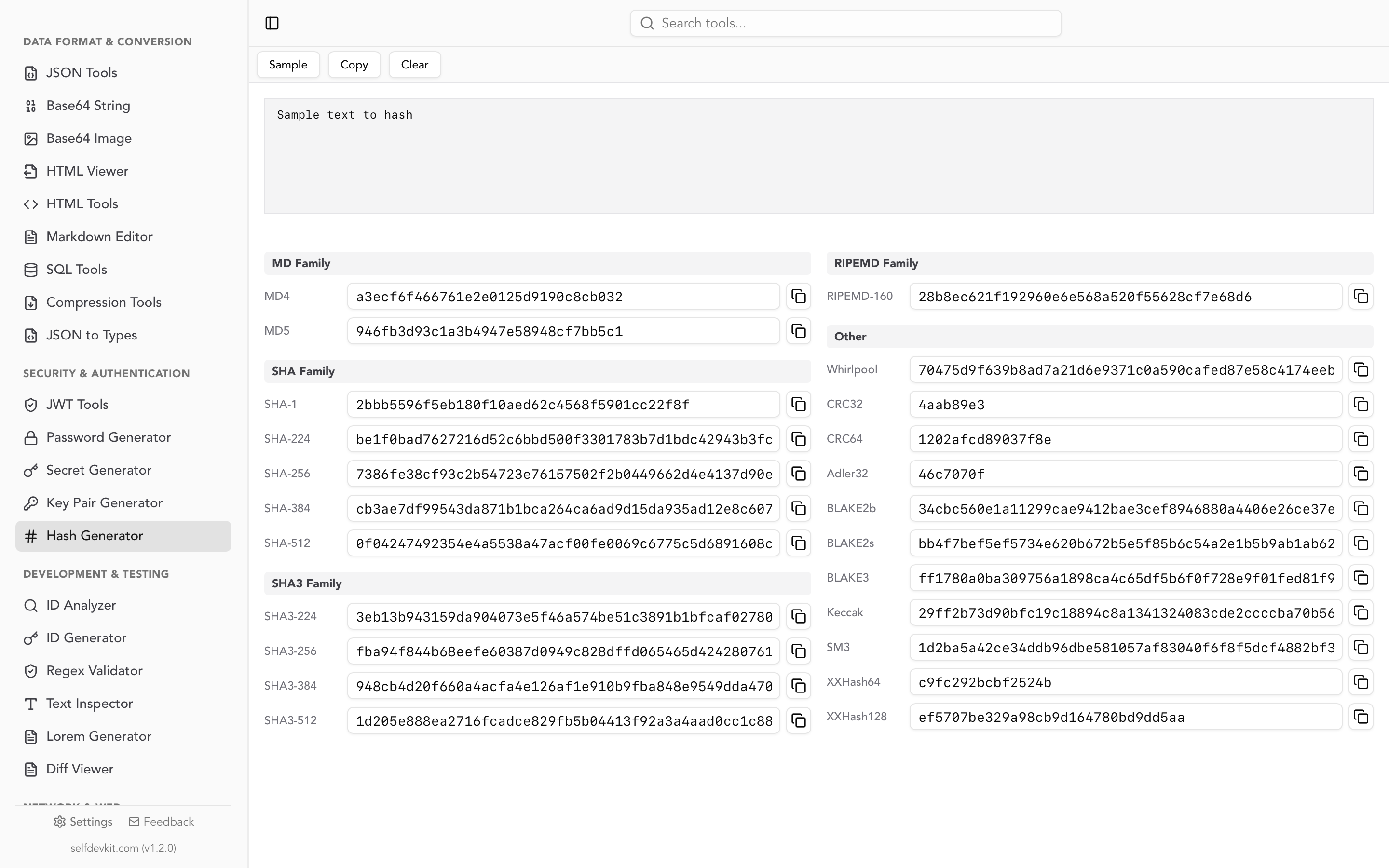
Use SHA-256 here, not bcrypt or Argon2. That reverses the usual password advice, and the reason is entropy. Slow hashes exist to make dictionary attacks against low-entropy human passwords expensive. A 192-bit random key has no dictionary. A fast hash is unbreakable against it and lets you verify in microseconds instead of milliseconds. Our hash generator guide covers when each algorithm is the right choice, and the hash generator computes SHA-256 locally if you want to check a stored digest by hand.
If you want a shape check before you touch the database at all, append a checksum. Stripe-style keys and GitHub tokens both embed one, which lets you reject a malformed key in microseconds and helps scanners avoid false positives. We break down how GitHub's CRC32 checksum works in our API key example post.
Issuing, verifying, and revoking the key
Generation and verification are two halves of the same design. Here they are together in Node, using only the standard library.
import { randomBytes, createHash, timingSafeEqual } from 'crypto';

export function generateApiKey({ env = 'live' } = {}) {
  const keyId = randomBytes(4).toString('hex');        // 8 hex chars, plaintext
  const secret = randomBytes(24).toString('base64url'); // 192 bits, hashed at rest
  return {
    key: `sk_${env}_${keyId}_${secret}`,                // shown to the user once
    keyId,
    secretHash: createHash('sha256').update(secret).digest('hex'),
  };
}

export async function verifyApiKey(presented) {
  const [type, env, keyId, ...rest] = presented.split('_');
  if (type !== 'sk' || !keyId || rest.length === 0) return null;
  const secret = rest.join('_'); // base64url may contain underscores

  const row = await db.apiKeys.findUnique({ where: { keyId } });
  if (!row || row.revokedAt) return null;
  if (row.expiresAt && row.expiresAt < new Date()) return null;

  const presentedHash = createHash('sha256').update(secret).digest();
  const storedHash = Buffer.from(row.secretHash, 'hex');
  if (!timingSafeEqual(presentedHash, storedHash)) return null;

  return row;
}
Three things in that snippet are easy to get wrong.
timingSafeEqual instead of ===. String comparison short-circuits on the first differing byte, which leaks how much of the secret an attacker guessed correctly. Python's equivalent is secrets.compare_digest; Go's is subtle.ConstantTimeCompare.
The revocation and expiry checks happen on the same query as the lookup, not in a separate round trip that some code path can skip. Revocation is a column, not a delete, so your audit log still resolves the key id after the key is dead.
And the full key is returned exactly once, from the issuance endpoint, and never persisted. If a support engineer can read a customer's key out of your database, so can anyone who breaches it.
Plan rotation at generation time
Rotation fails when it is treated as an emergency procedure rather than a routine one, and the fix is to make every key replaceable from the moment it is created. That means two keys can be valid at once during a handover.
Stripe implements this well and it is worth copying. When you rotate a key in their dashboard, the old and the new key both work for up to seven days, so you can roll the new value out to a subset of servers, watch the logs, then expire the old key only after its request volume has sat at zero. The last_used_at column in the schema above is what makes that possible for your own API; without it you are guessing whether anything still holds the old credential.
The OWASP secrets management cheat sheet puts the underlying principle plainly: "You should regularly rotate secrets so that any stolen credentials will only work for a short time." An expiry you set at creation is a rotation you cannot forget to perform.
Rotate immediately, grace period or not, when a key appears in a commit, a log export, a screenshot, or a support ticket, and when someone with access leaves the team.
Why production keys should not be generated in a browser tab
Search for a key generator and you will find a dozen web pages that will happily produce one for you. They are convenient and they are the wrong tool for a production secret, for a reason that has nothing to do with whether the operators are honest.
You cannot verify what happens to the output. You cannot confirm the randomness came from crypto.getRandomValues and not Math.random(). You cannot see whether an analytics script, a session replay tool, or a browser extension read the DOM node containing the key. You cannot rule out a request to the server. And a secret is worth exactly as much as the number of parties who have never seen it.
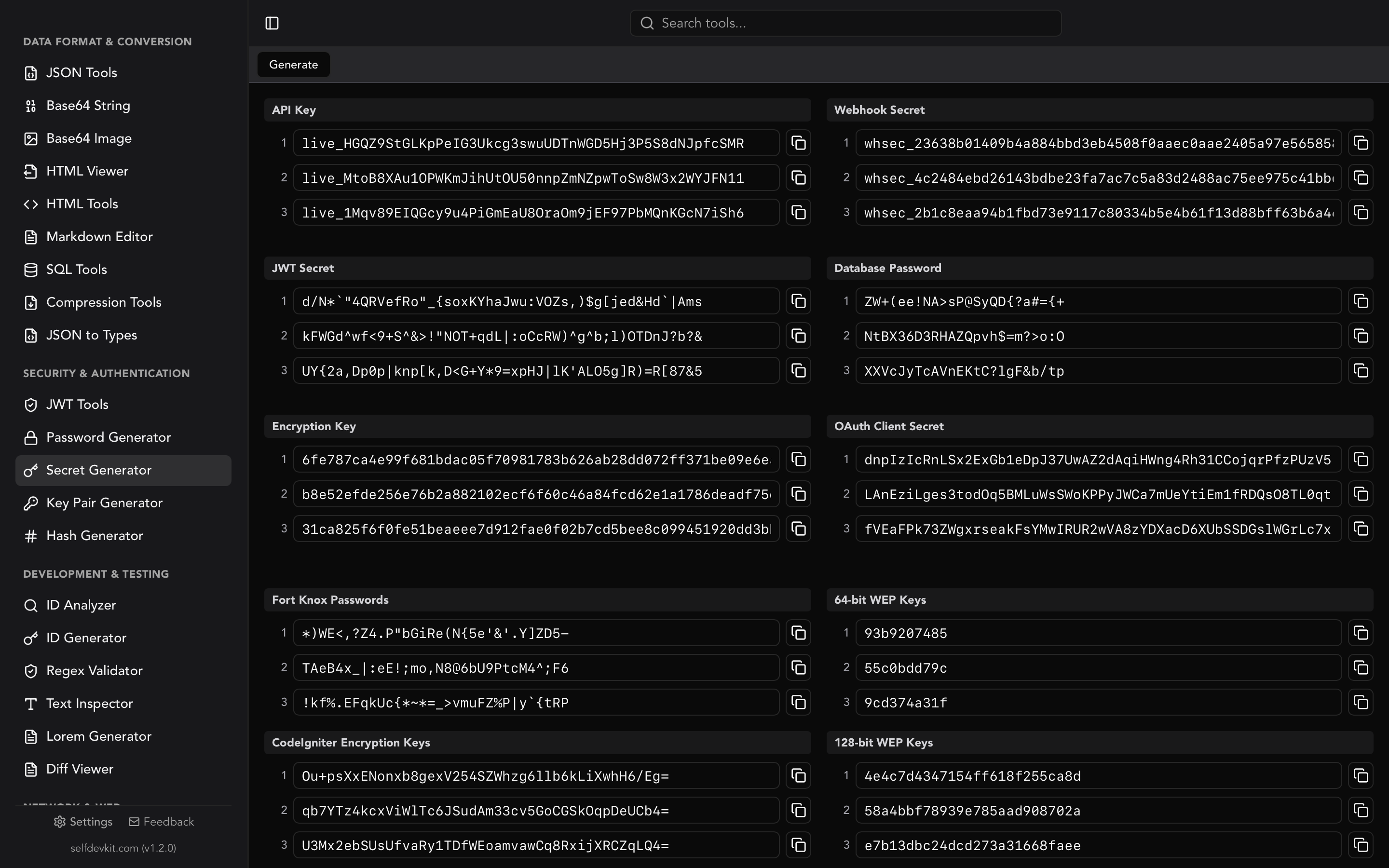
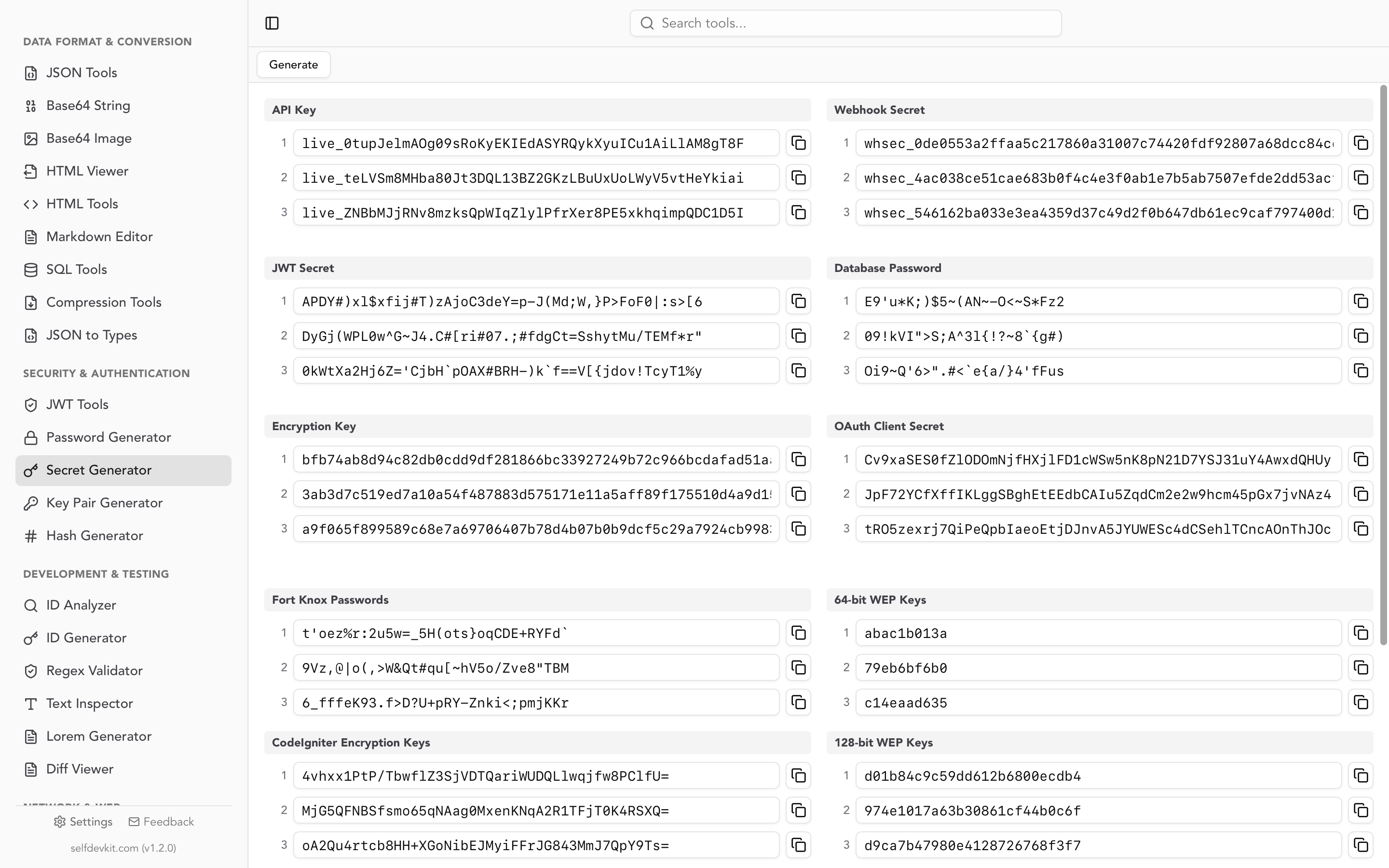
SelfDevKit's secret generator runs entirely on your machine with no network call. The API Key preset outputs three 48-character alphanumeric keys with a live_ prefix at a time, alongside presets for webhook secrets (whsec_ plus 64 hex characters), OAuth client secrets, 256-bit encryption keys, JWT signing secrets, and database passwords. Every value comes from a cryptographically secure random source in the app's Rust backend.
For the signing secrets that sit next to your API keys, our JWT secret key generator guide explains why key length has to match the algorithm, and the password generator covers the credentials humans actually type. The broader argument for keeping this class of work off the network is in why offline developer tools matter.
Frequently asked questions
How long should an API key be?
Long enough to carry at least 128 bits of randomness in its secret half, which means 16 random bytes minimum and 24 to 32 bytes in practice. Prefixes, key ids, and checksums add characters without adding entropy, so measure the random portion, not the total string length.
Can I generate an API key with a UUID?
You can, and a UUIDv4 gives you 122 bits of entropy, which is adequate. The drawback is that a bare UUID has no prefix, so no secret scanner can recognize it in a leaked repo and you cannot tell a production key from a test key at a glance. Prefix your UUID if you go this route.
What do I do if I lose a key right after generating it?
Nothing clever. Providers that show keys once genuinely cannot recover them, because they stored only a hash. Delete or rotate the key you lost so it cannot be used by whoever finds it, then create a new one and save it properly this time.
Should I hash API keys with bcrypt like passwords?
No. Bcrypt and Argon2 are deliberately slow to defend low-entropy human passwords against dictionary attacks. A randomly generated key has no dictionary, so SHA-256 is both secure and fast enough to run on every request, and it lets you look keys up by an indexed key id.
Generate the key, then protect it
The mechanics of generating an API key take seconds. The decisions around it, scope, expiry, naming, storage format, and rotation path, are what determine whether a leaked key is an inconvenience or an incident.
If you are issuing keys from your own API, start with the two-part format and the hashed lookup. If you just need a strong key right now, generate it locally so the only machine that has ever seen it is yours.
Download SelfDevKit for an offline secret generator, hash tools, and 50+ other developer utilities in one desktop app.