What is an API key?
An API key is a unique string of random characters that an API uses to identify and authenticate the application or user making a request. The client sends the key with every request, usually in an HTTP header, and the server checks it before returning data or allowing an action. Think of it as a machine-readable password that ties each request back to a known account.
If you have ever signed up for Stripe, OpenAI, Google Maps, or any developer platform, you have been handed an API key. It usually looks like a long jumble of letters and numbers you are told to "keep secret." But what is an API key really doing, why does the format matter, and how do you generate and store one without leaking it? This guide answers all of that, with real key examples and code you can copy.
Most articles on this topic stop at the dictionary definition. We go further: the anatomy of real keys from major providers, exactly how to send a key in a request across four languages, how to generate a strong key yourself, and the mistakes that get keys leaked into public repos.
Table of contents
- What is an API key
- What an API key actually looks like
- How API keys work
- How to send an API key in a request
- API key vs token vs OAuth
- How to generate a secure API key
- Where API keys leak and how to protect them
- Storing and verifying API keys server-side
- Frequently asked questions
What is an API key
An API key is a secret token that authenticates a request to an API and identifies which account or project the request belongs to. When your code calls an API, it attaches the key. The server looks the key up, confirms it is valid and active, and then decides what the caller is allowed to do.
Keys serve three jobs at once. They identify the caller, so the provider knows the request came from your account. They authenticate the caller, proving the request is genuinely yours and not an imposter's. And they enable authorization and metering, so the provider can enforce rate limits, scope permissions, and bill you for usage.
That combination is why API keys are everywhere. Cloud platforms like AWS and Google Cloud, payment processors like Stripe and PayPal, and AI providers like OpenAI all issue keys as the front door to their services. The official API key definition from Google Cloud frames a key as a "simple encrypted string" used to associate a request with a project for quota and billing.
One important nuance: an API key proves which account is calling, but a plain key does not prove which human user on its own. That distinction matters when you compare keys to other auth methods later in this post.
What an API key actually looks like
An API key is a string of high-entropy random characters, often with a human-readable prefix that tells you what kind of key it is. The prefix is not decoration. Providers add it so their own secret scanners, and services like GitHub, can spot a leaked key instantly.
Here is what real keys from popular providers look like:
| Provider | Example format | Prefix meaning |
|---|---|---|
| Stripe (live secret) | sk_live_ + 24 chars |
sk = secret key, live = production mode |
| Stripe (test secret) | sk_test_ + 24 chars |
test-mode key, no real charges |
| GitHub (personal token) | ghp_ + 36 chars |
ghp = GitHub personal access token |
| OpenAI (project key) | sk-proj- + random chars |
scoped to one project in your org |
| AWS (access key ID) | AKIA + 16 chars |
identifies an IAM access key |
| Google Cloud | AIza + 35 chars |
Google API key |
Two design patterns stand out. First, the split between public and secret keys. Stripe gives you a publishable key (pk_) that is safe to ship in browser code and a secret key (sk_) that must stay on your server. Sending the wrong one is a common mistake. Second, the prefix plus random body structure. GitHub deliberately added prefixes like ghp_ so that old hex-only tokens could not be confused with SHA hashes and so automated scanners could catch them in commits.
The random part is what makes a key hard to guess. A modern key packs enough entropy that brute-forcing it is computationally infeasible, the same principle behind a strong password. If you want to understand entropy in depth, our secure password generator guide breaks down how character length and randomness translate into real resistance against guessing.
How API keys work
An API key works through a simple request-and-check cycle: the client attaches the key to a request, and the server validates it before responding. Here is the full lifecycle from creation to use.
- Provisioning. You sign up with an API provider and generate a key from their dashboard. The provider stores a reference to that key and links it to your account, project, and permission scope.
- Attachment. Your application includes the key with every request, typically in an HTTP header such as
Authorizationorx-api-key. - Validation. The API server receives the request, extracts the key, and looks it up. It confirms the key exists, has not been revoked, and belongs to an account allowed to call this endpoint.
- Authorization and metering. If the key is valid, the server checks whether the associated account has permission for the requested action, records the call against your rate limit and quota, and returns the response.
- Revocation. If a key is compromised, you delete or rotate it from the dashboard. The next request using the old key fails immediately.
Because the key travels with every request, transport security matters. API keys should only ever be sent over HTTPS. Sent over plain HTTP, a key is visible to anyone on the network path, which is why every reputable provider rejects non-TLS traffic. The MDN documentation on the HTTP Authorization header covers how credentials ride along with requests.
How to send an API key in a request
The most common and most secure way to send an API key is in an HTTP request header, not in the URL. Putting a key in the query string works, but it leaks into server logs, browser history, and analytics, so prefer headers whenever the API supports them.
There are three common header conventions:
- Bearer token:
Authorization: Bearer YOUR_API_KEY - Custom header:
x-api-key: YOUR_API_KEY - Basic auth: the key goes in the username or password field, Base64-encoded by the client
The custom header option is the one you will meet most often, and it has its own set of quirks around casing, CORS preflight, and AWS API Gateway errors. Our guide to the x-api-key header covers those in detail.
Here is the same authenticated request in four languages, using a custom header.
cURL
curl https://api.example.com/v1/data \
  -H "x-api-key: sk_live_4eC39HqLyjWDarjtT1zdp7dc"
JavaScript (fetch)
const res = await fetch('https://api.example.com/v1/data', {
  headers: {
    'x-api-key': process.env.API_KEY,
  },
});
const data = await res.json();
Python (requests)
import os
import requests

headers = {"x-api-key": os.environ["API_KEY"]}
res = requests.get("https://api.example.com/v1/data", headers=headers)
data = res.json()
Node.js with Bearer auth
const res = await fetch('https://api.example.com/v1/data', {
  headers: {
    Authorization: `Bearer ${process.env.API_KEY}`,
  },
});
Notice that in every example the key comes from an environment variable, never a hardcoded string. That single habit prevents the most common way keys get leaked, which we cover below. If an API you consume returns JSON, a local JSON formatter and viewer makes debugging those responses far easier than squinting at a minified wall of text.
API key vs token vs OAuth
An API key identifies an application or account, while OAuth tokens and JWTs identify a specific user and carry scoped, often short-lived permissions. Choosing between them depends on who is calling and how much control you need.
| Method | Identifies | Lifespan | Best for |
|---|---|---|---|
| API key | Application or project | Long-lived until revoked | Server-to-server calls, simple integrations |
| OAuth 2.0 access token | A specific user via delegated consent | Short-lived, refreshable | Apps acting on behalf of users |
| JWT | A user or service, with claims embedded | Short-lived, self-contained | Stateless auth, microservices |
API keys win on simplicity. There is no handshake, no redirect flow, no token exchange. You attach one string and you are done. That makes them ideal for backend jobs, cron tasks, and internal service calls where a single trusted machine talks to an API.
Their weakness is granularity. A plain API key is a static, all-or-nothing credential. It does not expire on its own, it does not encode fine-grained permissions, and if it leaks, it stays valid until someone notices and revokes it. That is why security-sensitive systems layer keys with scopes and rotation, or move to OAuth and JWTs for user-facing auth.
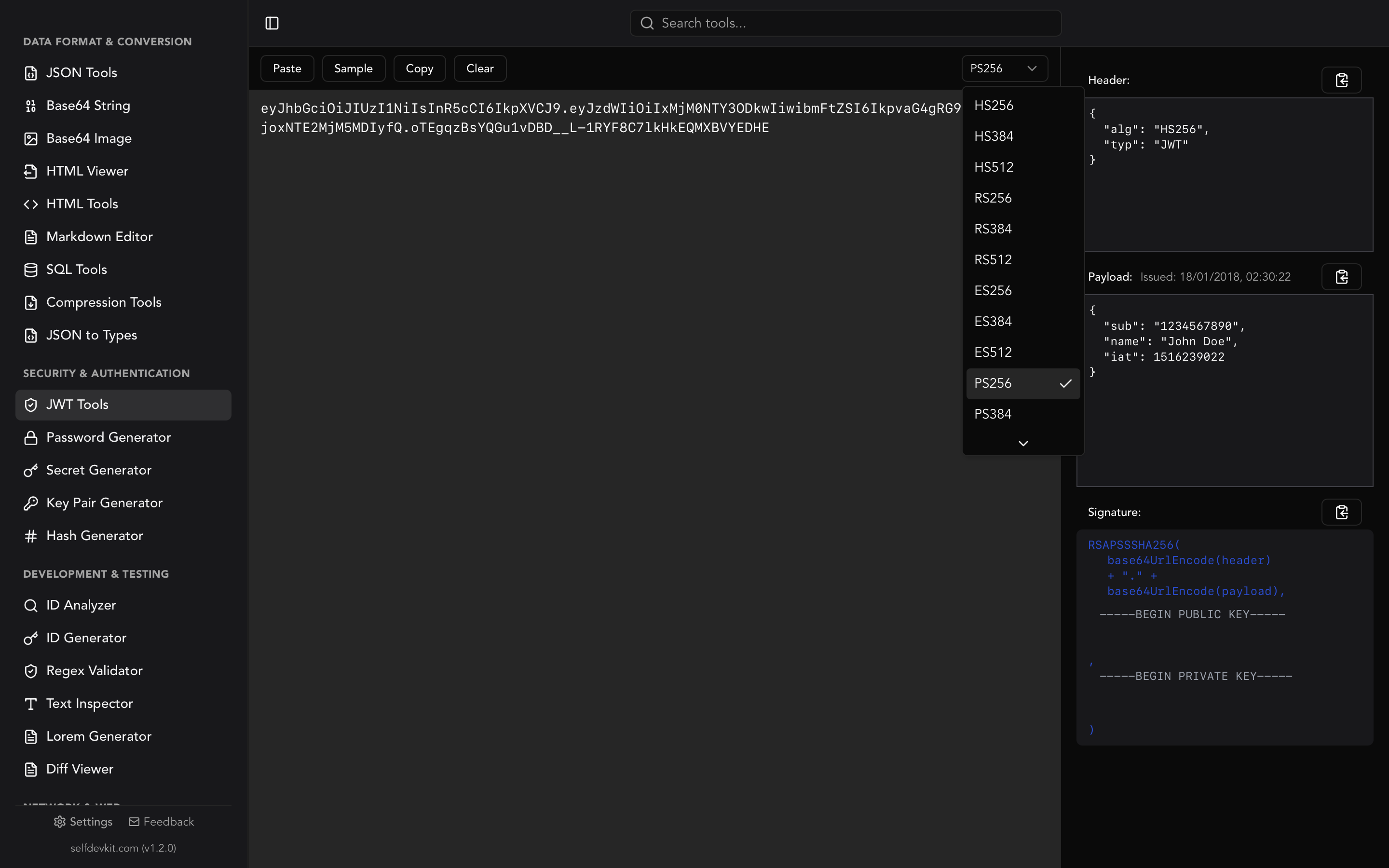
JSON Web Tokens solve some of those problems by embedding signed claims directly in the token. If you work with JWTs, our JWT decoder and validator guide explains how the header, payload, and signature fit together, and the JWT tools in SelfDevKit let you decode and verify tokens locally without pasting them into a website. For signing those tokens you also need a strong signing secret, which our JWT secret key generator guide covers in detail.
How to generate a secure API key
To generate a secure API key, use a cryptographically secure random number generator (CSPRNG) to produce at least 128 bits of entropy, then optionally prepend a short prefix that identifies the key type. Never use Math.random(), timestamps, or predictable patterns; those can be guessed or reproduced.
If you are building your own API and issuing keys to your users, a solid recipe looks like this:
import { randomBytes } from 'crypto';

function generateApiKey() {
  // 32 bytes = 256 bits of entropy
  const random = randomBytes(32).toString('base64url');
  return `sk_live_${random}`;
}
The equivalent in Python:
import secrets

def generate_api_key():
    return "sk_live_" + secrets.token_urlsafe(32)
Both use the operating system's cryptographically secure source of randomness (crypto.randomBytes in Node, secrets in Python). That is the non-negotiable part. The prefix, the encoding, and the exact length are style choices; the entropy is what keeps the key unguessable.
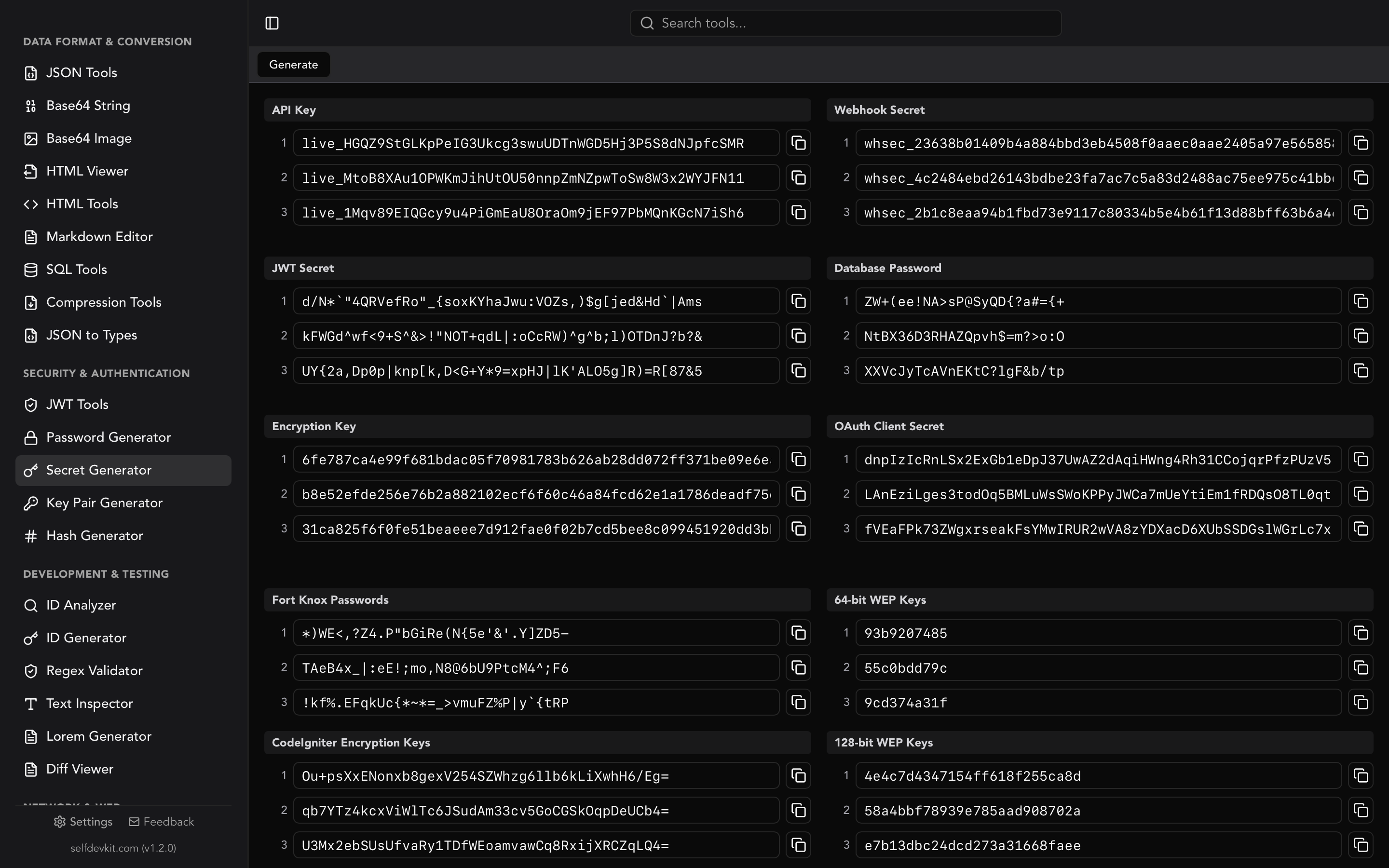
If you just need a strong key right now and do not want to write throwaway code, SelfDevKit's secret generator produces cryptographically secure API keys, JWT secrets, and webhook secrets in one click, entirely offline.
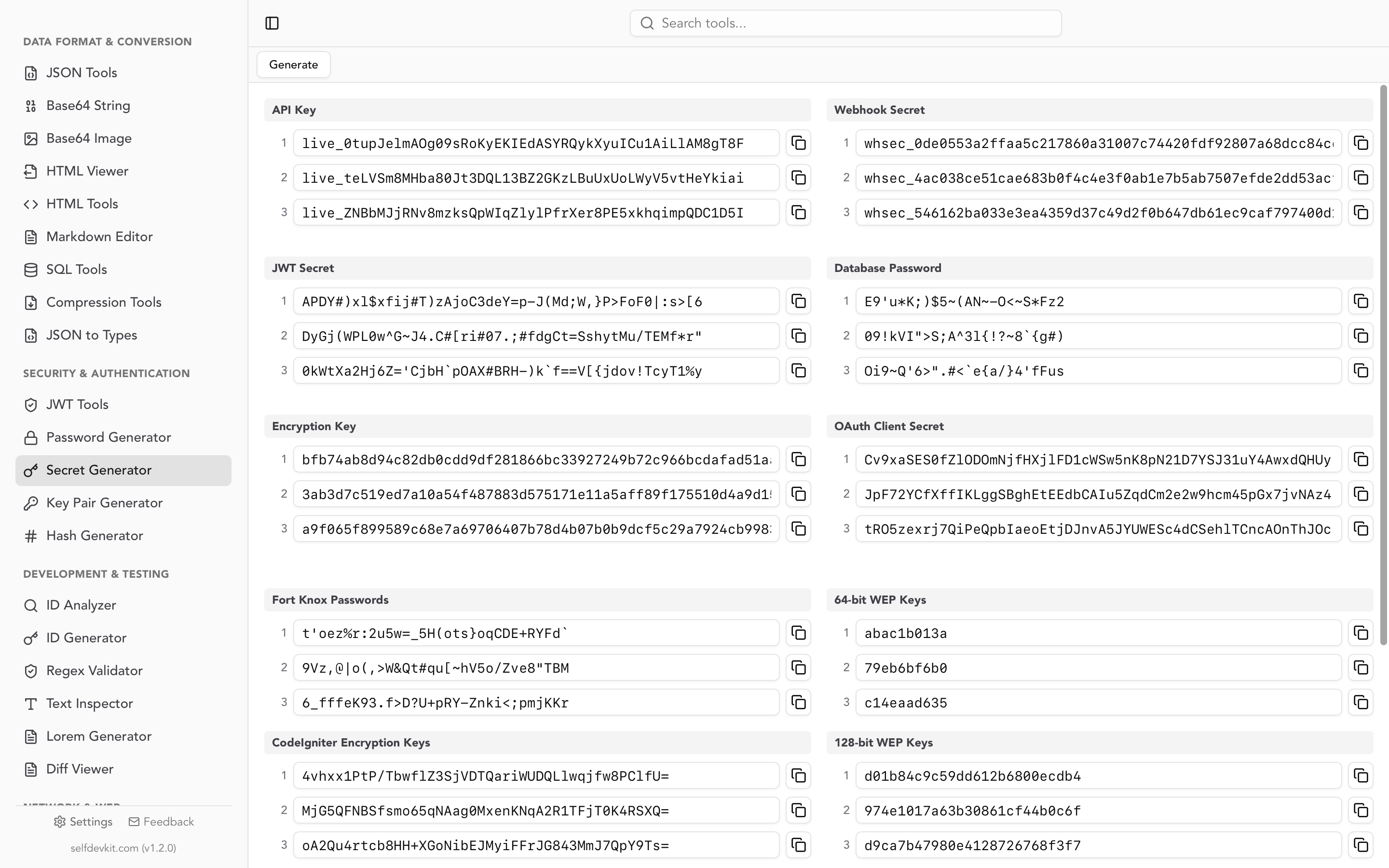
That offline detail is not a small thing. A production secret should never touch a random website. When you paste "generate an API key" into a browser tool, you have no idea whether that server logs the output, whether an analytics script captured it, or whether the key was ever truly random. A key you are about to trust with payment access or user data deserves better than an anonymous web form. Generating it locally means the secret exists only on your machine, never crossing the network. We make the full case for this in why offline developer tools matter.
Where API keys leak and how to protect them
API keys leak most often through committed code, client-side JavaScript, and unredacted logs. Every one of these is preventable with a few disciplined habits.
The usual culprits:
- Hardcoded in source and committed to git. The classic mistake. Once a key is in git history, deleting the line is not enough; the key lives in every clone and every old commit. GitHub scans public pushes for known key prefixes precisely because this happens constantly.
- Shipped in front-end code. Any key in browser JavaScript is visible to anyone who opens dev tools. Only publishable keys (like Stripe's
pk_) belong in the client. Secret keys must stay server-side. - Logged in plaintext. Request loggers and error trackers happily record full URLs and headers, quietly capturing keys in log files and third-party monitoring tools.
- Pasted into online tools. Formatters, decoders, and "test my request" sites can capture whatever you paste, including live keys.
The defenses are straightforward. Keep keys in environment variables or a secrets manager, never in code. Add .env to your .gitignore before the first commit. Use publishable keys in the browser and secret keys only on the server. Rotate keys on a schedule and immediately if one is exposed. Scope each key to the least access it needs. And do your local debugging with offline tools so sensitive strings never leave your machine. The OWASP secrets management guidance is a good reference for hardening this across a team.
If a key does leak, treat it as burned. Revoke it, generate a fresh one, and audit what the old key could access. Do not try to "hide" a committed key by force-pushing; assume it was scraped within seconds.
Storing and verifying API keys server-side
If you issue API keys to your own users, store a hash of each key, not the key itself. This is the same rule that applies to passwords: if your database is breached, hashed keys are useless to an attacker, while plaintext keys hand over every account.
The workflow looks like this:
- Generate the key and show it to the user exactly once, at creation time. This is why providers like Stripe and GitHub warn you to copy the key immediately; they only store the hash.
- Hash the key with a fast cryptographic hash such as SHA-256 (API keys are high-entropy, so you do not need a slow password hash like bcrypt) and store the hash plus a short prefix for lookup.
- On each incoming request, hash the presented key and compare it to the stored hash in constant time.
Storing a lookup prefix alongside the hash lets you find the right record fast without reversing the hash. To hash keys during development or verify a value by hand, the hash generator computes SHA-256 and other digests locally, and our hash generator guide explains when each algorithm is appropriate. For asymmetric schemes where you sign requests with a private key instead of sending a shared secret, the key pair generator and our RSA key generator guide cover the public/private key model.
This one design choice, hashing keys at rest, separates hobby projects from production-grade auth. It costs almost nothing to implement and it turns a catastrophic breach into a manageable one.
Frequently asked questions
Is an API key the same as a password?
Functionally they are similar; both are secrets that authenticate you. The difference is that an API key authenticates an application or account for machine-to-machine calls, while a password authenticates a human logging in. Keys are also longer, fully random, and meant to be handled by code rather than typed.
Can I use one API key for everything?
You can, but you should not. Use separate keys per environment (development, staging, production) and per service where possible. Separate keys limit the blast radius if one leaks and let you rotate a single key without disrupting everything else.
How long should an API key be?
Aim for at least 128 bits of entropy, and 256 bits is a common, comfortable choice. In practice that means roughly 32 random bytes encoded to a URL-safe string. The exact character count depends on your encoding, but the entropy is what matters, not the visible length.
What should I do if my API key is exposed?
Revoke it immediately from the provider's dashboard and generate a replacement. Then audit what the key could access and rotate any related secrets. Never assume a leaked key is safe just because you deleted the commit; treat every exposed key as compromised.
Generate and manage API keys the private way
An API key is a simple idea with sharp edges. It is just a random string, but that string is the front door to your accounts, and how you generate, send, and store it decides whether that door stays locked. Use headers not URLs, environment variables not source code, and hashes not plaintext at rest.
When you need a secure key, generate it locally. SelfDevKit's secret generator, hash generator, and JWT tools all run offline, so your production secrets are created and inspected on your own machine and never sent to a server.
Download SelfDevKit to generate API keys, JWT secrets, and hashes across 50+ developer tools, all offline and private.
Sources: