What is x-api-key?
x-api-keyis a custom HTTP request header used to send an API key to a server for authentication. It is not defined by any RFC and is not registered with IANA; it became a convention largely because AWS API Gateway requires that exact header name. The client sendsx-api-key: <your-key>with each request, and the server looks the key up before deciding whether to serve the response.
If you have ever wired up an integration and been told "just pass the key in the x-api-key header," you have met the most widely used non-standard header in API authentication. It looks trivial. One header, one string. Then your key works in curl but returns 403 from the browser, or the header arrives as null inside a Lambda, or your teammate writes X-Api-Key and something downstream stops matching.
This guide covers what x-api-key actually is, how to send and validate it in real code, and the specific failure modes that eat afternoons: header casing across frameworks, CORS preflight, and AWS API Gateway's two very different 403 errors. If you want the broader background on keys themselves, start with what is an API key and come back here for the header-level detail.
Table of contents
- What the x-api-key header is
- Is x-api-key case sensitive
- x-api-key vs Authorization Bearer
- How to send an x-api-key header
- How to validate x-api-key on the server
- x-api-key in AWS API Gateway
- x-api-key and CORS in the browser
- Documenting x-api-key in OpenAPI
- Generating the key behind the header
- Troubleshooting reference
- Frequently asked questions
What the x-api-key header is
The x-api-key header is a request header that carries an API key as its raw value, with no scheme prefix and no encoding. A request looks like this:
GET /v1/orders HTTP/1.1
Host: api.example.com
x-api-key: live_9f2c4a1e8b7d6350a1c9f4e2b8d7a6c503e1f9b2
Accept: application/json
That is the entire mechanism. No handshake, no token exchange, no expiry baked into the value. The server reads the header, hashes or looks up the string, and decides.
What makes x-api-key unusual is that it has no specification behind it. It does not appear in the IANA HTTP Field Name Registry, which is where standard headers like Authorization and Content-Type are recorded. It spread by imitation. AWS API Gateway hardcoded x-api-key for its usage plan feature, thousands of teams shipped APIs behind API Gateway, and downstream developers copied the convention into APIs that never touched AWS at all.
That matters practically. Because it is a convention rather than a standard, nothing validates it for you. No middleware parses it automatically, no browser treats it specially, and every server has to implement its own lookup. It also means the name varies in the wild: you will meet x-api-key, X-API-KEY, apikey, api-key, and vendor-specific names like Azure API Management's Ocp-Apim-Subscription-Key. Always read the provider's docs rather than assuming.
Is x-api-key case sensitive
HTTP header names are case-insensitive by specification, so x-api-key, X-Api-Key, and X-API-KEY are the same header on the wire. RFC 9110 section 5.1 states that field names are case-insensitive, and any compliant server must treat all three identically.
The trouble starts above the protocol layer. Your framework does not always hand you a case-insensitive lookup, and if you index into a raw dictionary of headers, casing suddenly matters a great deal.
| Runtime | How it normalizes header names | Safe lookup |
|---|---|---|
| Node.js / Express | req.headers keys are lowercased by Node core |
req.get('x-api-key') or req.headers['x-api-key'] |
Go net/http |
Canonicalized to X-Api-Key in the map |
r.Header.Get("x-api-key"), never r.Header["x-api-key"] |
| Python / WSGI | Exposed as HTTP_X_API_KEY in the environ |
Use the framework's header object, not the raw environ |
| AWS Lambda, HTTP API (payload 2.0) | All header names lowercased | event.headers['x-api-key'] |
| AWS Lambda, REST API (payload 1.0) | Case preserved exactly as the client sent it | Lowercase every key before lookup |
Two of these deserve a closer look. Go's net/http canonicalizes header keys to X-Api-Key when it stores them, so r.Header.Get("x-api-key") works (Get canonicalizes your argument too) while r.Header["x-api-key"] silently returns nil. That single line has shipped to production more than once.
The AWS one is worse because it changes with the gateway type. HTTP APIs using payload format 2.0 lowercase every header name before invoking your Lambda. REST APIs using payload format 1.0 pass headers through with whatever casing the client used. Migrate an API from REST to HTTP without changing your handler and a hardcoded event.headers['X-API-Key'] lookup starts returning undefined.
There is one more wrinkle. HTTP/2 requires that field names be sent in lowercase on the wire, so if you capture traffic from a modern client you will see x-api-key regardless of the casing you wrote in your code. The safe rule: write x-api-key lowercase everywhere, and always look it up case-insensitively.
x-api-key vs Authorization Bearer
Both headers carry a credential, but Authorization: Bearer <token> is a standardized HTTP authentication scheme while x-api-key is a bare custom header with no defined semantics. Functionally they achieve the same thing; the difference is in tooling and convention.
x-api-key |
Authorization: Bearer |
|
|---|---|---|
| Standardized | No, custom convention | Yes, HTTP authentication framework |
| Value format | Raw key string | Bearer prefix plus token |
| Proxy/log redaction | Often not redacted by default | Widely recognized and redacted |
| Tooling support | Manual | Built into most HTTP clients and gateways |
| Typical use | Simple key auth, AWS API Gateway | OAuth 2.0 access tokens, JWTs |
The practical argument for Authorization is that infrastructure already knows about it. Reverse proxies, API gateways, logging middleware, and error trackers commonly scrub the Authorization header from logs by default. A custom header like x-api-key gets no such treatment, which is exactly how live keys end up in plaintext request logs and third-party monitoring dashboards.
There is also a naming argument. RFC 6648, published in 2012, deprecates the X- prefix convention for new parameters in application protocols. The reasoning is that if an X- header ever gets standardized, you either rename it and break clients or keep the misleading prefix forever. So by current guidance, a brand new API should not invent an X--prefixed header at all.
Does that mean x-api-key is wrong? Not exactly. RFC 6648 deprecates the convention for newly defined parameters; it does not ban existing names, and x-api-key is now firmly established. If you are consuming an API that requires it, use it. If you are designing a new API from scratch, prefer Authorization: Bearer for your keys, or pick a distinctive unprefixed name like Api-Key. If you are extending an API that already uses x-api-key everywhere, consistency beats purity.
For a comparison of API keys against JWTs and OAuth tokens as auth mechanisms, rather than as headers, our JWT decoder and validator guide walks through what a signed token carries that a plain key cannot.
How to send an x-api-key header
To send an x-api-key header, add it to the request's header collection with the raw key as the value. There is no encoding step and no prefix. Here is the same authenticated GET in five environments, each reading the key from an environment variable rather than hardcoding it.
cURL
curl https://api.example.com/v1/orders \
  -H "x-api-key: $API_KEY"
JavaScript (fetch)
const res = await fetch('https://api.example.com/v1/orders', {
  headers: {
    'x-api-key': process.env.API_KEY,
    Accept: 'application/json',
  },
});
const orders = await res.json();
Python (requests)
import os
import requests

res = requests.get(
    "https://api.example.com/v1/orders",
    headers={"x-api-key": os.environ["API_KEY"]},
    timeout=10,
)
res.raise_for_status()
orders = res.json()
Go
req, _ := http.NewRequest(http.MethodGet, "https://api.example.com/v1/orders", nil)
req.Header.Set("x-api-key", os.Getenv("API_KEY"))

res, err := http.DefaultClient.Do(req)
Java (HttpClient)
HttpRequest request = HttpRequest.newBuilder()
    .uri(URI.create("https://api.example.com/v1/orders"))
    .header("x-api-key", System.getenv("API_KEY"))
    .GET()
    .build();

HttpResponse<String> response = client.send(request, BodyHandlers.ofString());
One trap worth calling out. If you load a key from a file with something like API_KEY=$(cat key.txt), you may pick up a trailing newline, and the server will reject a key that looks perfect when you print it. Use $(tr -d '\n' < key.txt) or strip whitespace explicitly. When a key mysteriously fails, paste it into a text inspector and check the character count against the length you expect. An off-by-one usually means an invisible character came along for the ride.
Also resist the temptation to move the key into the query string. ?api_key=... works on many APIs, but URLs get written to access logs, proxy logs, browser history, and referrer headers. If you need to audit what a URL is actually carrying, a local URL parser breaks the query string apart, and our URL parser guide explains why credentials in URLs are so hard to contain once they leak.
How to validate x-api-key on the server
To validate an x-api-key header server-side, read it case-insensitively, reject requests where it is missing, and compare it to the expected value using a constant-time comparison. Never use a plain == on secrets: string comparison short-circuits on the first differing byte, which leaks timing information an attacker can exploit.
Express (Node.js)
import crypto from 'node:crypto';

export function requireApiKey(req, res, next) {
  const presented = req.get('x-api-key');
  if (!presented) {
    return res.status(401).json({ error: 'Missing x-api-key header' });
  }

  const expected = process.env.API_KEY;
  const a = Buffer.from(presented);
  const b = Buffer.from(expected);

  if (a.length !== b.length || !crypto.timingSafeEqual(a, b)) {
    return res.status(401).json({ error: 'Invalid API key' });
  }

  next();
}
FastAPI (Python)
import os
import secrets
from fastapi import Depends, FastAPI, HTTPException, Security
from fastapi.security import APIKeyHeader

api_key_header = APIKeyHeader(name="x-api-key", auto_error=False)

def require_api_key(key: str | None = Security(api_key_header)) -> str:
    if not key or not secrets.compare_digest(key, os.environ["API_KEY"]):
        raise HTTPException(status_code=401, detail="Invalid or missing x-api-key")
    return key

app = FastAPI()

@app.get("/v1/orders", dependencies=[Depends(require_api_key)])
def list_orders():
    return {"orders": []}
Go
func RequireAPIKey(next http.Handler) http.Handler {
	expected := []byte(os.Getenv("API_KEY"))

	return http.HandlerFunc(func(w http.ResponseWriter, r *http.Request) {
		// Get() canonicalizes, so any casing the client used will match.
		presented := []byte(r.Header.Get("x-api-key"))

		if subtle.ConstantTimeCompare(presented, expected) != 1 {
			http.Error(w, "invalid api key", http.StatusUnauthorized)
			return
		}
		next.ServeHTTP(w, r)
	})
}
Note that FastAPI exposes APIKeyHeader as a first-class security dependency, which also makes the header show up correctly in the generated OpenAPI document. That is a nice side effect worth using rather than reading the header by hand.
A word on status codes. RFC 9110 defines 401 for a missing or invalid credential and 403 for a credential that is valid but not permitted to do this thing. Many APIs, AWS API Gateway included, return 403 for both, which is technically loose but very common. If you are designing your own API, using 401 for bad keys and 403 for insufficient scope will save your consumers debugging time.
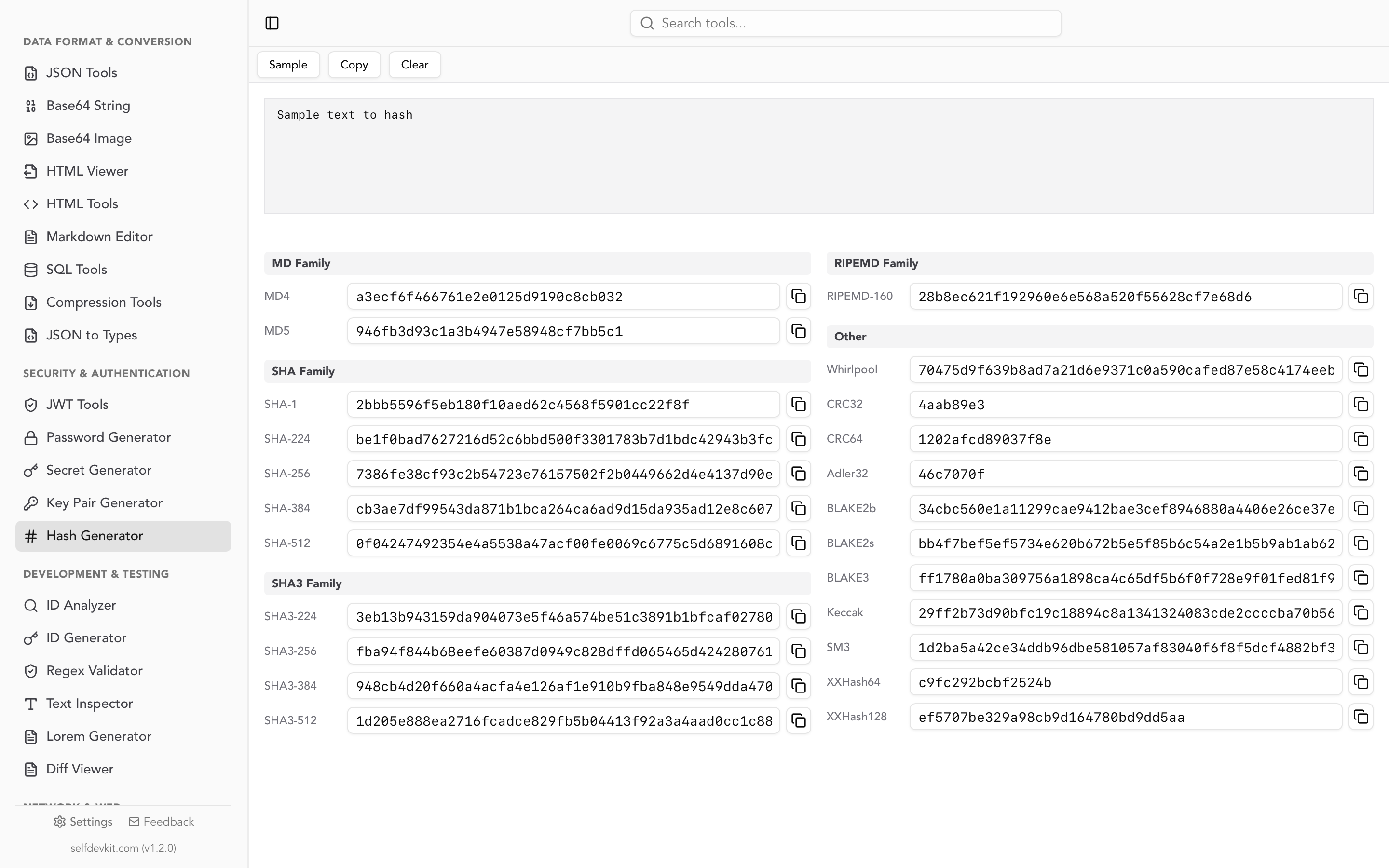
If you issue keys to your own users rather than checking a single shared value, do not store them in plaintext. Hash each key with SHA-256 at rest and compare hashes on each request. API keys are already high entropy, so a fast cryptographic hash is appropriate; you do not need a slow password hash. Our hash generator guide covers which algorithm fits which job, and the hash generator computes digests locally when you need to verify a stored value by hand.
x-api-key in AWS API Gateway
AWS API Gateway reads API keys from a header named exactly x-api-key, and for REST APIs with the default key source, that name is not configurable. This is the single biggest reason the header became a convention, and it is also the source of the most confusing errors in the ecosystem.
The mechanism works like this. You create an API key, create a usage plan, associate the usage plan with a specific API and stage, and then add the key to that usage plan. You must also enable "API Key Required" on each method that should be protected. Miss any one of those steps and requests fail. The API Gateway usage plan documentation walks through the full setup.
Two 403 responses look similar and mean completely different things:
{"message":"Forbidden"}means the request matched a deployed route, but authorization failed. Usually the key is missing, disabled, or not attached to a usage plan mapped to this API and stage.{"message":"Missing Authentication Token"}means the request never matched a deployed route at all. The path, HTTP method, or stage is wrong. Despite the name, this error frequently has nothing to do with your key.
That distinction is worth memorizing. Developers routinely spend an hour rotating keys in response to "Missing Authentication Token" when the real problem is a typo in the path.
A few more API Gateway specifics that trip people up. Changes to keys and usage plans need a minute or two to propagate, so retry before concluding the config is wrong. A key must be enabled, not just created. And if you genuinely need a different header name, you have to set the API key source to AUTHORIZER and return the key from a Lambda authorizer, since the default HEADER source is locked to x-api-key.
When you are debugging gateway responses, the JSON error bodies are small but they arrive minified alongside larger payloads. A local JSON formatter and viewer makes it much faster to see what the gateway actually returned versus what your integration returned.
x-api-key and CORS in the browser
Sending an x-api-key header from browser JavaScript triggers a CORS preflight, because any header outside the small set of CORS-safelisted headers makes the request non-simple. The browser first sends an OPTIONS request, and if the server's response does not list your header, the real request is never sent.
The error text is distinctive:
Access to fetch at 'https://api.example.com/v1/orders' from origin
'https://app.example.com' has been blocked by CORS policy: Request header
field x-api-key is not allowed by Access-Control-Allow-Headers in preflight
response.
The server-side fix is to include the header in the preflight response:
Access-Control-Allow-Origin: https://app.example.com
Access-Control-Allow-Headers: Content-Type, x-api-key
Access-Control-Allow-Methods: GET, POST, OPTIONS
Access-Control-Max-Age: 600
The MDN reference for Access-Control-Allow-Headers covers the full matching rules, including why the wildcard * is ignored when credentials are involved.
Now the more important point, and the one most articles skip.
If you are fighting CORS to get an x-api-key header out of a browser, stop and ask whether that key should be in the browser at all. Anything in front-end JavaScript is visible to every user who opens devtools. A secret API key shipped to the client is a published secret, no matter how well the CORS config is tuned. The correct pattern is a thin backend route that holds the key server-side and proxies the call, or a provider-issued publishable key that is explicitly designed for client-side use, such as Stripe's pk_ keys. CORS is not an access control mechanism; it only governs what browsers permit, and curl ignores it entirely.
Documenting x-api-key in OpenAPI
OpenAPI describes header-based API keys with a security scheme of type: apiKey, in: header, and the header name. Adding the scheme alone does nothing; you also need a security entry that applies it.
openapi: 3.0.4
components:
  securitySchemes:
    ApiKeyAuth:
      type: apiKey
      in: header
      name: x-api-key

security:
  - ApiKeyAuth: []
Applying security at the root protects every operation. You can also apply it per operation, or override it with an empty array (security: []) on public endpoints like a health check. The Swagger documentation on API keys covers query and cookie variants too.
Documenting the scheme properly pays off immediately: Swagger UI renders an Authorize button, generated clients wire the header automatically, and API gateways that import OpenAPI can enforce it without extra configuration.
Generating the key behind the header
The header is the easy part. The value it carries is what actually protects your API, and it needs to come from a cryptographically secure random source with at least 128 bits of entropy. Math.random(), timestamps, incrementing IDs, and UUIDv1 are all unsuitable; they are predictable enough to guess.
If you are issuing keys from your own service, generate them with the OS random source:
import { randomBytes } from 'node:crypto';

// 32 bytes = 256 bits of entropy
const key = `live_${randomBytes(32).toString('base64url')}`;
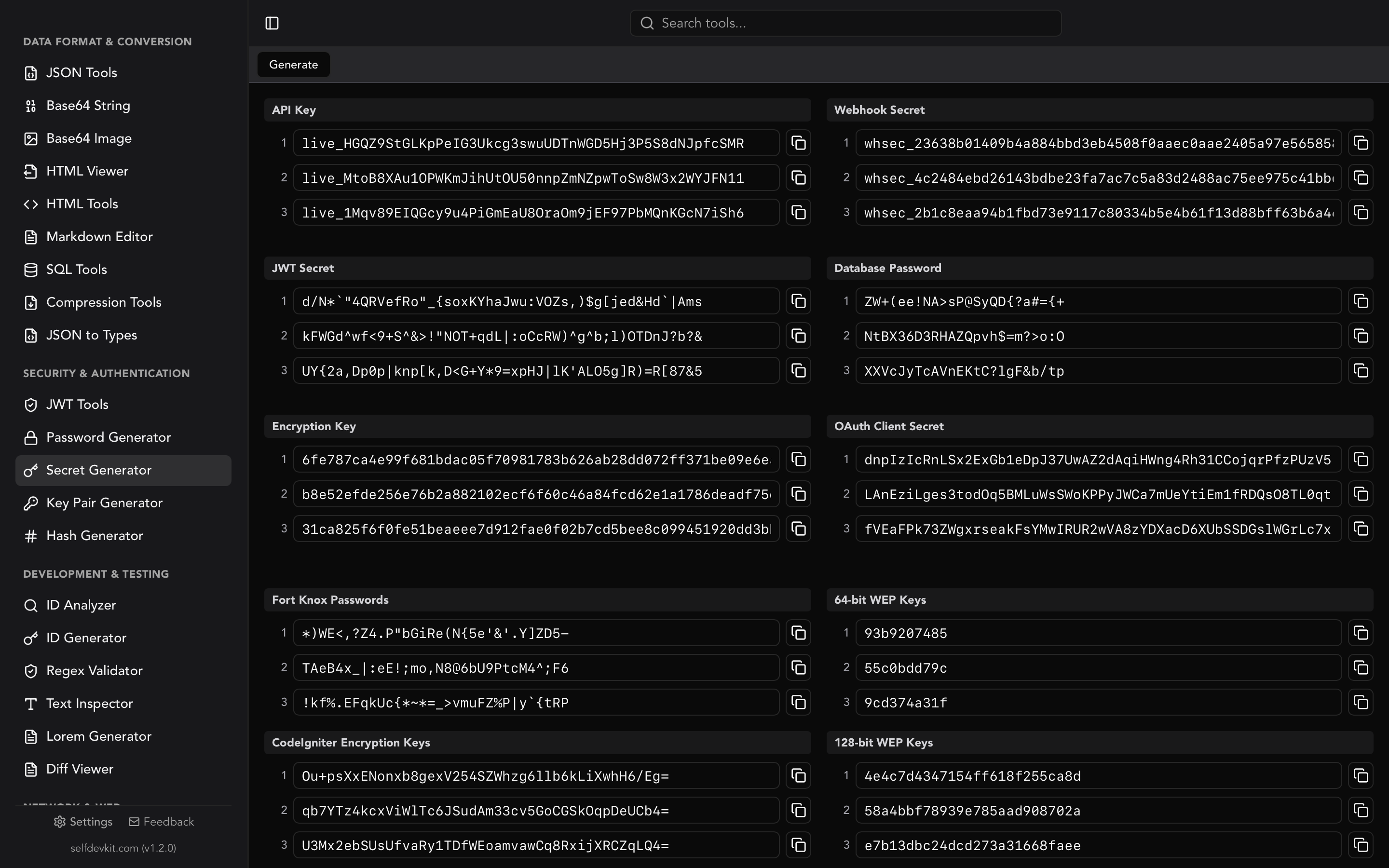
If you just need a key right now, SelfDevKit's secret generator produces API keys, webhook secrets, JWT secrets, OAuth client secrets, and encryption keys with one click. The API key preset emits a 48-character alphanumeric value with a live_ prefix, which mirrors how providers like Stripe separate environment and key type in the string itself.
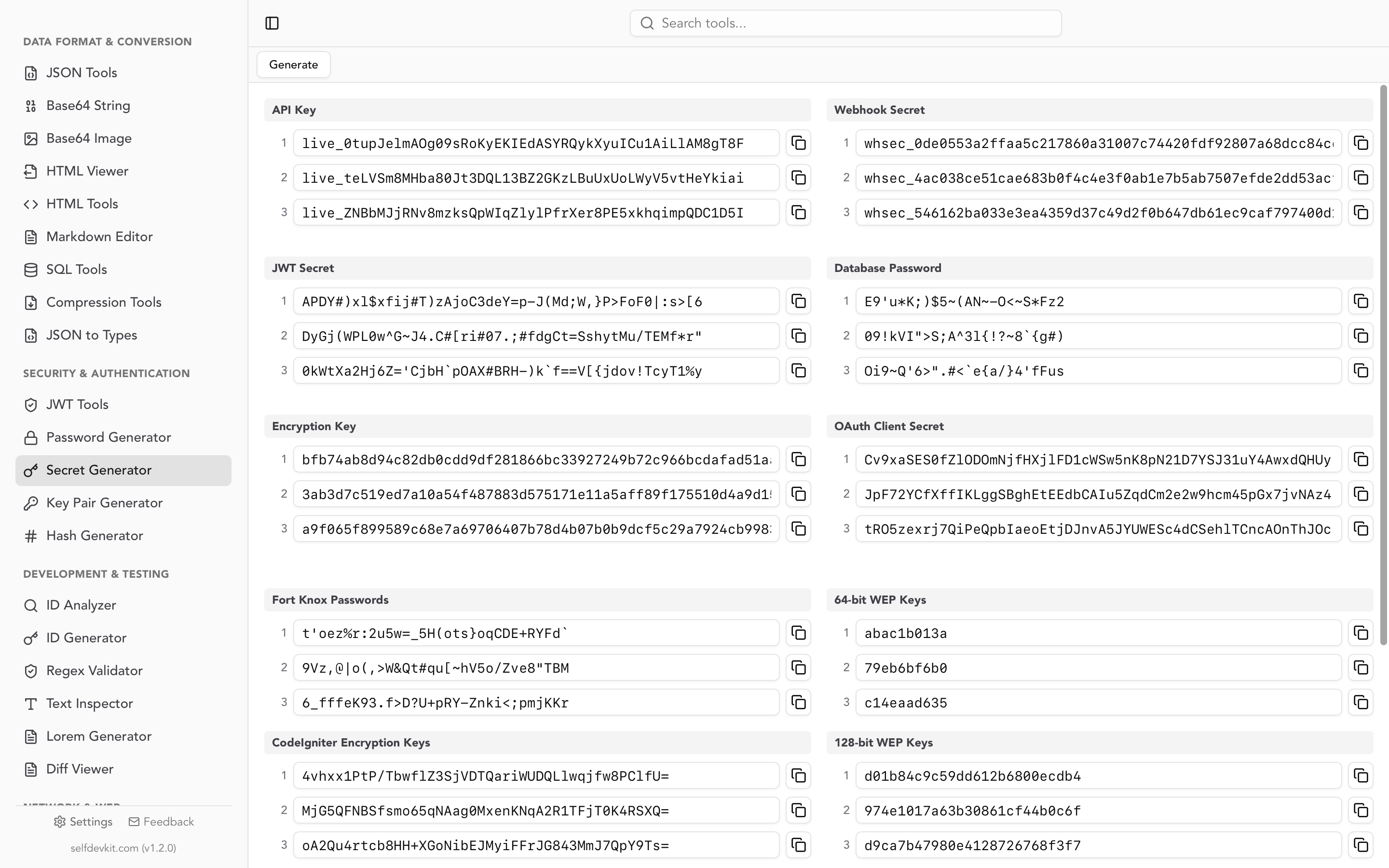
The offline part is not a marketing footnote. A key you paste into a random website is a key you cannot trust: you have no idea whether the server logged it, whether an analytics script captured the DOM, or whether the randomness was any good. The same applies to online request testers where developers routinely paste a live x-api-key value to "just check one endpoint." Generate and inspect secrets on your own machine and there is no server to trust. We make the full argument in why offline developer tools matter.
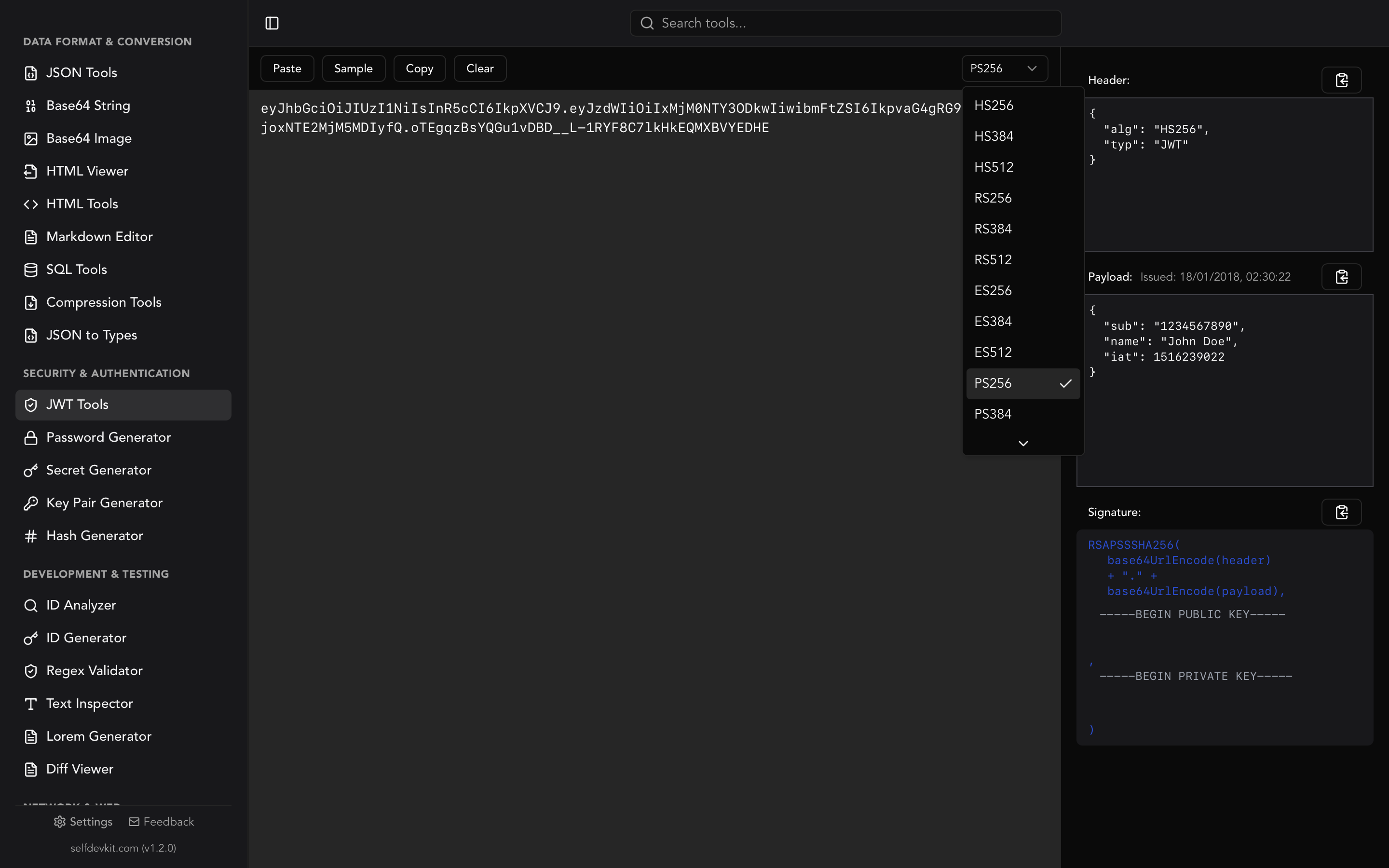
If the credential you are generating is a JWT signing secret rather than an API key, algorithm choice changes the required length. Our JWT secret key generator guide covers the specific byte lengths HS256, HS384, and HS512 require, and the JWT tools let you decode and verify tokens locally without pasting them into a web form.
Troubleshooting reference
| Symptom | Likely cause | Fix |
|---|---|---|
403 Forbidden from API Gateway |
Key missing, disabled, or not in a usage plan mapped to this API and stage | Attach the key to the correct usage plan and stage, then wait a minute for propagation |
403 Missing Authentication Token |
Request did not match any deployed route | Check the path, HTTP method, and stage name; not a key problem |
| CORS: "header field x-api-key is not allowed" | Preflight response omits the header | Add x-api-key to Access-Control-Allow-Headers |
Header is undefined in a Lambda |
Payload 2.0 lowercases names, payload 1.0 preserves them | Lowercase all keys before lookup |
r.Header["x-api-key"] is nil in Go |
Go canonicalizes map keys to X-Api-Key |
Use r.Header.Get("x-api-key") |
| Key works in curl, fails in the app | Trailing newline or whitespace from a file or copy/paste | Trim the value and verify the character count |
| Works locally, 401 in production | Environment variable not set on the deployed environment | Check the deployed config, not the code |
| Key rejected after rotation | Old key cached in a client, CI secret, or CDN config | Search every environment for the previous value |
Frequently asked questions
Is x-api-key a standard HTTP header?
No. It is not defined in any RFC and is not in the IANA HTTP Field Name Registry. It became a de facto convention because AWS API Gateway requires that exact name, and other API providers copied it. Servers must implement the lookup and validation themselves.
Should I use x-api-key or Authorization: Bearer?
For a new API, prefer Authorization: Bearer because it is standardized and is commonly redacted from logs by proxies and monitoring tools. Use x-api-key when you are consuming an API that requires it, or when you are extending an existing API that already uses it consistently.
Does x-api-key need to be lowercase?
Not on the wire; HTTP field names are case-insensitive per RFC 9110. But some frameworks expose headers in a plain map where casing matters, and HTTP/2 sends all field names lowercase. Writing x-api-key in lowercase and always looking it up case-insensitively avoids every version of this problem.
Can I put an x-api-key header in front-end JavaScript?
You should not. Any key in browser code is readable by anyone who opens devtools, so a secret key shipped to the client is effectively public. Proxy the call through your own backend, or use a provider-issued publishable key designed for client-side use.
Get the header right, then protect the key
The x-api-key header itself is about as simple as HTTP gets: one name, one raw value, no encoding. Almost every problem people hit with it lives one layer away. Casing normalized differently by your framework. A CORS preflight that never mentions the header. An API Gateway usage plan that was never attached to the stage. Work through those in order and the header stops being mysterious.
Then focus on what matters more: the entropy of the value, keeping it out of URLs and browser bundles, hashing it at rest, and rotating it when it leaks.
Download SelfDevKit to generate API keys, webhook secrets, and JWT secrets offline, alongside 50+ developer tools that never send your data anywhere.
Sources: