What is a JWKS?
A JWKS (JSON Web Key Set) is a JSON document with a single
keysarray that lists the public keys an issuer uses to sign tokens. Each entry is a JWK (JSON Web Key). A service verifying a JWT reads thekidin the token header, finds the key with the samekidin the issuer's JWKS, and checks the signature with it.
A JWKS is how an identity provider tells the world which keys are allowed to sign its tokens, without ever sharing a private key. Google, Microsoft Entra, Okta, Auth0, Apple, and GitHub Actions all publish one. Your API downloads it, caches it, and uses it to verify every incoming JWT.
The format is defined in RFC 7517 and is short. The hard parts are operational: finding the right URL, caching it, rotating keys without failed logins, and making sure an attacker can't hand you their own key set. This guide covers each one. Provider data was measured on October 22, 2026, and every code sample was run against Node.js 24 with jose 6.2.13 and Python 3.12 with PyJWT 2.15.1.
What a JWKS file looks like
A JWKS is a JSON object whose keys member is an array of JWKs. Here is a set with one RSA key and one elliptic-curve key, with the long values shortened:
{
  "keys": [
    {
      "kty": "RSA",
      "kid": "rsa-1",
      "use": "sig",
      "alg": "RS256",
      "n": "p1GBGdOX5vVYFDL9QxE9xYei1hlx3pf5dThmE3lMbZtU...",
      "e": "AQAB"
    },
    {
      "kty": "EC",
      "kid": "ec-1",
      "use": "sig",
      "alg": "ES256",
      "crv": "P-256",
      "x": "f83OJ3D2xF1Bg8vub9tLe1gHMzV76e8Tus9uE...",
      "y": "x_FEzRu9m36HLN_tue659LNpXW6pCyStikYjK..."
    }
  ]
}
| Field | Meaning |
|---|---|
kty |
Key type: RSA, EC, OKP (Ed25519), or oct (symmetric, never published) |
kid |
Key ID. Its structure is unspecified; it only has to be distinct within the set |
use |
sig for signing keys, enc for encryption keys |
alg |
The algorithm this key is meant for. Optional, and some providers omit it |
n, e |
RSA modulus and exponent, Base64URL-encoded big-endian integers |
crv, x, y |
EC curve name and point coordinates |
x5c, x5t |
Optional X.509 certificate chain and its thumbprint |
JWK vs JWKS: a JWK is one key, and a JWKS is the set. A JWKS lists several keys at once because issuers rotate. During a changeover the old and new public keys are both published, so tokens signed with either one still verify.
Two details from the spec matter in practice. n and e use Base64URL without padding, the same encoding as the JWT itself (the Base64 encoding guide covers the difference from standard Base64). And RFC 7517 section 5 says implementations SHOULD ignore keys with a kty they don't understand, so a set can mix key types safely.
A JWKS contains only public keys. It is safe to publish, and it is supposed to be fetched by anyone.
Where to find a provider's JWKS
Read the jwks_uri field from the issuer's OpenID Connect discovery document at {issuer}/.well-known/openid-configuration. Don't guess the URL. OpenID Connect Discovery makes jwks_uri REQUIRED and says it MUST use https.
The path /.well-known/jwks.json shows up in so many tutorials that it looks like a standard. It isn't. It does not appear in the IANA well-known URI registry, while openid-configuration does. Of the seven issuers below, only Auth0 answered at {issuer}/.well-known/jwks.json. The other six returned 404, 403, or a redirect.
| Issuer | jwks_uri from discovery |
Keys | Cache-Control on the JWKS |
|---|---|---|---|
https://www.googleapis.com/oauth2/v3/certs |
2 | public, max-age=20597, must-revalidate, no-transform |
|
Microsoft Entra (common/v2.0) |
https://login.microsoftonline.com/common/discovery/v2.0/keys |
8 | max-age=86400, private |
Auth0 (samples.auth0.com) |
https://samples.auth0.com/.well-known/jwks.json |
2 | public, max-age=15, stale-while-revalidate=15, stale-if-error=86400 |
Okta (org server, okta.okta.com) |
https://okta.okta.com/oauth2/v1/keys |
1 | max-age=2252853, must-revalidate (about 26 days) |
| Apple | https://appleid.apple.com/auth/keys |
3 | no-store |
| GitHub Actions OIDC | https://token.actions.githubusercontent.com/.well-known/jwks |
4 | public, max-age=3600, must-revalidate |
| GitLab | https://gitlab.com/oauth/discovery/keys |
3 | max-age=86400, public, must-revalidate, no-transform=true |
Every key in all seven sets was a 2048-bit or 4096-bit RSA signing key (use: sig). The table also shows a few quirks:
- Microsoft's keys have no
algfield. Code that selects keys byalgfinds nothing, so match onkid. - Google's and Okta's
max-agecount down. Each ties to a fixedExpirestime, so the value differs on every request. Key counts change too, as keys rotate. - GitHub's path ends in
/jwks, not/jwks.json. - GitLab uses the RFC 7638 thumbprint as the
kid. None of the others do.
Two common providers are documented rather than measured here. Amazon Cognito serves https://cognito-idp.{region}.amazonaws.com/{userPoolId}/.well-known/jwks.json according to the Cognito docs. Keycloak serves /realms/{realm}/protocol/openid-connect/certs according to the Keycloak docs.
How a verifier uses a JWKS
A verifier selects one key from the JWKS by kid, then checks the token's signature with that key. The full sequence:
- Decode the JWT header and read
algandkid. Decoding needs no key; the decode JWT guide shows how. - Reject the token if
algisn't on your allowlist (for example, onlyRS256). - Find the JWK whose
kidequals the header'skid. If none matches, refetch the JWKS once, then fail. - Check that the key's
kty(and itsalg, if present) fits the token'salg. - Verify the signature over
base64url(header) + "." + base64url(payload). - Only then trust the claims:
iss,aud,exp,nbf.
If a token has no kid, a verifier can try every key of the right type. That works, but it costs one verification per key. Issuers that publish more than one key should always set kid.
Inspect a JWKS from the command line
To check a JWKS by hand, fetch the discovery document, follow jwks_uri, and list the key IDs. These commands need curl and jq (tested with jq 1.7.1):
ISSUER=https://accounts.google.com
JWKS_URI=$(curl -s "$ISSUER/.well-known/openid-configuration" | jq -r .jwks_uri)

# One line per key: kid, type, algorithm, use
curl -s "$JWKS_URI" | jq -r '.keys[] | [.kid, .kty, .alg, .use] | @tsv'

# See how long the provider lets you cache it
curl -sI "$JWKS_URI" | grep -i cache-control
Then pull the kid out of a token and look for it in the set:
KID=$(cut -d. -f1 <<< "$TOKEN" | jq -rR 'gsub("-";"+") | gsub("_";"/") | @base64d | fromjson | .kid')
curl -s "$JWKS_URI" | jq --arg kid "$KID" '.keys[] | select(.kid == $kid)'
Empty output means the token was signed with a key that isn't published, which is the usual cause of "no matching key" errors. jq's @base64d accepts unpadded input, so the missing = padding in JWT segments doesn't break the second command.
How to verify a JWT against a JWKS in code
Use a maintained library that fetches, caches, and matches the JWKS for you, and pass it the issuer, audience, and allowed algorithms explicitly. In Node.js, jose does this with createRemoteJWKSet:
import { createRemoteJWKSet, jwtVerify } from 'jose';

const ISSUER = 'https://accounts.google.com';
// Hardcode the jwks_uri, or read it once from discovery at startup
const JWKS = createRemoteJWKSet(new URL('https://www.googleapis.com/oauth2/v3/certs'));

export async function verifyToken(token) {
  const { payload } = await jwtVerify(token, JWKS, {
    issuer: ISSUER,
    audience: 'your-client-id',
    algorithms: ['RS256'],
  });
  return payload;
}
In Python, PyJWT ships PyJWKClient:
import jwt

jwks_client = jwt.PyJWKClient("https://www.googleapis.com/oauth2/v3/certs")

def verify_token(token: str) -> dict:
    signing_key = jwks_client.get_signing_key_from_jwt(token)
    return jwt.decode(
        token,
        signing_key,
        algorithms=["RS256"],
        audience="your-client-id",
        issuer="https://accounts.google.com",
    )
Create the JWKS object once per process, not once per request. The cache lives on that object, so building a new one per request means a network fetch for every token.
JWKS caching: what providers send and what libraries do
Cache the JWKS, and refetch it when a token arrives with a kid you don't have. Auth0's guidance is a 5 to 10 minute cache, with a refetch on an unknown kid that is limited to avoid rate limits.
The Cache-Control values in the table above range from no-store (Apple) to about 26 days (Okta). Neither extreme is a good cache lifetime. Both libraries above ignore the header and use fixed defaults instead:
| Library | Cache lifetime | Refetch on unknown kid |
Cooldown between refetches |
|---|---|---|---|
jose 6.2.13 (createRemoteJWKSet) |
10 minutes (cacheMaxAge) |
Yes, once | 30 seconds (cooldownDuration) |
PyJWT 2.15.1 (PyJWKClient) |
300 seconds (lifespan) |
Yes, once | 30 seconds (cooldown_duration) |
The cooldown is what stops a flood of tokens with random kid values from turning your API into a traffic amplifier against the issuer. It also has a side effect that shows up during key rotation.
Key rotation without failed logins
Publish the new public key in the JWKS first, wait at least one verifier cache lifetime, then start signing with it. Keep the old key published until every token it signed has expired.
Getting that order wrong fails for longer than you'd expect. Here is what both libraries do with their default settings, tested against a local JWKS server with a warm cache, when the issuer signs with a new key key-b before publishing it:
| Time | Event | jose 6.2.13 | PyJWT 2.15.1 |
|---|---|---|---|
| 0 s | Token signed with key-a |
Verified (1 fetch) | Verified (1 fetch) |
| 31 s | Token signed with key-b, not yet published |
Fails, refetches (2 fetches) | Fails, refetches (2 fetches) |
| 31 s | key-b published, same token retried |
Still fails, no refetch | Still fails, no refetch |
| 62 s | Retry | Verified (3 fetches) | Verified (3 fetches) |
The miss at 31 seconds triggered a refetch, which returned the old set. That started the 30-second cooldown, so publishing the key a moment later didn't help until the cooldown ran out. Each process behind your load balancer goes through this on its own. Publishing first avoids the problem entirely, because by the time a key-b token arrives, every verifier has either cached key-b or is allowed to refetch.
Rotation checklist:
- Generate the new key pair and add only its public JWK to the set, with a new
kid. - Wait longer than the longest verifier cache. With the library defaults above, 10 minutes covers both.
- Switch signing to the new key.
- Keep the old public key in the set for at least the maximum token lifetime, including refresh tokens if they are JWTs.
- Remove the old key.
For an emergency rotation after a private key leak, skip the waiting: remove the compromised key at once and accept a short spike of failed verifications. Tokens signed with a stolen key should fail.
Never let the token choose its own JWKS
A verifier must get its JWKS from a URL it already trusts, never from anything inside the token being verified. A JWT can carry a jku (JWK Set URL) or x5u (X.509 URL) header, and its payload carries iss. An attacker controls all three. If your code fetches keys from whatever URL the token names, the attacker can host their own JWKS, sign with their own private key, and pass verification.
RFC 8725, the JWT best-practices RFC, warns that "blindly following a "jku" (JWK set URL) or "x5u" (X.509 URL) header" can lead to server-side request forgery (section 3.10) and recommends matching the URL to an allowlist of allowed locations. The same RFC says libraries "MUST enable the caller to specify a supported set of algorithms" (section 3.1). In code, that means:
- Map each trusted issuer to its
jwks_uriin configuration. If you support several tenants, look up the issuer in that map and reject unknown ones before fetching anything. - Ignore
jkuandx5uheaders unless you check them against the same allowlist. - Always pass
algorithms. Without it, a library may accept whateveralgthe header claims.
Discovery doesn't change this. Start from the issuer you trust, fetch its discovery document, and confirm the returned issuer field matches that issuer exactly. The OpenID spec requires it to.
How to publish your own JWKS
To publish a JWKS for your own service, convert your public key to JWK format, give it a kid, wrap it in a keys array, and serve it over HTTPS. Never include the private key; a JWK of the private key also carries d, p, and q, and those must never appear in the set.
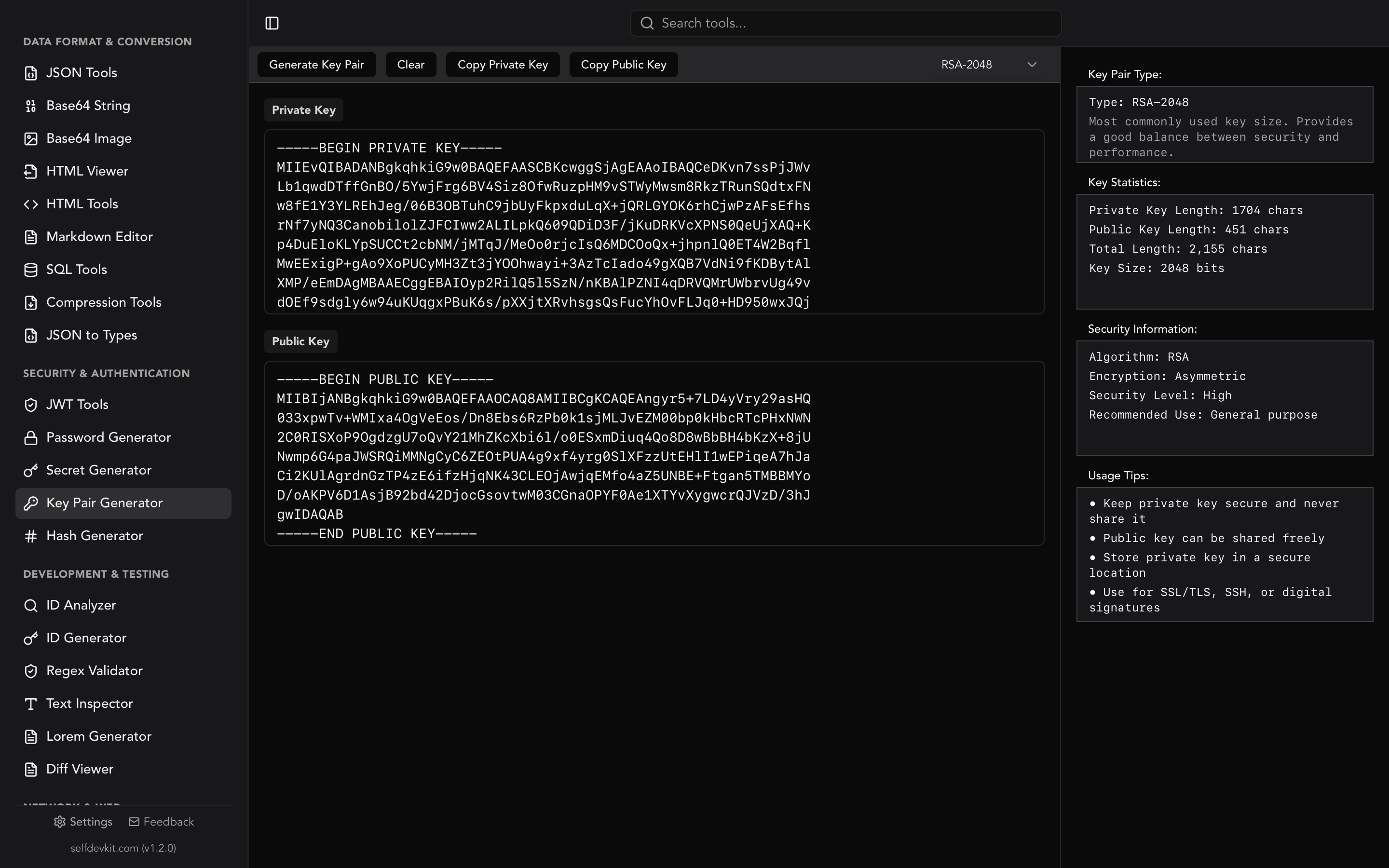
Start with an RSA key pair. SelfDevKit's Key Pair Generator creates 2048-bit or 4096-bit RSA keys in PEM format on your machine, so the private key never touches a website (the RSA key generator guide explains why that matters). Copy the public key into a public.pem file. This Node.js script turns it into a JWKS and uses the RFC 7638 thumbprint as the kid, the way GitLab does:
// pem-to-jwks.mjs  usage: node pem-to-jwks.mjs public.pem > jwks.json
import { createPublicKey, createHash } from 'node:crypto';
import { readFileSync } from 'node:fs';

const jwk = createPublicKey(readFileSync(process.argv[2])).export({ format: 'jwk' });
// RFC 7638 thumbprint: required members only, in lexicographic order, no whitespace
const kid = createHash('sha256')
  .update(JSON.stringify({ e: jwk.e, kty: jwk.kty, n: jwk.n }))
  .digest('base64url');

console.log(JSON.stringify({ keys: [{ ...jwk, kid, use: 'sig', alg: 'RS256' }] }, null, 2));
The kid it produces matches jose's calculateJwkThumbprint output for the same key. A thumbprint kid is stable and can't collide by accident, and anyone can recompute it from the key.
Serve the file with a Cache-Control max-age of a few minutes to an hour. Short enough that a new key spreads quickly, long enough that verifiers aren't refetching on every request. To rotate, add the second key to the keys array and follow the checklist above. If you are also signing with HS256 somewhere, note that symmetric secrets never go in a JWKS; the JWT secret key guide covers how to handle those.
Checking a token against a JWKS offline
Debugging a verification failure usually means pasting a real production token somewhere, and that token is a live credential until it expires. SelfDevKit's JWT Tools decode and verify on your machine, so the token never goes to a third-party site. The offline tools post explains why that matters.
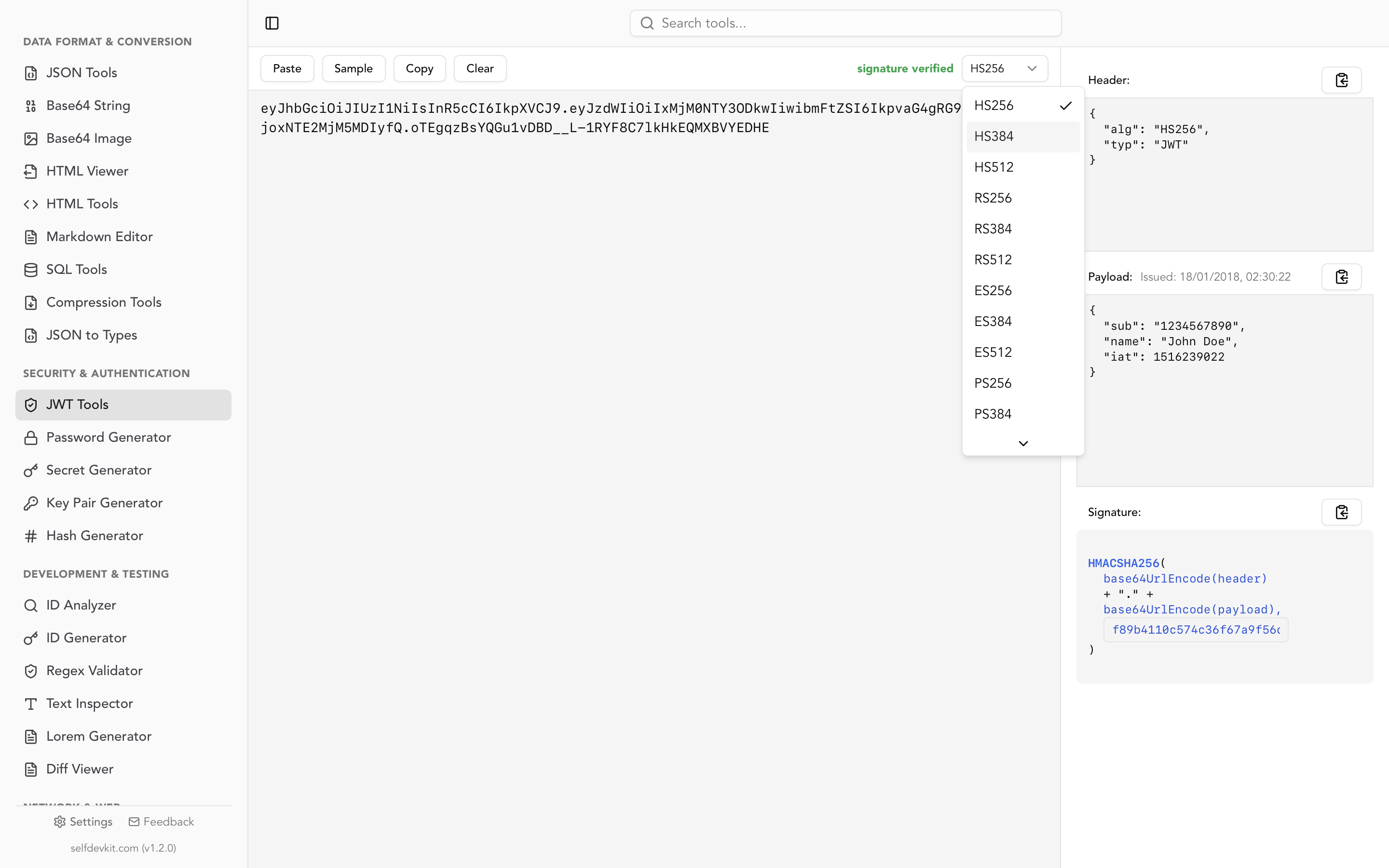
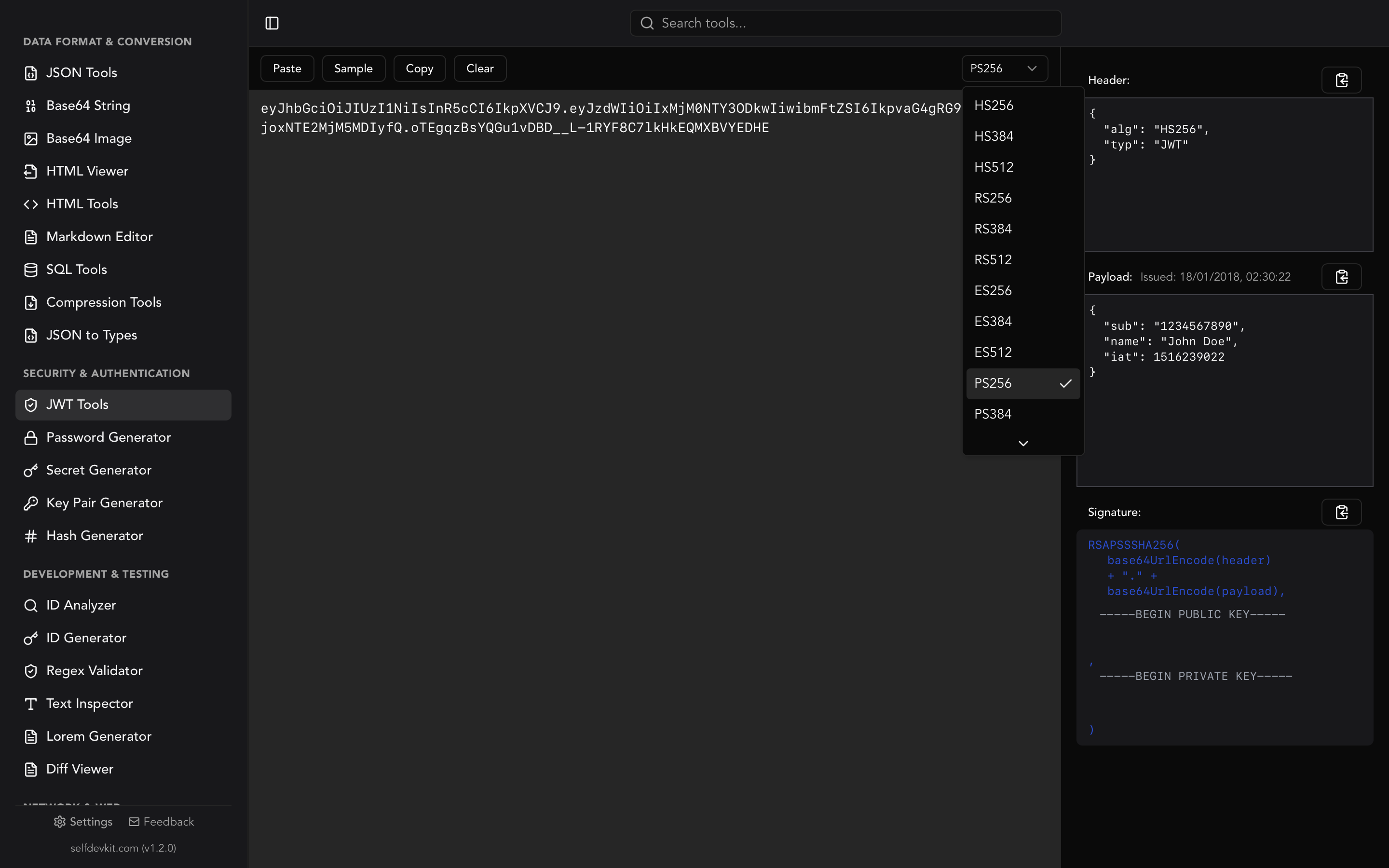
Paste an RS256 token that has an iss claim and the tool switches to JWK mode. It reads iss and, in practice, loads the key set from {iss}/.well-known/jwks.json. That path works for Auth0 and Amazon Cognito. For Google, Microsoft, Okta, Apple, and the other issuers in the table, the fetch fails and the tool shows a box for the key set. Run the curl command from earlier and paste its output. The box accepts any JWKS, including one you are about to publish, and the tool then matches the kid and verifies the signature locally.
Know what the result means before you trust it:
- The check uses the URL in the token's own
iss. That is fine for debugging, because you can readissyourself, but it is exactly what production code must never do. A green result says the token matches a key published at that issuer. It does not say that issuer is one you trust. - JWK mode verifies RS256. That covers every provider in the table above. For ES256, PS256, RS384, or RS512 tokens, use the jose or PyJWT code from this guide.
- It checks the signature only. Read
expandaudin the decoded payload, and use the timestamp converter if you needexpas a date.
For a full walkthrough of the decoder, see the JWT decoder and validator guide. To format a large key set before reading it, paste it into JSON Tools.
Download SelfDevKit to decode JWTs, check them against a JWKS, and generate signing keys offline, alongside 50+ other developer tools.